The Podfic Director: How to Turn Fan Fiction into Immersive Audio Dramas with AI Voiceovers
Transform your written fan fiction into high-production audio dramas. Learn how to direct AI voices for emotional impact and build cinematic soundscapes for your readers.
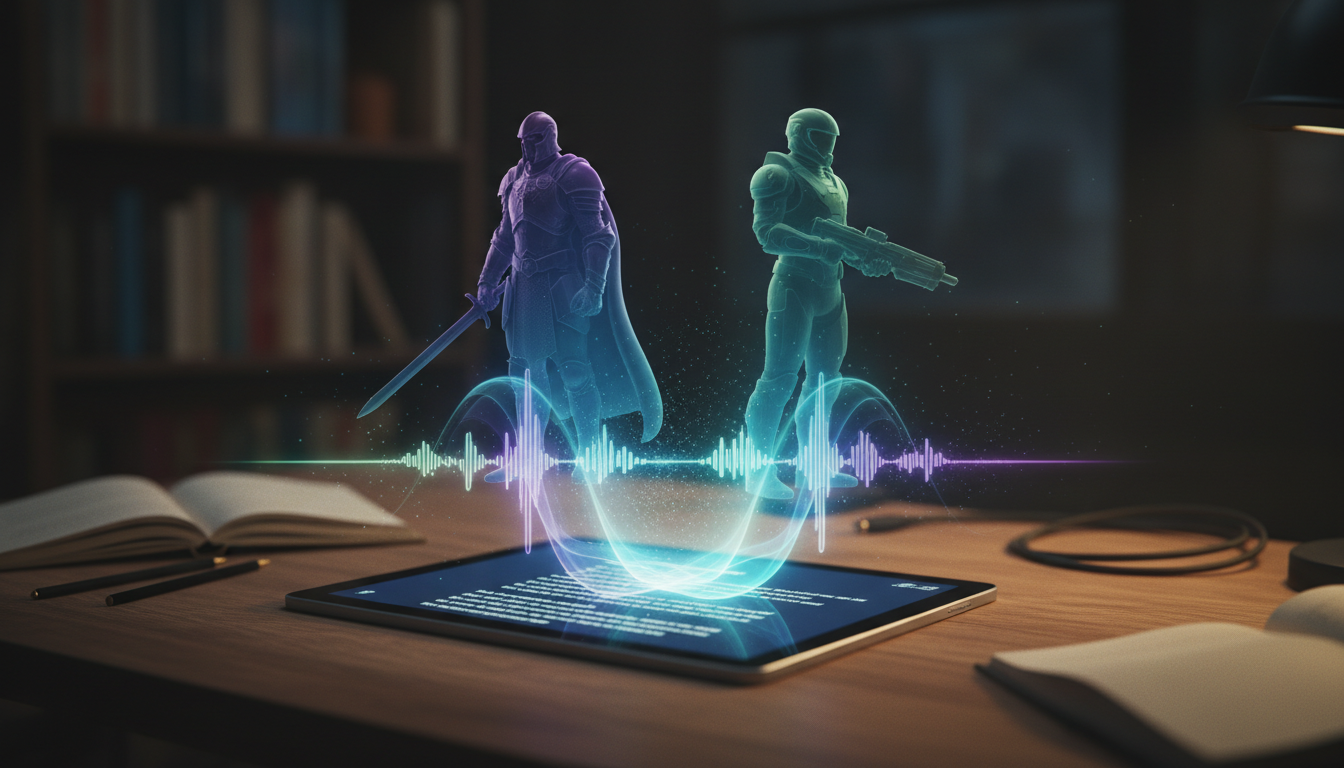
Fan fiction has always been a deeply personal, highly creative medium, but the way fans consume these stories is undergoing a massive shift. While scrolling through Archive of Our Own (AO3) or Wattpad remains a staple of the community, a growing audience is looking for ways to experience their favorite alternative universes (AUs) on the go. This has fueled the rapid rise of the "podfic"—audio recordings of fan fiction that turn written stories into vibrant, portable audiobooks.
Traditionally, producing a high-quality podfic required a massive logistical lift: coordinating multiple volunteer voice actors, managing complex recording schedules, and investing in expensive home studio gear. Today, creators are bypassing these bottlenecks by using advanced AI voice generators to act as their digital voice cast. With platforms like Fanfun, you can instantly bring iconic characters to life, directing their performances, pacing, and emotional delivery to create cinematic audio dramas in a fraction of the time.
Scripting for the Ear: Adapting Written Fan Fiction for Voice Acting
Prose relies on visual formatting, paragraph breaks, and internal exposition to guide the reader. Audio, by contrast, relies entirely on rhythm, pacing, and natural speech patterns. When you adapt a written fan fiction piece into an audio drama script, you cannot simply copy and paste the text into an AI voice generator. You must translate the visual cues of the page into acoustic cues for the ear.
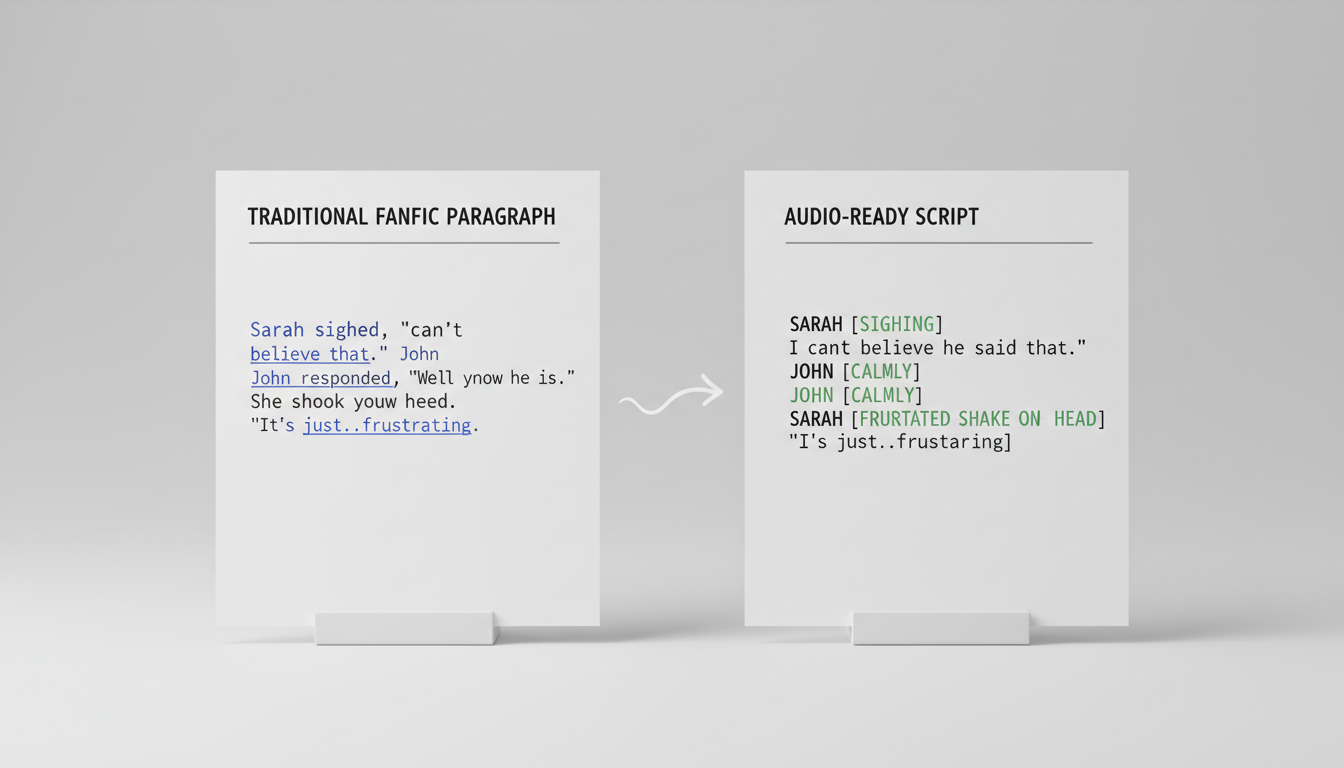
First, eliminate dialogue tags entirely. Written phrases like "he muttered darkly" or "she yelled angrily" are redundant in an audio format because the AI voice's tone, pitch, and cadence should communicate that emotion directly. Consider this comparison:
- Written Prose: "No, don't leave," Draco whispered, his fingers trembling as he reached for her sleeve. Hermione turned, her eyes flashing with a mixture of anger and regret. "I have to," she said flatly, though her voice cracked on the final word.
- Audio Script:
Draco: (whispering, desperate) No... don't leave.
[SFX: Soft rustle of fabric]
Hermione: (trying to sound firm, voice cracking at the end) I have to.
To master this transition, focus on how to direct character-driven AI voiceovers that hold attention. By auditing your text for flow rather than visual density, you ensure that the final audio output feels like a theatrical performance rather than a dry reading. If your fan fiction features quick, witty banter or comedic "fluff," you will also need to master the art of comedic timing. Learn how to structure these lighthearted interactions by using the comedy contrast method for character voiceovers, which helps you pace jokes and awkward silences for maximum comedic effect.
The Dialogue-to-Action Balance
Internal monologue is a unique challenge in audio dramas. In a written story, a character might spend three paragraphs thinking before they speak. In an audio drama, a long silence or an uninterrupted block of narration can cause listeners to tune out. To solve this, treat internal monologues as a stage whisper or apply a slight reverb effect in your editing software to distinguish thoughts from active dialogue. Additionally, avoid narrating every physical action. Instead of writing "he slammed the door and walked away," use a clear sound effect of a door slamming followed by fading footsteps. This keeps the listener fully immersed in the scene without the friction of unnecessary exposition.
Directing the AI: How to Shape Tone, Emotion, and Pacing
Directing an AI voice is highly similar to directing a human actor: it is all about controlling the variables of delivery. To get nuanced, character-accurate performances, you must become an editor of sound, using punctuation and formatting to guide the AI's natural language processing engine.
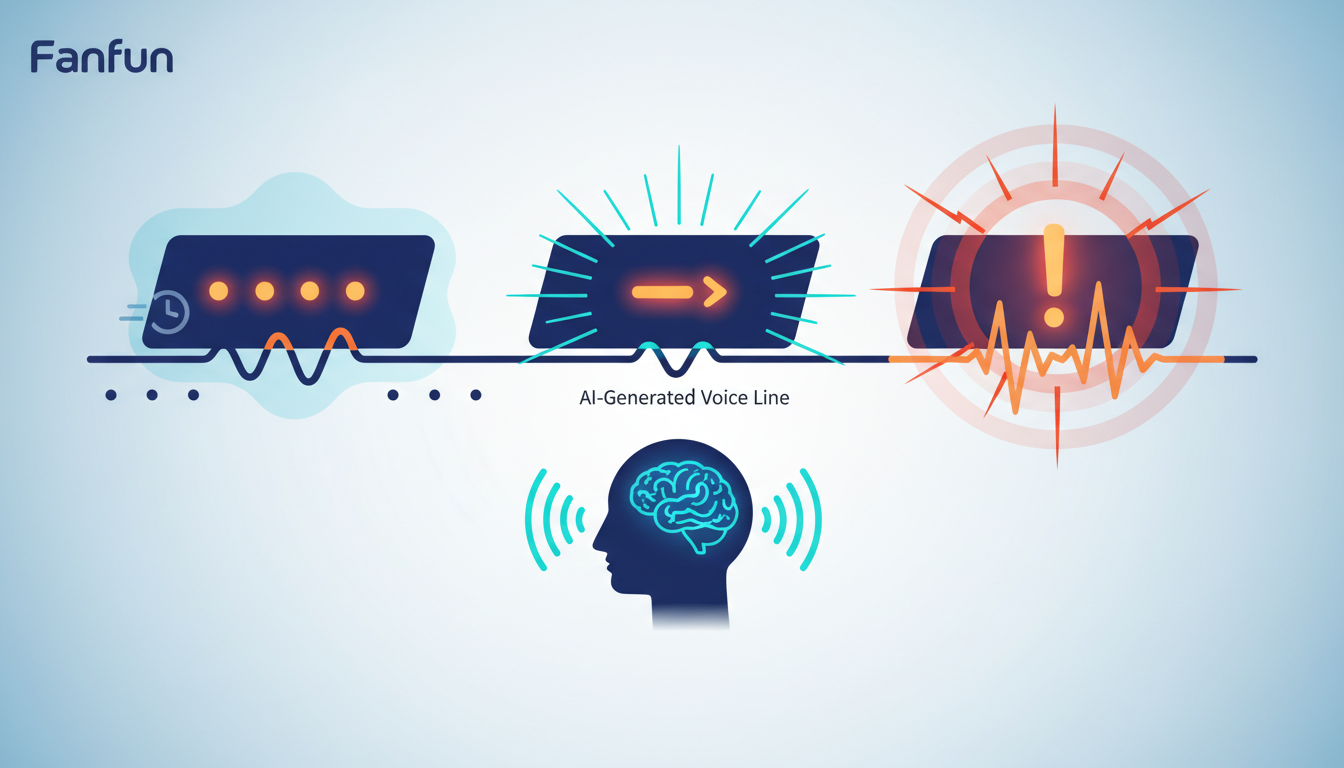
Standard punctuation acts as the director's sheet music. Here is how to use formatting to manipulate an AI voice generator:
- Ellipses (...) for Hesitation: Placing an ellipsis between words forces the AI to pause, simulating hesitation, nervousness, or deep thought. (e.g., "I... I don't think we should do this.")
- Double Hyphens (--) for Interruption: If a character is cut off mid-sentence, use double hyphens to force a sharp break in the vocal generation. (e.g., "But the map says--")
- Phonetic Spelling for Emphasis: If the AI is mispronouncing a fantasy name or failing to emphasize a specific word, spell it phonetically. Writing "buh-nuh-nuh" instead of "banana" or "DRAY-co" instead of "Draco" can correct pronunciation hurdles instantly.
Your direction should always match the genre of your story. A slow-burn romance requires a lower pitch and a deliberate, lingering cadence, whereas an action-heavy scene benefits from higher energy and faster delivery. If you are working on a high-stakes scene, follow our blueprint for directing anime-style voiceovers to ensure your cast delivers the necessary dramatic intensity. For shorter, high-impact scenes designed for social media teasers, study how to structure AI voiceovers for 60-second retention to keep your audience hooked from the very first second.
The Fan-Fiction Audio Direction Matrix
Use this matrix to guide your voice generation and editing settings based on the genre of your fan fiction:
| Genre | Pacing & Cadence | Vocal Tone | Sound Design Focus |
|---|---|---|---|
| Romance / Angst | Slow, deliberate pauses | Breathy, intimate, lower pitch | Minimalist, ambient rain, soft piano |
| Action / Adventure | Fast, overlapping dialogue | Projected, sharp, high-energy | Impact SFX, cinematic sweeps |
| Comedy / Fluff | Playful, varied tempos | Bright, expressive, dynamic | Light acoustic music, whimsical pings |
Soundscaping Your Story: Mixing Voices with Music and Ambient Effects
A great podfic is more than just a sequence of voice tracks; it is an entire acoustic world. To build a believable environment, you must learn how to build immersive audio soundscapes. When mixing your audio, think of your project in three distinct layers:
- The Foreground (Dialogue): Your character voices must always sit at the front of the mix. Keep their volume levels consistent, aiming for a peak of around -6dB to -3dB to ensure they are crisp and clear on all headphones.
- The Midground (Foley & Sound Effects): These are active environmental sounds—footsteps, clinking glasses, rustling paper, or sword clashes. Keep these sounds at around -12dB to -18dB so they support the dialogue without distracting from it.
- The Background (Atmosphere & Music): This includes ambient noise (like wind, city bustle, or library chatter) and your musical score. Keep ambient noise at -20dB to -25dB. Crucially, your background music should never contain vocals, as they will clash directly with your character tracks.
When transitioning between scenes, use 2 to 3 seconds of ambient-only sound. This acts as a sonic "curtain pull," signaling to the listener that the location or time has shifted without needing a narrator to announce it. Fade the music out slowly over 3 seconds while fading the new scene's ambient noise in to create a seamless, cinematic transition.
Beyond the Episode: Interactive Audio and Fan Engagement
The modern fan fiction community thrives on interaction. Once your listeners finish an episode of your audio drama, you can extend the experience beyond passive listening. This is where Fanfun’s ecosystem offers a unique advantage over traditional audio platforms. By utilizing Fanfun's AI Chat tools, you can create interactive, voice-enabled companions of your story's characters.
Imagine your listeners finishing a dramatic chapter and then being able to have a two-way, real-time conversation with the main character to ask them how they felt about the events of the episode. To set this up successfully, consult the conversation designer's guide to directing celebrity chatbots. This allows you to maintain the character's unique voice, backstory, and personality traits across both your scripted podfic and your interactive fan experiences, building a deeply loyal and highly engaged community.
Distribution and Ethics: Sharing Your Audio Fan Fiction Safely
When publishing your AI-powered podfics, maintaining creative ethics and community respect is paramount. Always credit the original creators of the characters or the source material, and clearly label your project as a fan-made, non-commercial audio drama. Platforms like YouTube, SoundCloud, and Archive of Our Own (AO3) are highly receptive to multimedia formats.
To post your podfic to AO3, upload your finished audio file to a hosting platform (such as SoundCloud or YouTube paired with a static character graphic or kinetic typography) and embed the player directly into your work's HTML editor. By combining high-quality AI voice direction, rich soundscapes, and interactive elements, you can transform your written fan fiction into a professional-grade audio experience that honors the source material while showcasing your unique storytelling vision.
How do I turn my written fan fiction into an audiobook?
Start by adapting your prose into an audio script format, removing dialogue tags and focusing on natural speech patterns. Use an AI voice generator like Fanfun to create distinct voices for each character, then layer these with ambient sound effects and background music in a free audio editor like Audacity or a professional DAW like Adobe Audition.
Can I use AI voices to make podfics for Archive of Our Own (AO3)?
Yes, many creators upload their podfics to AO3 by hosting the audio file on a third-party platform (like YouTube, SoundCloud, or Internet Archive) and embedding the media player link directly into their AO3 story entry. Always ensure you include proper attribution to the original creator of the characters and the original fan fiction author if you are adapting someone else's work.
What is the best way to pace dialogue in an AI voice generator?
Use punctuation as your primary pacing tool. Ellipses (...) create natural pauses for reflection, while double hyphens (--) can force a sudden break or shift in tone. If a word is being mispronounced or spoken with the wrong emphasis, try spelling it phonetically to guide the AI's pronunciation engine.
Do I need expensive editing software to mix music and AI voiceovers?
Not at all. Free, open-source software like Audacity or GarageBand is more than sufficient for layering voice tracks, music, and ambient sound effects. The quality of your podfic will ultimately come down to your script adaptation, your direction of the AI voices, and your volume level management, not the price of your software.