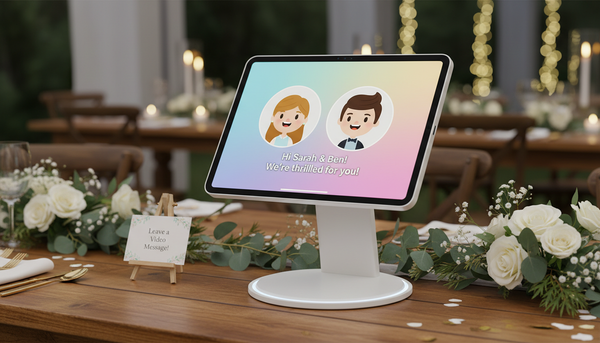
Virtual Video Invitations vs. Static Digital Invites: Engagement Comparison
Struggling to get guests' attention? Discover how virtual video invitations stack up against traditional static digital cards, and learn how a hybrid approach delivers the best of both worlds.
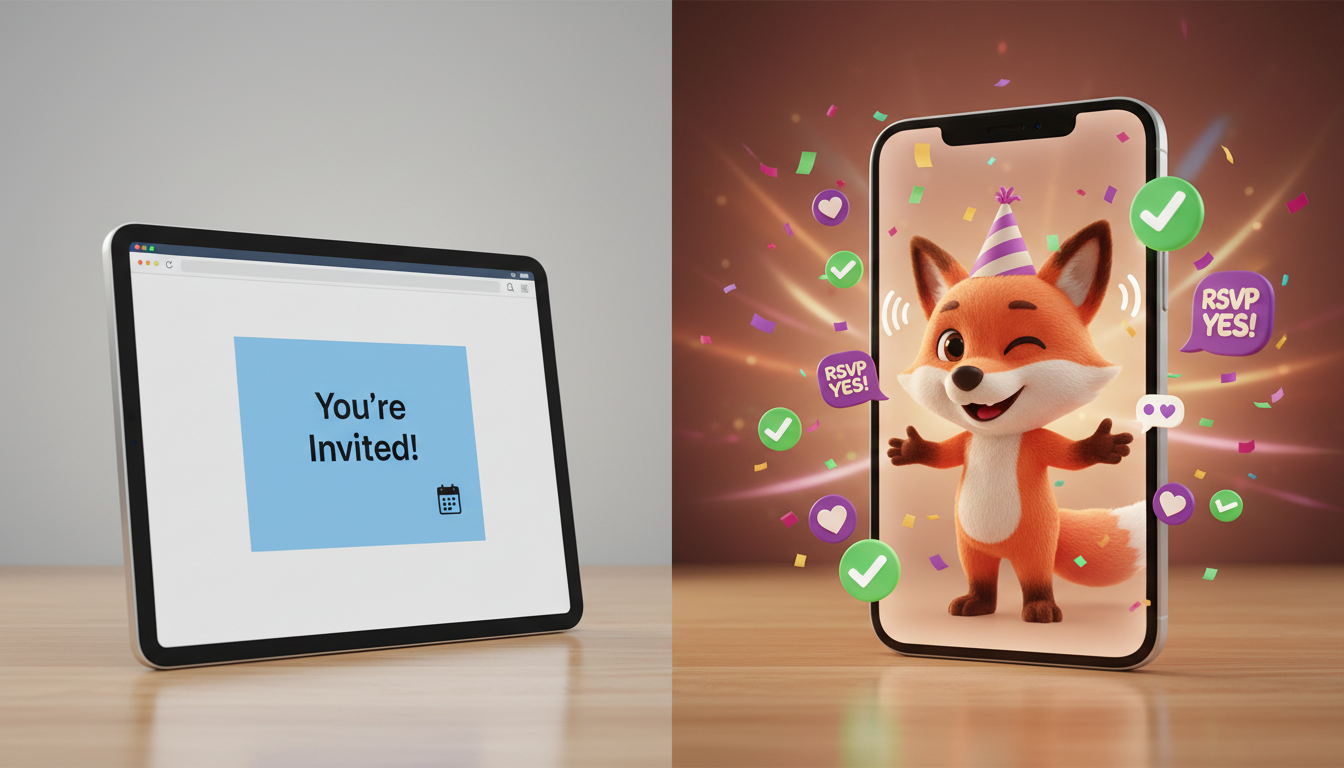
Virtual video invitations capture attention and build excitement by creating a memorable visual connection, while traditional static digital invites excel at delivering clear, easily referenceable logistical details. For events where building guest anticipation is key, video invites offer a creative way to share your message. However, because video alone can sometimes obscure raw details like addresses and registry links, the most effective strategy is often a hybrid approach that pairs an engaging video with clear, static text.
The Engagement Showdown: Video vs. Static Invites
When planning an event, your invitation is the first touchpoint. A standard email or digital card with static text is highly functional, but it can sometimes feel routine. Virtual video invitations, on the other hand, stand out in a crowded inbox by delivering a dynamic, sensory experience that highlights the theme of your gathering.
To help you weigh your options, this comparison table evaluates both formats across key performance metrics based on typical hosting scenarios:
| Metric | Static Digital Invites | Virtual Video Invitations |
|---|---|---|
| Guest Hype | Low to Neutral (functional, but rarely memorable) | High (sets a playful, creative tone) |
| Information Clarity | Excellent (easy to scan, copy, and search) | Moderate (requires watching/listening to capture details) |
| Production Effort | Low (minutes to set up with standard templates) | Medium (requires scripting, selecting a style, and rendering) |
Understanding Cognitive Friction
Why do guests delay responding to static invites? It comes down to cognitive friction. When a guest receives a plain-text email or a flat digital card, it feels like an administrative task. They read the details, acknowledge the event, and tell themselves they will check their calendar later. Often, the invite gets buried under newer emails, requiring multiple follow-up reminders from the host.
A virtual video invitation offers an alternative. By presenting a playful, stylized message, the invitation feels more like a piece of entertainment or a personal gift than a chore. This novelty can help make the invitation more memorable, showing that the host put creative effort into the message.
When to Choose Static vs. Virtual Video
Neither format is a one-size-fits-all solution. Your choice should depend on the nature of your event, the demographics of your guest list, and the tone you want to establish.
When to Use Static Digital Invites
- Formal Weddings: Traditional events often demand classic, minimalist aesthetics where clean typography conveys elegance and formality.
- Corporate Conferences: Large-scale professional events require instant calendar syncing and easy access to schedules, speaker bios, and venue maps.
- Massive Community Events: When coordinating hundreds of attendees, raw logistical utility and bulk email management take priority over personalized hype.
When to Use Virtual Video Invitations
- Milestone Birthdays and Anniversaries: Perfect for injecting humor, nostalgia, or a specific theme right from the start.
- Themed Parties: Whether it is a retro space launch or a detective mystery, a video sets the stage perfectly.
- Casual Gatherings: Holiday parties, baby showers, or friendly reunions benefit immensely from a warm, creative touch.
For those creative events, platforms like Fanfun allow you to select from 60 AI characters—including animated personalities, parodied figures, and festive characters like Santa Claus—to deliver your script. While these virtual character videos are designed to be fun, stylized experiences rather than perfect, indistinguishable human replicas, they add a memorable, playful touch that standard text-based templates simply cannot replicate.
The Hybrid Strategy: Embedding Video in a Digital Card
Sending a standalone video file via text message or email can sometimes backfire. If a guest has to scrub through a video clip just to double-check the street address or the start time while driving to the venue, they may find it frustrating. Additionally, video files do not easily support clickable RSVP buttons or registry links.
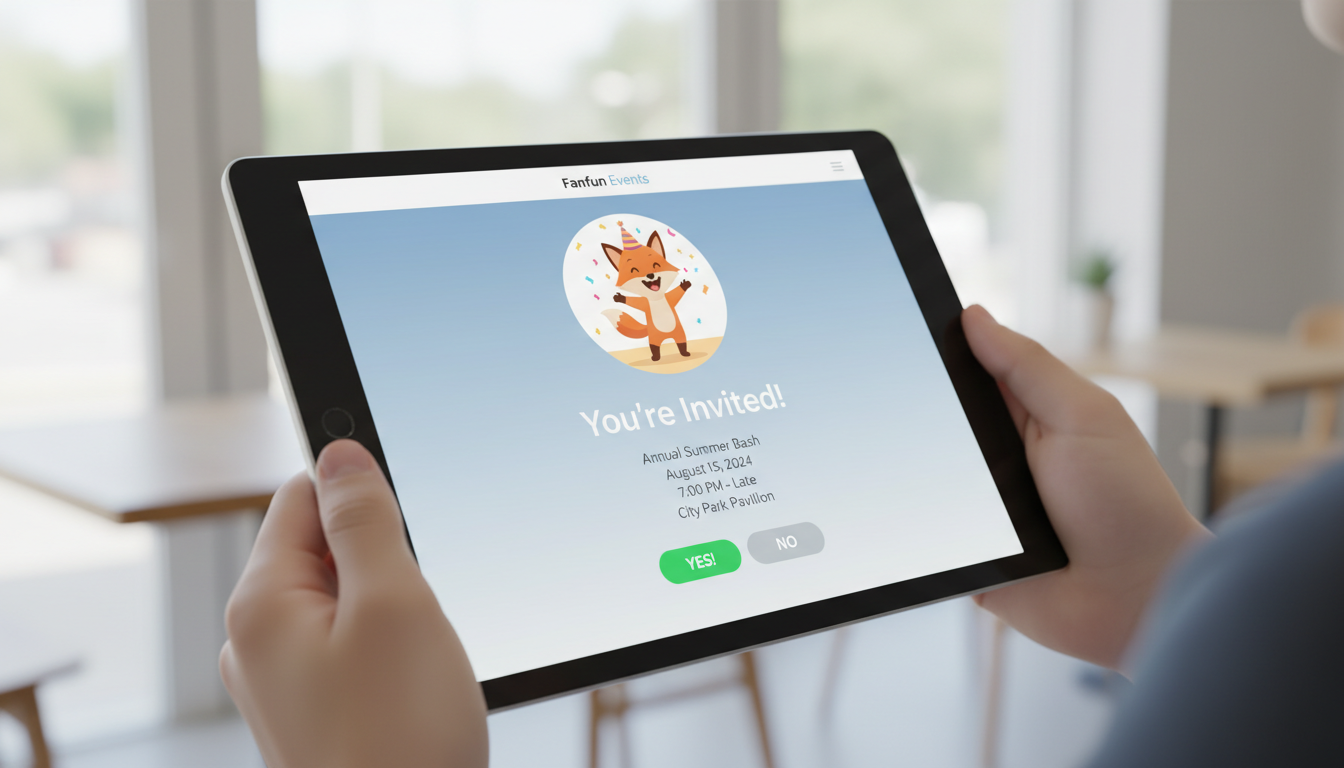
The solution is a hybrid invitation strategy. By placing your high-engagement video at the very top of a digital RSVP page, you capture the guest's attention immediately. Directly below the video, you keep the date, time, address, and RSVP buttons as clean, static text. This setup ensures your guests get all the excitement of the video without losing the practical utility of text.

To execute this, you can generate your custom character video, download the file, and upload it to a video hosting platform or directly into your digital invitation builder. Learn how to embed a virtual character video in a digital invitation to get the best of both formats. This approach keeps your event details searchable and clickable while ensuring your custom character message remains the star of the show.
Managing Production Timelines and Expectations
While static digital cards can be customized and sent out in a matter of minutes, virtual video invitations require a bit more planning. To keep your event organization stress-free, it is important to budget time for the creative process.
First, you will need to write a script. To maintain high viewer completion rates, we recommend keeping your video scripts under 30 seconds. A short, punchy script ensures guests watch the entire message and see the call to action before closing the window. If you want to make sure your message hits the right notes, you can learn how to direct an AI character video generator to keep your script engaging, natural, and perfectly paced.
Second, remember that rendering a digital video message is not instantaneous. Depending on server loads and script length, it can take some time for your finished video to arrive in your inbox. Consult our guide on how long it takes to render a digital video message to plan your sending schedule so you can distribute your invitations right on time.
By understanding these timelines and combining the engaging nature of video with the clarity of static details, you can craft an invitation experience that guests will actually talk about.
Will older guests struggle to open or view a video invitation?
Generally, no. If you use a hybrid approach where the video is embedded directly onto a standard web-based RSVP page, older guests will view it just like any other webpage. They do not need to download special apps or files to watch the message.
Do video invitations require more data or bandwidth for guests to load on mobile phones?
Yes, video files consume more data than flat text. However, when you embed the video using standard modern web players (like YouTube, Vimeo, or integrated card builders), the player automatically adjusts the video resolution based on the guest's mobile network speed, preventing excessive data drain.
Can I customize the script for different segments of my guest list?
Absolutely. One of the major advantages of using virtual video tools is the ability to easily generate multiple versions of a script. You can create one playful version for close friends and a slightly more conventional version for family members or professional acquaintances.