The Digital Puppet Master: How to Cast, Script, and Direct an AI Character Video Generator for High-Engagement Content
AI character video generators are often treated as novelty toys, but they are actually powerful digital puppets. Learn how to step into the director's chair to craft high-substance, engaging content that commands attention.
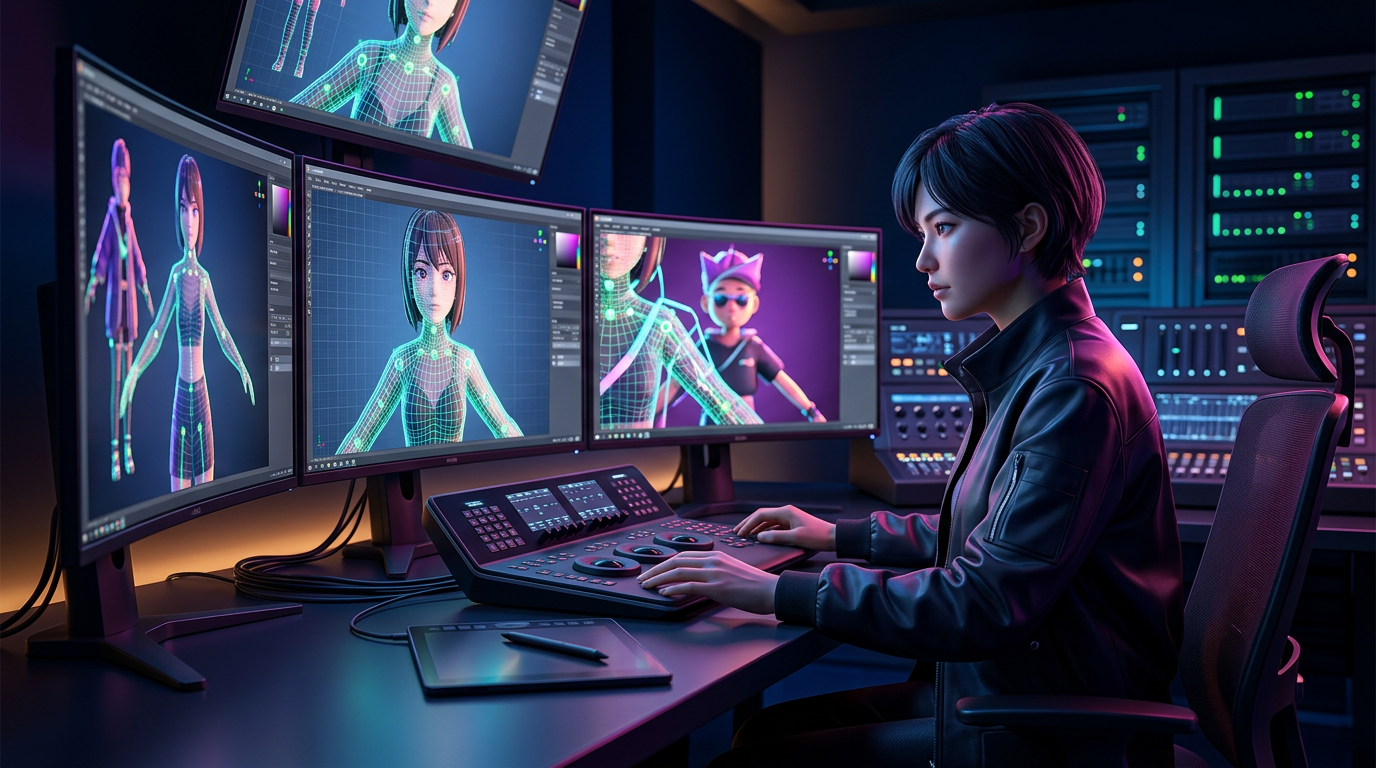
The internet is flooded with low-effort AI videos that rely entirely on the novelty of a famous voice saying something unexpected. While these might earn a temporary chuckle, the novelty wears off quickly. Audiences are rapidly developing fatigue for generic, poorly paced AI generations that lack creative direction. To stand out in a crowded social feed, you cannot simply throw a block of text at a generator and hope for the best; you must approach the technology with the mindset of a director.
By treating an AI character video generator as a digital puppet rather than an automated content factory, you gain complete control over the narrative, pacing, and emotional resonance of your output. When you take the director's chair, you transform synthetic media into a highly engaging, intentional asset for content creation, marketing, or memorable personal gifts. With platforms like Fanfun, which offer instant, character-driven video generation, creators can bypass complex rendering pipelines and focus entirely on the art of creative execution.
Beyond the Novelty: The Director’s Mindset for AI Character Videos
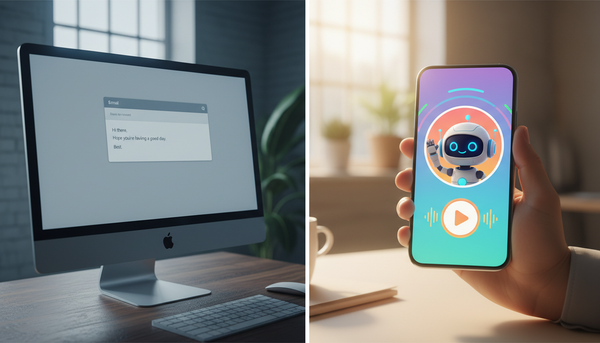
Most failed AI videos share a common flaw: the creator expected the machine to do the creative heavy lifting. They copy-paste a generic script, select a voice, and hit generate. The result is often a flat, robotic delivery that falls directly into the uncanny valley. The voice lacks rhythm, the pauses are unnatural, and the emotional delivery doesn't match the words being spoken.
To fix this, you must view the AI generator as a digital puppet. A physical puppet does nothing on its own; it requires a puppeteer to pull the strings, dictate the gestures, and supply the personality. In the digital realm, your script, your punctuation, and your structural choices are the strings. You are not just a user entering a prompt; you are a director coaxing a performance out of a digital actor.
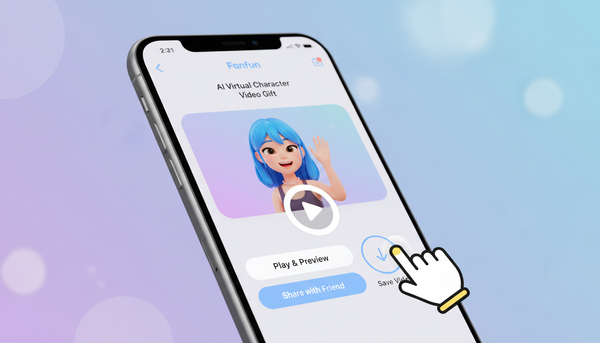
This is where Fanfun shifts the paradigm. Instead of forcing creators to wrestle with complex 3D rendering engines, keyframes, or expensive voice synthesis software, Fanfun provides a streamlined, character-first playground. It allows you to focus on directing the performance rather than managing the technical overhead, enabling rapid experimentation and instant execution.
The Casting Couch: Matching the Persona to the Message
Every successful production begins with casting. In traditional media, casting directors look for actors who embody the essence of the script. In the world of AI generation, you have access to a vast library of archetypes, from nostalgic childhood icons to high-energy sports stars. Choosing the right persona requires understanding the psychological impact of your character choice.
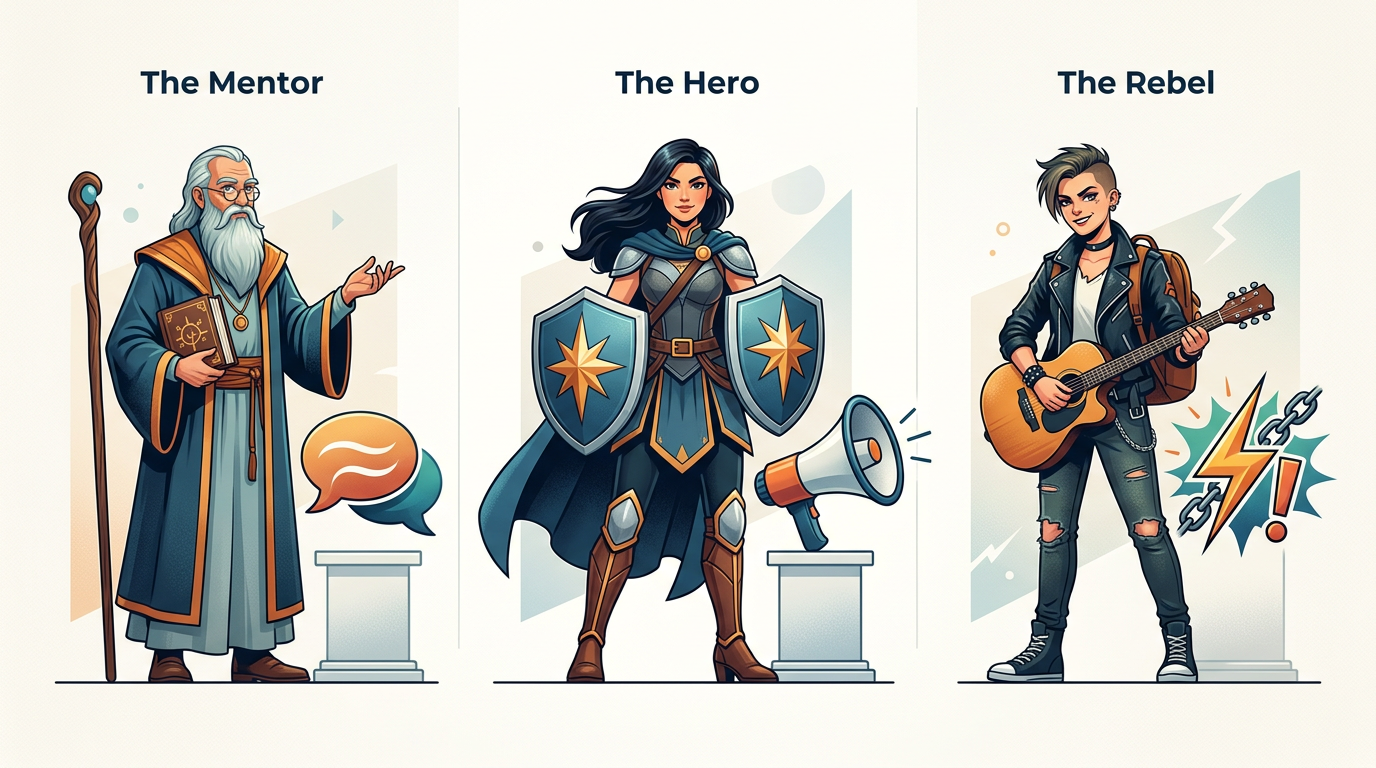
One of the most effective techniques in the creator's playbook is the contrast principle. This involves pairing an unexpected character with a highly specific, contrasting modern scenario. For example, having a legendary anime hero deliver a mundane corporate performance review, or a stoic fantasy warrior debating the merits of pineapple on pizza. This juxtaposition immediately breaks the viewer's patterns, forcing them to stop scrolling.
To help you select the perfect digital actor for your next project, use this decision framework:
| Character Archetype | Primary Emotional Trigger | Best Use Case | Example Scenario |
|---|---|---|---|
| Nostalgia (e.g., Cartoon Icons) | Warmth, Comfort, Childhood Memory | Milestone greetings, wholesome brand promos, lighthearted parodies | Doraemon offering productivity advice to stressed college students. |
| Authority (e.g., Sports Legends, Leaders) | Respect, Motivation, Gravitas | Pep talks, product launches, high-impact announcements | A champion athlete giving a hyper-specific motivational speech for a friend's first day at a new job. |
| Comic Relief (e.g., Memes, Anti-Heroes) | Humor, Shock, Self-deprecation | Roasts, viral TikTok memes, interactive fan engagement | A cynical pop-culture icon roasting a creator's latest viral failure. |
Scripting for the Machine: How to Write for AI Synthesis
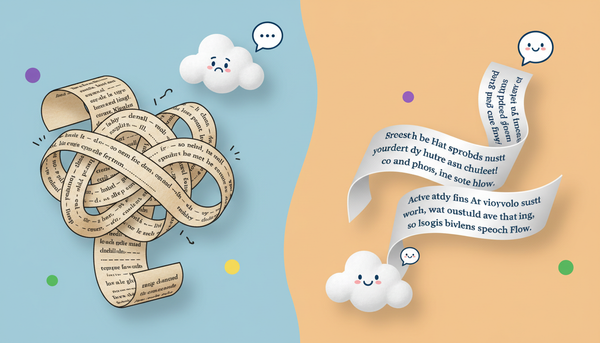
Writing a script for an AI character video generator is fundamentally different from writing for a human actor. Humans naturally read between the lines, inferring subtext, adjusting their breathing, and emphasizing words based on context. An AI, however, reads your script literally. To get a dynamic performance, you must write phonetically and use punctuation as your stage directions.
Phonetic Spelling and Punctuation Hacks
If the AI is mispronouncing a word or running through a sentence too quickly, you need to adjust your spelling and punctuation to force the desired delivery. For instance, writing "literally" as "lit-eral-ly" can force the generator to enunciate each syllable.
Punctuation acts as the timing track for your digital puppet:
- Ellipses (...): Use these to create dramatic pauses, hesitation, or transitions between thoughts.
- Dashes (—): Perfect for abrupt interruptions or sudden shifts in tone.
- All-Caps (UPPERCASE): In many advanced generators, capitalizing a word signals the AI to increase its vocal emphasis or volume on that specific word.
- Line Breaks: Inserting physical breaks between sentences can force the generator to take a natural breath, preventing the dreaded "one-breath monologue" effect.
Learning how to properly direct a character AI voice generator to capture the right narrative tone is the single most important skill you can develop as an AI creator. A well-punctuated script ensures the generated voice matches the emotional weight of your video's visual pacing.
The Production Workflow: From Prompt to Final Cut
To consistently produce high-engagement content, you need a repeatable production framework. Do not expect to get a perfect video on your first generation. Instead, treat the process as an iterative workflow.
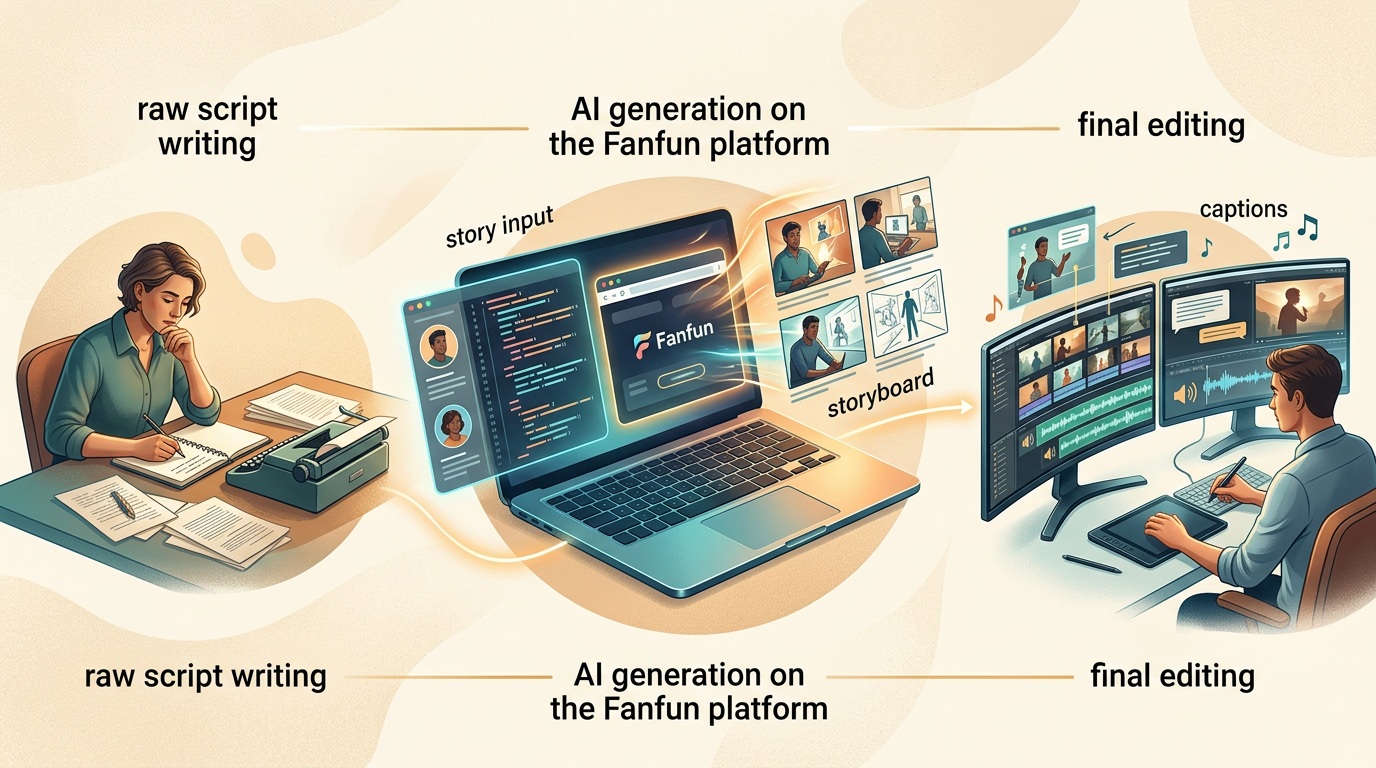
- Step 1: Establish the Core Prompt and Vocal Profile
Select your character on Fanfun and input your initial script. Ensure you have tailored the vocabulary to match that character's famous catchphrases and speech patterns. - Step 2: Generate Multiple Variations
Generate two or three iterations of the same script. Listen closely to the subtle differences in vocal inflection, pacing, and emphasis. Sometimes, a second or third generation will capture a unique comedic or dramatic beat that the first one missed. - Step 3: Post-Production Polish
Once you have your raw video, bring it into your editing software of choice. To truly mask any remaining AI imperfections and elevate the overall production value, layer in dynamic captions, subtle background music, and relevant sound effects (SFX). A well-timed "whoosh" or record scratch can instantly sell a comedic beat.
Advanced Playbooks: Tailoring Your Output for Specific Formats
Different content formats require vastly different directing styles. Whether you are aiming for viral laughter, marketing conversions, or an unforgettable gift, use these targeted playbooks to guide your production.
The Comedy Playbook
Comedy is all about timing and specificity. If you are creating a parody or a roast video, generic insults will fall flat. You must script hyper-specific details that feel incredibly personal. When crafting a roast, it is critical to study the specific comedic timing required for an AI roast video generator to ensure the punchlines land with maximum impact rather than feeling like disjointed sentences.
The Marketing Playbook
In marketing, speed is everything. Brands that can react to internet trends within hours win the engagement war. By leveraging a cameo style video generator for real-time marketing and cultural commentary, you can insert your brand into trending conversations instantly, without waiting days or spending thousands on traditional talent booking.
The Milestone Playbook
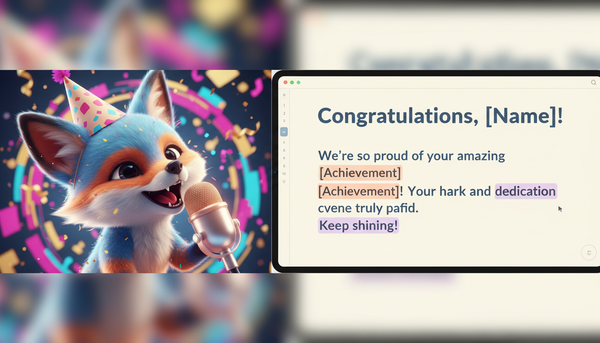
When creating a birthday wish, anniversary greeting, or graduation shoutout, avoid the trap of generic templates. A personalized video should feel intimate and thoughtful. By moving beyond generic templates with an AI greeting video generator, you can script inside jokes, shared memories, and genuine words of encouragement that make the recipient feel like the character is speaking directly to them.
How do I make an AI character video look more realistic?
To make your AI character videos look and sound more realistic, focus heavily on script formatting. Use ellipses (...) for natural pauses, dashes for sudden interruptions, and line breaks to force the generator to take a breath. Additionally, always polish your final output in post-production by adding dynamic captions, background music, and sound effects to mask any minor synthetic imperfections.
Can I use AI character video generators for commercial marketing campaigns?
Yes, creators and brands frequently use AI character video generators for marketing, promos, and real-time social media commentary. However, always ensure you are operating within the licensing agreements of the platform you are using. Fanfun provides a safe, accessible environment for creating high-impact, scalable promotional content.
What is the best way to write a script for an AI voice generator?
The best approach is to write phonetically when dealing with complex words, names, or slang, and to use punctuation as stage directions. Spell out words the way they sound (e.g., "lit-eral-ly") and use capitalization to signal vocal emphasis. Keep sentences relatively short to ensure the AI maintains a natural breathing rhythm.
How does Fanfun handle licensing and character availability?
Fanfun is committed to creative ethics and intellectual property respect. The platform features a growing library of both licensed and original AI personas, ensuring that creators have access to high-quality, legally compliant character voices and video templates for their creative projects.