How to Write Virtual Character Congratulations Prompts for Custom Video Messages
Want to celebrate a friend's milestone with a unique twist? Discover how to write highly engaging, natural-sounding congratulations prompts for virtual characters on Fanfun.
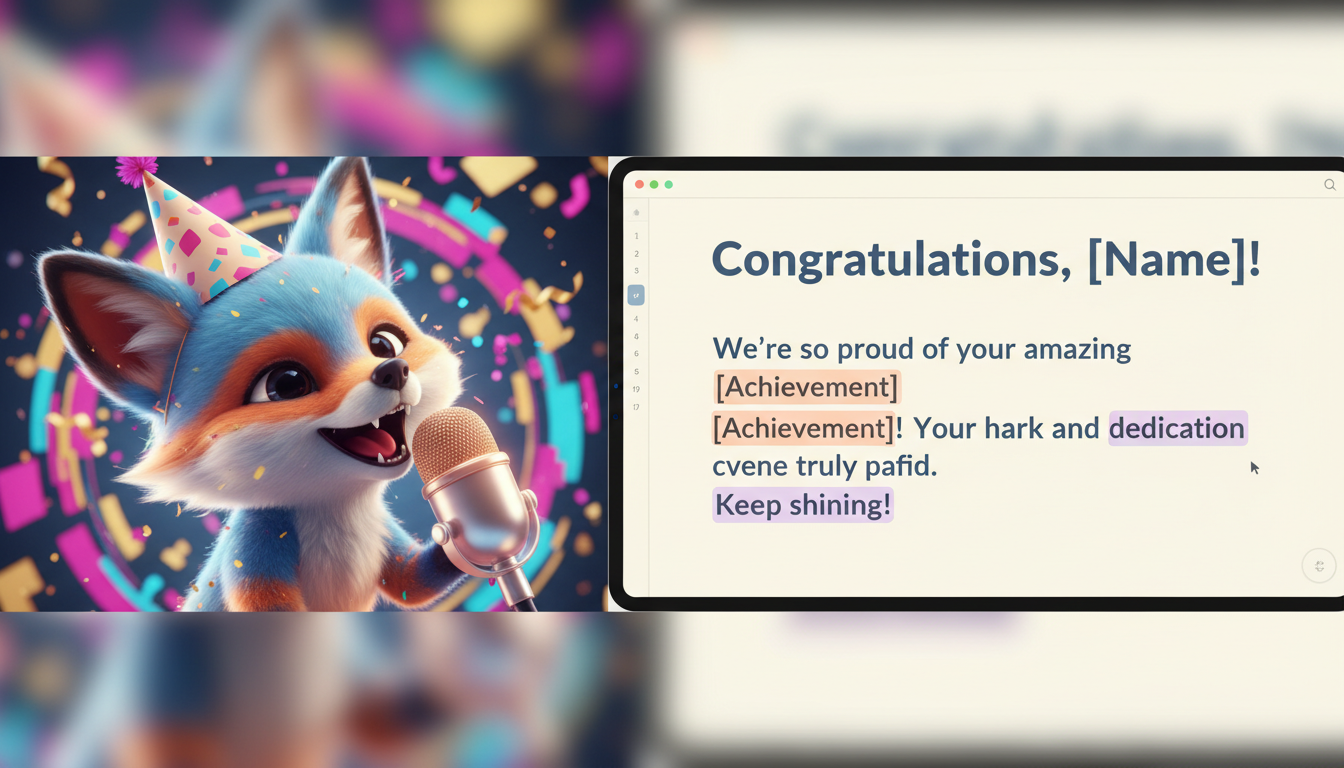
To write an effective virtual character congratulations script, you must write for the ear rather than the page. A great script balances the character's iconic catchphrases with the recipient's specific real-life milestone, keeping the entire message under 30 seconds for optimal pacing. By using clear formatting and natural phrasing, you can help deliver a warm, playful, and memorable greeting.
Why Writing for Virtual Characters Requires a Different Playbook
Writing a script for a virtual character isn't like drafting a standard greeting card or sending a quick text. When you use Fanfun to generate a personalized video gift, you are writing for a synthetic voice. These digital personas thrive on theatricality, rhythm, and vocal cues rather than dense, formal blocks of text.
To make the most of this medium, keep these core principles in mind:
- Embrace short sentences: Long, winding clauses can cause synthetic voices to lose their natural rhythm. Short, punchy sentences allow the AI generator to pause naturally.
- Blend catchphrases with real details: A great message balances the character's signature style with the recipient's actual life achievements. If the character is known for a specific catchphrase, use it early to establish their identity.
- Set realistic expectations: While virtual character greetings add a high-energy, creative spin to celebrations, they are meant to be a fun, playful gesture rather than a flawless human replica. The charm lies in the novelty and the creative writing you bring to the script.
The Three-Part Script Framework for Maximum Impact
To ensure your congratulations message flows logically and keeps the recipient engaged, we recommend using a simple, three-part structural framework.
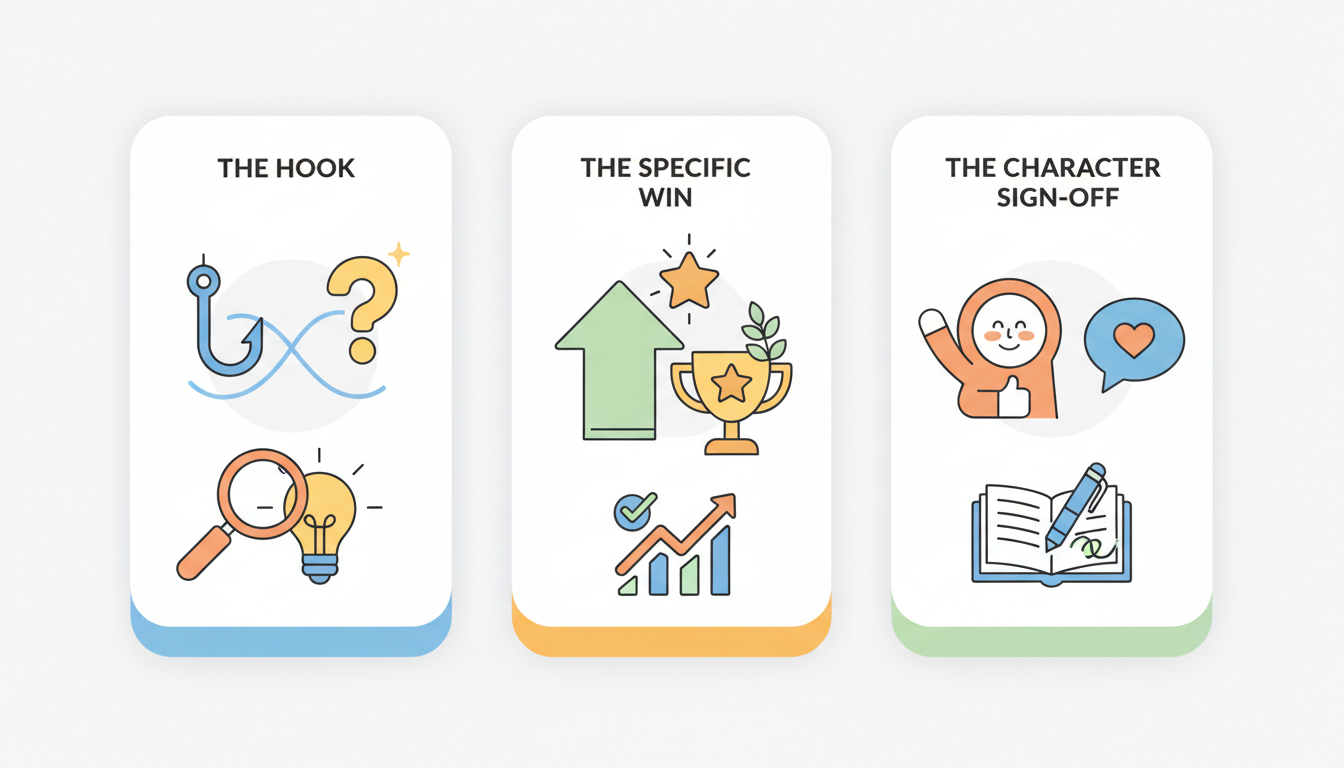
1. The Hook
Grab attention immediately using the character's iconic greeting style. Whether it is a booming exclamation, a whispered secret, or a casual drawl, the opening line should make it instantly clear who is speaking.
2. The Specific Win
Insert the recipient's exact milestone. Mentioning specific details—like the name of their new company, the city they are moving to, or the specific title of their degree—makes the message feel genuinely personal and tailored just for them.
3. The Character Sign-Off
End with a playful, in-character piece of advice or a signature closing line. This leaves the recipient smiling and wraps up the video with a satisfying, theatrical punch.
Script Structure at a Glance
| Script Element | Purpose | Example Approach |
|---|---|---|
| The Hook | Establishes the persona instantly | "Boom! What is up, Sarah!" or "Listen closely, kid..." |
| The Specific Win | Personalizes the milestone | "I heard you finally passed that beast of a bar exam!" |
| The Sign-Off | Delivers a fun closing thought | "Now go celebrate. That is an order!" |
Ready-to-Use Congratulations Prompts and Templates
Here are several customizable templates designed to fit different occasions and character styles on Fanfun. Simply swap out the bracketed details to make them your own.
The Hype Man Template
Best for: Career promotions, new jobs, or team wins where you want maximum energy.
"Boom! Let is go, [Name]! I just heard the massive news about your promotion to [Job Title] at [Company]! They are finally recognizing the absolute legend that you are. Keep crushing it, keep winning, and make sure you celebrate tonight. You earned this!"
When celebrating an office milestone, you might wonder whether to use a standard collaborative card or something more dynamic. You can read our comparison of group video platforms and virtual character messages to decide which format fits your team best.
The Wise Mentor Template
Best for: Major life milestones like graduations, buying a first home, or long-term achievements.
"Hello there, [Name]. Word reached me all the way out here that you graduated from [University] with your degree in [Major]. It takes real dedication to reach this peak. Take a moment to look back at how far you have come. The future is yours. Congratulations."
For academic achievements, direct your attention to our dedicated guide on graduation congratulations scripts for highly tailored academic templates.
The Playful Roast Template
Best for: Close friends who appreciate lighthearted sarcasm alongside their praise.
"Well, well, well, [Name]. Look who finally bought a house in [City]. I guess this means you are officially an adult now. Who let that happen? Seriously though, I am incredibly proud of you. Try not to burn the kitchen down in the first week, okay? Congrats, buddy!"
For friends and family who aren't nearby, these custom scripts are a fantastic way to bridge the physical gap. Read our guide on creating virtual character videos for long-distance relationships to see how custom messages keep far-away friends connected.
Formatting Tricks to Make Synthetic Voices Sound Natural
Because synthetic voices interpret text literally, the way you format your script directly impacts how the character speaks. Use these simple formatting tricks to optimize your results:
- Write naturally: Focus on conversational flow and natural phrasing to make the script sound as engaging as possible.
- Respect the 30-second sweet spot: On Fanfun, one video credit covers up to 30 seconds of speech. Keeping your script concise ensures the character's delivery remains energetic and engaging without requiring extra credits.
How long should a virtual character congratulations script be?
We recommend keeping your script concise so it fits within the 30-second limit covered by a single Fanfun video credit, ensuring a fast-paced, high-impact delivery that holds the viewer's attention.
How do I receive my finished video?
We email the finished video to the address you provide, and it also appears in your account under My Creations.