
How to Write a Graduation Congratulations Script for a Virtual Character Video
Writing a graduation script for an AI virtual character requires a unique approach to pacing and pronunciation. Use our customizable templates and practical formatting tips to create a fun, memorable video message that sounds natural.
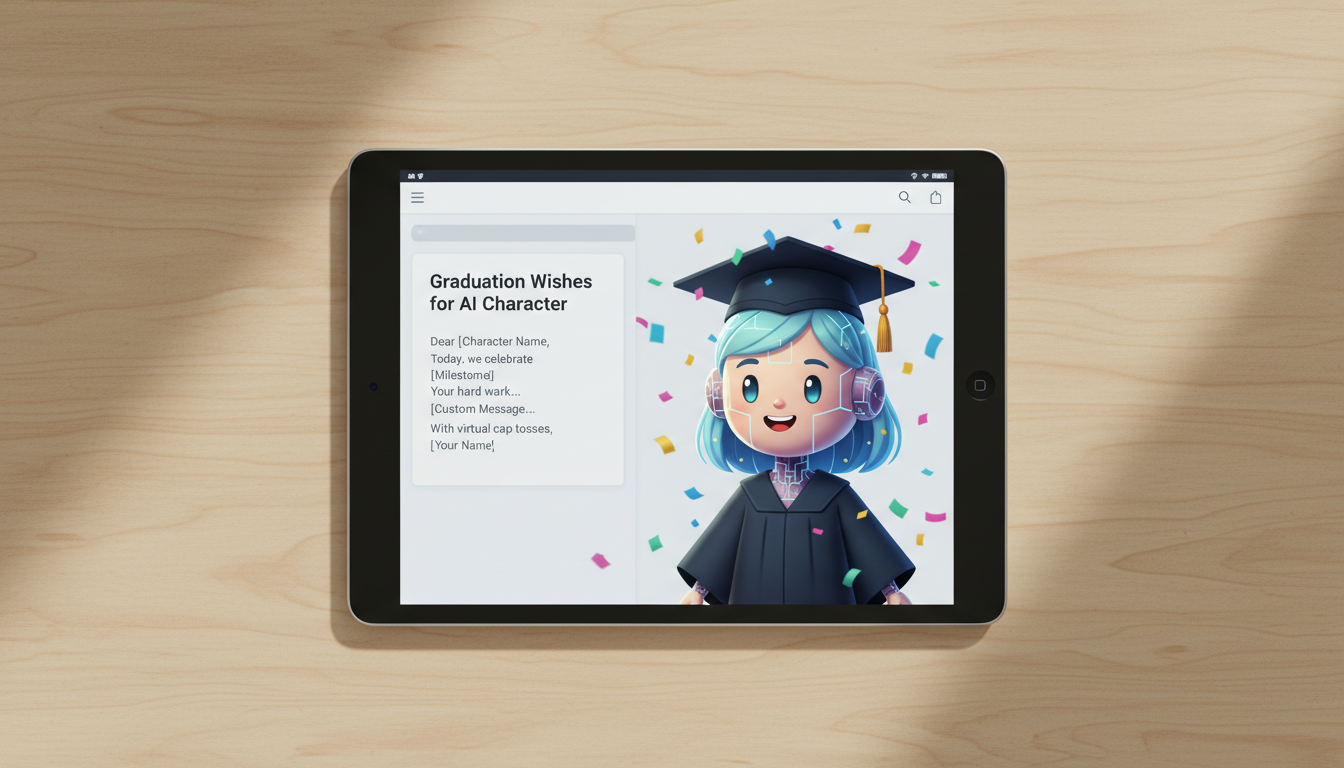
To write an effective graduation congratulations script for an AI virtual character video, keep your sentences short, use deliberate punctuation to guide the voice generator's pacing, and match the tone to the character's unique persona. Writing for a synthetic voice requires prioritizing phonetic spelling for difficult names and spelling out years and numbers fully so the final message sounds natural and celebratory.
Two Customizable Graduation Script Templates
Whether you want to inspire the graduate or tease them about their late-night cram sessions, choose a style that fits your relationship and the character you select on Fanfun. Below are two customizable templates, followed by a real-world example showing how to adapt them.
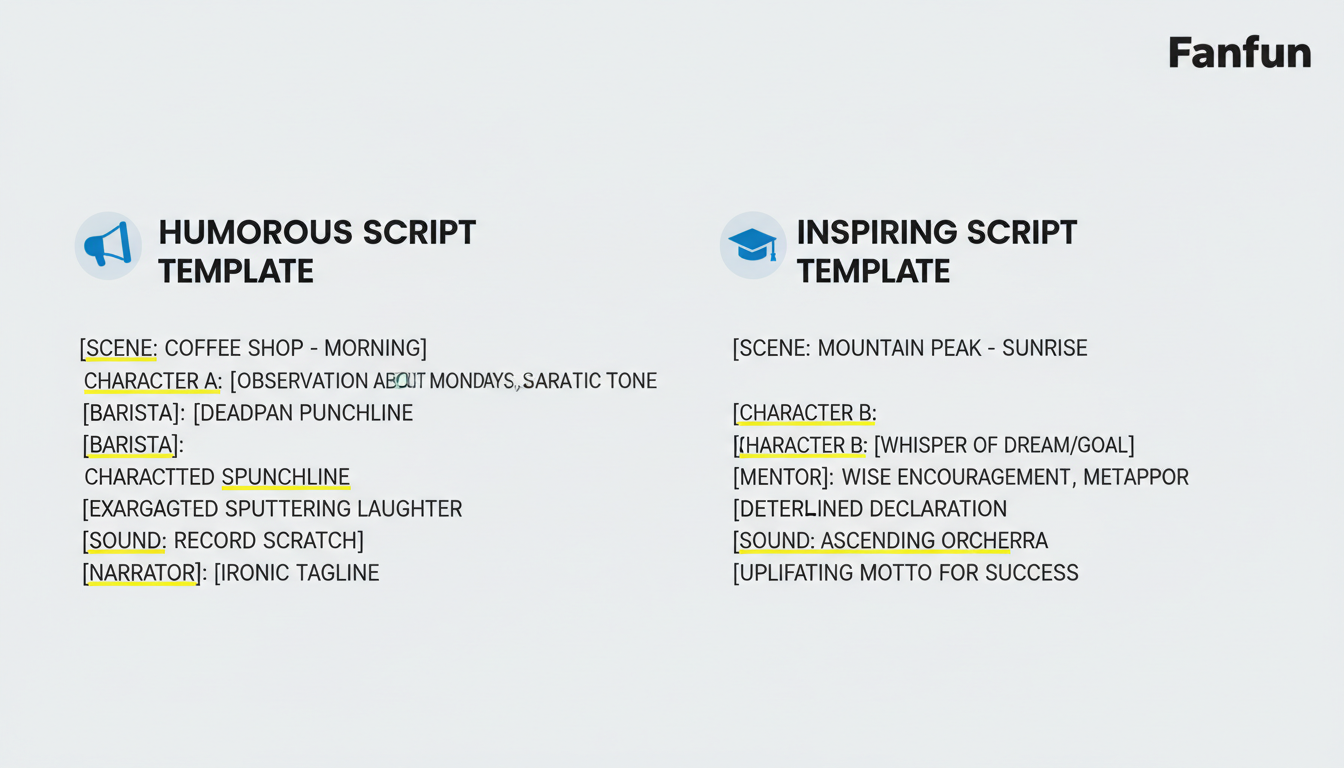
Template 1: The Inspiring Mentor
Best for: Encouraging, heroic, or classic mentor characters.
"Caps off to you, [Name]! You did it. All those long nights at [School Name] finally paid off. The world is waiting for your next big move, and I know you are going to crush it. Congratulations on graduating!"
Template 2: The Playful Roast
Best for: Funny, chaotic, or cartoonish characters.
"Look who actually graduated! [Name], I honestly thought you would spend another ten years at [School Name]. No more sleeping through your eight A M lectures! You did it, and I am incredibly proud of you. Time to celebrate!"
A Worked Example: Adapting for the AI Voice
To see how this works in practice, here is how we adapt the Playful Roast template for a graduate named Chloe graduating from Syracuse University. Notice how we adjust the spelling of tricky words so the virtual character pronounces them perfectly:
"Look who actually graduated! Clo-ee, I honestly thought you would spend another ten years at Seer-uh-cuse. No more sleeping through your eight A M lectures! You did it, and I am incredibly proud of you. Time to celebrate!"
Choosing Your Script Style
Use this comparison table to decide which script style and character pairing will work best for your graduate:
| Script Style | Best Character Match | Ideal Tone | Key Focus |
|---|---|---|---|
| The Inspiring Mentor | Superheroes, wizards, or dramatic historical figures | Sincere, motivating, and proud | Future success and hard work |
| The Playful Roast | Cartoons, chaotic sidekicks, or comedy personas | Lighthearted, teasing, and energetic | Inside jokes and relief of finishing |
The Core Rules of Writing for a Virtual Character
Writing for a synthetic AI character voice is different from writing a traditional card. On Fanfun, you can select a character, type in your custom message, and generate a personalized video in minutes. To make sure the generated video sounds natural rather than robotic, follow these core guidelines:
- Keep sentences short: Synthetic voices need natural breathing room. Avoid long, run-on sentences that can sound rushed.
- Match the character's persona: A cartoon character should use playful, high-energy language, while a dramatic hero should speak with weight and gravity.
- Use punctuation as a guide: Commas create brief, natural pauses, while periods create distinct stops. Use them deliberately to pace the delivery.
How to Format Your Script for the Best Voice Output
To get the highest quality audio from a virtual character, you need to format your text specifically for text-to-speech generation. This involves a few simple post-production tricks before you hit generate.
First, always spell out numbers and years fully. If you write "2026," the AI might say "two thousand twenty-six" or "twenty twenty-six" inconsistently. Writing "twenty twenty-six" ensures the character says it exactly how you intend. Similarly, write "eight A M" instead of "8:00 AM."
Second, use phonetic spelling for unusual names or complex university names. As shown in our worked example, spelling "Syracuse" as "Seer-uh-cuse" helps the generator hit the right syllables.
Writing a graduation message requires balancing high emotional energy with clear pacing. This is similar to how you would draft a virtual character job promotion congratulations script to celebrate a major career leap. If you want to build high-endurance excitement, you can also look at how we structure a marathon congratulations script to keep the momentum going. Alternatively, if you want to keep things entirely lighthearted and humorous, check out our guide on writing a housewarming roast script for inspiration on pacing comedic timing.
Formatting Checklist Before You Generate
- [ ] Are all numbers and years spelled out in full words?
- [ ] Have you broken up sentences longer than fifteen words?
- [ ] Are tricky names spelled out phonetically?
- [ ] Does the script tone match the chosen character's personality?
How long should a virtual character graduation script be?
Keep your script concise, ideally between 75 and 150 words. This length is usually perfect to keep the graduate engaged and entertained without losing their attention, while giving the virtual character enough time to deliver a meaningful message.
How do I make sure the AI character pronounces the graduate's name correctly?
Use phonetic spelling. Break the name down into simple, phonetic syllables (for example, "Chloe" becomes "Clo-ee" or "Syracuse" becomes "Seer-uh-cuse"). Read the spelling aloud exactly as written to test it before inputting it into the generator.
Can I use emojis in my Fanfun script to change the character's expression?
Most synthetic voice generators ignore emojis or may try to read them literally (like saying "smiling face"). For the best results, stick to standard punctuation like exclamation points, commas, and periods to guide the character's pacing and emotional delivery.



