
How to Write a Marathon Congratulations Script for a Virtual Character Video
Conquering a marathon is a massive achievement that deserves an equally epic celebration. Learn how to write a high-tempo virtual character script on Fanfun to hype up your favorite runner.
Running 26.2 miles is a grueling, life-changing physical achievement that deserves far more than a standard "congrats" text. To truly match the runner's massive milestone, a custom virtual character video on Fanfun provides the perfect high-energy, playful tribute. By combining specific race details with dramatic pacing and comedic character tropes, you can write a script that makes their accomplishment feel as epic as it truly was, while keeping a clear distinction between these fun AI-generated personas and real-person recordings.
The High-Tempo Marathon Congratulations Script Template
To capture the intense energy of a marathon finish, your script needs a structured build-up. It should kick off with a loud, attention-grabbing hook, transition into a humorous nod to the physical struggle, and wrap up with a triumphant victory toast. When formatting your text, you can reference our foundational guide on how to write a script for an AI character video to master basic dialogue pacing.
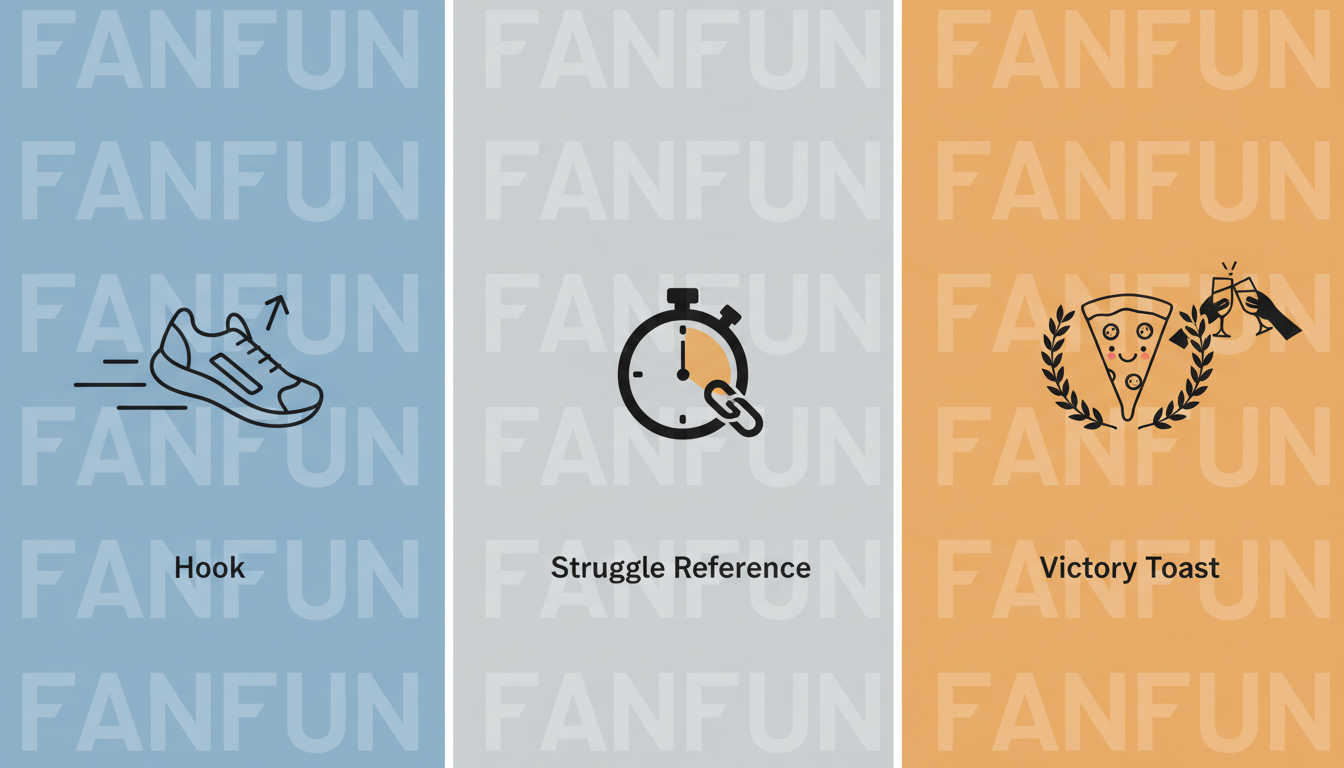
Here is an editable template you can customize for your favorite runner:
[High-Energy Hook]: ATTENTION! Stop scrolling and look at this absolute legend! [Runner's Name] did the impossible. They conquered all 26.2 miles of the [Marathon Name]!
[The Struggle Reference]: Word on the street is that mile 20 tried to break you, and you were basically surviving on pure willpower and [Type of Energy Gel/Snack]. But did you quit? No! You pushed through the pain, ignored your screaming knees, and crossed that finish line in [Finishing Time]!
[The Victory Toast]: Now, it is time for the real work: eating an entire [Recovery Food] and not moving from the couch for a week. You earned every single bite. Cheers to you, champion!
A Worked Example: The 'Over-the-Top Hype Coach' Script
To see how this template translates into a lively virtual performance, let's look at a concrete example. In this scenario, we are celebrating a fictional runner named Sarah who just finished the New York City Marathon. This script is written to keep the energy high and the delivery punchy.
"Drop everything and salute the champion! Sarah... you actually did it! You conquered the New York City Marathon! Twenty-six point two miles of pure grit. I heard mile twenty tried to take you down... and you were basically running on nothing but strawberry energy gels and sheer stubbornness. But look at you now! Crossing that finish line at four hours and twelve minutes! Unbelievable. Your legs might feel like absolute jelly, but today, you are a certified hero. Go eat an entire extra-large pepperoni pizza. You earned it!"
How to Match the Script to Your Chosen Virtual Character
Writing a great virtual character script often involves matching the dialogue to the general style of character you have in mind. Different archetypes can benefit from distinct writing styles to deliver a fun comedic or motivational effect. Unlike a standard virtual character job promotion congratulations script, which might lean more professional, a marathon congratulations script thrives on high-tempo hype.
- An Intense Coach Archetype: You might write short, punchy sentences, using capitalization for emphasis and mock-intense demands. This style thrives on aggressive motivation and playful tough love.
- A Laid-Back Character Archetype: You might write longer, winding sentences with a relaxed flow. Focus heavily on the post-race recovery, the couch-potato lifestyle, and the immediate need for pizza and beer.
To dive deeper into tailoring your lines to specific voices, explore our tips on the art of the AI character shoutout. Adjusting sentence length and vocabulary ensures your chosen virtual persona sounds natural and engaging.
Pre-Generation Checklist: Getting the Best Voice Output
Before you hit generate on Fanfun, run through this quick quality-assurance checklist to ensure the virtual character's voice output matches the physical scale of a 26.2-mile achievement:
| Checklist Item | Why It Matters | Pro-Tip |
|---|---|---|
| Phonetic Spelling | AI voice generators can stumble on unique names or complex race locations. | Spell "Chamonix" as "Shah-mo-nee" or "Sarah" as "Sair-uh" if the initial output sounds off. |
| Sentence Length | Shorter sentences naturally help keep the delivery punchy and energetic. | Break up long, winding sentences into brief, high-impact statements to maintain a fast tempo. |
| Read Aloud | Reading your script aloud helps you hear if the pacing matches the runner's achievement before generating. | Listen closely to the flow—if it feels too rushed when spoken, split long sentences into shorter fragments. |
How long should a virtual character marathon congratulations video be?
Keep your script between 75 and 150 words. This typically translates to a 30- to 60-second video message, which is the perfect length to maintain high energy and keep the viewer engaged without losing momentum.
Can I mention specific race times and split paces in the script?
Yes, but keep them simple. AI voice generators handle standard time formats well (e.g., "four hours and twelve minutes" or "4:12"), but spelling out complex pacing numbers like "eight-minute-and-forty-five-second miles" phonetically can make the virtual character's delivery sound much smoother.
What should I do if the AI voice mispronounces the name of the marathon?
If a race name like "Chicago" or "Boston" sounds unnatural, try adjusting the spelling in your script. Writing it out phonetically (like "Shi-caw-go") or splitting the word with hyphens can help the voice generator hit the correct pronunciation.



