How to Write a Script for an AI Fictional Character Video
Writing for AI-generated character videos requires thinking like both a voice director and a screenwriter. Learn how to format your scripts, manage pacing, and use our editable template to get authentic-sounding performances.
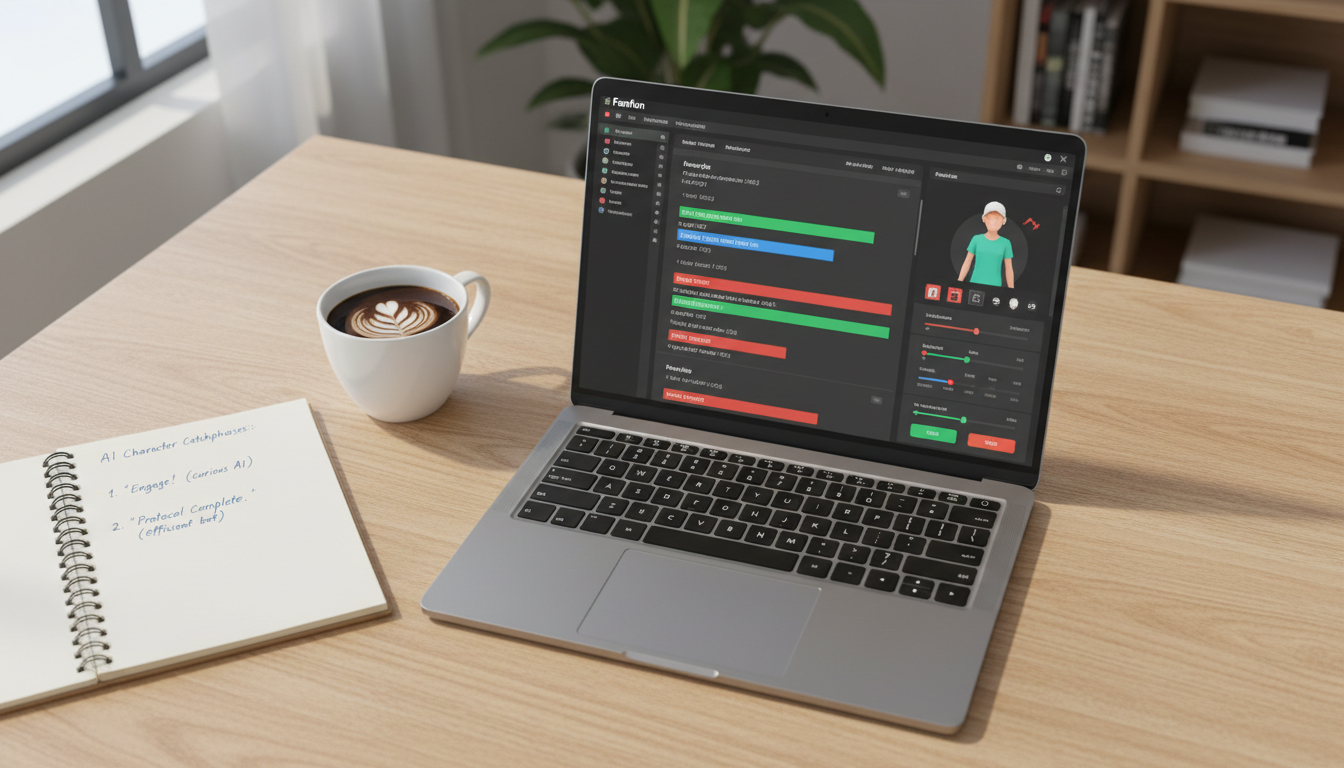
Writing a script for an AI fictional character video requires thinking like both a voice director and a screenwriter. To get a custom video from a character generator like Fanfun, you can select a character and enter a script to get your video in minutes. When writing scripts for AI characters, many creators write phonetically, structure pacing with strategic punctuation, and keep the script under 100 words to maintain high energy. Standard text can sometimes sound flat when read by AI, so guiding the character's unique voice through tactical script formatting is a common approach.
The 4-Part Fictional Character Script Template
Before you write, explore our comprehensive AI character video generator directing guide to understand how to step into the role of a digital director. A great character video script relies on a structured flow that balances the fictional universe with the recipient's real-world context.
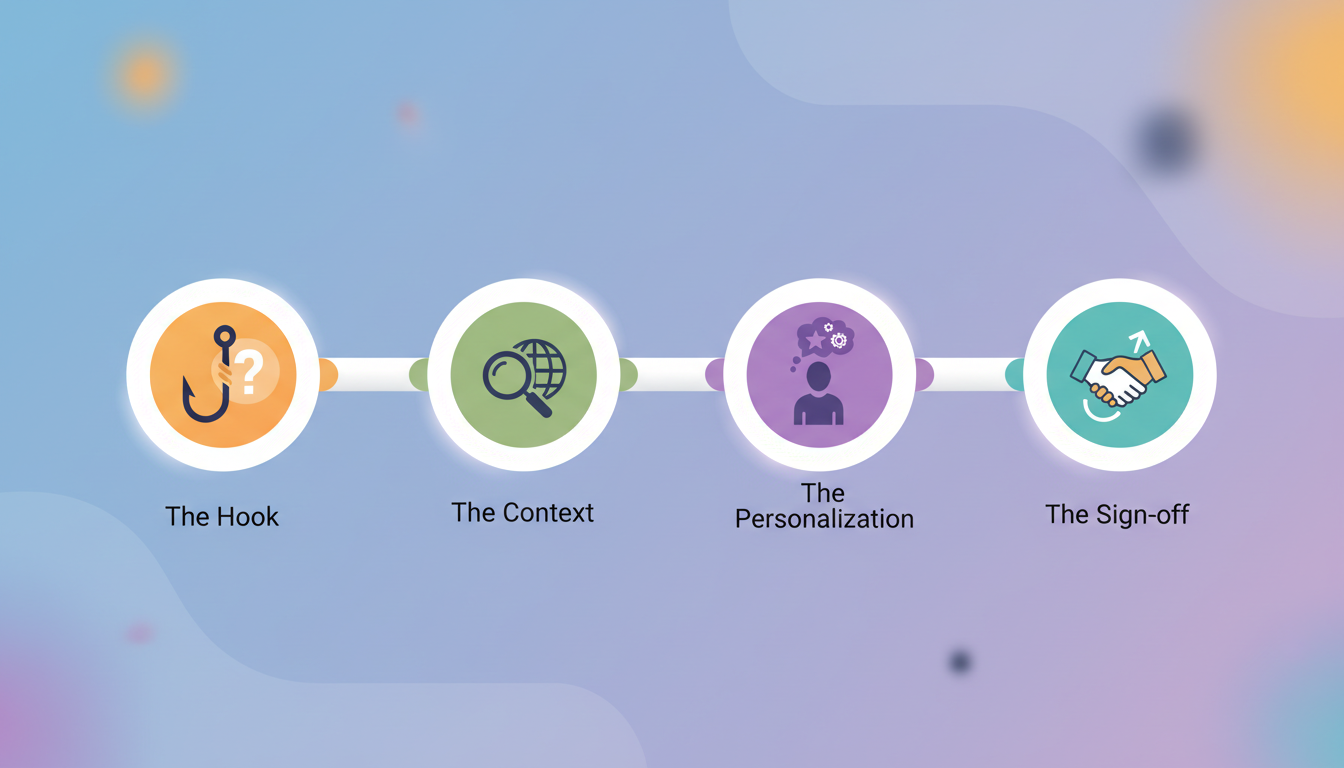
- The Hook: Start with the character's signature catchphrase or unique greeting style to establish identity instantly.
- The Context: Establish why this character is speaking directly to the viewer (e.g., a special mission, a secret message, or a direct response).
- The Personalization: Insert specific details like names, inside jokes, or niche references that make the video feel uniquely customized.
- The Sign-off: End with a character-appropriate call to action or a classic parting line.
Editable Script Template
Copy and paste this template, then swap out the bracketed details to fit your character:
"[Signature Catchphrase/Greeting]! It is me, [Character Name], coming to you live from [Character Location]. I had to take a break from [Character's Usual Activity] because I heard [Recipient Name] is celebrating [Occasion/Achievement]! I know you love [Inside Joke/Favorite Thing], so I wanted to say... [Core Message/Wish]. Keep being awesome, and remember: [Classic Parting Line]!"
Script Readiness Checklist
- Is the total word count under 100 words? (Shorter scripts maintain better pacing and energy).
- Are all difficult or unusual names spelled phonetically?
- Did you include at least one signature slang word or catchphrase?
- Have you added punctuation to guide natural pauses?
A Worked Example: Deconstructing an AI Character Script
To understand how formatting can shape a script, compare these two examples for an energetic cartoon or anime persona. Standard text can sometimes translate to a flat delivery, while optimized text is designed to help guide the performance.
| Generic Script (Flat Delivery) | Optimized Script (Expressive & Authentic) |
|---|---|
| Happy birthday John. I hope you have a great day. You are a big fan of mine and I wanted to say thank you. Keep up the good work. | Hey, JON! ... *Gasp*... I cannot believe you are another year older! I had to pause my training in the Leaf Village just to send you this message. Keep pushing your limits, dattebayo! See ya! |
The generic script lacks the cues often used to guide an expressive performance. By contrast, the optimized script uses specific techniques to capture the character's voice. While some writers use capitalization like "JON" or text cues like "*Gasp*" to organize their scripts, AI interpretations of these formatting choices can vary. Incorporating signature slang like "dattebayo" instantly grounds the voice in its fictional universe. To make the dialogue feel authentic, you can learn how to script a character video greeting that feels uncannily real.
When you enter a script into Fanfun, you can get a custom AI video in minutes.
How to Format Your Script for AI Voice Generators
AI voice models interpret text differently than human actors. To get the best results, you need to write for the ears, not the eyes. For a deeper dive into technical formatting, reference our complete guide on how to format scripts for better AI character video outputs.
- Use Phonetic Spelling: AI generators can struggle with unusual names, slang, or fictional places. If the recipient's name is "Siobhan," write it as "Shi-von." If you want a specific pronunciation of a fantasy city, spell it out phonetically.
- Control Pacing with Punctuation: You can experiment with ellipses (...) for pauses, dashes (-) for sudden shifts in thought, and exclamation points to guide the flow, depending on how the specific generator processes punctuation.
- Keep Sentences Simple: Overly complex, winding sentences can cause the AI voice to run out of breath or lose its natural cadence. Break long sentences into shorter, punchy statements.
- Use Capitalization Strategically: Some writers use ALL CAPS to visually organize emphasis, though AI voice generator responses to capitalization vary.
Adapting Your Script for Different Occasions
The tone of your script should shift depending on the purpose of your video. Whether you are creating a roast, a meme, or a warm greeting, adapt your writing style to match the format.
| Occasion | Scripting Strategy |
|---|---|
| Roasts | Keep the tone playful and lighthearted. Use exaggerated, character-appropriate "threats" or friendly jabs rather than genuine insults to keep the message fun. |
| Memes & TikToks | Keep the script exceptionally short (under 15 seconds) and front-load the punchline to capture attention immediately in fast-scrolling feeds. |
| Personal Greetings | Focus on warmth and connection. Blend elements of the character's fictional universe with the recipient's actual real-world achievements to make the moment memorable. |
How long should a fictional character video script be?
For the best pacing and highest energy, keep your script under 100 words (about 30 to 45 seconds of audio). Shorter scripts allow the AI voice generator to maintain a consistent tone and prevent delivery errors.
How do I handle punctuation for pacing?
You can experiment with ellipses (...) for a medium-length pause, or commas (,) for shorter pauses between clauses, depending on how the generator processes punctuation. If you want a sudden stop or a shift in tone, you can try using a dash (-).
Can I write scripts for multiple characters in one video?
Yes, but you will need to generate the voiceovers separately and edit them together. To learn how to manage multi-character projects, read our guide on how to cast and script custom voice text to speech for multi-character video edits.