
How to Create Virtual Character Video Messages for Long-Distance Relationships
Keep the spark alive across different time zones. Learn how to write, customize, and send a playful virtual character video message that surprises your partner and breaks up the daily long-distance routine.
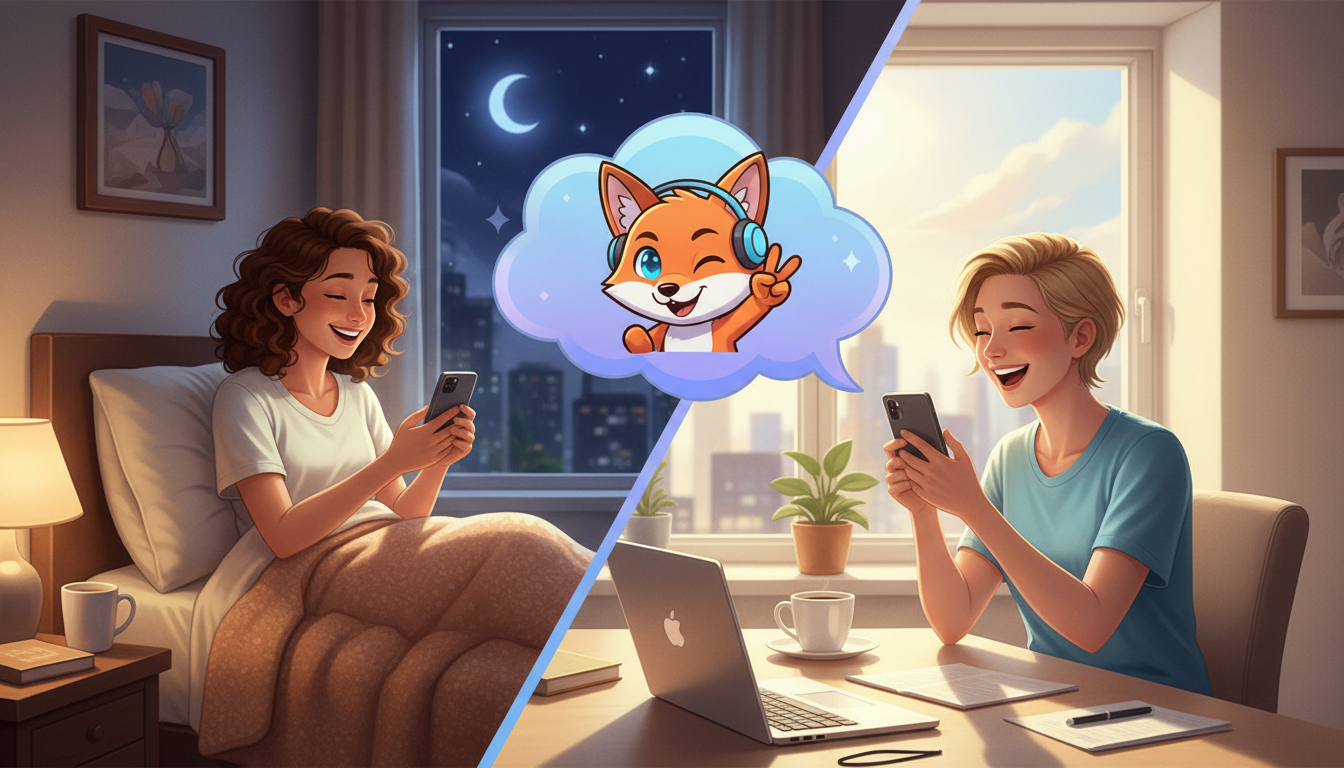
Virtual character video messages offer long-distance couples a playful, novel way to break up the daily routine of texting and video calls by sending short, animated, or AI-voiced greetings. While these AI-generated messages can never replace the warmth and intimacy of a live, face-to-face video call, they serve as excellent lighthearted surprises to bridge time-zone gaps, share inside jokes, and celebrate milestones. By using tools like Fanfun, you can write a custom script, choose a character, and generate a personalized video that lands directly in your partner's inbox.
Why Virtual Character Messages Work for Long-Distance Couples
Maintaining a spark across miles and time zones requires creativity. While scheduled video calls are the foundation of long-distance communication, the day-to-day check-ins can sometimes feel repetitive. AI character messages are meant to be playful novelties, not a substitute for genuine face-to-face video calls, but they excel at breaking up the daily "how was your day" routine by introducing unexpected humor or a favorite fictional character into your partner's inbox.
On Fanfun, you can easily turn a custom script into a short video message from an AI personality to surprise your partner while they sleep or work. Imagine them waking up to a personalized morning pep talk from a beloved animated hero or a witty roast from a famous public figure. It is a low-pressure, high-delight way to let them know you are thinking of them, even when you cannot chat in real time.
Three Creative Scenarios for LDR Character Videos
To make the most of your character video, tailor the theme to your partner's current mood or schedule. Here are three creative scenarios designed to keep long-distance couples connected:
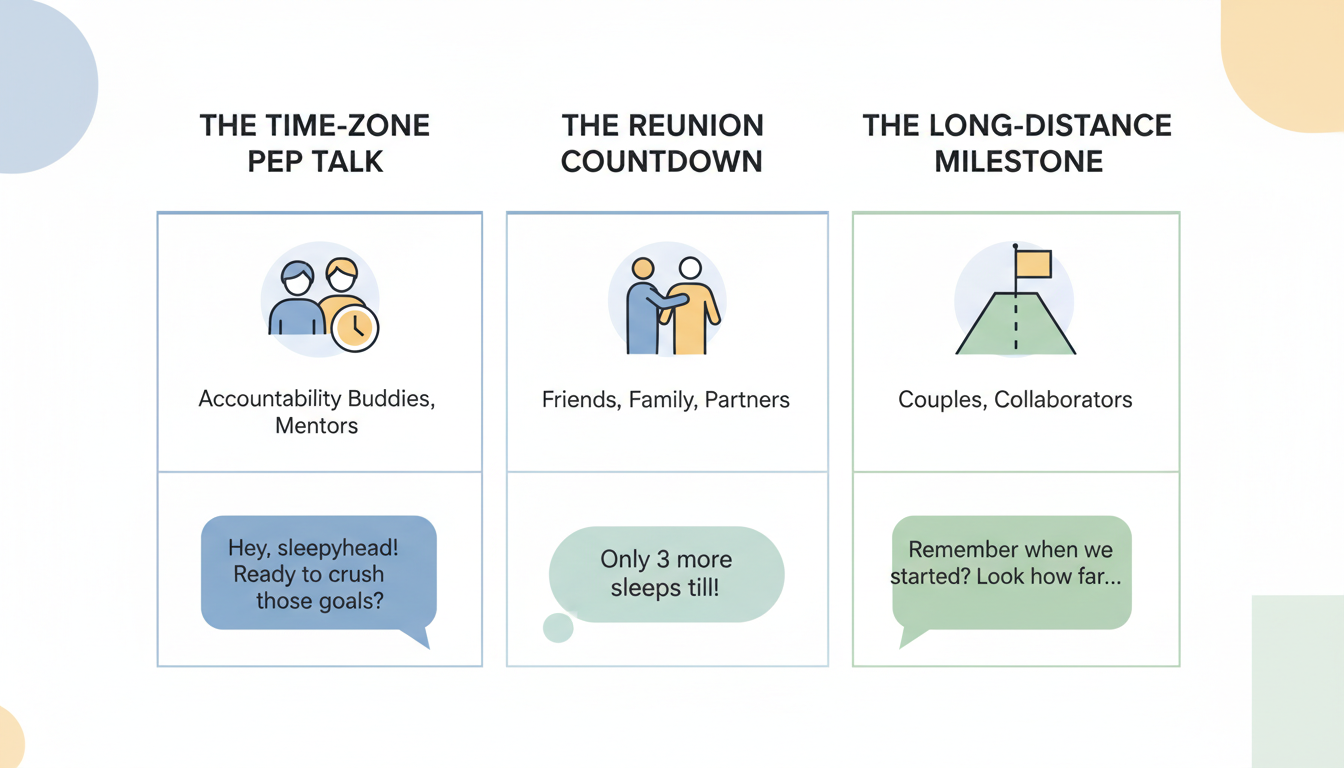
- The Time-Zone Greeting: Send a quick morning boost or a relaxing bedtime message timed perfectly to their local clock. This shows thoughtfulness and helps ease the feeling of living in separate worlds.
- The Reunion Countdown: Build anticipation for your next airport reunion by scripting a playful, dramatic announcement.
- The Long-Distance Milestone: Celebrate personal achievements, promotions, or special dates even when you are physical miles apart.
The table below compares these scenarios to help you choose the right approach for your next surprise:
| Scenario | Tone | Ideal Character Type | Recommended Length |
|---|---|---|---|
| The Time-Zone Greeting | Uplifting & Playful | Supportive or energetic personality | 15–20 seconds |
| The Reunion Countdown | Excited & Teasing | Dramatic or enthusiastic character | 20–30 seconds |
| The Long-Distance Milestone | Sweet & Sincere (with humor) | Charming or classic personality | 30 seconds |
Drafting Your Script: Tips for a Personal Touch
Writing a script for an AI character requires a slightly different approach than writing a standard text message. Focus on one or two specific inside jokes rather than trying to write a long, complex narrative. Keeping the script concise is key; a 30-second video is ideal for keeping your partner's attention and fits perfectly within standard creation limits on Fanfun.
If you are celebrating a special milestone from afar, look at our guide on how to write a wedding anniversary script for a virtual character video for ideas on balancing humor with sentimentality. If you are counting down the days until you are in the same city again, check out our guide on how to write a welcome back script for a virtual character video to build excitement for the reunion. For partners celebrating academic milestones from a distance, our guide on how to write a graduation congratulations script for a virtual character video provides templates to praise their hard work with a fun twist.
When writing, remember to spell out highly specific inside jokes or unique names phonetically. Since AI voices rely on standard spelling rules, writing "baba-booey" or "cuddle-bug" exactly how it sounds helps the generator deliver a natural-sounding performance.
How to Generate and Share Your Message on Fanfun
Bringing your script to life on Fanfun is a straightforward, creative process. Follow these steps to create your custom video surprise:
- Step 1: Choose an AI personality. Select a character or animated figure from the Fanfun cast that matches your partner's favorite shows, movies, or real-life personalities.
- Step 2: Input your custom script. Paste your tailored message into the script box. Keep it under 30 seconds of speech (which is roughly 60 to 75 words) to ensure optimal pacing.
- Step 3: Select a video template. Choose a template that fits the vibe of your message and submit the generation.
- Step 4: Share the surprise. Once the video arrives in your email inbox or "My creations" tab, download it and send it directly via their favorite messaging app. It is the perfect digital gift for them to wake up to.
How long does it take to generate a virtual character video?
Generation times can vary depending on the platform's current queue. Once the video is processed, it will be sent directly to your email address and will also appear in your "My creations" tab. To ensure your surprise arrives on time, it is best to generate your video well in advance of when you plan to share it.
Can I preview the AI voice before sending the video to my partner?
Yes, you can use Fanfun's chat feature to hear short, in-character voice replies or generate a quick voice note first to hear how specific words or names sound before using a video credit.
Do I need a paid account to try making a message?
Fanfun offers free daily voice replies to chat and free voice-note characters so you can test out the voices. Creating a full video message requires video credits, which are included in our monthly subscription plans.



