
Group Video Greeting Platforms vs. Virtual Character Messages: How to Choose for Team Gifts
Choosing the right digital group gift depends on your timeline and team dynamic. Learn when to coordinate a collaborative video montage and when to opt for a fast, hilarious virtual character message.
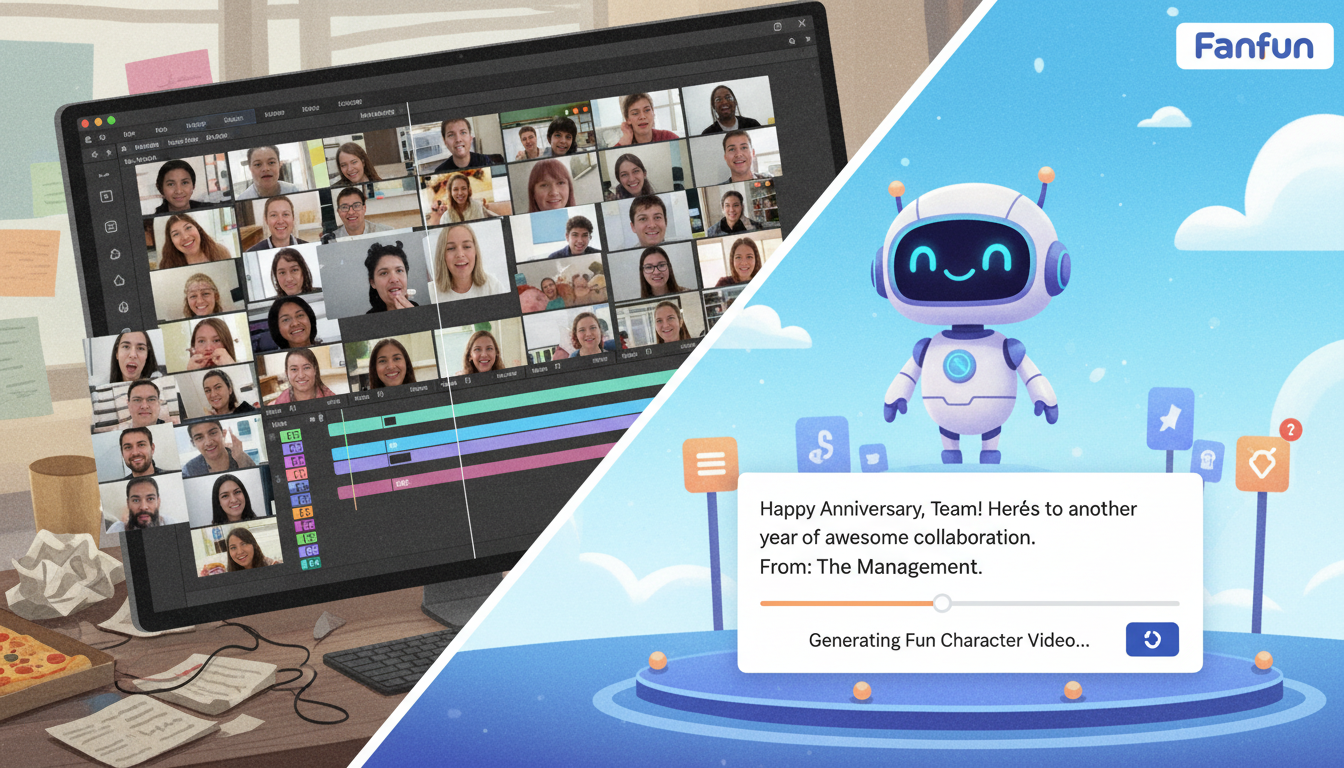
When organizing a team gift, choosing between a collaborative group video platform and a single-sender virtual character video message comes down to your timeline and the tone you want to set. If you have five to seven days and want a deeply sentimental keepsake featuring everyone's faces, a collaborative group video is best. However, if you are short on time, want to avoid chasing down busy coworkers for awkward webcam clips, and prefer a high-impact, hilarious pop-culture surprise, a virtual character video message created by a single organizer on Fanfun is the ideal choice.
The Team Gift Dilemma: Sentimental Montage vs. Pop Culture Novelty
Digital group gifts have evolved beyond the standard signed PDF card. Today, teams typically choose between two highly engaging video formats: collaborative montages and virtual character messages. Collaborative group video platforms work by collecting short webcam clips from multiple contributors and stitching them together. This creates a highly personal, emotional keepsake that is perfect for celebrating deep connections and long-term milestones.
On the other hand, virtual character video messages use a single organizer's custom-written script to generate a highly polished video featuring an AI character voice. Instead of relying on a dozen coworkers to record themselves, one person can write inside jokes and deliver them through an iconic voice. Before committing to a production style, you might also compare virtual character video messages to traditional text-based greetings to see how different formats impact engagement.
Head-to-Head Comparison: Group Video Platforms vs. Virtual Character Messages
To help you decide which approach fits your current project, here is a breakdown of how collaborative group video platforms compare to single-sender virtual character messages on key project metrics:
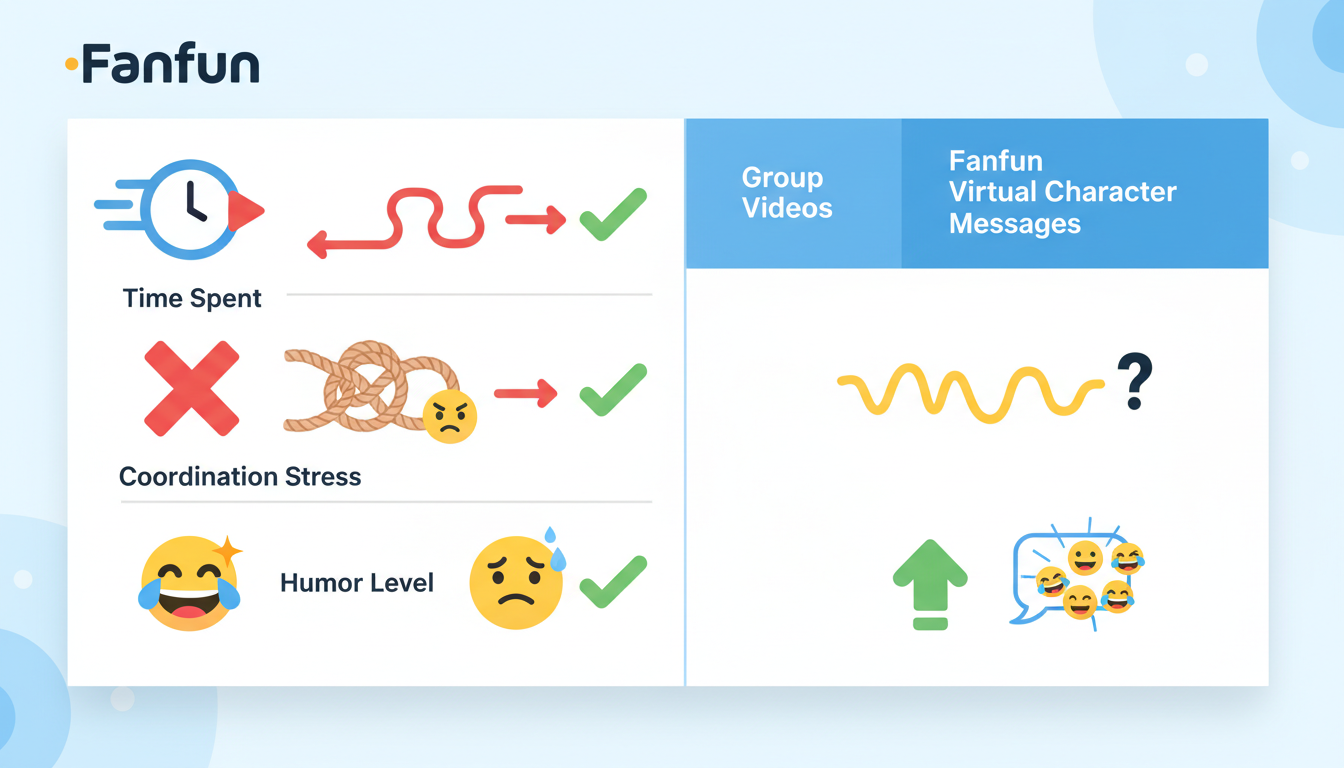
| Criteria | Collaborative Group Videos | Virtual Character Messages (Fanfun) |
|---|---|---|
| Setup & Coordination Effort | High (requires sending invites, tracking submissions, and sending reminders) | Low (one person writes the script and generates the video) |
| Turnaround Time | 3 to 7 days (waiting for everyone to record their clips) | Fast (sent directly to your inbox after generation) |
| Participant Friction | High (coworkers may feel camera-shy, miss deadlines, or struggle with lighting) | None (no participation from others required) |
| Primary Tone | Sentimental, emotional, and nostalgic | Hilarious, lighthearted, and entertaining |
| Best For | Milestone retirements, weddings, and emotional farewells | Office birthdays, project completions, and casual roasts |
While collaborative platforms deliver unmatched emotional warmth, they also introduce coordination fatigue. If you are the designated "producer" for a group video, you will likely spend hours chasing down late submitters and editing out awkward silences. Virtual character messages eliminate this friction entirely, allowing you to deliver a memorable gift on a tight deadline.
When to Coordinate a Collaborative Group Video
Despite the coordination hassle, there are times when a traditional collaborative group video is absolutely the right choice. You should opt for a multi-contributor montage when:
- The occasion is a major life milestone: For milestone retirements, weddings, or a beloved colleague leaving after a decade, seeing familiar faces and hearing personal stories carries immense sentimental value.
- You have ample lead time: You need at least 5 to 7 days to give participants time to record their clips, plus an extra day for you to review, trim, and organize the submissions.
- Your team is highly engaged: If your coworkers are enthusiastic, comfortable on camera, and quick to respond, the coordination barrier drops significantly.
When to Choose a Virtual Character Video
A single-sender virtual character video is the superior choice when speed, humor, and low coordination stress are your primary goals. This format is ideal under the following conditions:
- You are on a tight deadline: If a coworker's birthday is tomorrow and you forgot to organize a gift, you can set up a custom Fanfun video script quickly.
- You want a lighthearted, funny tone: For casual office birthdays, weekly team wins, or playful roasts, a pop-culture character delivering inside jokes is far more entertaining than standard webcam greetings.
- You want to avoid participant friction: Using Fanfun, you do not need to nag anyone. You can craft a script packed with team inside jokes and select an iconic character voice to deliver it. For inspiration on crafting the perfect message, read our tips on writing a humorous script for your character.
How to Combine Both Formats for the Ultimate Team Greeting
You do not always have to choose one format over the other. Combining collaborative sentiments with AI character novelty creates a highly memorable hybrid gift. Here are three creative ways to merge both styles:
- Use a character video as an intro or outro: Download your Fanfun character video and upload it directly into your collaborative video editor. An iconic character kicking off the video or wishing the recipient luck at the end makes the entire montage feel like a high-budget production.
- Pair a character video with a digital card: If you want the team to contribute written messages but do not want them to record video clips, have everyone sign a digital card. Then, link the funny virtual character video as the main entertainment piece.
- Deliver via team channels: You can easily share the finished video across your office communication channels. If you are sending it directly, learn how to embed your virtual character video directly in an email greeting to ensure it plays beautifully for the recipient.
Can I download the virtual character video to upload it into a group video editor?
Yes. When you generate a video on Fanfun, the final file is emailed to you and saved in your account under My Creations. You can easily download the video file and import it into any collaborative video editing platform as an intro, outro, or standalone clip.
How long can a virtual character video script be on Fanfun?
On Fanfun, one video credit covers up to 30 seconds of speech. If you need a longer script to fit all your team's inside jokes, the platform will estimate the required credits before you generate the video, allowing you to adjust the length as needed.
Do I need technical skills to create a virtual character video for my team?
No technical or editing skills are required. Creating a video on Fanfun is entirely text-based. You simply select your character, type your custom script, choose a scene template, and the platform automatically generates the voiced video for you.



