
How to Write a Humorous Script for a Virtual Character Video
Want to make someone laugh with an AI character video? Discover the golden rules of virtual character comedy, get an editable 30-second script template, and learn how to write jokes that land effectively.
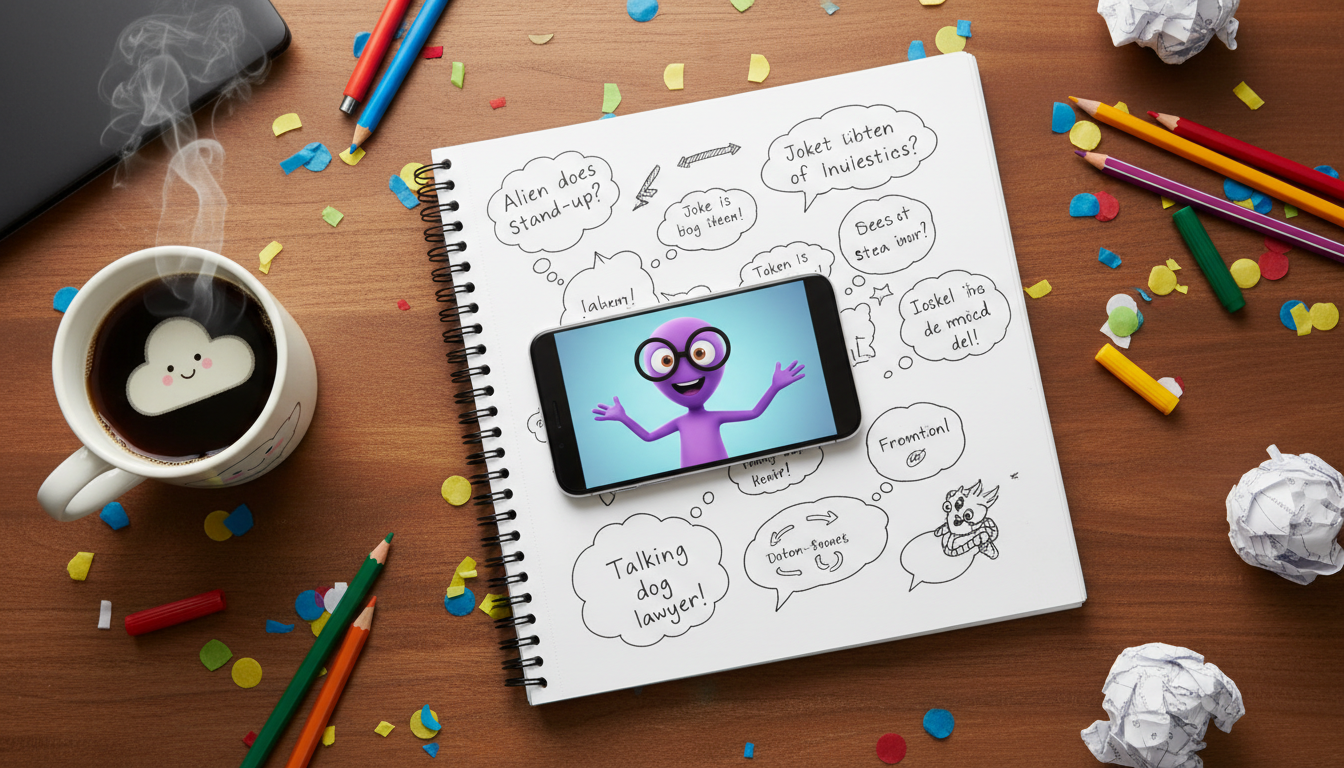
Writing a humorous script for a virtual character video relies on a simple comedic formula: contrasting a larger-than-life character persona with a mundane, everyday situation. Because AI voice models generate speech with a steady, systematic cadence, the funniest scripts avoid complex wordplay or rapid-fire sarcasm and instead use short, punchy lines and self-aware jokes. With a clear setup and a playful twist, you can write a highly entertaining video message on Fanfun that makes the recipient laugh.
The Golden Rules of Virtual Character Comedy
Humor in virtual character videos doesn't come from generic jokes; it comes from the contrast between the character's grand persona and the mundane, everyday situation of the recipient. Because AI voices have unique pacing quirks, writing simple, punchy, self-aware lines works far better than complex wordplay. Keep these four rules in mind when writing your script:
- Lean into character irony: Contrast the character's legendary status or dramatic personality with the recipient's ordinary life. Having a powerful warrior or a world-famous celebrity comment on someone's messy bedroom or laundry habits is instantly funny.
- Keep sentences short and punchy: AI voice generators handle brief, declarative sentences much better than long, clause-heavy setups.
- Avoid complex homophones and tongue-twisters: If an AI voice might mispronounce a joke's punchline, simplify the phrasing to ensure it lands. If a word looks tricky to read phonetically, swap it for a simpler synonym.
- Acknowledge the medium: A self-aware nod to being an AI video message adds an instant layer of playful humor. Let the character complain about being trapped in a screen or mention that they were hired for the price of a coffee.
AI Comedy Writing: Dos vs. Don'ts
| Do This | Avoid This |
|---|---|
| Write short, punchy sentences (under 12 words). | Write long, winding run-on sentences with multiple commas. |
| Use simple, common words and standard names. | Use complex wordplay or puns that rely on visual reading. |
| Lean into the character's established tropes and catchphrases. | Force the character to speak completely out of their typical style. |
The 30-Second Humorous Script Template
To keep your video engaging and cost-effective, aim for a script that runs about 30 seconds. On Fanfun, one video credit covers up to 30 seconds of speech, which translates to roughly 60 to 75 spoken words. Keeping your script tight ensures you do not use extra credits unnecessarily while forcing you to cut any fluff that slows down the comedy.
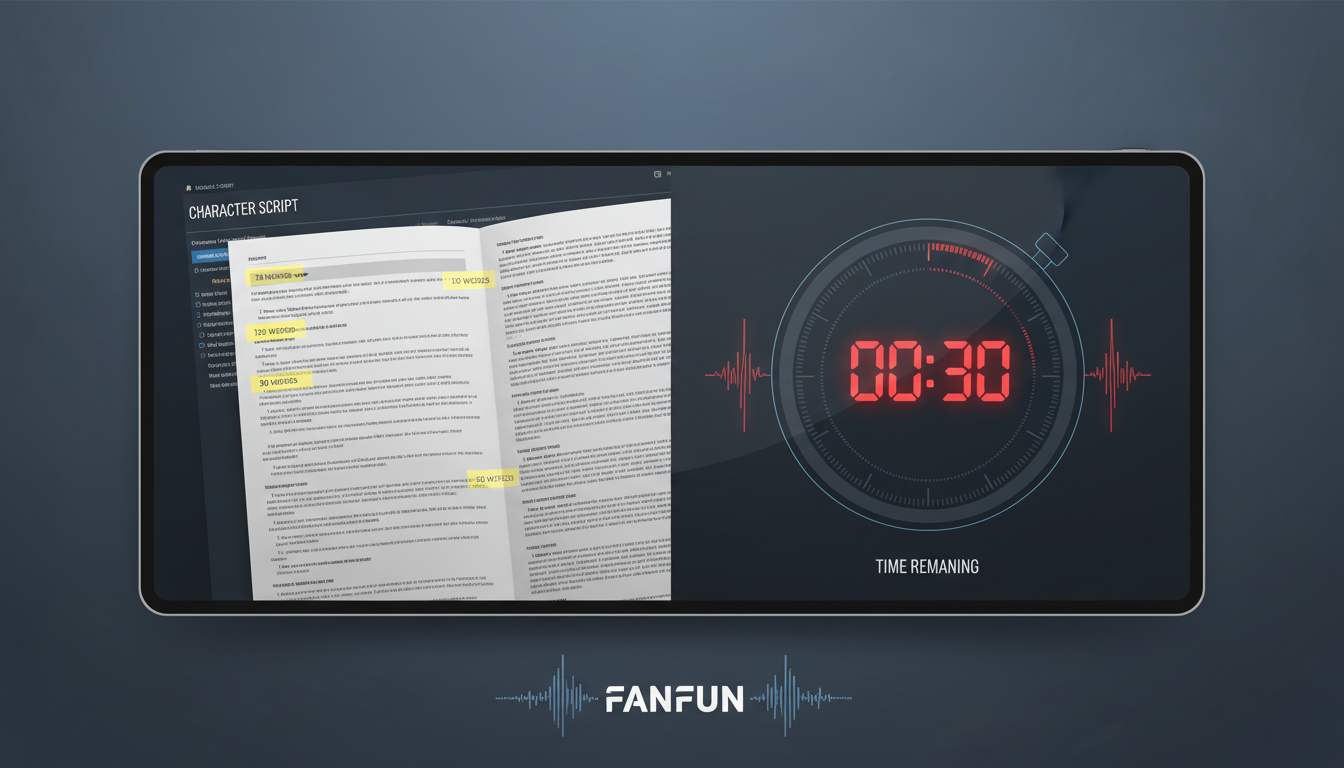
Here is an editable, 30-second template designed to maximize comedic contrast:
"Hey [Recipient Name], it is me, [Character Name]. I paused my highly important business of [Character's Grand Activity] just to tell you that I saw you [Funny/Lazy Habit]. Seriously? I expected more from someone who [Recipient's Small Achievement]. Do better, or I am telling [Mutual Friend/Sender Name] to cancel your subscription to [Funny Thing]. Stay legendary."
A Worked Example: The Unsolicited Life Coach
Let's look at how this template translates into a finished script. In this illustrative example, we use a fictional, over-the-top, hyper-masculine action hero archetype to deliver terrible productivity advice to a friend who loves napping.
"Hey Marcus, it is Commander Steel. I paused my highly important business of wrestling mountain lions just to tell you that I saw you napping at 2 PM on a Tuesday. Seriously? I expected more from someone who finally washed their car last week. Do better, Marcus, or I am telling Sarah to cancel your subscription to afternoon snacks. Stay legendary."
Why This Script Works
- Immediate Contrast: Commander Steel's "mountain lion wrestling" is contrasted with Marcus's "2 PM nap."
- Phonetic Simplicity: Words like "Marcus," "Tuesday," and "Sarah" are easy for AI voice generators to pronounce correctly on the first try.
Reading your script aloud before submitting it can help you estimate the pacing. Testing the flow yourself helps you hear where natural pauses should go.
Adapting Your Humorous Script for Different Occasions
Humor is highly personal, so you should always match the character's energy to the specific vibe of the event. A joke that works for a casual weekend prank might need a slightly warmer touch for a major life event.
If you are celebrating a friend reaching a major age milestone, you can use a virtual character to poke gentle fun at their age while still keeping the message warm. For age-related humor and milestone celebrations, explore our guide on milestone birthday virtual character scripts.
For romantic or wedding events, keep the humor lighthearted and crowd-appropriate. You want the jokes to be funny for the couple without causing any awkward silences during the reception. If you are planning a funny speech for a reception, check out our tips on writing a virtual character wedding toast script.
By blending the unique traits of your chosen Fanfun character with personal inside jokes, you can create a memorable, funny video gift that stands out far more than a standard paper greeting card.
How do I make sure the AI voice pronounces a joke's punchline correctly?
To help with pronunciation, choose simple, widely recognized words and standard names. If a word is highly unusual or prone to mispronunciation, try swapping it for a simpler synonym that is easier to read.
Can I use sound effects or pauses to improve the comedic timing in my script?
While you cannot insert external sound effect files directly into the text script, you can experiment with the structure of your sentences to manage the flow of the delivery.



