
How to Write a Perfect 30-Second Script for a Virtual Character Video
Writing a short virtual greeting requires a careful word budget. Discover how a 65-word target can help you balance pacing, pausing, and personality.
For a 30-second virtual character video, a script length of 60 to 75 words is a great target, with 65 words serving as a helpful baseline. While conversational human speech often reaches 130 to 150 words per minute, virtual character voices generally sound best when given extra breathing room. Keeping your script concise helps you deliver your message clearly without accidentally exceeding the 30-second limit of a single video credit.
The Golden Range: Why 60 to 75 Words Works Best
In everyday conversation, we speak quickly, blending words together and adjusting our speed on the fly. However, automated character voices benefit from a steadier pace. They often sound best with distinct pauses to deliver your message clearly. If you crowd a 30-second video with too many words, the voice may sound rushed, or the video might end before your character finishes the sentence.
On Fanfun, one video credit covers up to 30 seconds of speech. To stay within this limit, keeping your script within the 60 to 75-word range is a practical approach. Aiming for roughly 65 words helps ensure the character delivers your message with an engaging cadence rather than a hurried pace. This is especially true when creating heartfelt messages, such as those you might send to keep a spark alive in long-distance relationships.
Adjusting Your Word Count for Character Personalities
Not all virtual characters speak at the same pace. A fast-talking animated sidekick will breeze through a script much faster than a dramatic historical figure or a gravelly action hero. When planning your message on Fanfun, adjust your word count based on the specific persona you choose.
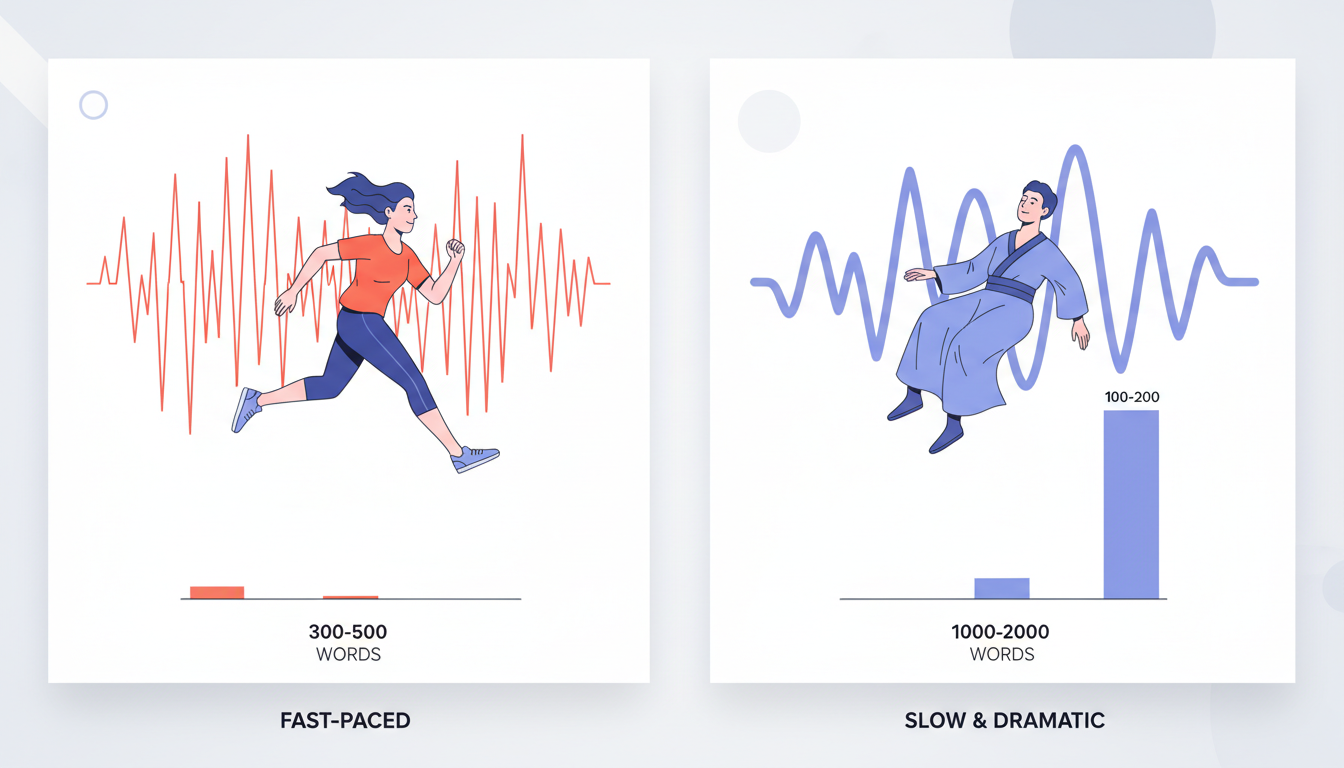
High-energy characters can often handle up to 75 words in a 30-second clip. Conversely, slower, more dramatic, or deadpan characters may require a leaner script of 50 to 60 words to avoid sounding rushed. Standard punctuation like commas and periods helps structure your thoughts clearly, but keeping your sentences relatively short is the most reliable way to manage the overall timing.
When crafting a sentimental message, like a milestone celebration, choosing a slower, more deliberate voice means you should lean toward the lower end of the word scale. For instance, if you are learning how to write a wedding anniversary script, keeping the word count closer to 55 or 60 words ensures the character can deliver those heartfelt sentiments with the proper emotional weight.
| Character Style | Tempo Description | Ideal Word Count (30s) |
|---|---|---|
| High-Energy / Cartoon | Fast-paced, high pitch, rapid delivery | 70 to 75 words |
| Standard / Conversational | Balanced, natural storytelling pace | 60 to 68 words |
| Dramatic / Deep-Voiced | Slow, deliberate, heavy pauses | 50 to 58 words |
By tailoring your script length to the character's natural speaking style, you ensure the final video feels authentic and polished.
The 65-Word Script Blueprint
To make the most of your limited time, structure your script with a clear beginning, middle, and end. A balanced 65-word script should follow this simple three-part blueprint:
- The Hook (10-15 words): Grab their attention immediately with a fun, character-specific greeting.
- The Core Message (35-40 words): Deliver the main point of your video. Keep this section focused on a single theme. This structure works perfectly whether you are writing a lighthearted greeting or figuring out how to write a retirement greeting script for a colleague.
- The Sign-Off (10-15 words): End with a memorable, character-appropriate catchphrase or a warm closing.
Here is a concrete, 65-word example script for a birthday greeting that demonstrates this structure in action:
"Hey there, birthday superstar! Word on the street is that you are turning another year older today. I wanted to drop in and remind you to celebrate big, eat way too much cake, and keep shining bright. You deserve the absolute best day ever. Stay awesome, keep smiling, and have a fantastic year ahead!"
If you are welcoming someone home instead, you can apply this exact same structure using the tips found in our guide on writing a welcome back script.
How to Test and Trim Your Script Before Generating
Before you commit your script to a video generation, perform a quick manual test. Read your written script aloud slowly while running a stopwatch. If your reading takes more than 25 seconds, your script is likely too long for the voice generator, as the automated voice may introduce pauses that extend the final runtime.
To trim your script down, look for unnecessary filler words. Words like "just," "really," "very," and "actually" can often be removed without changing the meaning of your sentence. Keep your sentences short and direct. While Fanfun's virtual characters are highly expressive, they are AI personas rather than real-person recordings, so keeping your sentence structures simple yields the cleanest, most natural-sounding audio results.
What happens if my script runs slightly over 30 seconds?
On Fanfun, one video credit covers up to 30 seconds of speech. If your script is longer, it will simply require more credits, and you will see the estimated credit cost before you generate the video.
Do emojis count toward the word limit or affect how the character speaks?
To ensure predictable pacing and clear pronunciation, it is best to write your script using standard text. Keeping your script free of non-text symbols helps the voice engine focus entirely on your written words.
Can I use exclamation points to make the character speak faster?
Punctuation helps structure your message for readability rather than acting as a speed control. To adjust the pacing of your video, the most effective method is to modify your overall word count or choose a character with a tempo that matches your desired speed.



