
How to Write a Retirement Greeting Script for a Virtual Character Video
Say goodbye to boring paper cards. Learn how to write a short, high-impact retirement script for a virtual character video, complete with customizable templates and formatting tips for synthetic voices.
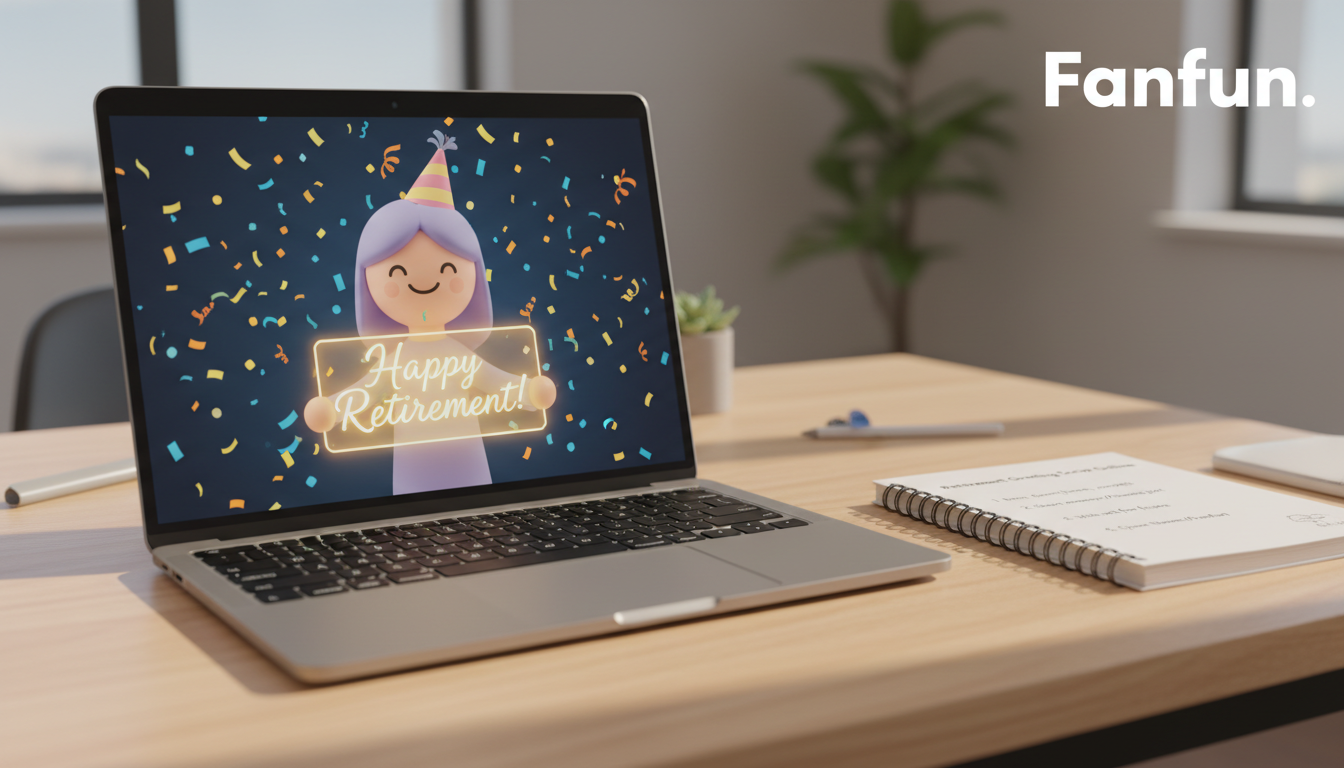
Writing a retirement greeting script for an AI virtual character requires short sentences, clear emotional hooks, and straightforward language. Because synthetic voices perform best with brief, high-impact text, keeping your script under 150 words ensures the delivery remains engaging, natural, and expressive. While a virtual character video adds a memorable, playful twist to the celebration, it is important to format your text specifically for synthetic speech to avoid a flat or robotic tone.
The Core Elements of a Virtual Retirement Script
An AI persona doesn't read text the same way a human actor does. To keep the energy high and prevent the synthetic voice from sounding monotonous, follow this simple structural checklist when drafting your message:
- Keep it brief: Aim for 100 to 150 words. Anything longer risks losing the reader's attention and can cause the synthetic pacing to drag.
- Establish the character's hook: Start with a line that fits the virtual persona’s style immediately—whether that is a dramatic movie trailer voice, a cartoon hero, or a playful parody.
- Include one specific milestone: Mention a real career achievement, a favorite office snack, or a well-known habit. Keep it simple and easy for an AI voice generator to pronounce.
- End with a clear future wish: Conclude with a warm, concrete nod to their next chapter, such as sleeping in, traveling, or hitting the golf course.
Three Copy-and-Paste Retirement Script Templates
Choose a template below that matches your office culture. For more creative ideas on matching the tone of your message to the occasion, consider pointing readers to our guide on writing a housewarming roast script for additional comedic inspiration.

Template 1: The Gentle Office Roast
Best for close-knit teams where playful teasing is part of the daily routine.
"Attention, [Retiree Name]! The rumors are true. You are finally escaping the weekly status meetings. No more 'per my last email,' and no more pretending to care about the quarterly slide decks. We are still trying to figure out how we will survive without you making the morning coffee, but we suppose you have earned the right to sleep in. Happy retirement, [Retiree Name]! Go enjoy your freedom, and please do not check your inbox."
Template 2: The Warm & Inspiring Send-Off
Best for a beloved mentor, manager, or long-tenured colleague. For similar milestone inspiration, try suggesting our business anniversary script guide for templates that celebrate long-term career achievements.
"To the legendary [Retiree Name]... thank you for [number] incredible years of leadership, patience, and brilliant ideas. You have left an incredible mark on this team, and your legacy here is unmatched. While we will miss your guidance every day, we are so excited for your next great adventure. May your retirement be filled with long morning walks, great books, and well-deserved rest. Congratulations on a spectacular career!"
Template 3: The Pop-Culture Hype Character
Best for a larger-than-life virtual persona celebrating the retiree's newfound freedom.
"Stop the press! The legend has officially left the building! [Retiree Name] is trading the office desk for the open road. No more deadlines, no more performance reviews—just pure, unadulterated weekend vibes, seven days a week. We are sending you the ultimate virtual high-five as you kick off this next chapter. Go conquer the golf course, [Retiree Name]! You earned it!"
Worked Example: From Template to Fanfun Video
Let's look at how to customize a template for a real scenario. Imagine Sarah from Marketing is retiring after 10 years to focus on her love for gardening. To make the AI voice sound as natural as possible, we will focus on short, punchy sentences and clear punctuation.
To get the best results when tailoring your text to a specific character type, try linking to our animation director's cheat sheet on scripting virtual cartoon characters for maximum impact.
| Raw Template Elements | Customized & Optimized Script for Fanfun |
|---|---|
| Recipient: Sarah Milestone: 10 years in Marketing Future Hobby: Gardening | "Attention, Sarah! Ten years in marketing, and you finally escaped the spreadsheets. We will miss your creative genius, but we know your garden is calling. Happy retirement, Sarah! Go grow those tomatoes!" |
Notice how we kept the sentences short and direct to help the synthetic voice maintain a steady, conversational rhythm. Before generating your video, read your script aloud to check that the pacing and pauses feel natural to the ear.
Formatting Rules for Smooth Synthetic Voice Delivery
To ensure your chosen virtual character delivers the message clearly, follow these design rules when editing your script:
- Keep sentences short: Break up long, rambling thoughts into distinct sentences. This helps the synthetic model maintain a steady, natural pace without rushing.
- Keep punctuation simple: Avoid complex chains of semi-colons, dashes, or parentheticals. Use simple periods and commas to guide the voice's natural pauses.
- Avoid inside jargon: Industry-specific acronyms (like SEO, ROI, or SaaS) can sound disjointed or robotic when spoken by an AI voice. Replace them with simpler, everyday terms.
How long should a virtual character retirement script be?
Keep your script between 100 and 150 words. Synthetic voices maintain better energy, pacing, and natural inflection when delivering shorter, high-impact messages.
Can I use inside jokes in an AI character script?
Yes, but keep them simple. Avoid highly complex workplace jargon or long names of internal software tools that the AI voice generator might struggle to pronounce naturally.
How do I ensure the retiree's name sounds natural in the video?
Keep the surrounding sentence simple and read the script aloud to check the flow. If a name is highly unusual or difficult to pronounce, using a playful nickname or a common title can keep the greeting lighthearted and fun.



