
How to Write a Milestone Birthday Script for a Virtual Character Video
Celebrate a major milestone with a personalized virtual character video. Use these customizable script templates for 40th, 50th, and 60th birthdays to create a memorable, laugh-out-loud digital gift.
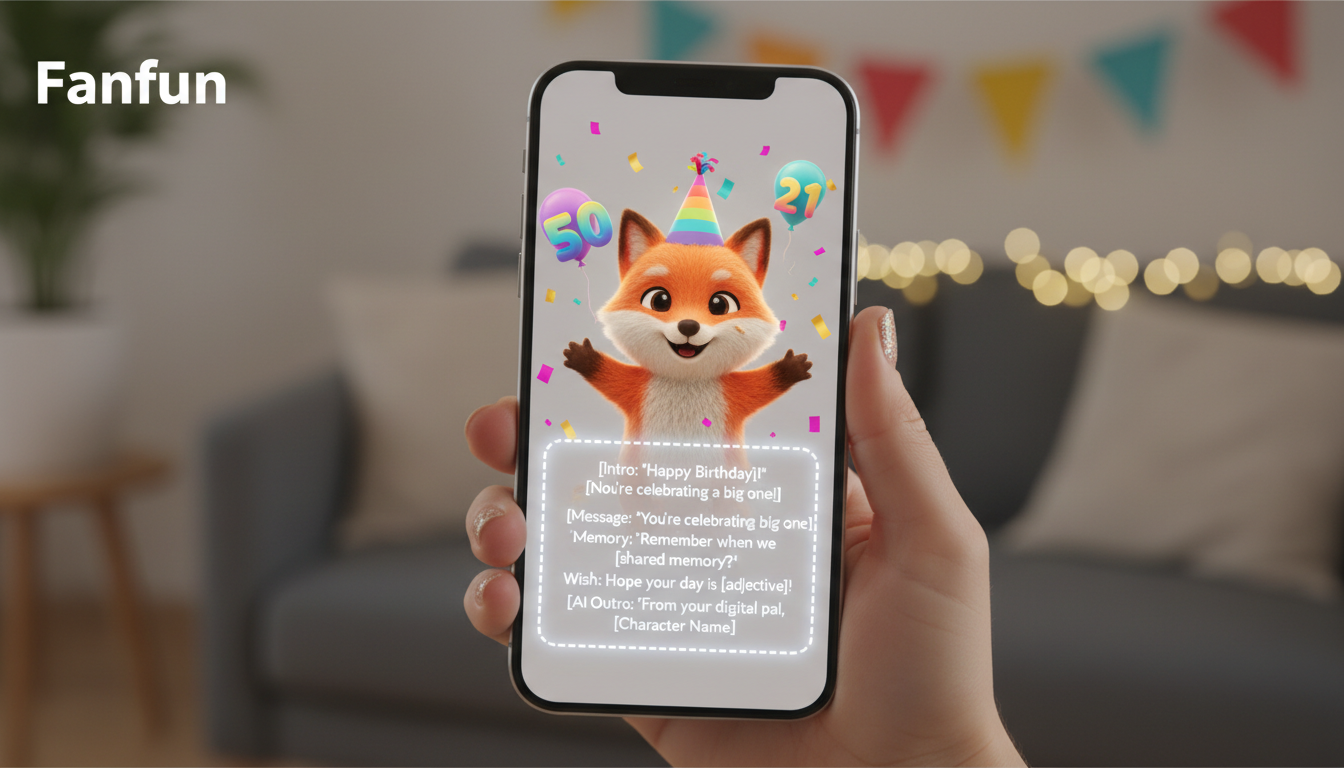
Milestone birthdays like the 40th, 50th, or 60th deserve a celebration that stands out from standard greeting cards. A personalized video message from an AI virtual character or parody persona on Fanfun offers a playful, memorable way to mark the occasion. By keeping your script punchy, focusing on a single comedic or sentimental hook, and formatting the text specifically for synthetic voice generation, you can easily create a delightful video gift that the recipient will love to share.
The Anatomy of a Great Milestone Birthday Script
Creating an entertaining virtual character message requires a slightly different approach than writing a traditional card. Synthetic voices thrive on clear pacing and highly focused ideas. To make your video message feel natural and engaging, keep these structural principles in mind:
- Keep it under 30 seconds: A single Fanfun video credit covers up to 30 seconds of speech. This is the sweet spot for keeping the recipient's attention and ensuring the synthetic voice maintains a steady, natural pace. For a deeper dive into pacing your message, check out our guide on how to write a perfect 30-second script for a virtual character video.
- Establish the character's voice early: Start with a signature catchphrase or a classic character-specific greeting. This immediately signals to the recipient who is speaking and sets a playful tone.
- Focus on one central joke or compliment: Trying to pack too many life events or inside jokes into a short video makes the AI delivery sound rushed or disjointed. Pick one fun theme and stick to it.
- Incorporate a clear call to action: End with a warm toast, a command to eat cake, or a playful instruction for the party. This gives the video a satisfying and active conclusion.
Three Milestone Script Templates: 40th, 50th, and 60th Birthdays
Use these copy-pasteable script outlines as a starting point. Simply swap out the bracketed placeholders with your details. Remember to keep the modifications brief to preserve the natural rhythm of the AI voice generator.
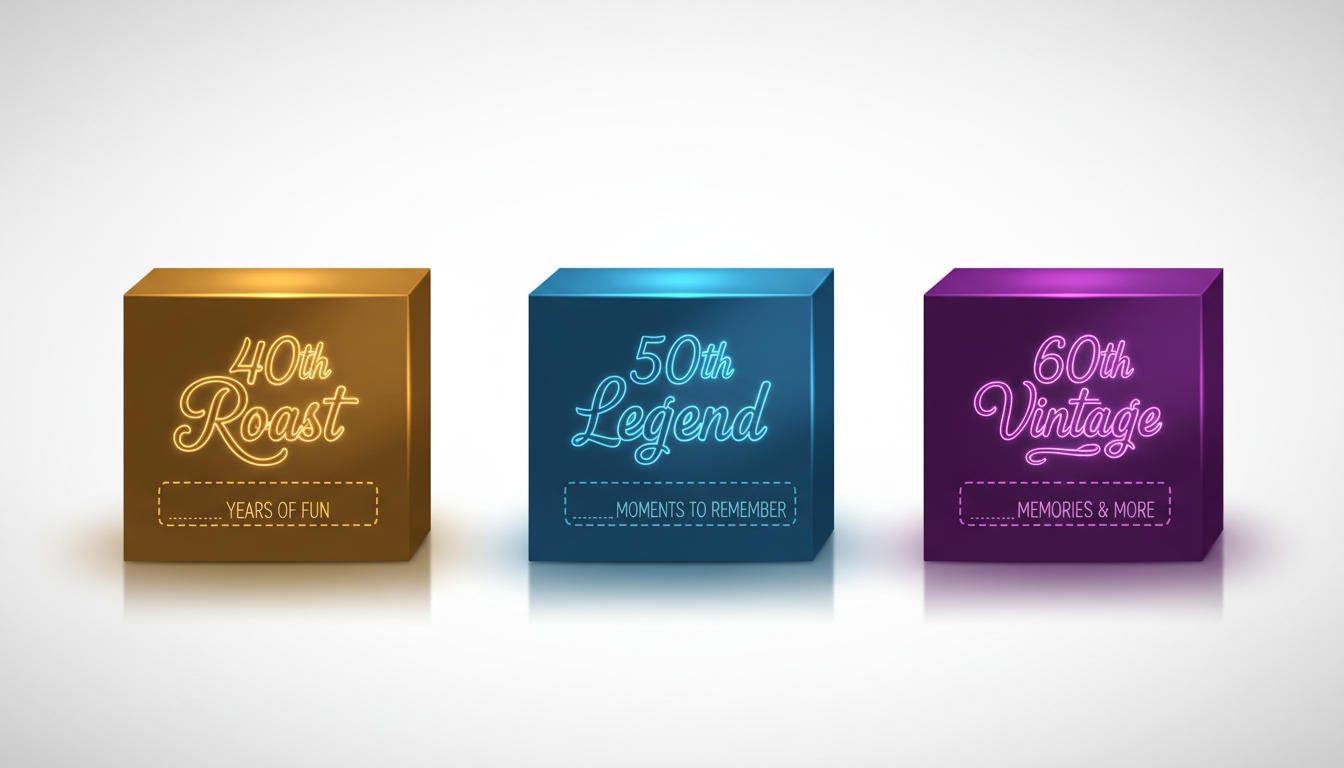
1. The 40th Birthday Roast (The "Still Young, But..." Outline)
Tone: High-energy, playful, and slightly cheeky.
"Hey [Name]! Word on the street is you are turning 40. Don't panic! They say forty is the new thirty... though your knees might disagree. Time to trade the late-night parties for early-morning coffee and comfortable shoes. Have an amazing day, eat some cake, and remember—you are not old, you are just... experienced. Happy birthday!"
2. The 50th Birthday Legend (The "Halfway to 100" Outline)
Tone: Grand, slightly exaggerated, and celebratory.
"Attention everyone! We are celebrating a true legend today. [Name] is turning 50! That is half a century of absolute greatness. You have officially reached the age where you can blame everything on a 'bad back' and get away with it. Here is to fifty years of being awesome. Go celebrate like the rockstar you are!"
3. The 60th Birthday Vintage (The "Classic Antique" Outline)
Tone: Warm, nostalgic, and lighthearted.
"Well, well, well... look who made it to 60! [Name], you are not getting older, you are just becoming a classic antique. Like a fine wine, or a vintage car, you just get more valuable with time. Enjoy the perks of wisdom, the senior discounts, and a fantastic day. Happy 60th birthday!"
Choosing the Right Template
To help you decide which script style fits your recipient best, use this quick decision table:
| Milestone | Best Tone | Ideal Character Type | Key Focus |
|---|---|---|---|
| 40th Birthday | Playful Roast | Energetic Parody or Animated Character | Joking about the transition to "real" adulthood |
| 50th Birthday | Grand Tribute | Hype-man Parody or Bold Voice Persona | Celebrating half a century of legendary status |
| 60th Birthday | Warm & Nostalgic | Classic, Wise, or Comforting Character | Honoring wisdom, vintage style, and relaxation |
Worked Example: 50th Birthday Customization
Here is how the 50th Birthday Legend template looks when fully customized for a recipient named Marcus who loves golfing:
"Attention everyone! We are celebrating a true legend today. Marcus is turning 50! That is half a century of absolute greatness. You have officially reached the age where you can blame your terrible golf swing on a 'bad back' and get away with it. Here is to fifty years of being awesome. Go celebrate like the rockstar you are!"
Fine-Tuning Your Script for the Perfect AI Delivery
Because synthetic voices generate speech based on text patterns, the way you format your script directly impacts how natural the final video sounds. Here are a few practical tips to optimize your script:
- Use phonetic spelling for tricky names: If the recipient has a name that is frequently mispronounced, write it out phonetically in the script. For example, use "Ah-le-sha" instead of "Alicia" to guide the AI voice generator accurately.
- Add deliberate punctuation: Use ellipses (...) or dashes (—) to build in natural pauses and comedic timing. A short pause before a punchline makes a joke land much better.
- Match the script's energy to the character: A high-energy parody persona works wonderfully for a playful roast, whereas an animated hero is perfect for encouraging, positive wishes. Make sure your script's tone aligns with the vibe of the selected Fanfun character.
Remember that different life events require different tonal approaches. If you are celebrating someone transitioning out of the workforce rather than just turning a year older, see our tips on how to write a retirement greeting script for a virtual character video. Alternatively, if you are looking ahead to other major milestone events, check out how to write a wedding anniversary script for a virtual character video to keep the celebrations going.
How do I know if my birthday script is too long for a single video credit?
A single Fanfun video credit covers up to 30 seconds of speech, which is typically around 60 to 75 spoken words. If your script exceeds this word count, it may require additional credits. You will see an estimate of the required credits before you generate your video.
Can I use emojis in my script to change the character's tone?
No, the AI voice generator does not read or interpret emojis. To change the character's tone or pacing, rely on descriptive text and punctuation like exclamation points, question marks, and ellipses to guide the synthetic voice's delivery.
What is the best way to handle unusual name pronunciations in the script?
The most effective method is to spell the name phonetically. Write the name exactly how it sounds (for example, "Siobhan" as "Shiv-on") so the AI voice generator pronounces it correctly on the first try.



