
The Director’s Script: How to Cast and Direct a Character AI Voice Generator for High-Impact Narrative Content
Most creators treat character AI voice generators as simple text-to-speech toys. This guide provides a systematic, professional framework to help you cast the right vocal archetypes, structure scripts for synthetic speech, and direct performances that capture authentic human emotion.
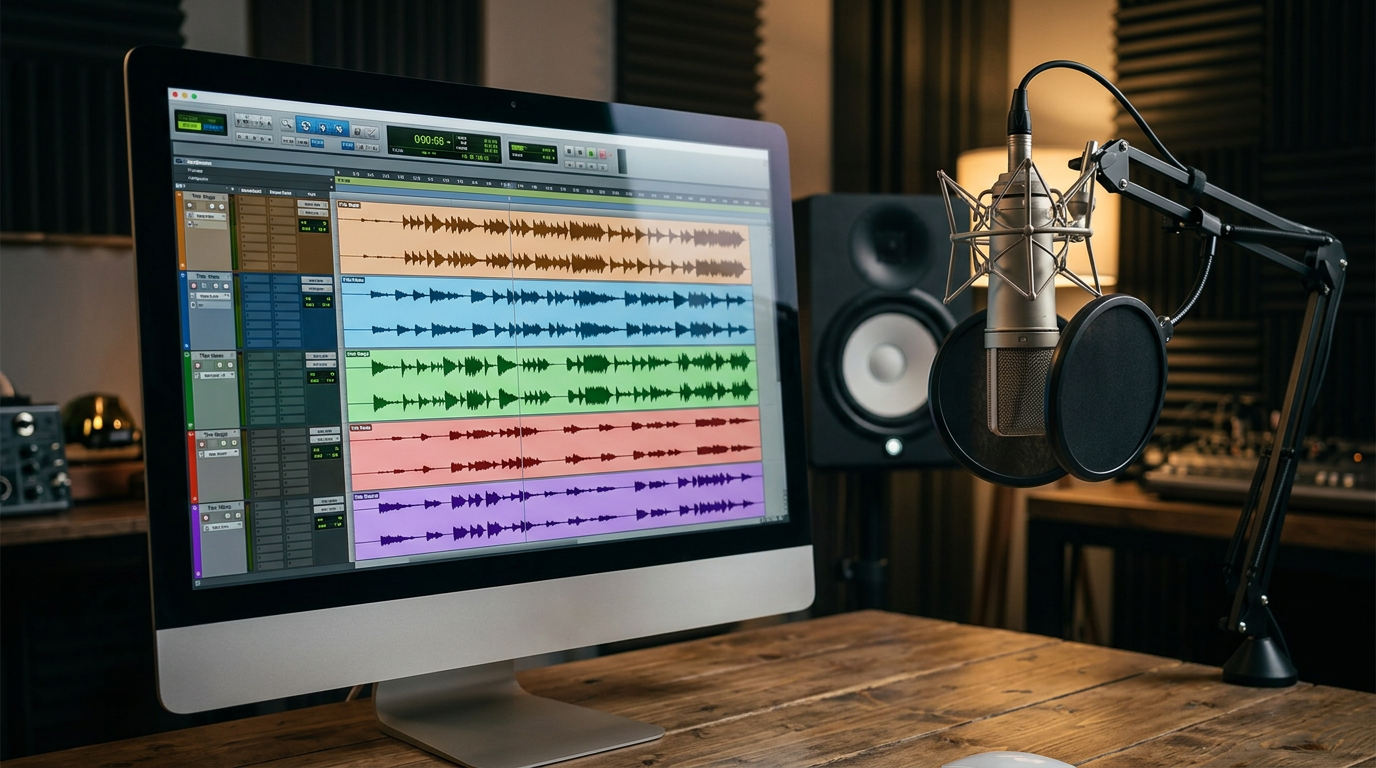
For years, digital creators have treated synthetic speech as a gimmick—a quick way to generate low-effort meme voiceovers or robotic background narration for faceless channels. But as the underlying technology matures, the dividing line between amateur text-to-speech toys and professional audio production has collapsed. Creators who continue to treat artificial intelligence as a simple text reader are missing a massive creative shift: synthetic voices are now a legitimate, highly customizable medium for dramatic, comedic, and narrative storytelling.
To capture and hold an audience's attention in a crowded social feed, you must approach synthetic speech like a seasoned voice director. This means looking past basic pitch sliders and focusing on deep vocal archetypes, phonetic pacing, and emotional subtext. By mastering the art of directing a character AI voice generator, you can elevate your narrative content from a predictable robotic monologue into a compelling, high-retention audio experience.
The Casting Couch: Matching Vocal Archetypes to Your Narrative Goals
Every successful production begins with casting. In traditional media, a casting director doesn't just look for a voice that sounds clear; they look for a voice that carries the psychological weight of the character. When using generative tools, your first step is to categorize your options into distinct vocal archetypes. This choice establishes the emotional baseline for your entire audio track and dictates how your audience will receive your message.

There are four primary vocal archetypes that dominate digital storytelling:
- The Authority: Deep, resonant, and measured. This archetype commands attention, projects confidence, and is perfect for historical retrospectives, high-stakes lore videos, or philosophical breakdowns.
- The Everyman: Conversational, slightly breathy, and highly relatable. Operating with a mid-range pitch and casual cadence, this archetype works best for personal anecdotes, video essays, and friendly tutorials.
- The Trickster: High-energy, dynamic, and unpredictable. Characterized by rapid pitch shifts and expressive punctuation, this voice is ideal for fast-paced social commentary, comedic timing, and chaotic narrative twists.
- The Sage: Calm, instructional, and slightly warm. This archetype uses slow, deliberate pacing to convey deep wisdom, making it perfect for educational narratives, guided experiences, and world-building monologues.
Selecting the wrong archetype instantly breaks immersion. A high-energy "Trickster" voice reading a somber historical documentary will sound abrasive, while a stoic "Authority" trying to deliver a lighthearted modern meme will fall flat. Before you generate a single line of dialogue, define your story’s emotional goal and match it to one of these core archetypes.
Writing for the Synthetic Voice: Scripting Techniques That Beat the Robot
Writing a script for an AI voice generator requires an entirely different approach than writing for the human eye. When we read text silently, our brains automatically smooth over awkward phrasing and insert natural pauses. An AI engine, however, processes text literally. If you do not explicitly build breathing room and natural human imperfections into your script, the engine will deliver a continuous, breathless stream of sound that screams "robot."
The "Breath-Mark" Rule and Phonetic Hacks
To force natural pauses, you must manipulate punctuation as if it were musical notation. Commas represent a quick catch of breath, ellipses (...) indicate a thoughtful hesitation, and em-dashes (—) create sudden, dramatic shifts in thought. For instance, writing "He looked at the map and realized they were completely lost" will sound rushed. Instead, try scripting it as: "He looked at the map... and realized—they were completely, utterly lost."
Furthermore, synthetic engines frequently struggle with complex brand names, technical jargon, or regional accents. To solve this, write phonetically. If the AI mispronounces "Fanfun," you might write it as "Fan fun" or "Fan-fun" to force the engine to emphasize the syllables correctly. This level of control is especially critical when dealing with highly recognizable, iconic voices. For example, understanding how an Optimus Prime voice generator demands structured, measured pacing for heroic narrative delivery will prevent your epic sci-fi script from sounding like a fast-talking commercial disclaimer.
The Director's Toolkit: Fine-Tuning Emotion and Pacing
Once your script is optimized, you must actively direct the performance. Modern voice generation interfaces typically offer control sliders for stability, clarity, and style exaggeration. Finding the right balance is the key to injecting subtle subtext into your dialogue.
If you set the stability slider too high, the voice will sound perfectly consistent but emotionally dead. If you set it too low, the voice may warp, crack, or introduce unwanted audio artifacts. For dramatic storytelling, lower the stability slightly to allow the AI to introduce natural, human-like micro-tremors and unexpected emotional inflections. This is how you transition a line from a flat reading into a performance tinged with underlying sarcasm, urgency, or grief.
To truly ground your synthetic voice in a physical space, never let it sit in a silent vacuum. Layering subtle sound design behind the track is a professional-grade hack that masks minor digital artifacts. Add a low layer of ambient room tone, distant wind, or soft, ducked background music. Introducing subtle physical sounds, like a clothes rustle or footsteps timed with the script's natural pauses, tricks the listener's brain into believing the character is speaking from a real, physical environment.
The Creator's Casting Matrix: Choosing Your Tool
Not all voice generation tools are built for the same creative goals. While generalist text-to-speech platforms are excellent for clean, corporate narration, they lack the distinct personality, cultural relevance, and raw emotional range required for high-impact creative storytelling. This is where specialized platforms like Fanfun redefine the workflow.
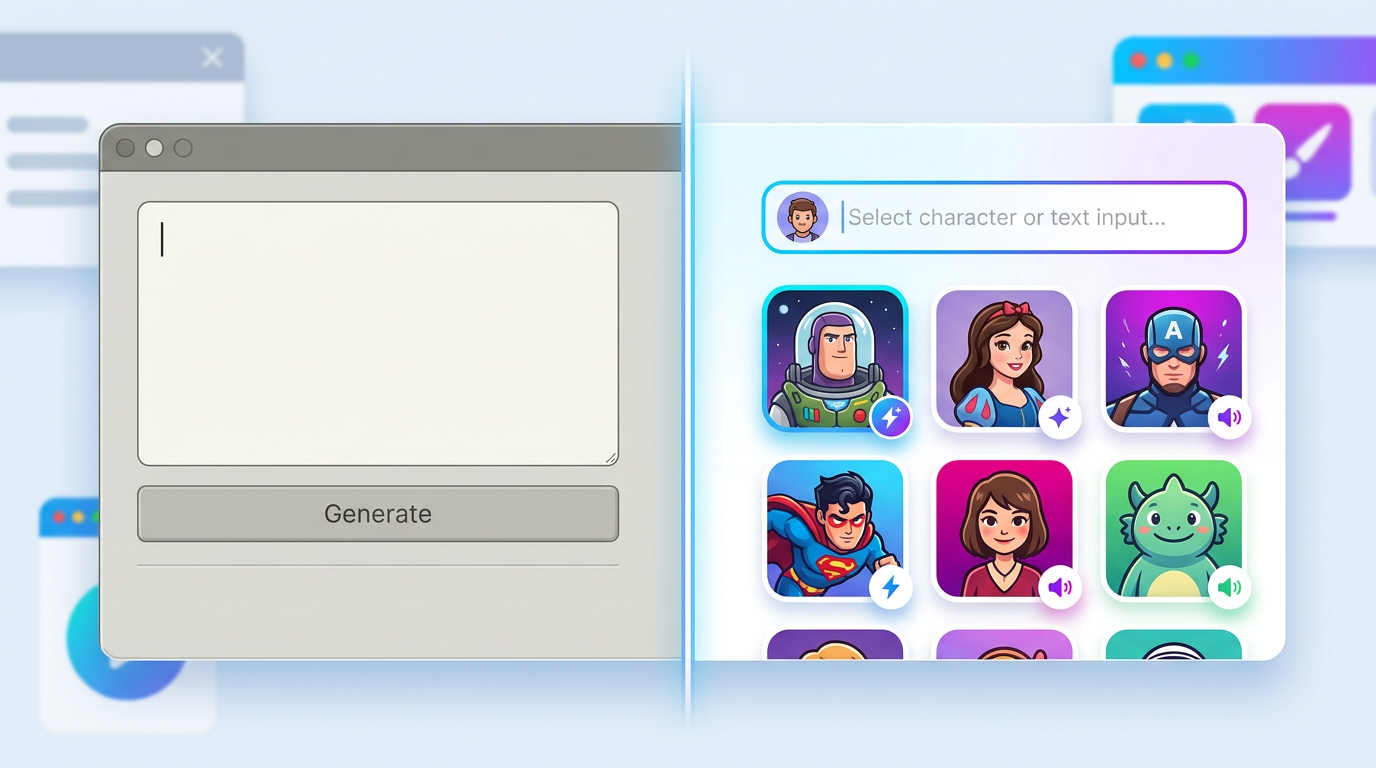
Fanfun bridges the gap between passive, robotic text-to-speech and interactive, character-first creation. Instead of wrestling with sterile, clinical voice models, creators can instantly access a rich ecosystem of iconic personalities, cartoon legends, and cultural figures. Whether you need a voice for an animated short, a satirical social media skit, or an interactive fan project, choosing a platform that prioritizes character-first modeling saves hours of tedious editing.
| Platform Type | Best Use Case | Emotional Range | Setup Time | Key Advantage |
|---|---|---|---|---|
| Generalist TTS | Corporate training, audiobooks, clean narration | Low to Moderate | Fast | Extremely consistent tone |
| Fanfun Character AI | Social content, animations, parodies, interactive chat | High (Character-Specific) | Instant | Pre-trained, culturally relevant personalities |
| Custom Voice Clones | Long-term original IP development | Variable (Depends on clean data) | Slow (Requires hours of source audio) | Uniquely yours |
Advanced Performance Hacks: From Solo Lines to Multi-Character Dialogue
Creating a compelling monologue is challenging, but directing a multi-character dialogue scene introduces a unique set of technical hurdles. The most common mistake amateur creators make is generating an entire conversation in a single text block. When you input multiple characters' lines into one generation window, the AI engine often suffers from "vocal bleeding," where the tone, pitch, and accent of the first character accidentally leak into the delivery of the second.
To avoid this, always generate each character's lines individually. Export the clean audio files and import them into a Digital Audio Workstation (DAW) like Audacity, Premiere Pro, or Reaper. This modular approach allows you to manually control the precise timing of the conversation. You can overlap breaths, cut off lines mid-sentence for dramatic interruptions, and apply the rigorous standards of applying the rigorous standards of an audio director's audit for online voice generators to ensure every single file meets professional standards before mastering.
When working with highly stylized content, your directing style must shift to match the genre. If you are developing an animated short, you will find success by directing a cartoon AI voice generator for high-retention animation and storytelling, which requires broader, more exaggerated vocal swings. Conversely, if your goal is social commentary or humor, you can achieve viral success by crafting sharp comedic timing using a satire playbook for voice generation. By separating your generation workflow, mastering phonetic scripting, and utilizing character-first platforms like Fanfun, you can transform synthetic voices from a simple shortcut into your production's greatest creative asset.
How do I make a character AI voice sound more natural and less robotic?
To make a character AI voice sound natural, avoid writing standard written English. Use the "Breath-Mark" Rule by heavily incorporating punctuation like ellipses (...), commas, and em-dashes (—) to force natural pauses. Additionally, lower the stability settings slightly in your generation engine to allow the AI to introduce subtle, human-like variations in pitch and tone.
Can I use character AI voice generators for commercial YouTube videos?
Yes, many creators use AI voice generators for monetized YouTube videos. However, you must ensure that the platform you use grants commercial usage rights for the generated audio. For parodies, commentary, and transformative creative works, utilizing character platforms like Fanfun allows you to quickly generate engaging, high-retention content that stands out in crowded algorithms.
How do I fix mispronounced words in a text-to-speech voice generator?
If an AI voice generator mispronounces a word, do not keep typing it correctly. Write the word phonetically instead. Break the word down into simpler, phonetic syllables (e.g., spelling "Fanfun" as "Fan-fun" or "pharaoh" as "fair-oh") until the engine delivers the correct pronunciation and natural cadence.
What is the best way to handle dialogue between two different AI voices?
Never generate dialogue for two different characters in a single generation block, as this leads to vocal bleeding. Generate each character's lines as separate, individual audio files. Import these files into a digital audio workstation (DAW) where you can manually adjust the spacing, timing, and overlapping of lines to create a natural conversational flow.



