
The Audio Director’s Audit: How to Evaluate a Celebrity Voice Generator Online for Professional-Grade Content
Tired of robotic, low-quality voice generators that ruin your content's retention? This guide provides an exhaustive, professional 4-point audit to evaluate voice quality, phonetic control, and production workflows.
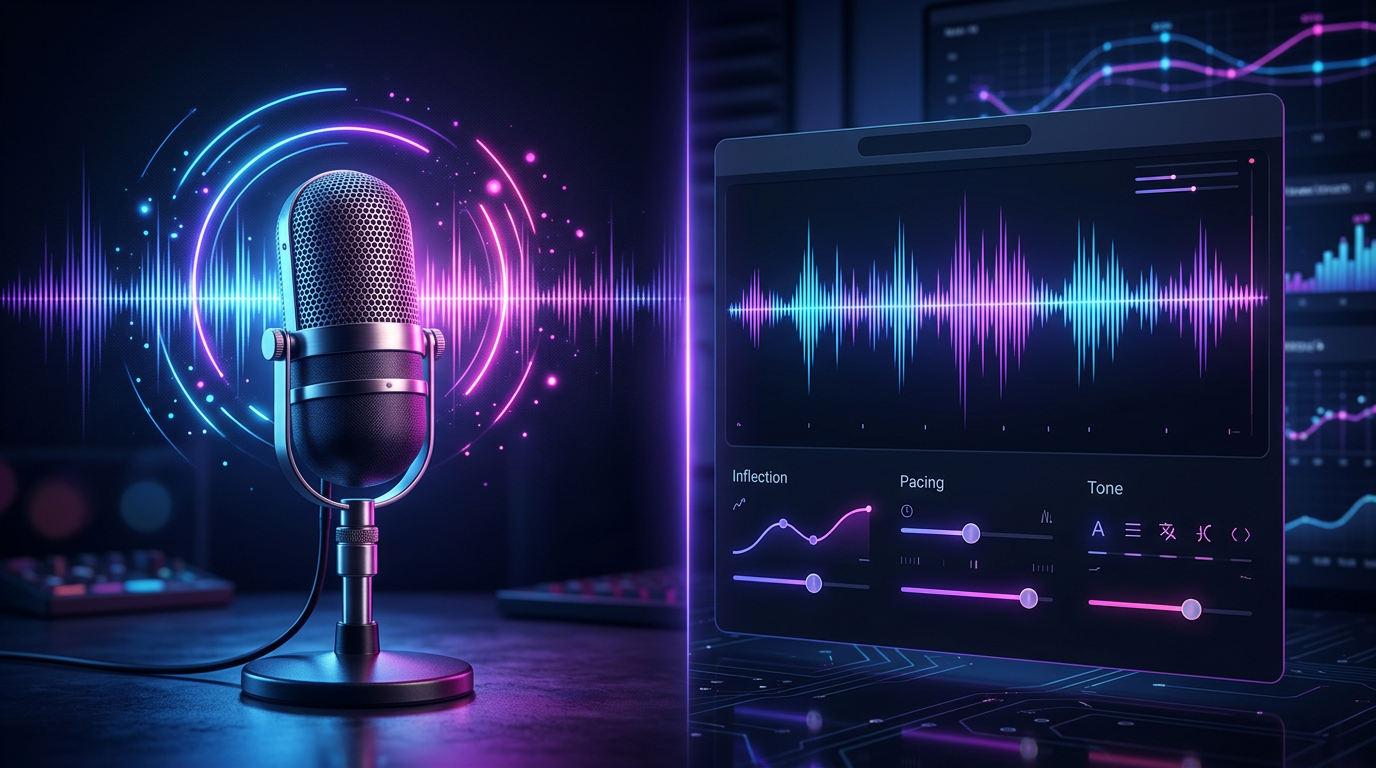
For modern content creators, audio is not merely a background element; it is the primary driver of audience retention. While the market is flooded with free, web-based voice changers, most creators quickly discover a frustrating reality. The vast majority of online tools produce flat, robotic, and disjointed voiceovers that alienate viewers within the first three seconds. If your audience immediately detects a cheap, synthetic soundboard, your credibility evaporates. High-retention video production requires voices that carry weight, texture, and emotional nuance.
To produce high-retention content that stands out on TikTok, YouTube, or commercial campaigns, you must approach AI voice generation with the eye—and ear—of an audio director. This means looking past flashy marketing claims and evaluating tools based on dynamic range, phonetic flexibility, and platform latency. By treating these tools as instruments rather than toys, you can unlock professional-grade storytelling that keeps audiences listening. When you understand the underlying mechanics of voice synthesis, you can transform a simple text prompt into a compelling, cinematic narrative.
The Realism Gap: Why Most Online Voice Generators Fail the Ear Test
The primary giveaway of low-tier voice generators is a flat, robotic cadence. Traditional text-to-speech (TTS) engines read text sequentially, treating words as isolated units. This results in a jarring lack of natural flow, where sentences end with unnatural upward inflections or suffer from awkward, mechanical pauses. Cheap, static soundboards simply map pre-recorded phonemes to text, completely ignoring the emotional context of the script. They lack the ability to understand how a word at the beginning of a sentence behaves differently than the same word at the end of a question.
In contrast, professional-grade neural networks analyze the entire sentence structure before generating audio. They predict where a natural speaker would take a breath, accelerate for emphasis, or drop their pitch to convey seriousness. To bridge this realism gap, creators must understand how to compare the core technologies by reading our guide on choosing celebrity voice generators for content. Choosing a platform that prioritizes dynamic, neural-network-driven AI interpretations over static soundboards is the first step toward professional audio production. This technological distinction is what separates throwaway internet memes from high-production-value storytelling.
The 4-Point Audit: How to Evaluate a Celebrity Voice Generator Online
To save time and budget, run any online voice generator through this four-point audit before integrating it into your production pipeline. This systematic check separates hobbyist toys from robust creative platforms, ensuring you do not waste hours editing unsalvageable audio files.

1. Phonetic Control & Punctuation Sensitivity
A professional generator must respond dynamically to punctuation cues. Commas should introduce brief, natural pauses; em-dashes should create abrupt transitions; and exclamation marks should shift both pitch and volume. Furthermore, the tool must allow for phonetic spelling adjustments. If the AI struggles to pronounce a brand name, a technical term, or a slang word, you must be able to spell it phonetically (e.g., writing "pro-teen" instead of "protein") to force the correct pronunciation without the engine breaking character or dropping its natural cadence. If a tool does not let you manipulate pronunciation manually, it will fail you during high-stakes client work.
2. Latency and Generation Speed
In a fast-paced production environment, waiting in a long queue for a thirty-second audio clip is unacceptable. High-quality platforms deliver near-instant rendering. This rapid turnaround allows you to iterate on script changes, test different emphasis points, and export finalized files in minutes rather than hours. If you are producing daily content for social media, a slow rendering engine will bottleneck your entire creative workflow, making it impossible to jump on breaking trends while they are still relevant.
3. Emotional Range and Inflection
Human speech is inherently dynamic. A voiceover that maintains the exact same energy level throughout an entire video feels artificial and fatiguing. Evaluate whether the platform's AI models can transition from an excited hook at the beginning of a video to a calm, authoritative tone during the main explanation. Look for models that preserve the unique vocal fry, breathiness, and micro-inflections of the targeted persona. To understand how to push these boundaries further, check out our guide on how to direct a cartoon AI voice generator for high-retention storytelling, which covers advanced emotional direction techniques.
4. Licensing and Ethical Guardrails
Using unauthorized deepfakes of real individuals carries severe legal, financial, and reputational risks. Professional creators must prioritize platforms that operate ethically. Ensure the service utilizes licensed voice models or clearly positioned, ethical AI interpretations that protect both the creator and the intellectual property holder from copyright strikes or platform bans. Working with platforms that respect intellectual property ensures your channels remain safe for long-term monetization.
| Audit Metric | Toy-Grade Changers | Production-Grade Generators |
|---|---|---|
| Punctuation Sensitivity | Ignores commas; flat delivery throughout. | Adjusts pitch, speed, and pauses based on punctuation. |
| Rendering Speed | Long queues; slow rendering times. | Instant generation within seconds. |
| Vocal Texturing | Metallic, buzzy, or highly compressed audio. | Rich, natural vocal fry and realistic breathing patterns. |
| IP Compliance | Unregulated, high-risk deepfakes. | Ethically sourced, platform-approved models. |
The Production Workflow: From Raw Text to High-Retention Voiceover
Even the most advanced AI voice generator requires careful direction to achieve absolute realism. To elevate your audio, follow this three-step production workflow:
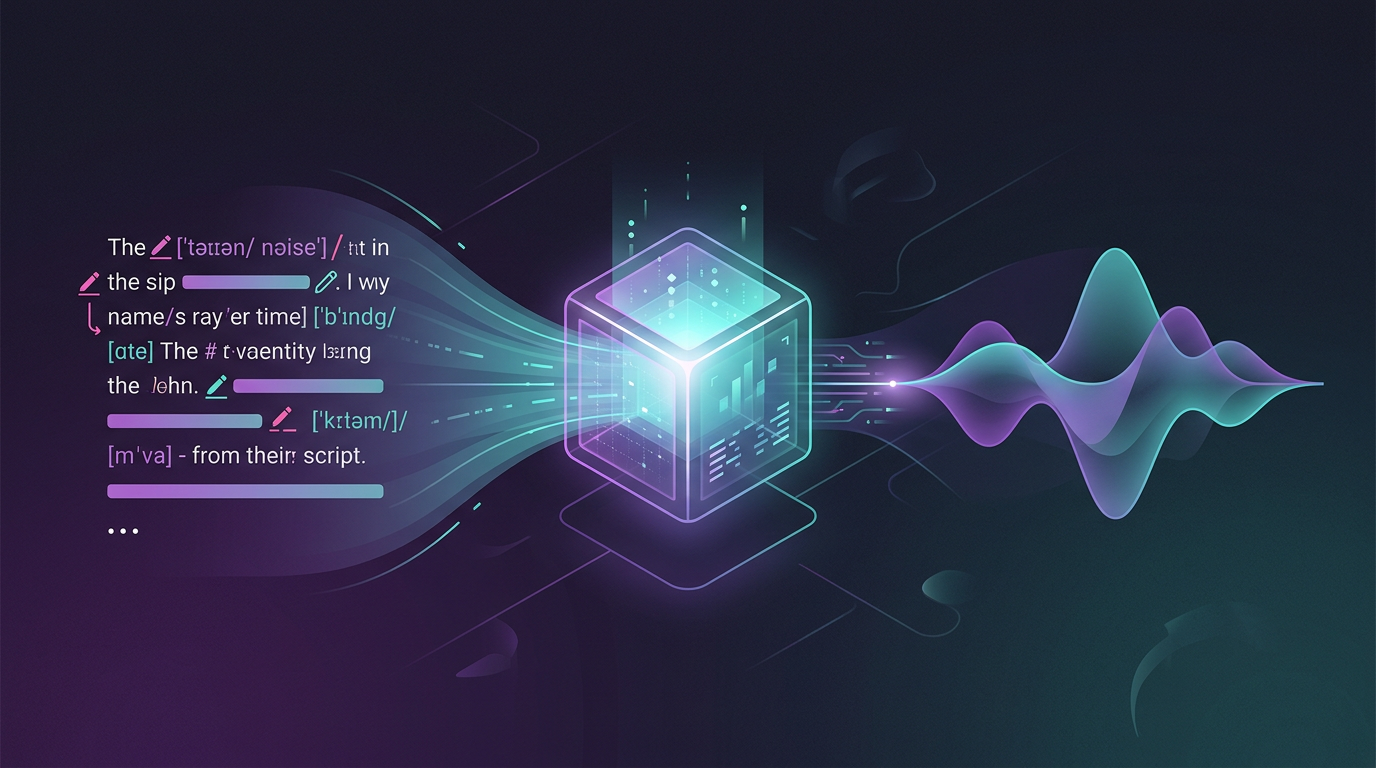
Step 1: Write for the ear, not the eye. Written grammar often looks beautiful on a page but sounds incredibly stiff when spoken aloud. Use contractions ("don't" instead of "do not"), write in fragments where natural, and spell out complex words phonetically if the AI mispronounces them. For example, if the generator struggles with the word "hyperbole," try typing "hi-per-buh-lee" to force the correct emphasis. For deeper insights into this transition, read our strategic guide on moving from low-effort memes to premium storytelling with celebrity AI voice generators.
Step 2: Use punctuation as director's cues. Do not hesitate to over-punctuate your scripts to guide the AI's pacing. Use ellipses (...) to force a dramatic pause, em-dashes (—) to simulate a sudden shift in thought, and strategic exclamation points to lift the energy of key phrases. If a sentence feels rushed, break it into two smaller sentences. This technique allows you to control the breath and rhythm of the voiceover, mimicking the natural speech patterns of a seasoned voice actor.
Step 3: Layer background soundscapes. In professional audio engineering, minor digital artifacts are often masked by ambient noise. Layering a subtle background music track or relevant sound effects (such as low room tone, street noise, or cinematic swooshes) under your AI voiceover instantly glues the audio together, making any minor synthetic imperfections virtually imperceptible to the listener. You can learn how to optimize your output with our playbook on scaling production without losing audience trust. Additionally, understanding how to move beyond basic tools for premium content creation will help you refine your final mix.
Beyond the Voice: Integrating Audio into Multi-Format Campaigns
For modern creators and marketers, custom audio is often just the initial touchpoint. To maximize engagement, high-performing campaigns seamlessly bridge the gap between audio, video, and interactive formats. This is where platforms like Fanfun redefine the creative landscape. Instead of limiting creators to one-way, static voice clips, Fanfun offers an entire ecosystem where you can generate personalized celebrity-style videos, craft high-fidelity voiceovers, and even build two-way interactive AI chat experiences with cultural icons. This multi-format flexibility allows you to deploy a single creative concept across multiple touchpoints instantly.
Pairing high-quality voiceovers with engaging visual elements dramatically increases viewer retention on highly visual platforms like TikTok, Instagram Reels, and YouTube Shorts. To see how these formats work in tandem, explore how to pair your audio with visuals in our guide on producing high-retention content with AI celebrity video generators. By utilizing a multi-format approach, you turn a simple voiceover into an immersive, multi-sensory experience that commands attention and drives deeper fan interaction.
The Ethics of Influence: Navigating IP and Creator Trust
As AI voice technology becomes more accessible, maintaining ethical standards is paramount for long-term brand safety. Utilizing unauthorized voice clones can lead to severe consequences, including content takedowns, demonetization, and legal disputes. Brands and professional creators must distinguish between malicious deepfakes and authorized, ethical AI interpretations that respect the original performers.
When selecting an online generator, prioritize platforms that respect creative ethics, secure proper licensing, and offer transparent terms of use. Fanfun leads this space by focusing on authorized, high-quality, and ethical AI interpretations of beloved characters and cultural figures. Operating within these ethical boundaries protects your brand's reputation, builds trust with your audience, and ensures that your content remains fully compliant across all major social media distribution channels, allowing you to scale your production with peace of mind.
How can I make an online celebrity voice generator sound less robotic?
To reduce robotic delivery, write your scripts using natural conversational language, contractions, and fragment sentences. Use creative punctuation—like ellipses (...) for pauses and em-dashes (—) for sudden transitions. If a word sounds unnatural, spell it phonetically (e.g., "buh-nana" instead of "banana") to force the correct pronunciation and inflection.
Are celebrity voice generators legal to use for commercial YouTube videos?
It depends on the platform and the voice model. Using unauthorized deepfakes of real people for commercial gain carries significant legal risks and can lead to copyright strikes or demonetization. Always use reputable platforms like Fanfun that utilize ethical AI interpretations, licensed models, and clear commercial usage guidelines to protect your content.
What is the difference between a real-time voice changer and an online text-to-speech generator?
A real-time voice changer modifies your live vocal input instantly (often used for gaming or live streaming), whereas an online text-to-speech generator synthesizes entirely new audio files from written text scripts, allowing for precise editing, script writing, and performance direction before exporting.
How do professional creators handle phonetic errors in AI voiceovers?
Professional creators use phonetic spelling workarounds to guide the AI. By breaking complex words, brand names, or slang terms into simplified, phonetic syllables in the text editor, you can manually override the AI's default pronunciation dictionary to achieve a perfect read.



