The Creative Director's Guide to Celebrity AI Voice Generators: From Low-Effort Memes to Premium Storytelling
Move past low-effort soundboards. Discover how to write, direct, and optimize celebrity AI voice generators to create high-retention narrative content that stands out on social media.
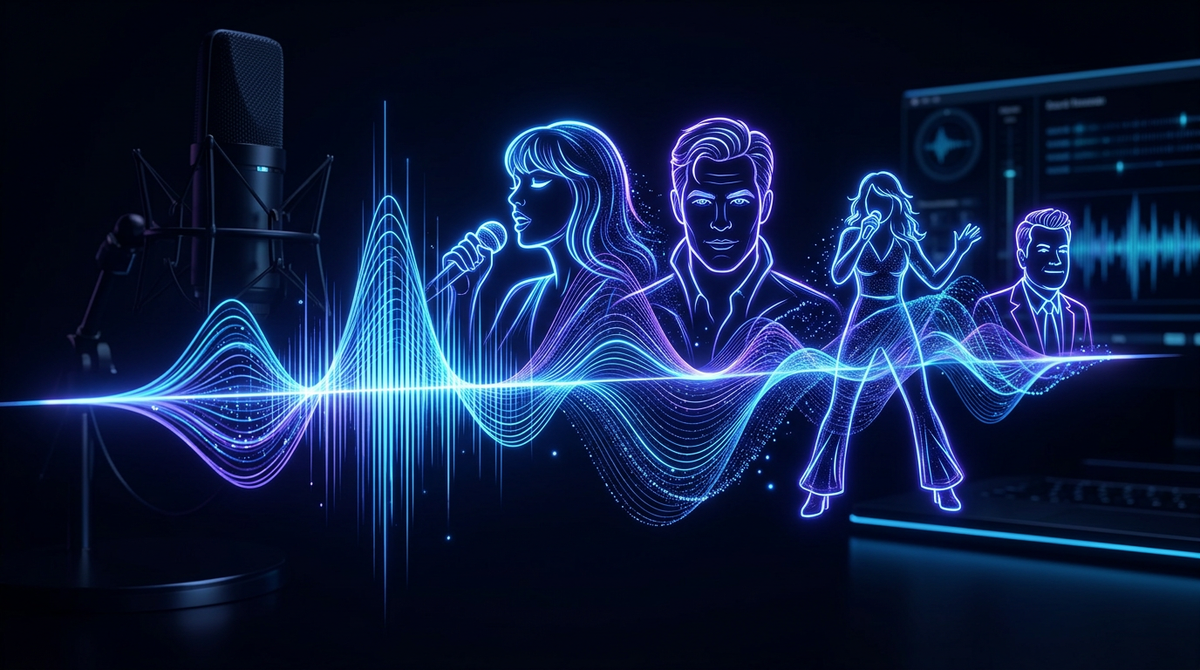
The era of using celebrity AI voice generators just to spam Discord channels with low-effort soundbites is officially over. Today’s audiences are highly sophisticated; they can spot a basic, unedited text-to-speech clone in seconds, and they quickly swipe away from robotic, flat deliveries. For creators, marketers, and fan communities, the real value of synthetic voice technology isn't in pulling cheap pranks, but in crafting high-retention narrative content that keeps viewers hooked from the first frame.
To stand out on platforms like TikTok, YouTube Shorts, and Instagram Reels, you have to stop treating AI voice generators like digital novelty toys and start treating them like actors. By stepping into the role of a creative director—learning how to write scripts optimized for synthetic speech, choosing the right production tools, and managing pacing—you can scale your content engine without sacrificing narrative quality or audience trust.
The Evolution from Soundboard Trolling to Narrative Storytelling
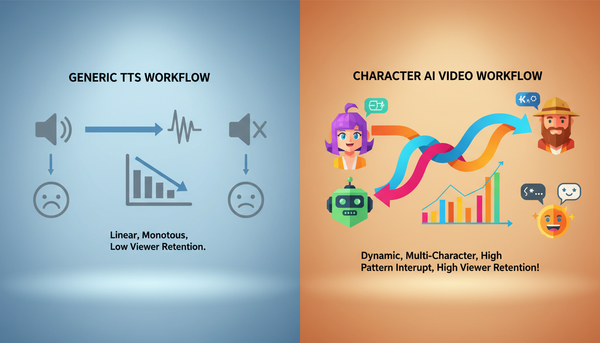
In the early days of social media voice clones, content was dominated by static soundboard clips. A creator would trigger a single, isolated catchphrase over a gameplay video, laugh at the novelty, and call it a day. While this format briefly succeeded due to its shock value, it quickly hit a ceiling. Static clips lack context, pacing, and emotional progression—the fundamental elements that drive audience retention and algorithmic favor.
Today, successful creators are transitioning from static soundboards to dynamic storytelling. Instead of using isolated voice drops, they are building complex multi-character parodies, fictional crossover podcasts, and hyper-personalized fan experiences. This evolution requires active creative direction. Rather than letting the AI dictate the output, modern creators structure their audio to build tension, deliver punchlines with precise comedic timing, and carry a cohesive narrative arc from start to finish.
Why Most Free Voice Generators Fail Creators (and the Premium Alternative)
If you have ever tried using a free, ad-laden web tool to generate a celebrity voiceover, you already know the frustration. These platforms are built on outdated, low-fidelity models that struggle with basic human speech patterns. The results are usually characterized by high latency, a metallic or robotic timbre, and a complete absence of emotional range. Furthermore, these free sites often present severe security risks, exposing users to malicious ads, unencrypted data handling, and hidden subscription traps.
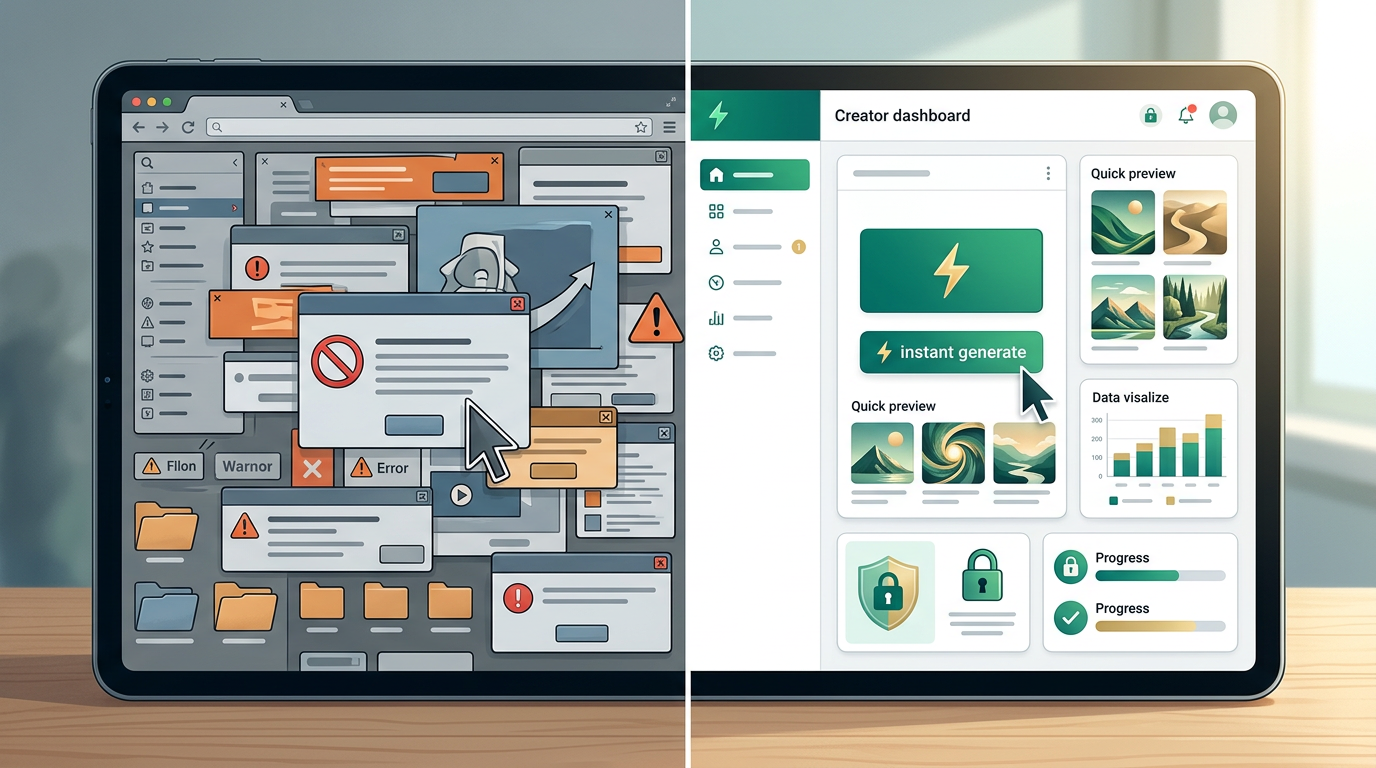
Beyond the technical limitations, there is a massive operational bottleneck. Traditional platforms require you to wait days—sometimes weeks—for a human creator to record a custom message, often charging hundreds or thousands of dollars for a single file. This slow, expensive model makes it impossible to react to fast-moving internet trends or scale a daily content calendar. This is why free platforms often compromise on quality and safety, driving serious creators toward professional alternatives.
Fanfun bypasses these bottlenecks entirely by offering a premium, instant alternative designed for modern workflows. Fanfun’s AI voice and video generation tools deliver studio-quality, highly customizable results in minutes rather than days. Whether you are producing a quick social media promo, an interactive fan campaign, or a multi-character parody, Fanfun gives you the creative control and high-fidelity output needed to keep your audience engaged and your production secure.
| Feature / Metric | Typical "Free" AI Voice Tools | Fanfun Premium Creator Suite |
|---|---|---|
| Vocal Fidelity | Robotic, metallic, flat emotional delivery | Rich, expressive, natural human cadence |
| Generation Speed | High latency, frequent server queues | Instant generation (results in minutes) |
| Format Versatility | Audio-only text-to-speech | Multi-format: Voice, Video, and Interactive Chat |
| Creative Control | None; standard paste-and-pray generation | Advanced punctuation and pacing control |
| Safety & Security | Ad-heavy, potential data leaks, malware risks | Secure, compliant, and privacy-focused platform |
How to 'Direct' an AI Voice: 4 Tactical Scripting Rules
To get a natural, high-retention performance out of an AI voice generator, you must write your scripts specifically for synthetic vocal delivery. AI models do not read context the way human actors do; they rely entirely on the structural cues you provide in your text. By applying these four tactical scripting rules, you can transform a flat reading into a dynamic, engaging performance.
1. Write for the Breath and Cadence
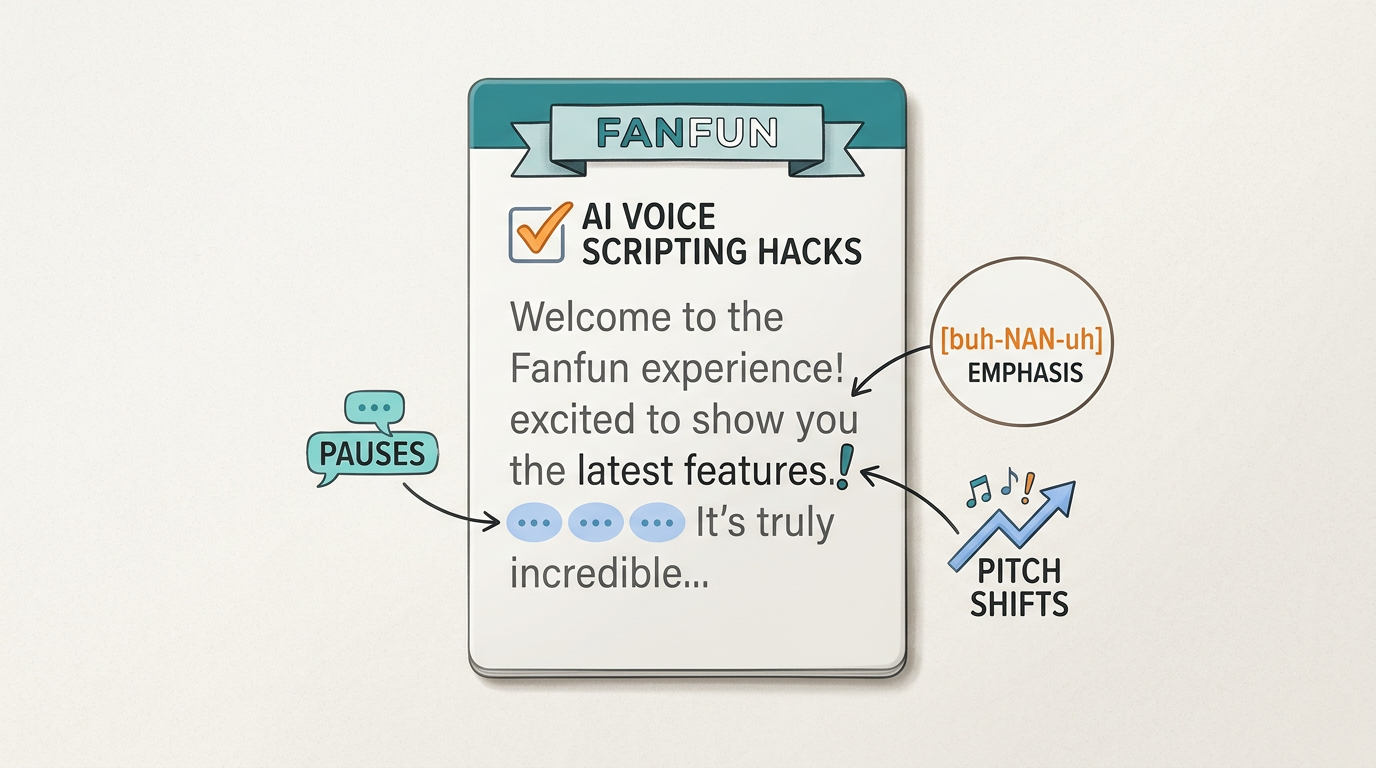
Human beings do not speak in continuous, grammatically perfect sentences without pausing to breathe. If you feed an AI generator a massive, sixty-word block of uninterrupted text, it will attempt to read it all in a single, unnatural breath, resulting in an increasingly rushed and robotic delivery. Break your sentences into shorter, punchier fragments. Force natural pauses by ending thoughts early, allowing the AI model to naturally reset its pitch and mimic human breathing patterns.
2. Use Phonetic Spelling for Complex Words
AI voice generators process text by breaking it down into phonemes. While they excel at common vocabulary, they often stumble on slang, brand names, fantasy terms, or highly specific regional pronunciations. If the generator mispronounces a word, do not keep typing it correctly. Spell it phonetically. For example, instead of writing "hyperbole," try writing "hi-PER-buh-lee." Adjusting the spelling to match how the word actually sounds will instantly solve pronunciation issues.
3. Leverage Punctuation as Directional Cues
Punctuation marks are the steering wheel of your AI voice performance. Do not limit yourself to standard periods and commas. Use ellipses (...) to force a dramatic, lingering pause. Use em-dashes (—) to create a sudden, abrupt interruption or shift in thought. Capitalizing entire words or adding exclamation points can guide the generator to raise its pitch or add emphasis, giving you direct control over the emotional arc of the delivery.
4. Match the Persona's Natural Vocabulary
An AI voice will always sound more authentic when it is speaking words that the real-life persona would actually use. If you are generating a voiceover for an energetic sports icon, avoid using overly formal, academic language. Conversely, if you are directing an intellectual figure, match their distinct sentence structures, favorite catchphrases, and signature speech tics. Understanding how to direct specific celebrity personalities for maximum retention is the key to making your audience forget they are listening to a synthetic voice.
Choosing the Right Voice Tech for Your Specific Use Case
Not all synthetic voice tools are created equal. Depending on your creative goals, your target platform, and your production timeline, you will need to select a tool that fits your specific workflow. Understanding the strengths and limitations of each format prevents you from wasting time on tools that cannot deliver your desired output.
When evaluating and selecting the right generator for your specific format, consider whether your project requires a simple one-way audio file, a fully rendered video, or a dynamic, two-way interactive experience. While basic voice changers are useful for real-time streaming, they do not allow for the precise editing and script direction required for high-quality video production. Multi-format platforms like Fanfun bridge this gap by offering not only voice and video generation but also interactive AI chat, giving creators a versatile toolkit to engage their audience across multiple touchpoints.
Ethical Content Creation: Building Audience Trust While Using Synthetic Voices
As synthetic media becomes more mainstream, platforms and audiences alike are demanding transparency. Both TikTok and YouTube have implemented strict synthetic media disclosure policies, requiring creators to clearly label content that has been digitally altered or generated using AI. Ignoring these rules can lead to your videos being flagged, demonetized, or shadowbanned, destroying your organic reach overnight.
To build long-term audience trust and maintain platform compliance, always prioritize clear labeling. Add a subtle, clean watermark (such as "AI Parody" or "Synthetic Voice") directly onto your video, and explicitly state that the voice is AI-generated in your video description or caption. This transparency does not ruin the joke or lower engagement; in fact, audiences often appreciate the honesty and are more willing to engage with the creative merit of your content when they do not feel deceived.
Finally, draw a firm ethical line between entertainment and misinformation. Using AI voices for creative parodies, fan-fiction, educational hypotheticals, and lighthearted memes is a fantastic way to build community. However, using synthetic voices to fabricate news, impersonate individuals for malicious intent, or spread harmful misinformation is a violation of platform terms and creative ethics. By keeping your content focused on fun, creativity, and transparent entertainment, you can leverage the full power of AI voice technology safely and sustainably.
Are celebrity AI voice generators legal to use on YouTube and TikTok?
Yes, using celebrity AI voice generators is generally allowed on YouTube and TikTok, provided the content falls under creative parody, satire, or fair use, and is clearly labeled. Both platforms require creators to disclose synthetic media using their built-in AI labels to prevent misleading audiences. Using synthetic voices to defame, scam, or spread malicious misinformation is strictly prohibited and can result in account termination.
How do I make an AI celebrity voice sound more natural and less robotic?
To make an AI voice sound natural, write your scripts with human speech patterns in mind. Break up long sentences to allow for natural breathing pauses, use phonetic spelling (e.g., "buh-NAN-uh" instead of "banana") for words the AI struggles to pronounce, and utilize punctuation like ellipses (...) or dashes (—) to force realistic pauses and shifts in pitch.
What is the difference between an AI voice changer and an AI voice generator?
An AI voice changer modifies a live human voice in real-time, often used during live streams or gaming. An AI voice generator (or text-to-speech generator) synthesizes entirely new speech from written text, allowing creators to write, edit, and perfect a script before generating a high-fidelity audio file without needing to record any live audio themselves.
Can I use celebrity AI voices for commercial advertisements?
Using a celebrity's synthetic voice for commercial advertisements, paid sponsorships, or direct endorsements without explicit permission or licensing is highly risky and generally violates "Right of Publicity" laws. For commercial use, it is best to stick to licensed voices, original character voices, or generic professional AI voiceover models rather than unauthorized celebrity likenesses.