How to Write Phonetic Spellings for Japanese Names in Text to Speech
Give your AI video messages a polished, respectful touch. Learn how to break down Japanese names phonetically to prevent common text-to-speech mispronunciations.

To write phonetic spellings for Japanese names in text-to-speech (TTS) systems, you must break the name into flat, evenly stressed syllables (called morae) and map the vowels to phonetic English equivalents. For example, names ending in "e" (like Daisuke) should be spelled with "eh" or "kay" to prevent the AI from treating the final letter as a silent "e," while long vowels can be stabilized using "oh" or "oo." While modern AI voice generators are highly advanced, they default to English phonetic rules, meaning you often need to adjust spelling manually in your script to get a respectful, natural-sounding pronunciation.
Why Japanese Names Challenge AI Speech Generators
English and Japanese use entirely different rhythmic structures. English is a "stress-timed" language, meaning we naturally make some syllables longer and louder while rushing through others. Japanese, on the other hand, is a "mora-timed" language. Every single syllable (or mora) gets the exact same amount of time and musical weight. When an AI speech generator encounters a Japanese name like Sato or Hiroto, it tries to apply English stress rules, resulting in jarring mispronunciations like "SAY-toe" or "Heer-OH-toe."
Additionally, standard AI models struggle with vowel clarity. In Japanese, vowels are pure and consistent: "a" sounds like "ah," "i" like "ee," "u" like "oo," "e" like "eh," and "o" like "oh." When translated directly into a standard text-to-speech script, the AI often applies English rules, turning a short "u" sound into an "uh" sound or silencing the final "e" entirely. Adjusting these names phonetically is not just a technical workaround; it is a way to ensure your digital greetings sound warm and intentional. Much like mastering phonetic spelling for complex last names, taking a moment to refine these details makes all the difference when creating a personalized video message on Fanfun.
A Simple Framework for Phonetic Adjustment
Getting a synthetic voice to pronounce Japanese names correctly requires a systematic approach. By breaking down the name and replacing tricky letters with phonetic English equivalents, you can guide the AI to the correct pronunciation on the first try.
Step 1: Break the Name into Flat Syllables
Identify each individual sound block in the name. For example, the name Naoki splits into three distinct parts: Na-o-ki. Unlike English, where you might blend these into "Now-kee," each part must be enunciated clearly and given equal weight.
Step 2: Map the Vowels to Pure English Sounds
Use this quick vowel-mapping cheat sheet to replace standard Romanized letters in your script:
- A becomes Ah (e.g., Kenji -> Ken-jee)
- I becomes Ee (e.g., Ichiro -> Ee-chee-roh)
- U becomes Oo (e.g., Yuto -> Yoo-toh)
- E becomes Eh or Kay at the end of names (e.g., Daisuke -> Die-soo-kay)
- O becomes Oh (e.g., Sato -> Sah-toh)
Step 3: Test and Iterate
Before you finalize your script, generate a quick preview. Listen closely to the rhythm. If the voice sounds too rushed or pauses awkwardly, you can add hyphens or spaces to separate the syllables. For example, if "Sahtoh" sounds too compressed, try writing it as "Sah toh" or "Sah-toh" to force a brief, natural separation.
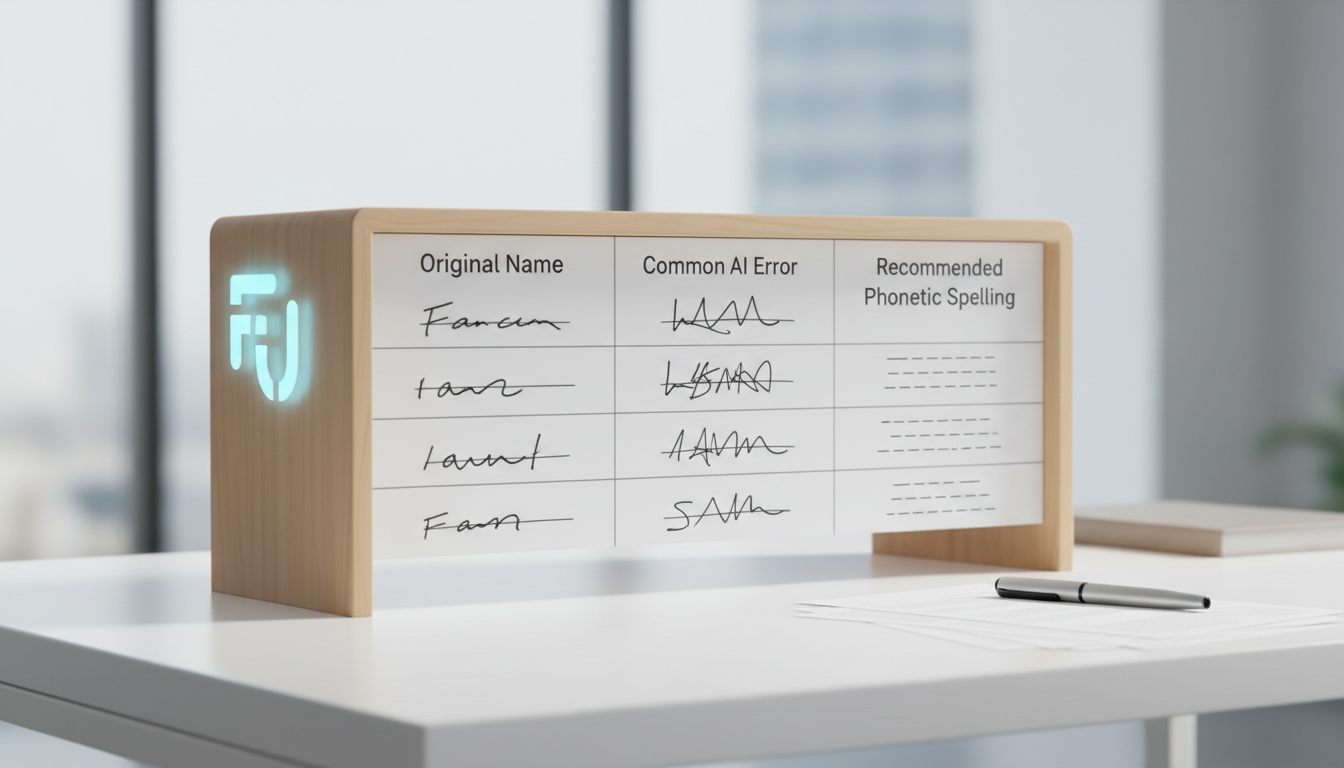
Here is a comparison of common Japanese names, how standard AI speech generators typically mispronounce them, and how you should spell them in your script for the best results:
| Original Name | Common AI Error | Phonetic Spelling to Use | Pronunciation Guide |
|---|---|---|---|
| Sato | SAY-toe | Sah-toh | Equal weight on both syllables |
| Daisuke | Day-sook | Die-soo-kay | Forces the "e" to be pronounced as "kay" |
| Yuto | Yuh-toe | Yoo-toh | Long "oo" sound instead of short "uh" |
| Kaori | Kay-oh-ree | Kah-oh-ree | Ensures three distinct, even syllables |
| Keiko | Kee-ko | Kay-koh | Avoids the English "ee" sound for "ei" |
Common Phonetic Adjustments for Japanese Names
When working with Japanese names in synthetic speech, three specific areas tend to cause the most trouble: long vowels, the Japanese "r" sound, and trailing vowels.
Handling Long Vowels
In Japanese, some vowels are held for twice the duration of a standard vowel (like the "o" in Sato or the "u" in Yuto). Standard Romanization often drops the indicator for these long vowels. To help the AI capture this natural flow, spell out the long sound. Write "Sah-toh" instead of "Sato," or "Yoo-toh" instead of "Yuto." This prevents the AI from rushing through the name or clipping the final syllable.
Managing the Soft "R" Sound
The Japanese "r" is a tap sound, created by bouncing the tongue off the roof of the mouth, making it sound different from an English "r." Because English AI models tend to produce a hard, retroflex "R" (like the "r" in "red"), names like Riku or Haruto can sound overly harsh. To address this, you can experiment with subtle spelling adjustments or accept a standard English "r" if the synthetic voice cannot perfectly replicate the tap sound.
Avoiding the "Silent E" Trap
In English, a trailing "e" is usually silent and changes the preceding vowel (like "rate" vs "rat"). In Japanese, every "e" is fully pronounced as "eh." To prevent your AI model from silencing the end of names like Daisuke, Suke, or Sasuke, spell the final syllable as "kay" or "keh." Writing "Die-soo-keh" ensures the AI reads the entire name instead of ending abruptly on the "k" sound.
Taking the time to adjust your scripts ensures that your Fanfun video messages feel authentic and respectful. If you are working with a diverse cast of characters or international names, you can also explore our guides on phonetic spelling for French names and phonetic spelling for Italian names to keep your audio sounding flawless.
Should I use hyphens to separate syllables in my script?
Yes, hyphens are highly effective for slowing down the AI and ensuring each syllable is pronounced with equal weight. If the AI blends syllables together too quickly, adding hyphens (like "Sah-toh" instead of "Satoh") forces a tiny, natural pause between the sounds.
Does punctuation like commas affect how the AI pauses on a name?
Absolutely. Placing a comma directly after a name will force the synthetic voice to pause, which can make the name stand out more clearly in a sentence. However, avoid placing commas inside the name itself, as this will create unnatural breaks in the middle of the word.
Why does the pronunciation change if I capitalization the name?
Some AI speech models treat fully capitalized words as acronyms, spelling them out letter-by-letter (e.g., pronouncing "SATO" as "S-A-T-O"). For the best phonetic results, use standard capitalization (e.g., "Sah-toh") or lowercase letters to ensure the model reads it as a continuous word.