The Fandub Blueprint: How to Sync, Mix, and Direct Anime Voice Makers for High-Quality Fan Dubs
Fandubbing has evolved past bedroom microphones. Discover how to direct AI voice makers, master syllable-matching lip-syncs, and mix cinematic audio tracks.
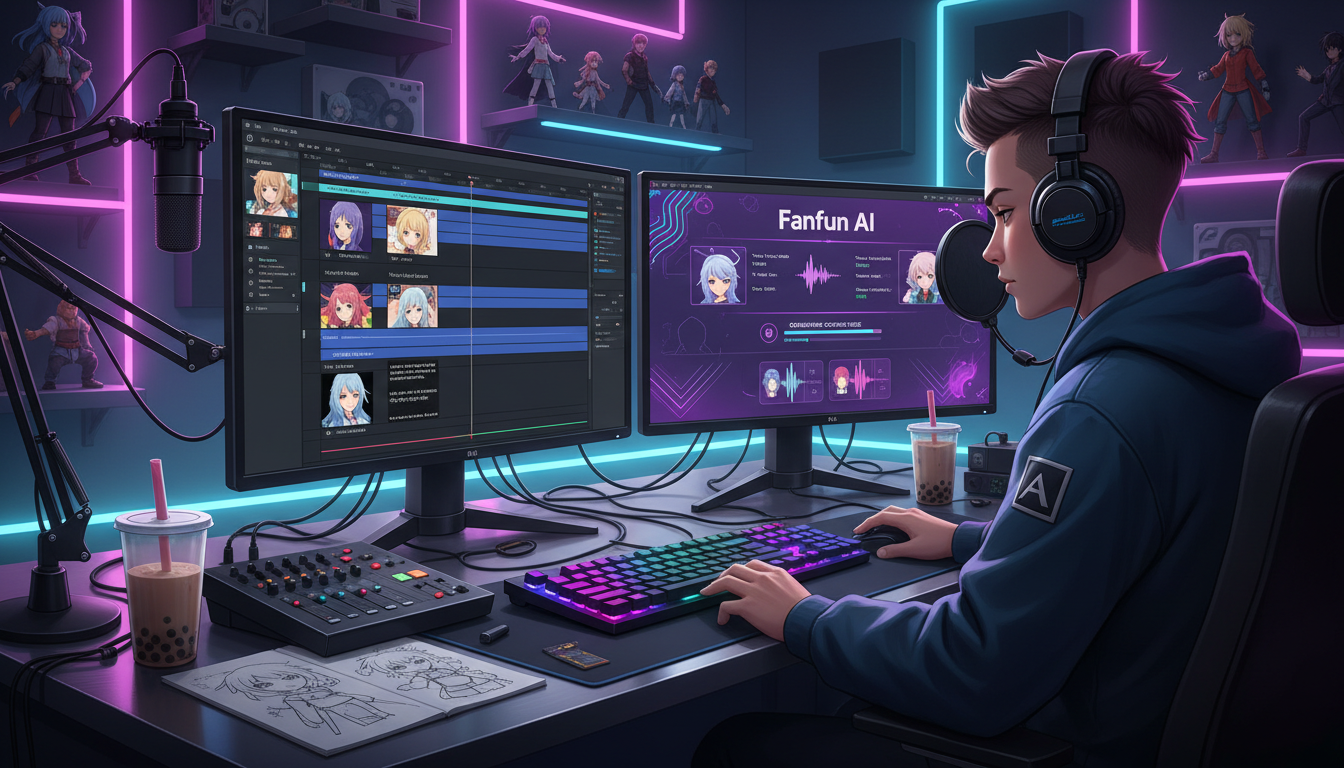
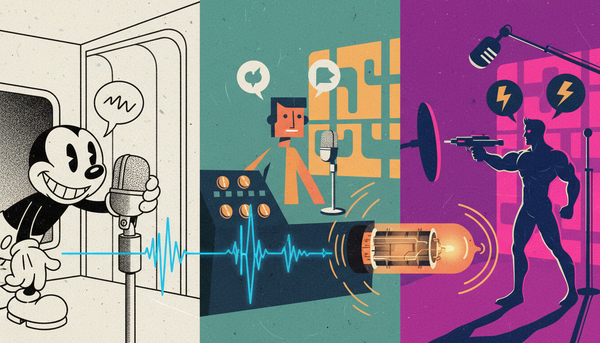
For years, anime fandubbing was defined by its logistical hurdles. Passionate creators spent hours under heavy blankets to block out room echo, shouting into cheap USB microphones, only to spend weeks chasing down internet voice actors who might drop out of a project at any moment. While the passion was undeniable, the production quality of early fan dubs was almost always limited by hardware, scheduling, and bedroom acoustics.
Today, the landscape has completely shifted. With the rise of advanced generative audio, creators are using anime voice makers not as a shortcut, but as a highly precise creative instrument. By stepping into the role of a voice director, script adapter, and sound designer, you can focus entirely on pacing, comedic timing, and dramatic tension. This blueprint covers the exact workflow needed to turn raw text-to-speech outputs into studio-grade anime dubs that sit perfectly in the mix.
The Fandub Evolution: From DIY Mic Setups to AI-Powered Voice Makers
Traditional fandubbing was a labor of love that required an exhausting checklist: soundproofing a closet, buying expensive XLR audio interfaces, and coordinating across multiple time zones to cast a single short scene. If a line felt flat, or if a script change was made during editing, the entire production ground to a halt while waiting for re-records. This friction prevented many creators from jumping on trending anime episodes, memes, or seasonal releases while they were still culturally relevant.
Modern AI voice makers have democratized this process, placing an entire roster of virtual voice talent directly inside a single creator's browser. Instead of managing a chaotic casting call, you can now act as a solo showrunner. This technology allows you to experiment with different line deliveries instantly, turning what used to be a multi-week production cycle into a matter of minutes.
As creators look for new ways to engage their audiences, many explore how AI voice tools are the new frontier for fan content. Platforms like Fanfun provide an expressive sandbox of character voices, giving creators the freedom to script parody dubs, deep-dive character monologues, and crossover events that would be logistically impossible to produce traditionally. By eliminating the technical bottleneck of vocal recording, you can dedicate your energy to what actually makes a dub great: tight writing, emotional direction, and seamless audio mixing.
The Core Workflow: How to Match an Anime Voice Maker to On-Screen Lip Flaps
The single hardest part of any dubbing project is matching the English dialogue to the original animation's mouth movements, commonly known as "lip flaps." In Japanese animation, mouth movements are often simplified, but they still dictate a strict rhythm. If your generated audio has too many or too few syllables, the illusion is instantly broken.
Phonetic Prompting and Punctuation Hacks
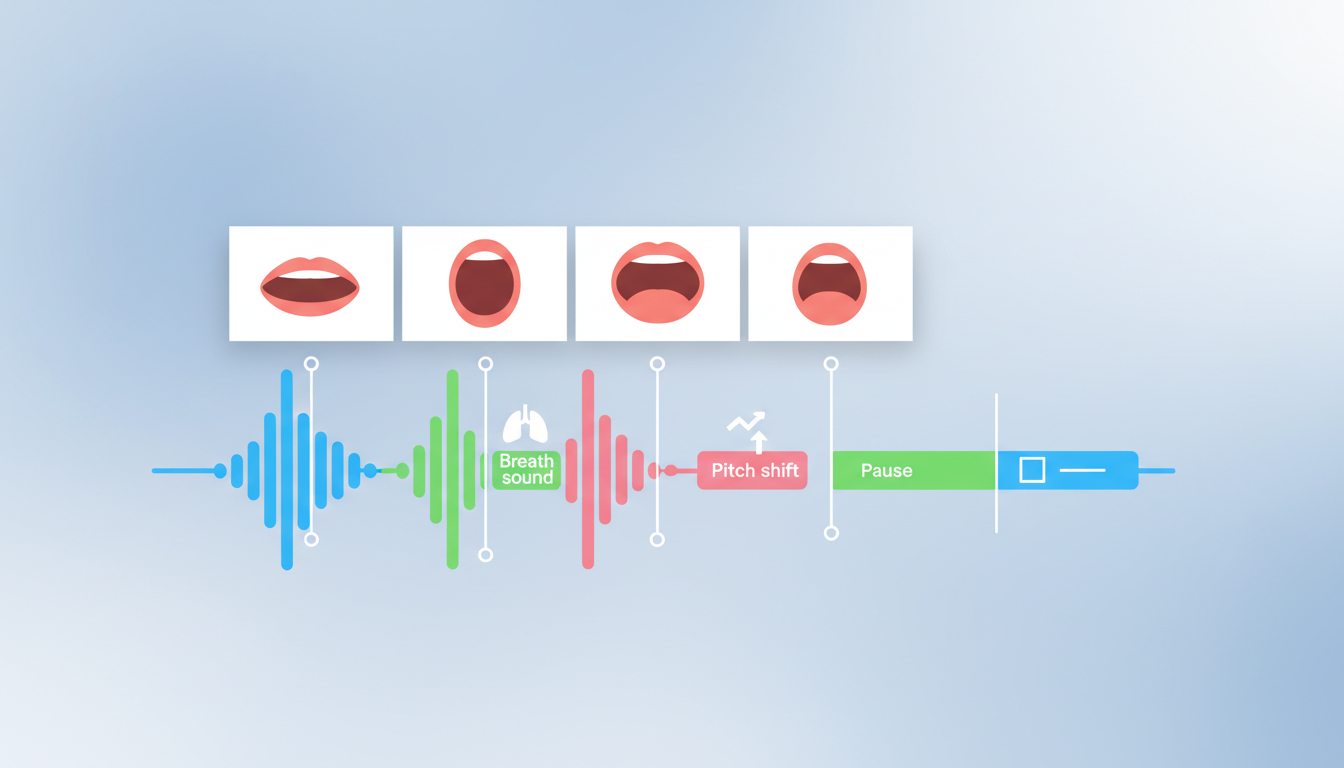
To master this, you must treat your script adaptation as a puzzle. Follow the Syllable-Matching Rule: count the mouth cycles (open-and-close movements) in the video clip and write an English line that matches that exact count. For example, if a character's mouth opens three times, an English phrase like "Get back now!" will sync far better than "You need to run away!"
Once your script is adapted, you can use specific formatting techniques to guide the AI voice generator's pacing. For a deeper dive into script adaptation, check out our comprehensive guide on directing anime dubs and parodies. When working inside an anime voice maker, use these punctuation hacks to control the flow:
- Ellipses (...): Insert these to force the AI to take a breath or pause mid-sentence, which is crucial for matching a character's hesitant or dramatic facial expressions.
- Hyphens (Double-dashes --): Use these to connect words you want the generator to speak rapidly without any micro-pauses, simulating panicked or rushed speech.
- Phonetic spelling: If the AI mispronounces a fantasy name or an attack move, spell it out phonetically in the text box (e.g., write "Kah-meh-hah-meh-hah" instead of the standard spelling to ensure accurate emphasis).
Once you generate the audio, import it into your Digital Audio Workstation (DAW) or video editor (like Premiere, CapCut, or DaVinci Resolve). Do not hesitate to chop up the generated audio clip. Cut out silent gaps and manually slide individual words or phrases along the timeline to line up perfectly with the visual opening and closing of the character's mouth. If a line is slightly too long or short, use your DAW's Time-Stretch tool (ensuring "Maintain Pitch" is enabled) to shrink or expand the clip by 5% to 10% for a perfect fit without making the character sound like a chipmunk.
The Emotion Matrix: Directing Your AI Voice for High-Stakes Anime Tropes
Anime is a medium defined by its heightened emotional extremes. A flat, conversational text-to-speech voice will never fit a dramatic battle scene or a comedic meltdown. To get authentic performances, you must actively direct the generator by tailoring your prompts and script formatting to specific iconic tropes.
The Shonen Scream
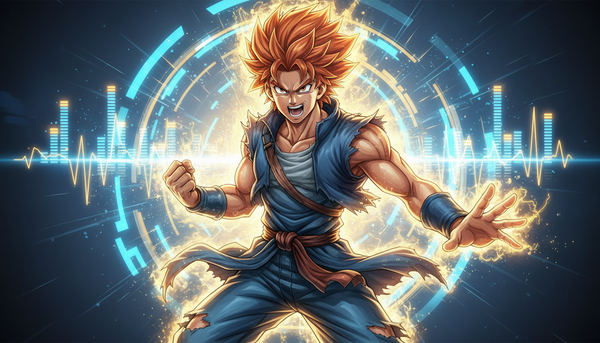
Shonen protagonists do not simply speak; they yell, strain, and build energy. To simulate this, do not write a long, unbroken sentence. Instead, break the line into escalating fragments. Use capitalization and exclamation points strategically, but more importantly, insert dramatic pauses before the final shout. For example: "I won't... I won't let you... DESTROY THEM!" This structure tells the generator to build tension, mimicking the physical effort of an anime power-up.
The Tsundere Contrast
The comedic charm of a tsundere character lies in their rapid shifts between defensive anger and embarrassed stuttering. To capture this dynamic, pair fast, high-pitched phrases with sudden drops in speed. You can achieve this by clustering short, defensive words together ("It's-not-like-I-like-you-or-anything!") followed by a long, punctuated pause and a softer, lower-pitched conclusion ("...idiot."). This contrast simulates the classic emotional whiplash of the trope.
The Villainous Monologue
A great antagonist speaks with cold, calculating precision. They don't rush their lines; they savor them. When crafting these chilling speeches, use longer, grammatically complex sentences with plenty of commas to slow the generator down. If you want to master this specific style of performance, explore these advanced techniques for directing a villain voice generator online. By encouraging slow, deliberate pacing, you create an imposing presence that feels genuinely menacing.
Production Comparison: Traditional Fandubbing vs. AI-Assisted Fandubbing
To understand why modern creators are transitioning to AI-assisted workflows, it helps to compare the traditional pipeline with the modern, tool-assisted approach. While traditional voice acting still holds immense value for original productions, AI tools offer unprecedented agility for fan-made content.
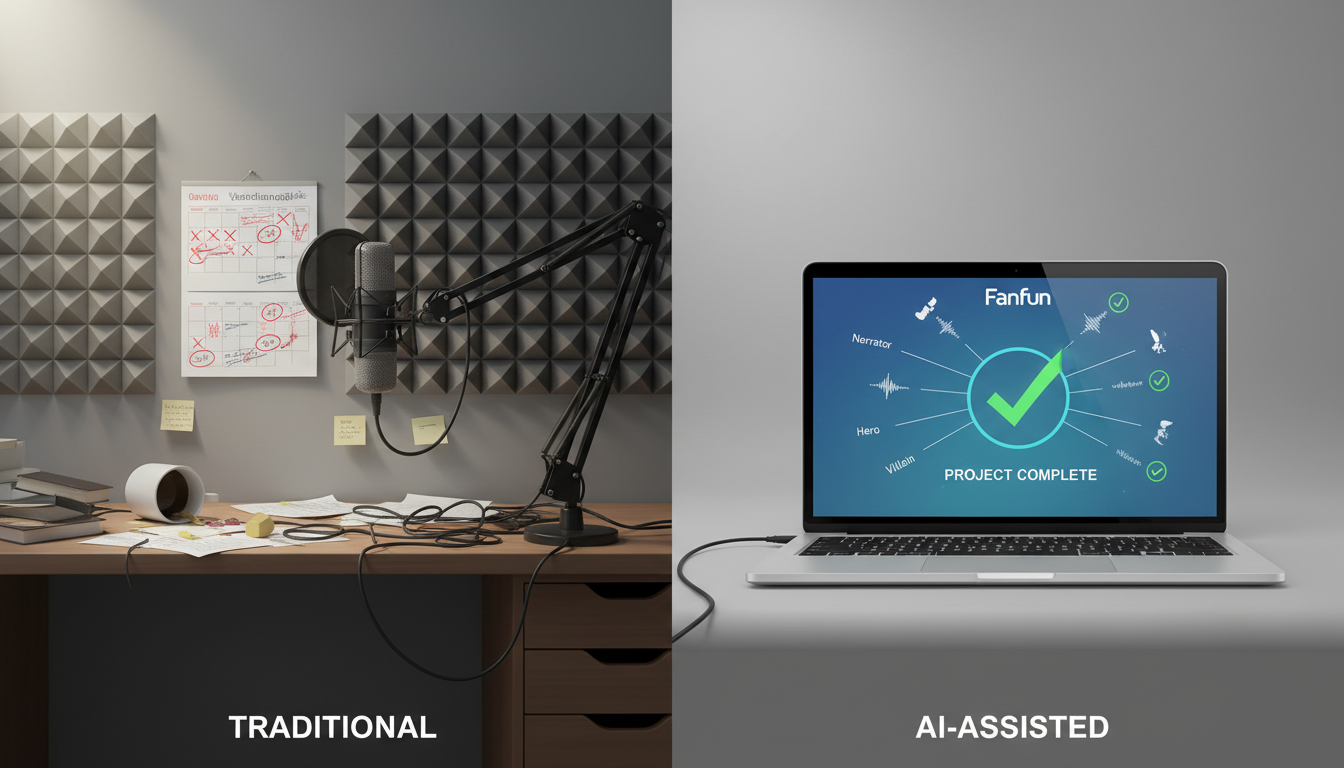
| Production Phase | Traditional Fandubbing | AI-Assisted Fandubbing (via Fanfun) |
|---|---|---|
| Setup & Gear | XLR mics, audio interfaces, acoustic treatment, quiet room. | Any laptop or smartphone; no physical recording required. |
| Casting & Scheduling | Days or weeks spent auditing actors, managing dropouts, and coordinating schedules. | Instant. Access a massive library of expressive character voices immediately. |
| Turnaround Time | Weeks of back-and-forth communication and audio re-records. | Minutes. Generate, edit, and export lines in real-time. |
| Audio Consistency | Highly variable depending on each actor's home studio setup. | Perfect consistency. Every character voice maintains the same acoustic profile. |
| Script Iteration | Requires scheduling pick-up sessions with actors for any line changes. | Instant. Rewrite a line and re-generate on the fly. |
Audio Mixing 101: Blending AI Voices with Background Tracks and SFX
Even the most perfectly directed AI voice will sound amateurish if it sits awkwardly on top of the original anime's audio track. To make your fandub sound professional, you must blend the generated voice into the acoustic environment of the scene. This process is called "world-building through mix."
First, analyze the visual setting of the scene. Is the character standing in a hollow school hallway, a vast open field, or a cramped bedroom? You must apply Reverb Matching to reflect this. A dry voiceover instantly sounds like it was recorded in a booth. Apply a subtle room reverb plugin in your DAW. For a classroom, use a short decay time (around 0.8 seconds) with low wetness. For an epic mountain peak, use a hall reverb with a longer decay (2.5 seconds) to give the voice a sense of scale.
Second, master Frequency Balancing. The original anime's background music (BGM) and sound effects (SFX) often occupy the same mid-range frequencies as human speech. If you simply overlay your voiceover, the track will sound muddy. Use an Equalizer (EQ) on your background track to carve out a slight dip (around 2 to 3 dB) in the 1 kHz to 3 kHz range. This creates an acoustic "pocket" for your AI voice to sit in, making the dialogue crisp and legible without lowering the overall volume of the epic music.
Finally, add Organic Textures. Real voice actors make non-verbal noises that bring a character to life. Manually insert short sound effects like quick gasps, deep breaths, grunts, and clothing rustles right before a character speaks or during physical action. Layering these subtle organic elements over your AI-generated voice acts as the final polish, bridging the gap between synthetic dialogue and cinematic reality.
How do I make an AI anime voice match the lip movements of the characters?
To match lip flaps perfectly, use the Syllable-Matching Rule. Rewrite your English script so that the syllable count matches the visual mouth cycles of the Japanese animation. Once generated, bring the audio into your video editor and use time-stretching tools to expand or shrink individual words to match the visual timeline perfectly.
Can I use an anime voice maker to create parodies for YouTube and TikTok legally?
Yes, fan dubs and parodies generally fall under Fair Use as transformative content, especially for comedic or educational purposes. However, to avoid copyright strikes from the original animation studios, keep your clips relatively short, add significant creative edits, and avoid direct monetization of raw, unedited show footage.
How do I get an AI voice generator to sound angry or excited instead of robotic?
You can direct the emotion of an AI voice generator using formatting hacks. Use capitalization, exclamation points, and strategically placed dashes to force rapid, intense speech. Breaking sentences into short, punchy fragments with ellipses (...) will force the generator to pause and build tension, simulating dramatic or excited delivery.
What is the best way to mix AI-generated voiceovers with original anime background music?
To blend your voiceover seamlessly, apply a subtle room or hall reverb that matches the visual setting of the scene. Then, use an Equalizer (EQ) on the background music track to cut 2-3 dB around the 1 kHz to 3 kHz range. This carves out a frequency pocket, allowing the AI voice to sit clearly on top of the mix without sounding detached.