The Antagonist’s Playbook: How to Direct a Villain Voice Generator Online for Cinematic Menace
Bypass flat, robotic text-to-speech defaults. Learn how to script, format, and direct online voice generators to deliver chilling, charismatic, and cinematic villain performances for your next creative project.
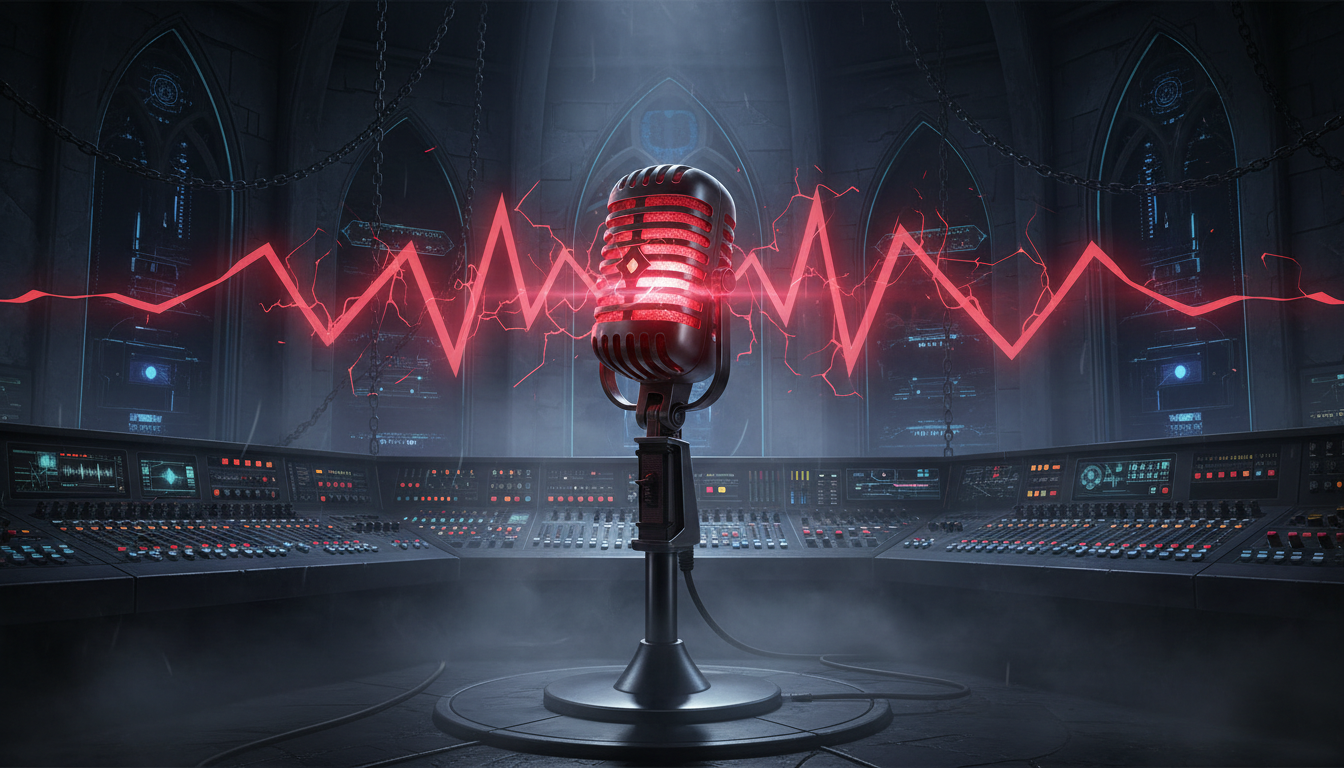
A great villain doesn’t merely speak; they command the acoustic space. Think of the bone-chilling calm of a rogue artificial intelligence, or the theatrical thunder of an ancient warlord. Yet, when most creators boot up a standard text-to-speech tool to voice their antagonist, they are met with a voice that sounds less like a galactic conqueror and more like a polite GPS system offering highway directions.
To bridge this gap, you must transition from a passive user to an active voice director. By understanding how online voice engines interpret text, punctuation, and pacing, you can coax cinematic menace out of raw code. Whether you are building an indie game, animating a YouTube series, or crafting interactive experiences on Fanfun, mastering the mechanics of vocal villainy is the key to keeping your audience on the edge of their seats.
The Anatomy of Audio Evil: Why Default Text-to-Speech Fails the Villain Test
Standard online voice generators are fundamentally optimized for helpfulness. Their default algorithms are trained on corporate training videos, audiobooks, and customer service prompts. They are designed to sound pleasant, clear, and thoroughly non-threatening. This is why pasting a menacing monologue directly into a basic text-to-speech engine usually results in a performance that feels flat, sterile, and devoid of stakes.
True villainy lies in dynamic range. A compelling antagonist doesn’t maintain a steady, polite volume; they utilize the terrifying drop in volume, the agonizingly slow drawl, and the sudden, sharp punctuation of a threat. When you are evaluating a celebrity voice generator online for professional use, you must look beyond the initial audio output and focus on how responsive the engine is to manual punctuation overrides and phonetic spelling hacks. To get a cinematic performance, you have to actively manipulate the AI engine rather than relying on raw, unaltered text input.
The Three Archetypes of Villainy (And How to Script Them)
Different antagonists require vastly different vocal pacing, word choices, and emotional inflections to sound authentic. A robotic conqueror should not speak with the frantic cadence of an unhinged trickster. When directing character AI voice generators for narrative depth, categorizing your character into a distinct vocal archetype prevents the performance from sounding scattered or generic. Let’s break down the three most common villain archetypes and how to format your text to coerce the AI into the right delivery.
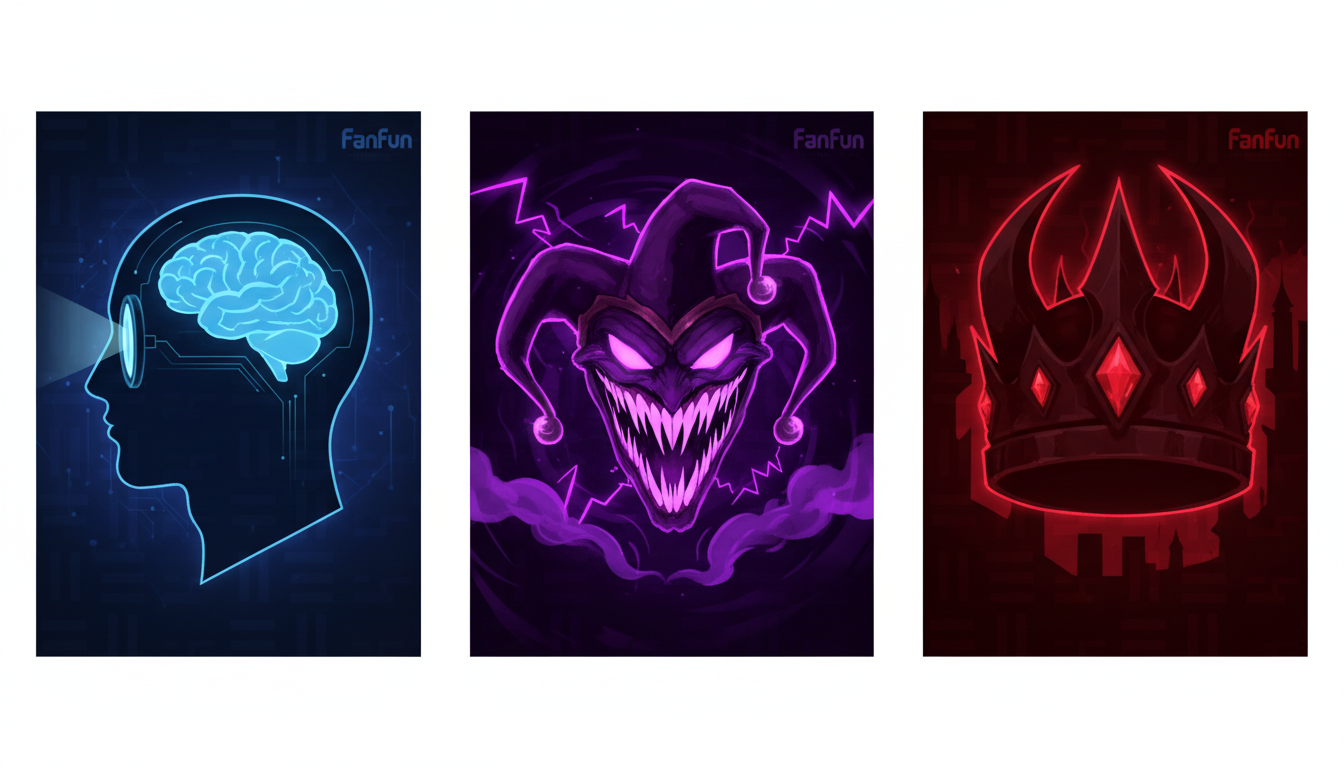
Archetype 1: The Cold Intellectual
The Cold Intellectual is a calculated, calm, and terrifyingly polite mastermind. Think of rogue supercomputers, high-society crime bosses, or clinical scientists. Their power comes from absolute control, which translates to a low pitch, slow tempo, precise pronunciation, and unsettlingly polite vocabulary. They do not yell; they whisper truths that make the hero’s blood run cold.
Scripting Hack: Use long, grammatically perfect sentences with strategic ellipses to force the AI to take chilling, calculated pauses. Avoid contractions (use “do not” instead of “don’t”) to emphasize their rigid, formal nature.
Example Script: “I have calculated... every possible outcome of this little rebellion. And in none of them... do you survive. It is... mathematically certain.”
Archetype 2: The Unhinged Agent of Chaos
This archetype is erratic, unpredictable, and manic. They find amusement in destruction and speak with rapid shifts in pitch, sudden bursts of speed, and a breathy, erratic delivery. Many of these chaotic, high-energy vocal choices mirror classic anime AI voice directing techniques, where extreme emotional spikes are used to convey madness or unbridled power.
Scripting Hack: Use fragmented sentences, capitalization for sudden emphasis, and phonetic stuttering to disrupt the AI’s smooth pacing. Introduce chaotic interjections like “Ah,” “Oh,” or simulated laughter to break up the rhythm.
Example Script: “You think you’ve won?! HA! N-no... no, no, no. This is just... the PRELUDE! The real show... hasn’t even started!”
Archetype 3: The Boastful Overlord
The Boastful Overlord is a booming, theatrical, and larger-than-life fantasy or sci-fi villain. This is your dark lord, demonic entity, or galactic conqueror. They speak with deep chest resonance, a slow and authoritative cadence, and dramatic theatricality. They demand attention and command obedience.
Scripting Hack: Use archaic language, heavy punctuation, and exclamation marks to trigger the AI’s high-energy, declamatory delivery style. Group short, punchy declarations together to build momentum.
Example Script: “Kneel! Before the ashes of your broken empire! Your gods... cannot hear you.”
How to Direct an Online Villain Voice Generator: Punctuation and Phonetics Hacks
AI voice engines interpret punctuation as physical breathing cues. If you want to build cinematic tension, you must master the art of non-standard punctuation. The table below outlines how to translate traditional writing into “AI direction shorthand” to achieve specific vocal effects.
| Desired Vocal Effect | Punctuation / Phonetic Hack | Example Script Input |
|---|---|---|
| Chilling, calculated pause | Use ellipses (...) or em-dashes (--) | “You are... too late.” |
| Sudden, terrifying outburst | Capitalization + Exclamation Mark | “Silence! SILENCE!” |
| Creepy, drawn-out sibilance | Duplicate the “S” or “Z” phonetically | “Yessss... let the anger grow.” |
| Vulnerable or manic stutter | Hyphenated single letters | “W-why are you laughing?” |
| Sinister, low chuckle | Phonetic spelling in lowercase | “Heh... heh-heh. Foolish.” |
Elevating Your Antagonist with Fanfun’s Character Library
While standard text-to-speech tools can require hours of meticulous prompt-engineering and phonetic tweaking to sound remotely hostile, Fanfun changes the creative landscape entirely. As the leading platform for personalized celebrity and character AI experiences, Fanfun provides instant access to highly expressive, iconic voices that are already primed for theatrical delivery.
Whether you are looking to generate a custom villainous roast for a friend’s birthday, create a cinematic promo for an upcoming stream, or engage in real-time interactive villain chats, Fanfun eliminates the technical friction of standard voice generators. Instead of struggling to make a generic corporate voice sound menacing, you can tap directly into Fanfun’s growing library of licensed and original AI personas. This allows you to blend legendary antagonist archetypes with highly specific, localized script details—generating professional-grade, high-impact audio in minutes rather than hours.
Post-Processing Your Villain: Adding the Cinematic Finish
Once you have generated your directed voiceover, a few quick post-processing tweaks in any free audio editor (like Audacity or DaVinci Resolve) can elevate your villain from “cool AI voice” to “Hollywood blockbuster antagonist.” Use this quick checklist to apply a professional audio finish:
- Subtle Pitch-Shifting: Drop the pitch by 1 to 3 semitones. This adds immediate weight and authority to the voice without making it sound unnaturally distorted or cartoonish.
- Spatial Depth (Reverb and Delay): Apply a dark plate reverb or a very subtle slapback delay. For a Cold Intellectual, a tight, small-room reverb creates an intimate, claustrophobic feel. For a Boastful Overlord, a large cathedral reverb gives the voice a sweeping, mythic scale.
- Saturation and Distortion: Add a touch of tube saturation or light overdrive. This introduces a gravelly, analog texture to the high-end frequencies, mimicking the menacing, worn-down vocal cords of a battle-hardened villain.
- De-Essing: If your phonetic hacks (like “Yessss”) created harsh high-frequency sounds, apply a de-esser to smooth out the sharp “S” and “T” sounds while preserving the creepy whisper effect.
How do I make an online AI voice generator sound scary or menacing?
To make an AI voice sound scary, avoid standard text inputs. Use strategic punctuation like ellipses (...) for slow, calculated pauses, and capitalize key words to trigger sudden volume spikes. You can also use phonetic spellings (like "Yessss" or "heh-heh") to force the engine into creepy, non-standard vocal patterns.
What is the best way to write a script for a villain voiceover?
Write with a clear archetype in mind. Cold intellectuals should use long, formal sentences without contractions. Unhinged villains should use short, fragmented sentences, stuttering, and sudden capitalization. Boastful overlords require dramatic, archaic vocabulary and exclamation marks to trigger high-energy delivery.
Can I use online villain voice generators for commercial video games and indie animations?
Yes, many creators use online voice generators for indie projects. However, always check the licensing terms of the platform you are using. For high-impact, instantly recognizable character voices and seamless creation, platforms like Fanfun offer a streamlined, creator-friendly way to generate engaging villain content.
How do I add a raspy or gravelly texture to an AI-generated villain voice?
You can add texture in post-processing by applying a touch of tube saturation or light distortion in an audio editor. This adds grit to the vocal frequencies. Additionally, using phonetic spellings with repeated consonants can encourage the AI engine to output a more breathy or raspy performance.