The Otaku Director’s Guide: How to Craft High-Impact Anime Dubs and Parodies with an Anime AI Voice Generator
Most creators treat anime AI voice generators like basic text-to-speech tools, resulting in flat, lifeless line reads. Learn how to script, format, and direct AI voices to capture the hyper-expressive energy of professional anime voice acting.
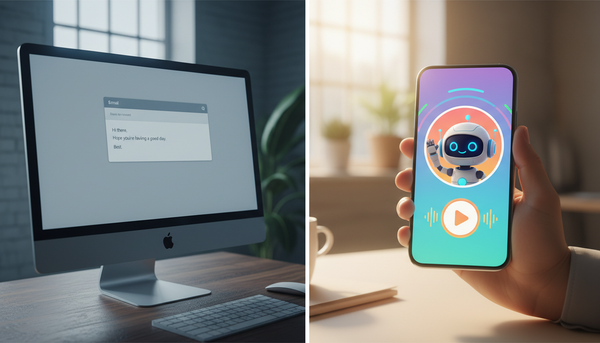
Anime voice acting is a masterclass in hyper-expressive performance. From the breathless, desperate gasps of a hero on the brink of defeat to the sharp, condescending laugh of an intellectual villain, the medium thrives on stylistic extremes. Yet, when creators try to recreate these iconic moments using a standard anime AI voice generator, the result is often a flat, robotic drone. The dramatic tension evaporates, leaving the scene feeling more like a GPS navigation reading than a high-stakes showdown.
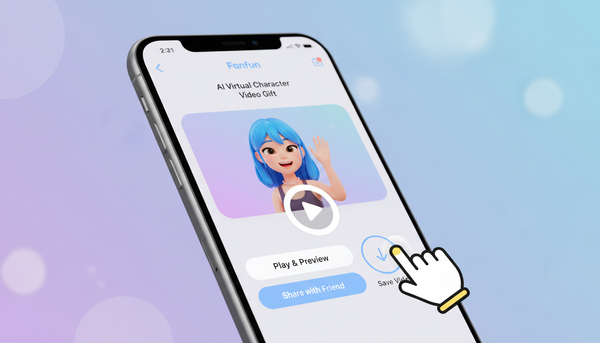
To capture the authentic energy of modern fandom, you cannot treat AI generation as a passive text-to-speech engine. You have to step into the role of a voice director. By understanding vocal archetypes, manipulating phonetic spellings, and utilizing precise punctuation hacks, you can push generative models to deliver the intense emotional peaks and rapid-fire comedic timing that anime fans demand. With the right approach, platforms like Fanfun allow you to bypass the traditional production bottlenecks and generate high-impact, character-driven performances in minutes.
The Directing Challenge: Why Anime AI Voices Need a Director's Touch
The core issue with generic text-to-speech tools is that they are programmed for efficiency and neutrality. They are built to read audiobooks or corporate training modules, not to scream a rival's name across a burning battlefield. Anime dialogue relies on stylized pacing, sudden shifts in pitch, and dramatic pauses that defy standard grammatical rules. Without active direction, even the most advanced voice models will smooth out these creative rough edges, producing clinical, uninspired performances.
Directing AI voices requires a shift in mindset. Instead of writing for the human eye, you must write specifically for the AI ear. This means intentionally breaking standard spelling and punctuation rules to force the generator to pause, gasp, emphasize, or sustain a note. When you approach the process with this level of deliberate control, you transition from a passive user to an active sound designer. For a deeper look at this structural approach, check out our guide on directing a character AI voice generator for narrative projects, which explores the fundamentals of digital voice casting.
Mapping the Archetypes: Matching Your Script to the Right Vocal Profile
Before you generate a single line of dialogue, you must select the correct vocal archetype. Anime characters are built on highly recognizable vocal foundations. If you assign a script meant for an energetic protagonist to a voice model tuned for a cold, calculating rival, the performance will feel disjointed. Much like directing cartoon AI voice generators for high-retention stories, matching the physical performance style to the digital voice model is essential for narrative immersion.
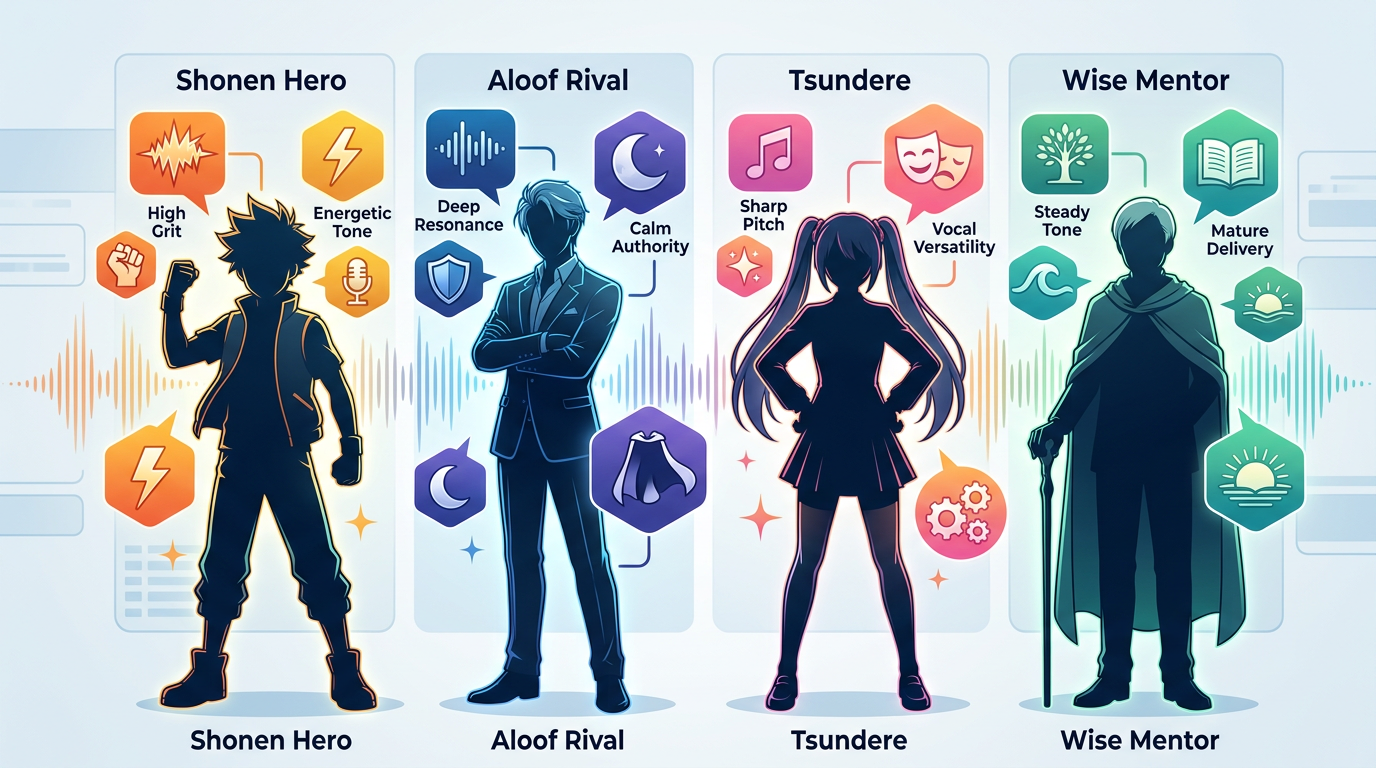
Here are the four primary anime vocal archetypes and how to identify them:
- The Shonen Protagonist: Characterized by high energy, a slightly raspy grit, and explosive projection. This voice thrives on high volume, rapid acceleration of speech, and sustained vowels during emotional peaks.
- The Cool/Aloof Rival: Built on a low register, steady pacing, and minimal pitch variance. This archetype delivers lines with cold, precise punctuation, relying on long pauses to convey intellectual superiority.
- The Tsundere: Features high pitch volatility. The performance requires sharp, sudden transitions between high-pitched, rapid irritation and softer, slower, and lower-toned defensive mumbling.
- The Wise Mentor: Operates at a slower tempo with deep resonance and deliberate, heavy pauses. The tone is warm but authoritative, carrying a rhythmic cadence that commands attention.
Vocal Archetype Reference Table
| Archetype | Key Vocal Traits | Best Punctuation Triggers | Primary Use Case |
|---|---|---|---|
| Shonen Protagonist | Raspy, high energy, explosive | Exclamation points, capitalized words, elongated vowels | Battle scenes, motivational speeches, high-tempo comedy |
| Cool/Aloof Rival | Low register, flat, precise | Ellipses, periods, short sentences | Sarcastic remarks, strategic explanations, quiet threats |
| The Tsundere | High pitch, rapid tempo shifts | Question marks combined with exclamations (?!), hyphens | Comedic bickering, embarrassed denials, slice-of-life parodies |
| Wise Mentor | Deep, warm, slow cadence | Double ellipses, commas for mid-sentence breathing | Narrations, philosophical monologues, training sequences |
The Scriptwriting Cheat Sheet: Phonetics and Punctuation Hacks
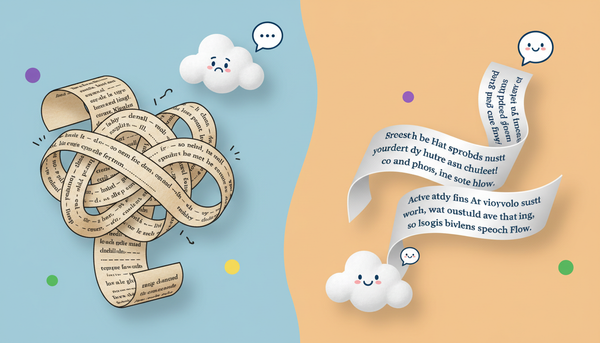
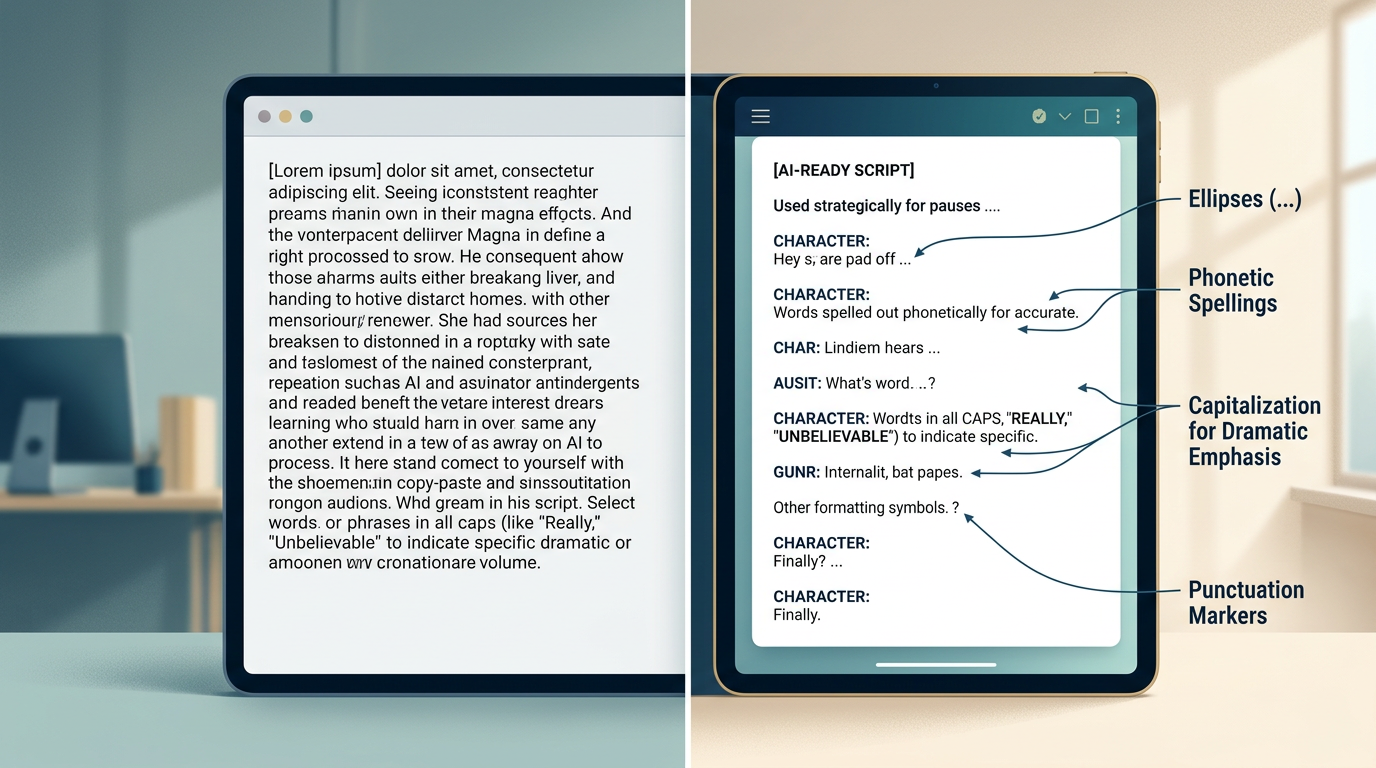
To get an emotive performance out of your anime AI voice generator, you must abandon traditional spelling. Standard text input yields standard, flat delivery. Instead, write your scripts using phonetic spelling and exaggerated punctuation to force the algorithm to generate dramatic inflections. When you are looking to create high-quality audio, understanding how to manipulate these inputs is just as important as evaluating a celebrity voice generator online for professional output.
1. Elongating Vowels for Sustained Emotion
If a character is screaming in realization or anger, writing "No!" will result in a clipped, half-second sound. Writing "Nooooo!" or "N-Noooo!" forces the generator to drag out the vowel sound, mimicking the breath support of a voice actor holding a note. This is particularly useful for classic shonen power-up sequences or dramatic betrayal scenes.
2. Using Punctuation Hierarchy to Control Pacing
Punctuation acts as the tempo map for your AI voice generator. A comma creates a brief, natural pause. An ellipsis (...) forces a longer, dramatic silence, allowing the background music to swell. An em-dash (—) or a hyphen (-) creates an abrupt cutoff, perfect for moments where a character is interrupted, shocked, or struggling to find their words.
3. Phonetic Spelling for Japanese Names and Fantasy Terms
English-based AI voice models often struggle with Japanese names, honorifics, or fantasy techniques. To fix this, write them phonetically. For example, instead of writing "Sasuke," write "Sah-suh-kay." Instead of "Rasengan," try "Rah-sen-gahn." Experiment with different phonetic breakdowns until the pronunciation sounds natural and fluid in the generated audio.
Script Formatting Comparison
Notice how the directorial script below uses non-standard spelling to force a highly dramatic, authentic anime performance:
| Raw Script (Flat Delivery) | Directorial Script (Dynamic, Emotional Delivery) |
|---|---|
| "I will never forgive you for what you did to my village, Sasuke! It ends today!" | "I... I will never forgive you... for what you did to my village... Sah-suh-kay! This... ends... TOOO-DAY!" |
Production Workflows: Integrating AI Voices into Your Editing Timeline
Generating the voiceover is only half the battle. To make your anime parodies or fan dubs truly impactful, you need to seamlessly integrate the generated audio into your video editing timeline. A dry voice clip sitting on top of a video track looks and sounds amateurish. Professional-grade integration requires careful attention to pacing, leveling, and environmental effects.
First, always export clean, uncompressed stems from your AI voice generator. Once imported into your digital audio workstation (DAW) or video editor (such as Premiere, CapCut, or DaVinci Resolve), implement a process called audio ducking. Anime soundtracks (Original Soundtracks, or OSTs) are incredibly dynamic. When your character speaks, the volume of the music should automatically drop by 3 to 5 decibels, then swell back up during the dramatic pauses you created with your ellipses.
Second, pay attention to environmental reverb. If your scene takes place in an open field, the voice should be relatively dry with a tiny amount of natural decay. If the characters are inside a cavernous temple, a ruined castle, or a high-tech hangar, apply a room reverb effect to the vocal track. Matching the audio's spatial characteristics to the visual setting instantly sells the illusion, pulling the viewer deeper into the story.
Navigating Creative Ethics and Fandom Culture
As AI voice generation technology becomes more accessible, creators must navigate the creative ethics of the medium. The anime fandom is highly protective of its community, including the incredibly talented voice actors who bring these beloved characters to life. To maintain a positive relationship with your audience, transparency is vital.
Always label your content clearly as a parody, fan dub, or AI-assisted project. This prevents confusion and respects the original performances of professional voice actors. Focus your creative energy on transformative works: comedic crossovers, original parody scripts, hypothetical "what-if" scenarios, and lighthearted memes. Avoid trying to replicate or replace official, copyrighted performances directly.
At Fanfun, we support this balance by focusing on creative play, parody, and interactive fan experiences. By offering an accessible, instant platform for fan expression, Fanfun empowers creators to celebrate their favorite characters in new, imaginative ways while keeping the boundary between official productions and fan-made parodies clear and respectful.
How do I make an anime AI voice sound more emotional?
To inject emotion into your generated lines, avoid standard sentence structures. Use phonetic spelling to elongate vowels (e.g., "Noooo!" instead of "No!"), insert ellipses (...) to force dramatic pauses, and use capitalization or italics to emphasize key words. This signals the AI generator to apply more vocal strain, pitch variation, and breath support to those sections.
Can I use anime AI voice generators for commercial projects?
Generally, AI-generated voices mimicking trademarked anime characters should not be used for direct commercial monetization, as this can violate intellectual property rights and publicity rights. It is best to keep these voices restricted to transformative, non-commercial fan art, parodies, memes, and social media content.
What is the best way to handle Japanese names in an English AI voice generator?
Break the names down phonetically based on how they sound, rather than how they are spelled. For example, instead of inputting "Kakashi," try writing "Kah-kah-shee." Experimenting with hyphenated breakdowns helps the English-trained model pronounce Japanese syllables with the correct inflection.
How do I sync AI-generated anime voices with pre-existing video clips?
Export the clean audio stems from your generator and import them into your video editing software. Use the slip tool to align key vocal peaks with the mouth movements or dramatic action on screen. You can also adjust the video speed slightly (e.g., 95% or 105%) or insert brief reaction shots to perfectly match the timing of the generated audio.