The DM’s Soundboard: How to Direct Custom AI Voices for Immersive D&D Campaigns
Transform your tabletop sessions by learning how to script, direct, and integrate custom AI character voices. Say goodbye to vocal strain and hello to highly immersive, cinematic NPC performances.
Running a tabletop campaign is an exercise in spinning plates. As a Dungeon Master, you are simultaneously a referee, a cartographer, an improvisational actor, and a sound effects machine. By hour three of a grueling session, switching from the gravelly, throat-ripping growl of an orc chieftain to the airy, melodic cadence of an elven queen isn't just difficult—it is physically painful. Your vocal cords pay the price, and often, unique NPC voices degrade into a uniform, tired monotone.
Modern technology offers a powerful solution that does not require a voice acting degree or a home studio. By integrating custom AI voice generators into your campaign prep, you can treat voice synthesis not as a lazy shortcut, but as a dynamic co-DM. With a few strategic direction techniques, you can craft cinematic audio moments that make your fantasy world feel incredibly alive and give your players a deeply memorable experience.
Beyond the Raspy Goblin: Why Custom AI Voices Elevate the Table
Every DM knows the struggle of vocal fatigue. The physical limits of the human throat mean that running a complex social encounter with multiple distinct NPCs often results in characters sounding far more alike than they should. This is where actual-play podcasts have a massive advantage: they have professional voice casts, sound designers, and post-production budgets. For the average home game, bridging that production gap has historically felt impossible.
Using an instant AI voice generator changes the equation entirely. Instead of relying on your own vocal range to carry the entire world, you can delegate key narrative moments to specialized voices. Think of the ancient lich delivering a terrifying monologue, a mechanical construct speaking in precise, synthesized tones, or a deity whispering secrets from across the planes. These are characters whose vocal profiles are physically impossible for a single human to replicate consistently at a live table.
At Fanfun, we believe that tabletop gaming is at its best when it focuses on collaborative storytelling and player agency. When you are not stressing over maintaining a shaky, inconsistent accent, you free up cognitive space to focus on what really matters: reading the room, reacting to your players' wild schemes, and driving the plot forward. Knowing how to select and nail iconic character voices for your world-building lets you pepper your campaigns with high-impact audio drops that instantly command the room's attention.
Scripting for the Mic: How to Write Dialogue That Sounds Like an Ancient Entity
Writing a script for an AI voice generator requires a different approach than writing text for players to read on a handout. When we read with our eyes, our brains naturally smooth over complex sentences and dense clauses. When we listen, however, long-winded sentences quickly become hard to follow, and the natural rhythm of speech is lost. To make your AI-generated NPCs sound convincing, you must write specifically for the ear.
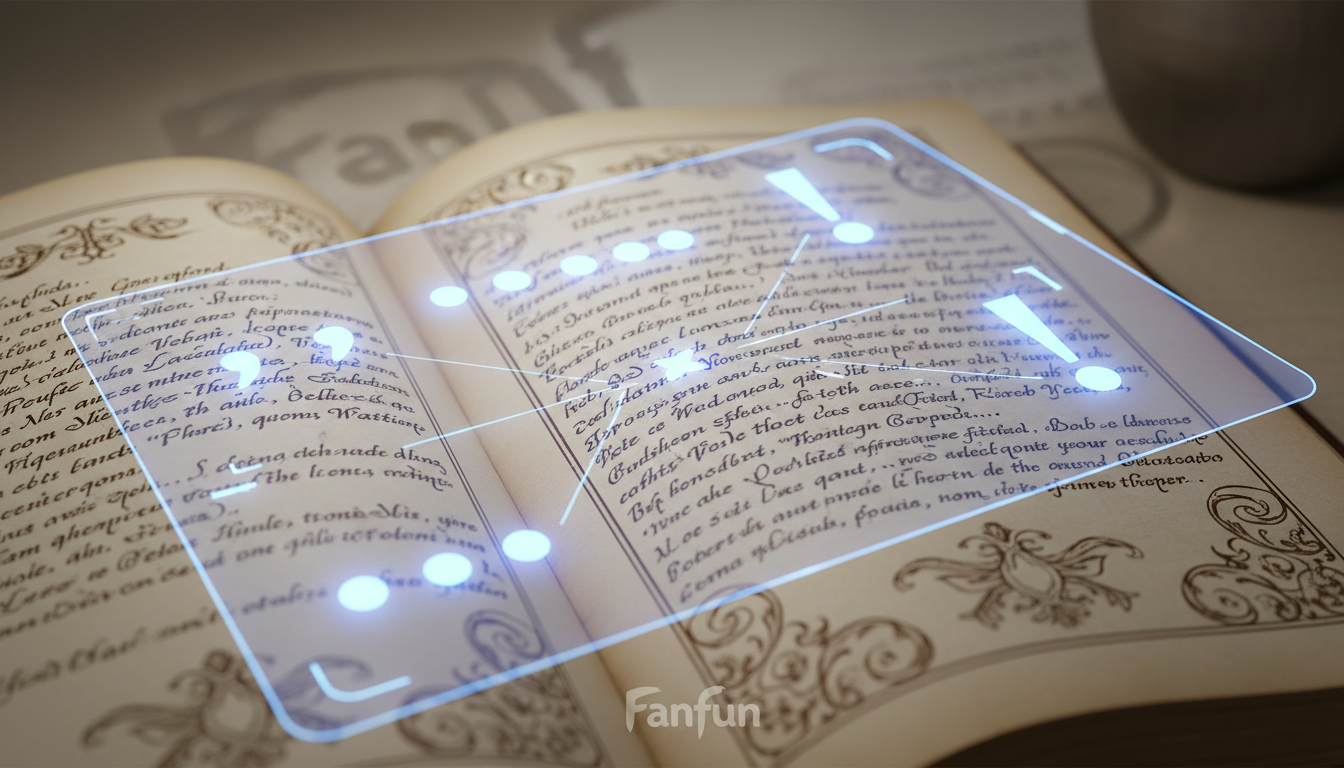
Keep your sentences short, punchy, and deliberate. Dramatic pacing is achieved through silence as much as sound. Use punctuation intentionally to guide the AI generator's engine. Ellipses (...) are excellent for forcing dramatic pauses, while dashes (—) can create sudden, abrupt shifts in tone. If an ancient entity is speaking, its cadence should feel heavy, slow, and measured. Commas are your primary tool for slowing down the delivery rate, forcing the generator to breathe between epic declarations.
When you are using AI voices for better storytelling and dramatic pacing, you also need to manage how the AI handles fantasy terminology. Standard English models will struggle with homebrew names, ancient languages, and complex fantasy jargon.
Phonetic Translation Hacks for Fantasy Names
Do not type your fantasy names exactly as they are spelled in your campaign notebook. Instead, spell them phonetically to guide the generator's pronunciation engine. Here is a quick reference guide on how to translate common fantasy tropes into AI-friendly text:
- Bahamut: Write as "Bah-hah-mut" to ensure the emphasis lands on the second syllable.
- Cthulhu: Write as "Kuh-thoo-loo" to avoid a mechanical glitch on the silent 'C'.
- Lich: Write as "Litsh" to give the ending a sharper, more menacing hiss.
- Svirfneblin: Write as "Sveerf-neb-lin" to break up the dense consonant cluster.
The DM's Directing Framework: From Tavern Keepers to Eldritch Horrors
To get the best possible performance from an AI voice generator, you must act as a director. Simply pasting text and hitting generate will yield flat, generic results. You need to map your NPCs to specific vocal archetypes and adjust the delivery parameters accordingly.
Below is a structured directing framework designed to help you map common TTRPG archetypes to specific vocal directions, ensuring your generated audio files match the exact vibe of your campaign:
| TTRPG Archetype | Vocal Pitch | Pacing & Cadence | Punctuation Style | Best Use Case |
|---|---|---|---|---|
| The Ancient Dragon | Low & Resonant | Very slow, deliberate, heavy pauses | Frequent ellipses, short sentences | Boss monologues, ancient lore drops |
| The Shifty Merchant | Medium-High | Fast-paced, erratic, energetic | Frequent commas, exclamation points | Tavern gossip, black market deals |
| The Cryptic Deity | Monotone & Flat | Stretched vowels, hypnotic rhythm | Minimal punctuation, long flowing lines | Divine visions, warlock pact terms |
| The Battle-Scarred Knight | Gravelly & Deep | Mid-tempo, blunt, clipped | Periods only, no flowery language | Military briefings, combat warnings |
To maintain consistency across multiple campaign sessions, save the exact phonetic spellings, base voice profiles, and parameter settings you used for each recurring NPC. This ensures that when the players return to the shifty merchant three months later, his voice sounds exactly the same, instantly reinforcing their immersion and sense of continuity.
Integrating AI Audio Into Your Live Session Pipeline
Once you have generated your character audio, the next step is routing it cleanly to your players. Whether you play online via a Virtual Tabletop (VTT) or gather around a physical table, your audio delivery needs to be seamless. A clunky setup that requires you to fumble through files for two minutes will break the tension you worked so hard to build.
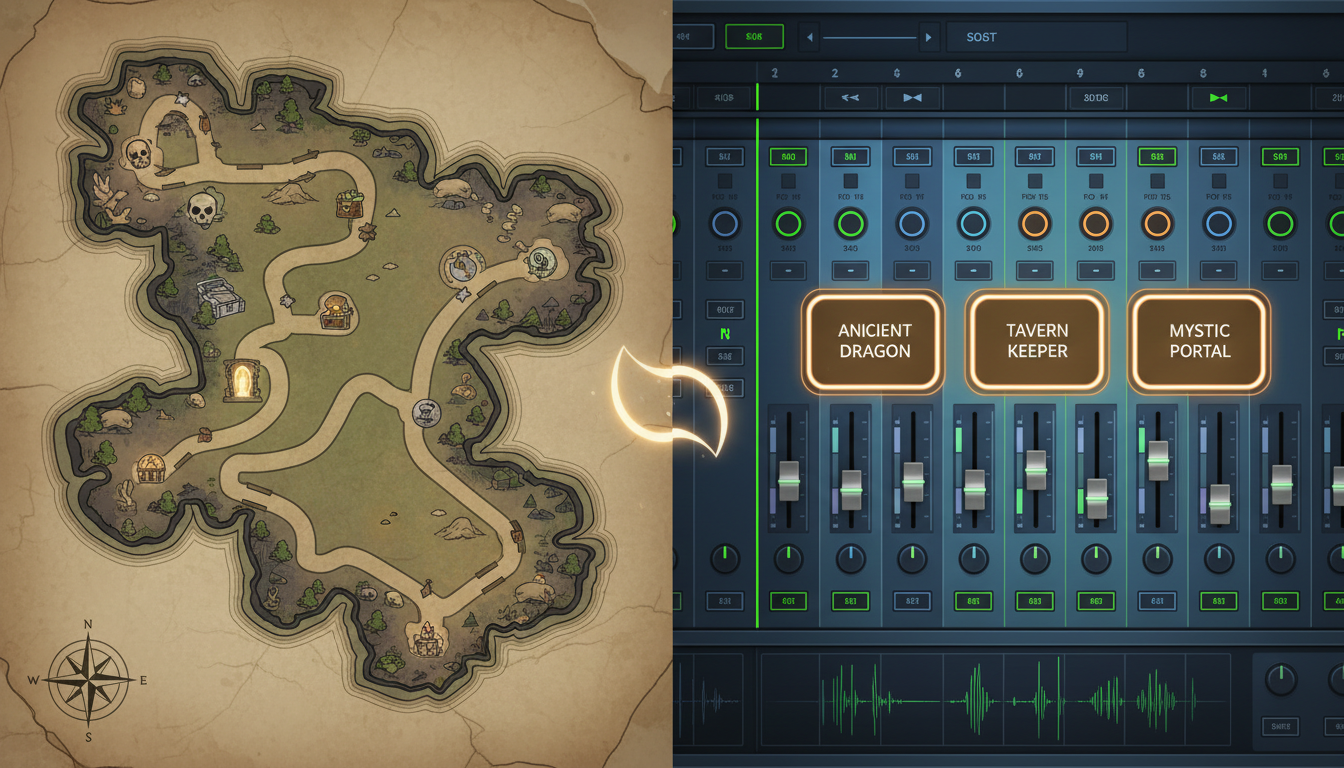
If you play online using platforms like Roll20 or Foundry VTT, you can upload your generated MP3s directly into the built-in playlist managers or soundboards. For Discord-based games, using a specialized audio tool like Kenku FM allows you to pipe high-fidelity audio directly into your voice channel. This bypasses the terrible compression of standard microphone feeds, ensuring the ancient dragon's rumbling bass doesn't sound like a broken tin can.
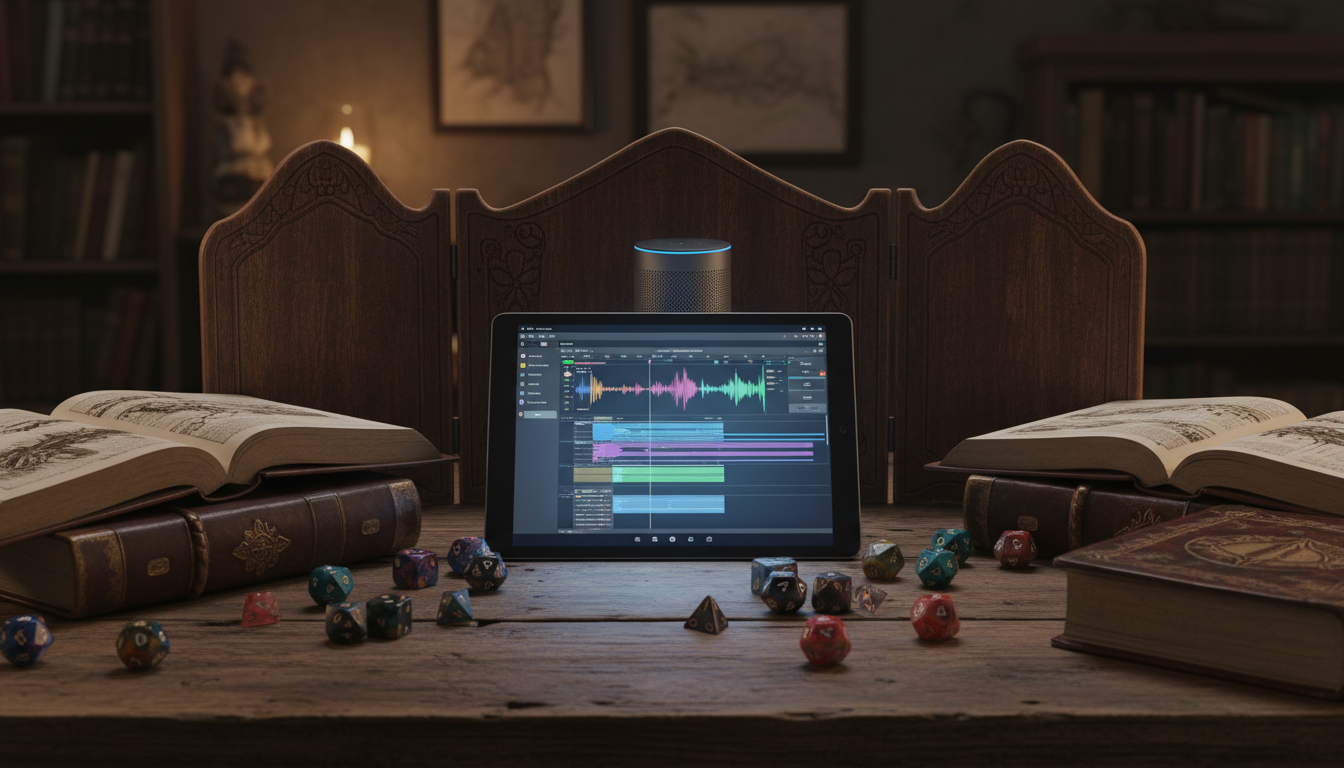
For DMs looking to build an advanced, lag-free setup, setting up a custom AI voice audio pipeline without a studio budget is easier than you think. You can route your computer’s audio through virtual mixers to blend atmospheric music, environmental sound effects, and your custom AI voices into a single, professional-grade stream.
If you play in person, the setup is even simpler. Hide a small, battery-powered Bluetooth speaker behind your DM screen or place it in the center of the table. When the party triggers a magical trap or meets a major boss, trigger the audio clip from your phone or tablet. The physical localization of the sound—hearing the voice emerge from a specific spot on the table rather than from behind your face—creates an incredibly eerie, physical presence that will have your players leaning forward in their seats.
Ethical World-Building: Keeping Your Table’s Audio Unique and Respectful
As AI tools become more integrated into creative hobbies, it is vital to approach them with an ethical, world-building mindset. Tabletop roleplaying is fundamentally a space for original creation. Rather than using AI to copy the exact voices of famous actors or established voice talent without permission, use these tools to build entirely original personas that are unique to your homebrew world.
By using official, licensed platforms like Fanfun, you can explore a massive, safe library of character voices and original personas without crossing ethical lines. This keeps your campaign completely unique, tailored specifically to the lore you and your players are building together.
Ultimately, custom AI voices are not meant to replace the active, improvisational roleplay of a DM. Instead, they act as an exclamation point on your storytelling. Use them for the major lore drops, the terrifying villain introductions, or the cryptic prophecies. By treating these audio clips as rare, high-impact rewards, you will keep your players deeply engaged, hungering for the next session, and talking about your NPCs long after the dice stop rolling.
How do I make an AI voice sound more natural for a fantasy setting?
To make an AI voice sound natural in a fantasy setting, focus heavily on pacing and punctuation. Use ellipses (...) to force the AI to pause dramatically, and commas to slow down the speed of delivery. Additionally, avoid modern slang or overly casual phrasing in your scripts; instead, use slightly archaic sentence structures and rhythmic, deliberate prose.
Can I use AI voice generators live during a D&D session, or should I pre-record?
While real-time voice changers exist, the most polished, atmospheric results come from pre-recording your key NPC dialogue during session prep. Pre-recording allows you to fine-tune the delivery, adjust phonetic spellings, and mix the voice clips with background music or sound effects beforehand, ensuring a flawless delivery during game night.
What is the best way to play AI voice clips for my players over Discord?
The best way to play voice clips over Discord is by using an audio routing tool like Kenku FM or a dedicated Discord music bot that supports custom file uploads. This ensures the audio is piped directly into the voice channel at high quality, avoiding the low-fidelity compression and background noise suppression of your personal microphone setup.
How do I get an AI voice generator to pronounce fantasy names correctly?
To get correct pronunciations, write the fantasy names phonetically in your script. Break the words down into simple, phonetic syllables (for example, spell "Bahamut" as "Bah-hah-mut"). You may need to run a few quick generation tests to see how the AI interprets the phonetic spelling before finding the perfect balance.