The Comedy Contrast Method: How to Script and Pace Funny Character Voiceovers for Social Media
Discover how pairing high-drama characters with mundane, low-stakes scenarios creates instant comedic gold. Master the scripting, pacing, and AI voiceover techniques that drive viral social media engagement.

Social media feeds are flooded with creators trying to grab attention by simply yelling into their microphones or using generic, high-pitched voice filters. While raw volume might occasionally stop a scroll, it rarely keeps a viewer engaged past the first three seconds. Real, sustainable comedic engagement on platforms like TikTok and Instagram Reels requires a deliberate strategy that turns casual viewers into loyal fans.
The secret to unlocking this engagement lies in the Comedy Contrast Method. Instead of relying on generic delivery, this framework uses high-low juxtaposition to create instant comedic tension. By leveraging Fanfun’s instant AI voice generator, you can bypass the traditional bottlenecks of hiring voice talent and rapidly experiment with iconic character archetypes. Here is how to script, pace, and direct character-driven voiceovers that turn mundane topics into viral social media hits.
The Anatomy of a Viral Voiceover: Why Contrast is Your Best Comedy Tool
Humor thrives on incongruity. When a viewer scrolls through their feed, their brain continuously predicts what will happen next based on visual and auditory cues. When you disrupt those expectations with a massive clash between who is speaking and what they are saying, you trigger an involuntary cognitive double-take. This is the physiological hook of contrast-based comedy.
Standard “funny voices” often fall flat because they lack a conceptual hook. A silly voice saying a silly thing is predictable. However, when you pair an epic, larger-than-life character with an incredibly boring, everyday frustration, the contrast does the heavy lifting. The humor does not come from a wacky accent; it comes from the absurdity of the situation itself.
This structural friction disrupts the user’s feed scroll within the crucial first 1.5 seconds. Before they even register the visual content of your video, the sheer cognitive dissonance of the audio demands their full attention.
The 'High-Low' Juxtaposition Formula
To execute this method consistently, you can categorize your concepts into two distinct structural formulas:
- High Status / Low Stakes: Place an all-powerful, highly dramatic character in a minor, modern inconvenience. Imagine an ancient, apocalyptic wizard arguing with a roommate about whose turn it is to empty the dishwasher, or a galactic conqueror trying to navigate a automated customer service phone menu. The contrast between their world-ending gravity and the triviality of the task is instantly hilarious.
- Low Status / High Stakes: Take a small, weak, or inherently cute character and give them a deeply serious, dramatic, or existential monologue. Imagine a tiny anime mascot delivering a gritty, hard-boiled detective soliloquy about losing a single french fry down the side of a car seat.
Using Fanfun’s diverse library of AI characters, creators can instantly test these dynamics. You do not need to spend hours searching for voice actors who can strike the perfect balance between dramatic intensity and mundane annoyance; you can simply select your archetype and begin testing scripts immediately.
Scripting for the Mic: Writing Dialogue That Fits the Character’s Ego
The most common mistake when scripting character voiceovers is writing generic text and expecting the voice generator to make it funny. Every single line of your script must be filtered through the specific ego, vocabulary, and worldview of the character you have chosen. If any line of your script could be spoken by a regular person without changing the impact, the script is not finished.
To write authentic dialogue, you must establish what the character actually means versus what they say. A normal person says: “I hate waiting in line at the grocery store.” An ancient warrior archetype says: “I stand trapped in this purgatory of consumerism, guarded by a teenage cashier who refuses to acknowledge my glorious quest.” The subtext is exactly the same, but the vocabulary reflects the character’s inflated sense of self-importance.
Keep your scripts incredibly tight. Social media audiences have zero tolerance for filler. Cut out transition words like “so,” “actually,” and “then” unless they serve a specific rhythmic purpose. Every word must build the world, establish the character's ego, or deliver the punchline. Explore our complete guide on writing and pacing character memes for social media to master the art of viral scriptwriting.
Pacing and Delivery: How to Direct AI Voices for Comedic Timing
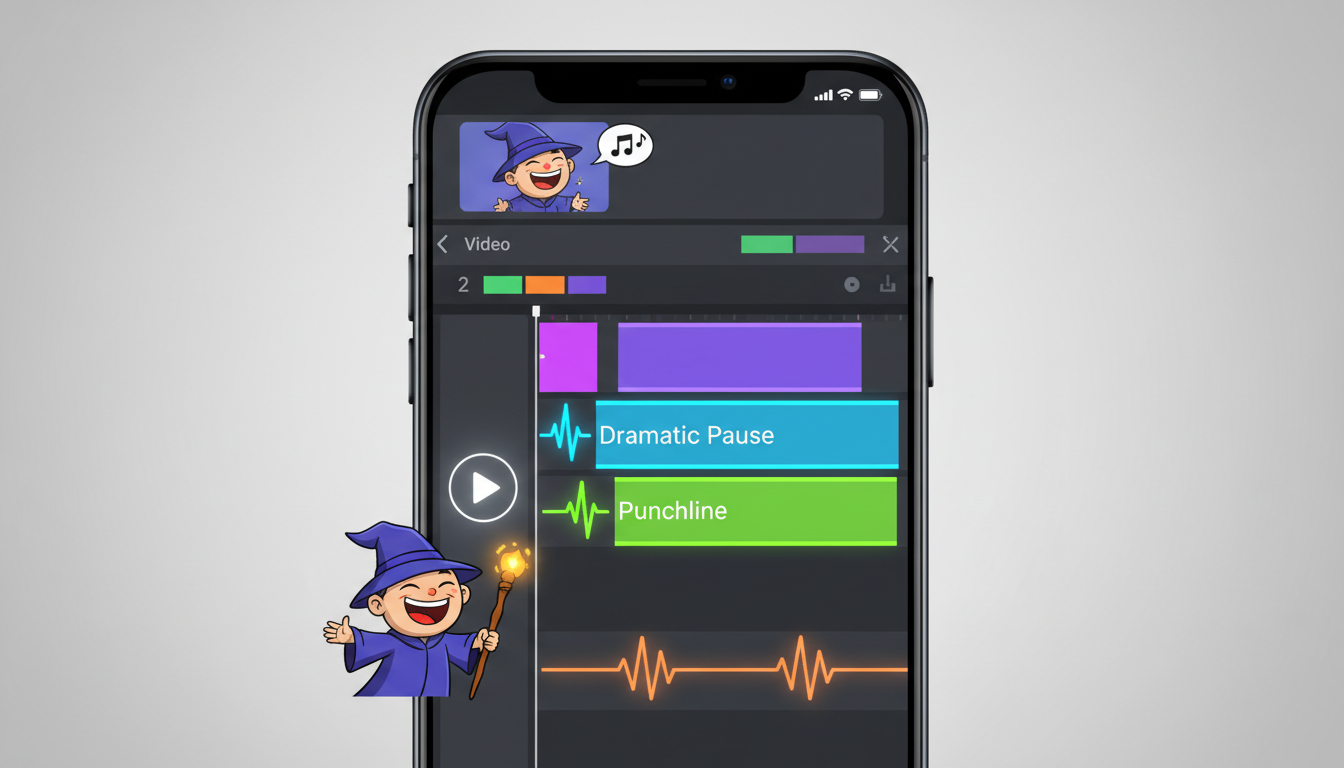
Comedic timing is entirely about the space between the words. A punchline delivered a millisecond too early or too late loses its impact. When working with an AI voice generator, you cannot rely on the system to automatically understand where the jokes land. You must actively direct the pacing using strategic formatting and phonetic manipulation.
To force natural-sounding pauses and dramatic beats in your voiceover, use punctuation as your editing console:
- Ellipses (...): Use these to create a hesitant, dramatic build-up before a key word. For example, writing “I have conquered galaxies... and yet... I cannot open this jar of pickles” forces the AI to pause, building anticipation.
- Dashes (-): Use dashes to create abrupt, sudden interruptions or sharp shifts in tone. This is perfect for characters who lose their temper mid-sentence.
- Periods and Line Breaks: Force short, staccato delivery by placing periods after individual words to create a deadpan, robotic, or highly emphasized cadence.
Additionally, you can use phonetic spelling to force the AI to pronounce modern slang or emphasize syllables in a comedic way. If the generator pronounces a word too cleanly, spell it phonetically (e.g., writing “bwa-ha-ha” instead of “hahaha”) to get the exact performance you need. For a deeper dive into making your audio sound incredibly natural, check out our guide on directing character-driven voiceovers for Instagram Reels.
The Creator's Toolkit: Choosing the Right Archetype for the Joke
Not every joke works with every voice. To maximize the comedic payoff, you must match your script with the correct character archetype. Below is a decision framework to help you choose the right voice for your concept.
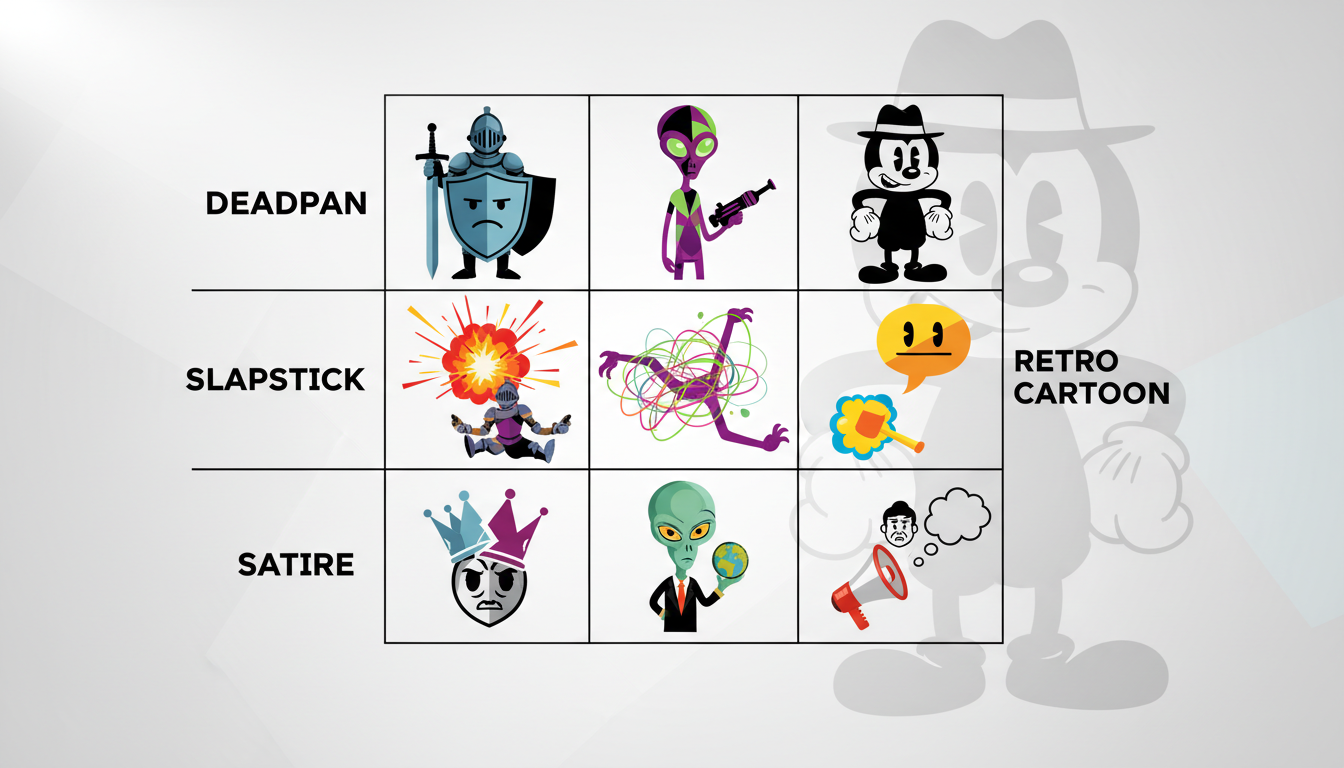
| Character Archetype | Core Comedic Vibe | Best Scenario Matches |
|---|---|---|
| The Overly Dramatic Hero | High Status / Low Stakes. Intense, booming, highly cinematic. | Assembling flat-pack furniture, burning a piece of toast, parallel parking. |
| The Deadpan Cynic | Understated, monotone, deeply unimpressed. | Reacting to absurd life hacks, explaining corporate jargon, reviewing terrible products. |
| The Hyperactive Sidekick | Low Status / High Stakes. High-pitched, anxious, fast-paced. | Describing a minor physical injury like a paper cut as if it were a fatal battlefield wound. |
Because Fanfun allows for instant rendering, you do not have to guess which archetype works best. You can paste your script, generate versions using three different archetypes, and compare the outputs side-by-side. Often, a script written for a dramatic hero becomes twice as funny when delivered by a deadpan cynic, and vice versa. Learn how to inject professional-grade soul and depth into your character voices by studying the Jim Cummings voiceover playbook.
Production Workflow: From Text-to-Speech to Finished Reel in 5 Minutes
Once you have mastered the writing and timing, you need a streamlined production workflow to keep up with the fast-paced demands of social media algorithms. Here is a step-by-step checklist to take your concept from raw text to a published video in minutes:
- Draft the Script: Write your dialogue using the High-Low formula. Keep the total word count under 80 words to ensure your video remains tight, punchy, and under 30 seconds.
- Generate the Voiceover: Paste your script into Fanfun. Select your chosen character archetype, insert your punctuation markers for timing, and generate the audio file. Download the finished MP3 instantly.
- Source High-Contrast Visuals: To maximize the comedy of contrast, pair your dramatic audio with intentionally mundane, low-effort visuals. Minecraft parkour, simple cooking loops, or phone footage of everyday objects work beautifully. The visual simplicity keeps the viewer's focus locked onto the voiceover's narrative.
- Apply Dynamic Captions: Import your video and audio into your editing app of choice (like CapCut). Generate auto-captions, then manually style them with bold colors and quick transitions. Highlight punchy words in yellow or red to visually reinforce the comedic timing.
By treating the voiceover as the primary driver of the video's narrative and using the visuals as a deadpan backdrop, you create a cohesive, highly shareable piece of content. The contrast draws them in, the pacing keeps them watching, and the execution makes them share.
How do you make an AI voice sound sarcastic?
Sarcasm is driven by contrast and pacing. To make an AI voice sound sarcastic, write phrases that are overly polite or enthusiastic, but use punctuation like ellipses (...) to slow down the delivery. This creates a drawn-out, deadpan cadence that naturally mimics a sarcastic drawl.
What is the best app for funny character voiceovers?
Fanfun is the premier platform for creating high-impact character voiceovers. Unlike generic text-to-speech tools that sound robotic, Fanfun provides a rich library of recognizable character archetypes and cultural icons, allowing creators to generate engaging, expressive audio instantly.
How do I write a comedy voiceover script for TikTok?
Keep your script under 80 words and start with an immediate hook in the first 1.5 seconds. Use the High-Low juxtaposition formula: pair a highly dramatic character voice with an incredibly mundane, relatable problem. Cut out all filler words so that the punchline lands quickly before the viewer can scroll away.
Can I use character voiceovers for business promos?
Yes. Using character voiceovers is an excellent way to make business promos feel less like traditional ads and more like native social media content. A dramatic character humorously complaining about a problem your product solves is far more engaging than a standard sales pitch.