
How to Create Personalized Virtual Greeting Cards with Digital Avatars
Ditch the static e-cards. Learn how to use digital avatars and custom scripts to send interactive, memorable video greetings that actually get a reaction.
To create a personalized virtual greeting card with a digital avatar, you write a short script, choose an AI character or animated persona, and generate a custom video message to share. Using platforms like Fanfun, you can transform plain text into a playful video greeting delivered by a digital personality. These virtual greeting cards offer a fun, interactive alternative to traditional paper or static e-cards, though they are meant to be lighthearted novelties rather than perfect, indistinguishable voice clones of real people.
Whether you are celebrating a milestone birthday, congratulating a coworker, or sending a holiday laugh, digital avatars add a layer of creative customization that static images simply cannot match. By focusing on smart scriptwriting and matching the right voice to the recipient's sense of humor, you can easily design a memorable digital gift.
Why Traditional E-Cards Fall Short
The traditional digital greeting card has a problem: it is static, impersonal, and easily buried in an overflowing inbox. While a simple graphic might be convenient, it rarely conveys the warmth or humor of a genuine message. The modern alternative is the dynamic, virtual avatar greeting. By utilizing synthetic voices and animated characters, you can craft a message that feels like a custom production rather than a mass-market afterthought. You can design interactive virtual birthday cards with real pop-culture punch to see how this shift changes the recipient's experience.
When you use Fanfun to generate these messages, you are leaning into a creative medium that allows you to deliver a laugh or a heartfelt note through a character the recipient already enjoys. Keep in mind that while AI-generated voices are incredibly expressive, they are not always pitch-perfect. The magic comes from your scriptwriting and the delight of seeing a familiar digital persona deliver your specific words.
To help you decide which format works best for your next milestone, here is how digital avatar greetings compare to older formats:
| Greeting Format | Personalization Depth | Turnaround Time | Ideal Use Case |
|---|---|---|---|
| Traditional Paper Card | Low (Handwritten message only) | Days (Requires snail mail) | Formal milestones, physical keepsakes |
| Static E-Card | Medium (Template text and a stock image) | Instant | Last-minute work anniversaries, quick check-ins |
| Fanfun Avatar Video | High (Custom script read by a digital character) | Minutes (Rendered on demand) | Birthdays, retirements, inside jokes, remote team building |
Step 1: Match the Avatar Persona to the Recipient's Vibe
Choosing the right character is the most important step in setting the tone. Think of this as casting a role for a short film; the character should match both the occasion and the recipient’s personality. A dramatic or high-energy persona might be perfect for a milestone birthday, while a more subdued, humorous, or classic character might suit a casual "thinking of you" message. If your recipient is a fan of specific genres, you can even look into how to direct lore-accurate chats with virtual anime personas to capture their unique speech patterns.
When dealing with professional environments, such as a colleague moving on to a new role, you want to maintain a balance of warmth and professional appropriateness. For guidance on this, check out our tips on writing a retirement greeting script for a virtual character video. If you are coordinating a message for a distributed workforce, you can also read about how to use digital video greeting cards for remote team building to keep everyone connected.
Step 2: Write a Script Tailored for Synthetic Voices
Writing for AI is different from writing for a human. To get the best results, you need to write for clarity and rhythm. Keep your sentences short and punchy. This allows the synthetic voice generator to maintain natural breathing patterns and pacing, preventing the audio from sounding rushed or robotic.
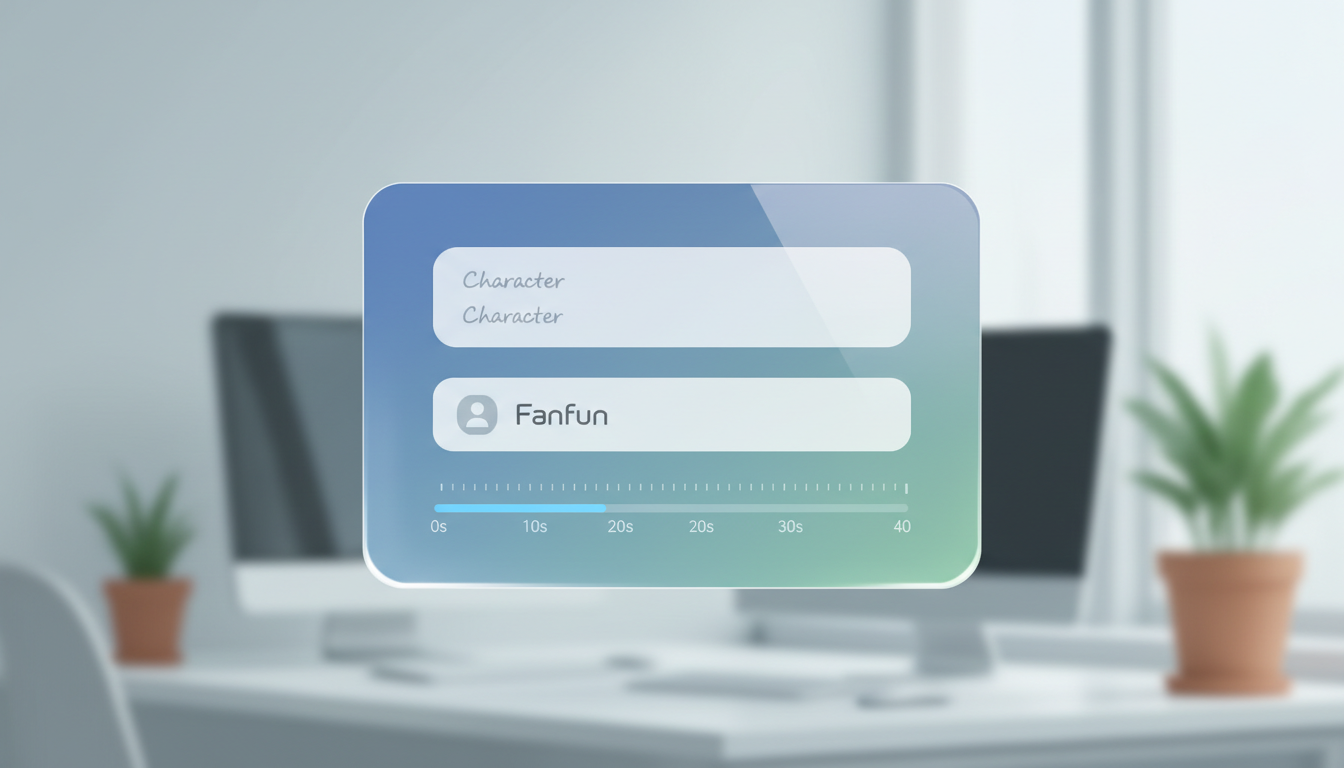
When drafting your script, keep these quick tips in mind:
- Keep it brief: On Fanfun, one video credit covers up to 30 seconds of speech (about 60 to 75 words), which is the ideal length to hold someone's attention.
- Use phonetic spelling: If you are using unusual names, specific slang, or inside jokes, write them phonetically so the generator pronounces them correctly.
- Add personal details: Focus on one or two specific details—like a shared memory or a funny habit—to make the script feel uniquely yours.
Illustrative Example: A 20-Second Birthday Script
"Hey Alex! I heard you're officially hitting that age where you start complaining about the weather. Don't worry, even Santa thinks you look great for your age! Have a legendary day, and maybe treat yourself to that extra slice of cake you've been eyeing. Happy Birthday!"
Step 3: Generate, Preview, and Deliver Your Video Card
Before you hit send, always take a moment to preview your video. Check that the character's pacing feels right and that all names are pronounced clearly. If the timing feels off, try adjusting the punctuation in your script; adding a comma or a period can often force the generator to insert a natural-sounding pause.
Once you are happy with the result, consider your delivery. You can send the video link directly via messaging apps, or embed a digital video greeting in an email newsletter for larger announcements. For those who want to archive these memories, you can save a digital video greeting to Google Drive so you never lose the files. If you are organizing a group gift, consider collecting clips from multiple people to create a larger, collaborative digital presentation.
How long does it take to generate a digital avatar video card?
Generation is typically fast, but the exact time depends on the length of your script and server load. You will see an estimate before you confirm your generation.
Can I use my own voice to clone an avatar on Fanfun?
Fanfun focuses on using established AI personalities and characters. Currently, the platform allows you to use your words to drive these characters, rather than cloning your own voice.
What should I do if the digital avatar mispronounces a specific name?
Try using phonetic spelling in the script box. For example, if a name like 'Siobhan' is mispronounced, writing it as 'Shi-vawn' can often guide the AI to the correct output.



