The Comic Dub Director’s Toolkit: How to Select and Direct the Best AI Voice Generators for Dynamic Panels
Comic dubbing is an art form of extreme emotions and precise timing. Discover how to treat AI voice generators as digital voice actors, use advanced scripting hacks, and mix professional-grade audio that brings your panels to life.
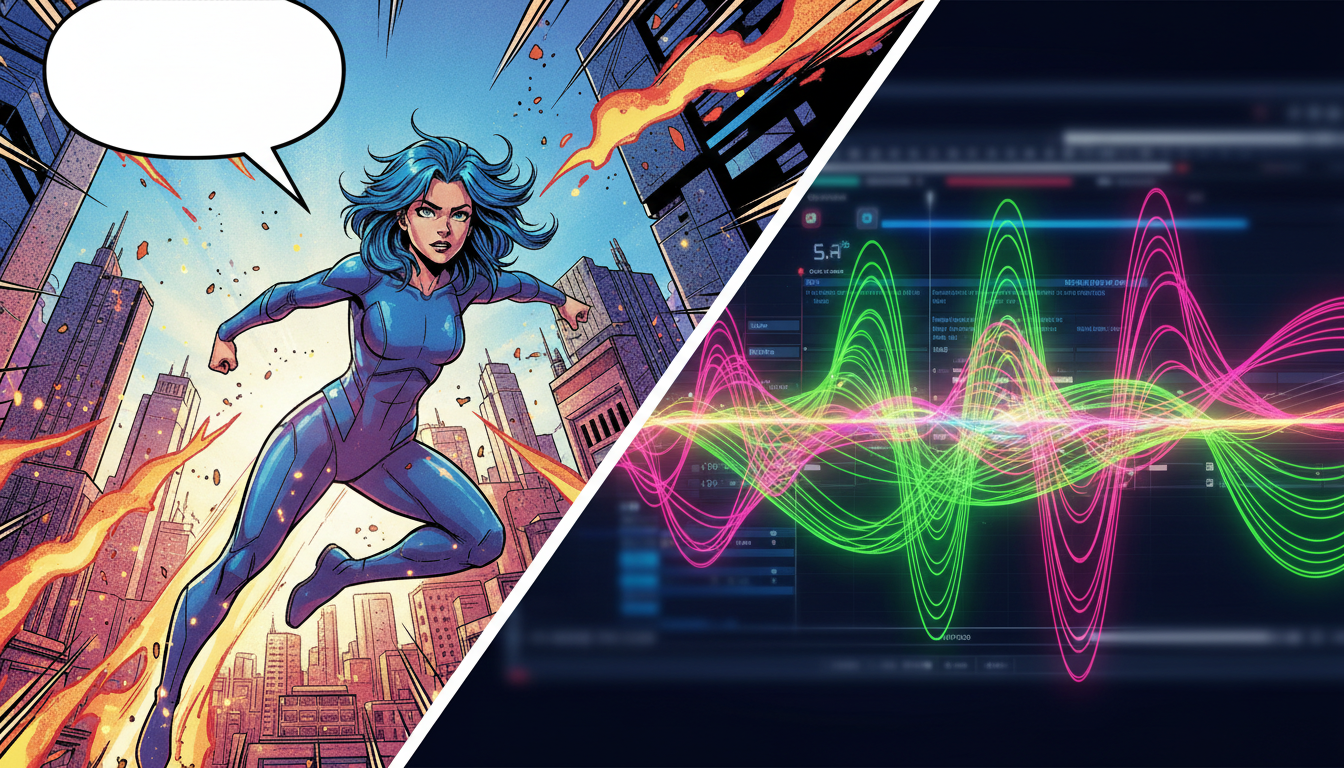
Comic dubbing has evolved from a niche fandom hobby into a massive, high-retention genre across YouTube, TikTok, and Instagram Reels. Creators translate the static energy of webcomics, manga, and graphic novels into dynamic, cinematic videos. However, the biggest bottleneck isn't the visual editing—it is finding a voice cast that can deliver the extreme emotional ranges, comedic timing, and distinct character archetypes that make these panels leap off the screen.
While traditional casting can be slow and expensive, standard corporate text-to-speech (TTS) engines are not the solution. They sound flat, robotic, and completely kill the punchline. To create high-impact dubs that keep viewers hooked, creators need to stop treating AI voice platforms as mere text readers and start treating them as digital voice actors. By taking on the role of an active voice director, you can coax cinematic performances out of modern AI voice generators.
The Comic Dub Challenge: Why Standard Text-to-Speech Ruins the Punchline
Comic books and manga are built on exaggeration. A single page might contain a whispered secret in one panel, a dramatic battle cry in the next, and a sweat-dropped comedic reaction in the third. Standard corporate TTS engines are designed for neutrality; they aim to read PDF manuals, GPS directions, or corporate training slides without drawing attention to themselves. When applied to a dynamic webcomic, this flat delivery breaks the reader's immersion, transforming what should be an exciting visual story into a boring slide presentation.
To make a comic dub work, you must prioritize acting over mere pronunciation. A successful voiceover captures the subtext of the panel: the trembling fear of a hero facing a monster, the smug confidence of a villain, or the breathless exhaustion of a comedic sidekick. If your AI voice generator cannot convey attitude, the visual art and the audio will feel completely disconnected, driving down viewer retention rates instantly. Comic dubbing requires an engine that can handle rapid shifts in pitch, volume, and emotional intensity.
What Makes an AI Voice Generator Actually Good for Comic Dubs?
Not all voice synthesis engines are created equal. When evaluating platforms for creative projects, you must look beyond basic naturalness and evaluate features specifically tailored for character work. The ideal tool should offer distinct emotional ranges, a diverse character library, and precise control over pacing.
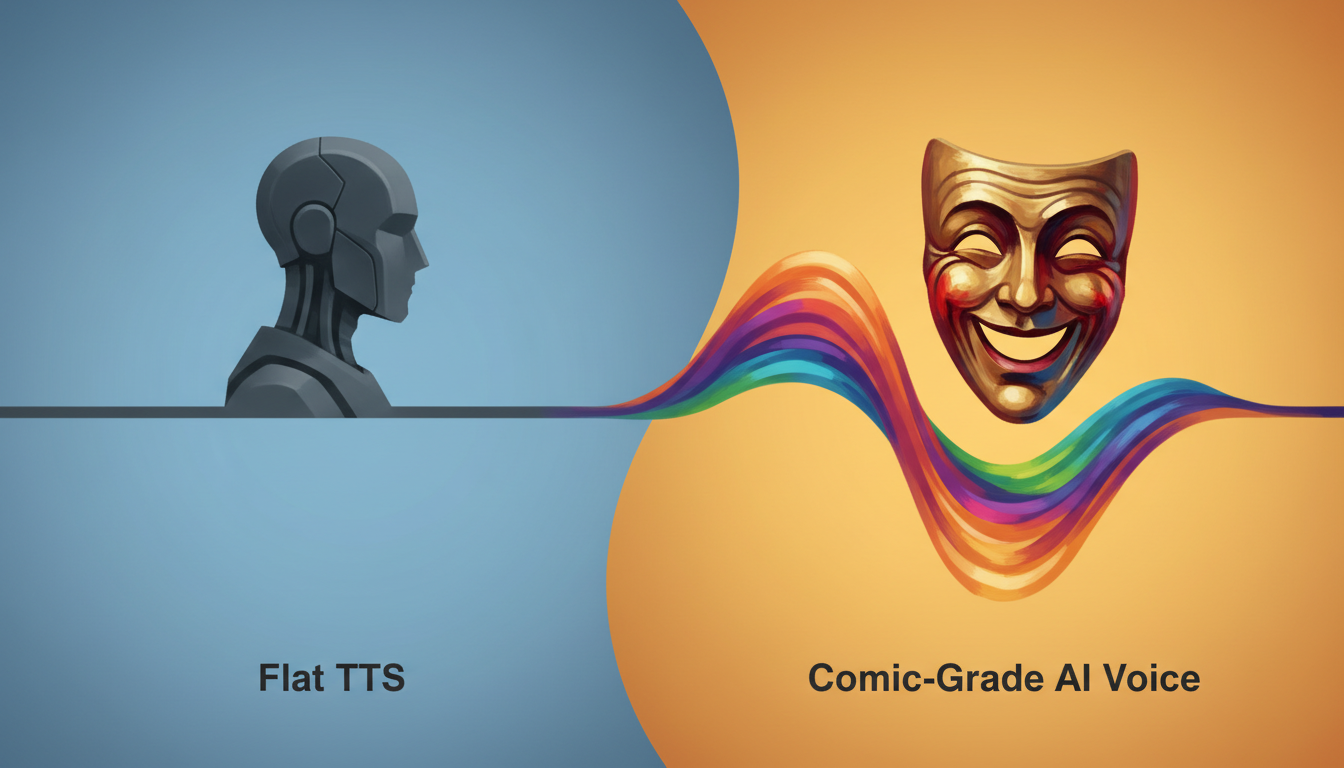
The Anatomy of a Comic-Grade Voice
When selecting your toolkit, look for platforms that offer built-in attitude. A great comic voice generator doesn't start from a neutral baseline; it starts with an archetype. You want voices that naturally carry grit, sarcasm, youthfulness, or theatrical malice. Additionally, look for engines that respond dynamically to punctuation. The way an AI handles an exclamation point, a question mark, or an ellipsis determines whether your characters sound like living beings or text-reading robots.
Furthermore, the platform must allow for granular adjustments. If a character is surprised, the voice needs to spike in pitch. If they are plotting in the shadows, the delivery needs to slow down and drop in register. Without these micro-controls, your dub will quickly fall into the "uncanny valley" of voice acting, where the voice sounds human but lacks any real soul.
The Evaluation Framework: Generic TTS vs. Comic-Grade AI Voice
To help you structure your production pipeline, here is a breakdown of how generic TTS engines compare to character-first platforms like Fanfun, which specialize in expressive, fandom-ready voices:
| Feature | Generic TTS (Corporate Engines) | Comic-Grade AI Voice (e.g., Fanfun) |
|---|---|---|
| Emotional Modulation | Flat, monotone, highly uniform. | Dynamic, responsive to punctuation, highly expressive. |
| Character Archetypes | Limited to professional narrator styles. | Vast library of heroes, villains, sidekicks, and parodies. |
| Pacing Control | Rigid speed sliders only. | Custom pauses, emphasis controls, and breathiness. |
| Platform Optimization | Designed for desktop/API integration. | Optimized for quick social media content creation. |
| Best Use Case | Audiobooks, corporate explainers, GPS navigation. | Webcomic dubs, anime parodies, comedic roasts, and memes. |
Platforms like Fanfun excel here because they are built from the ground up for creative expression. Instead of trying to make a customer service voice sound like a battle-hardened warrior, you can tap into a library of licensed and original character voices that already carry the exact energy your panels demand. This makes it an invaluable tool for creators who need to pump out high-quality content on tight schedules without sacrificing the artistic integrity of the original comic.
Directing Your AI Cast: How to Script for Comedic Timing and Dramatic Impact
Getting a stellar performance out of an AI voice generator requires active direction. You cannot simply copy and paste the comic's dialogue directly into the generator and expect perfection. You must adapt the script to guide the AI's performance, acting as the translator between the written word and the synthetic voice.

Phonetic Hacks and Punctuation Play
First, use phonetic spelling and creative punctuation to force the AI to pause, sigh, or emphasize specific syllables. For example, instead of writing "What are you doing?", try writing "W-what... are you doing?!" to force a stutter and a dramatic pause. Capitalizing entire words or adding double hyphens can also trick the engine into shifting its pitch or cutting off a sentence abruptly for comedic effect. If a character is sighing, write out "Hahhh..." or "Ughhh..." rather than relying on the AI to generate those non-verbal cues automatically.
Choosing and Directing Specific Archetypes
Second, cast your archetypes carefully. When producing for short-form platforms, avoiding the generic, overused default voices is critical. Just as you would look beyond the default 'Jessie' when learning how to direct a TikTok AI voice generator for high-retention short-form content, you must select comic dub voices that immediately grab attention within the first three seconds of a scroll.
For those specifically dubbing manga or anime panels, mastering the nuances of an anime AI voice generator requires a specialized directing approach. You need to know when to lean into high-energy tropes—like the classic high-pitched gasp or the dramatic internal monologue—and when to pull back for quiet, introspective moments. If your comic features a menacing antagonist, you'll want to consult our guide on directing a villain voice generator to capture that perfect cinematic malice. The key is matching the underlying vocal texture to the character's visual design.
Mastering the Comedic Beat and Sarcastic Banter
Finally, respect the comedic beat. Humor relies on the space between the setup and the punchline. To make your funny panels land with perfect comedic timing, look at the techniques used to direct an AI prank voice generator for high-retention comedy. Leave "silence buffers" in your script generator, or export lines individually so you can manually adjust the gap between the setup panel and the punchline panel in your video editor.
For panels featuring sharp, sarcastic banter or character-on-character roasts, understanding the anatomy of a virtual burn and how to deploy an AI roast video generator can help you craft dialogue that hits hard without feeling flat. A well-placed pause before a devastating roast line can make the difference between a chuckle and a viral share.
The Post-Production Polish: Mixing AI Voices with Sound FX and Music
Once you have exported your raw AI vocal tracks, the real magic happens in your digital audio workstation (DAW) or video editor. A raw voice track floating over a silent background will always sound artificial. You need to build an acoustic environment around your characters to ground them in the scene.
Start by layering classic comic book sound effects—like a subtle "whoosh" for a dramatic turn, a "gasp" sound effect, or a heavy "thwack" during action scenes—precisely around the vocal lines. This anchors the voice to the visual action. Next, apply equalization (EQ) and reverb to match the setting of the panel. If a character is speaking in a cave, add a wet, spacious reverb; if they are whispering in a small bedroom, use a dry, close-mic EQ profile to make the audio feel intimate.
For a step-by-step breakdown of how to layer sound effects, balance your background music, and mix your final tracks, check out our comprehensive fandub blueprint. Keeping your audio frame-locked to your panel transitions ensures that the viewer's eyes and ears are always in perfect sync, creating a truly cinematic reading experience that rivals professional animation.
Troubleshooting Common AI Dubbing Issues
Even with the best tools, you will occasionally run into performance hurdles. Here is how to quickly solve the three most common issues in AI comic dubbing:
- The Voice Sounds Too Rushed: If the AI is flying through the dialogue, insert commas, ellipses (...), or em-dashes (—) to force natural pauses. If that fails, export the line in segments and space them out manually on your editing timeline.
- The Pronunciation is Incorrect: For fantasy names, sci-fi terms, or slang, spell the words phonetically. For example, write "Kat-niss" instead of "Katniss," or "Oh-tah-koo" instead of "Otaku."
- The Voice Lacks Energy: If a dramatic scream sounds like a polite request, try adding exclamation points, using all-caps, or blending the voice track with a low-volume, real human gasp or grunt sound effect in post-production to sell the physical exertion.
Can I use AI voice generators for monetized webcomic dubs on YouTube and TikTok?
Yes, you can use AI voice generators for monetized content, provided you use a platform that grants commercial rights or uses licensed voices. Always review the terms of service of the voice platform you choose. Platforms like Fanfun offer clear pathways for creators to safely use character-driven voices for social media monetization and public content creation.
How do I make an AI voice sound like it is shouting or whispering in a comic panel?
To simulate shouting or whispering, you must combine script manipulation with post-production audio effects. For whispering, use phonetic spellings with lots of "h" sounds (e.g., "Hhh... quiet...") and lower the volume while adding a slight high-shelf EQ boost to emphasize the breath. For shouting, use all-caps, exclamation points, and add a subtle saturation or distortion effect in post-production to mimic microphone clipping.
What is the easiest way to sync AI voices to comic panel transitions?
The best workflow is to export each character's dialogue line as an individual audio file rather than one continuous track. Import these individual clips into your video editing software (like CapCut, Premiere, or DaVinci Resolve) and align them manually to the exact frame where the panel transition or speech bubble appears.
Are there free AI voice generators that actually sound good for character acting?
While some free tools exist, they are almost exclusively designed for flat text-to-speech tasks like reading articles. For genuine character acting, emotional range, and distinct archetypes, premium or specialized platforms like Fanfun offer vastly superior results that prevent your videos from sounding cheap or robotic.