The Audio Prankster’s Manual: How to Direct an AI Prank Voice Generator for High-Retention Comedy
Most AI comedy fails because creators rely on novelty over timing. Learn how to write, pace, and direct synthetic voices to create high-retention, genuinely funny audio content that sidesteps the uncanny valley.
The internet is flooded with low-effort AI voice clones reading generic scripts. While the sheer novelty of hearing a familiar voice say something unexpected might have earned a few million views in the early days of synthetic media, that novelty has officially worn off. Today's audiences can spot a basic, flat text-to-speech output within three seconds, and they swipe away just as quickly. High-retention audio comedy requires more than just a famous voice; it demands deliberate creative direction, calculated comedic timing, and realistic scripts.
To create audio pranks, parodies, and comedic sketches that actually keep viewers hooked to the final second, you have to stop treating synthetic voices as a gimmick and start treating them as actors. At Fanfun, we see firsthand how creators leverage our instant generation tools not just to grab a quick voice, but to iterate, refine, and direct performances in real time. This manual breaks down the precise scriptwriting formulas, casting frameworks, and production techniques needed to transform raw AI outputs into high-retention comedy gold.
Why Most AI Pranks Fall Flat (and the Anatomy of High-Retention Audio Comedy)
Most creators fail because they confuse the setup with the punchline. Having an AI-generated sports star call a local pizza place to complain about a topping is a setup, not a joke. When the voice sounds perfectly clinical, lacks emotional variation, and fails to react to the natural rhythm of human conversation, the illusion shatters immediately. This is the uncanny valley of audio comedy: the voice is technically accurate, but the soul is missing.
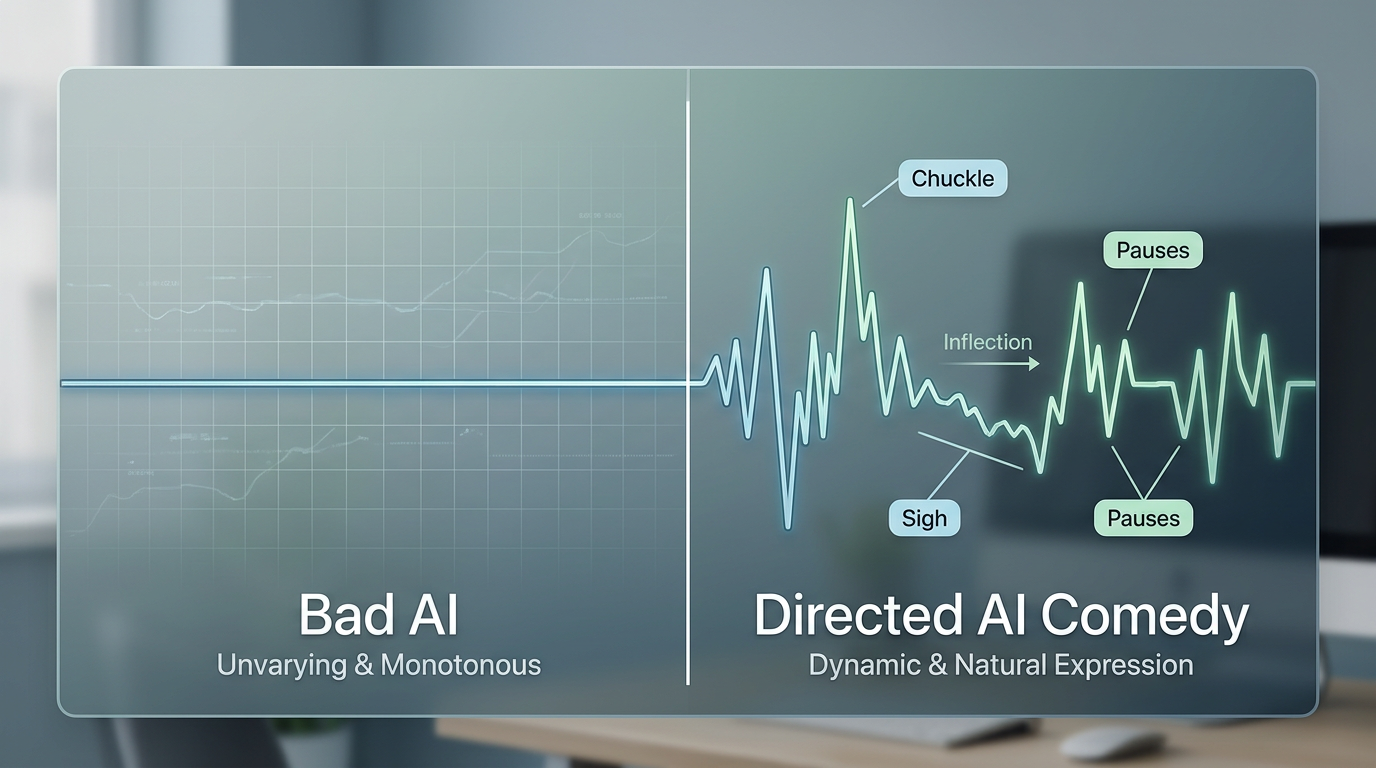
High-retention audio comedy relies on tension, pacing, and realistic vulnerability. Think of classic radio pranks; the humor doesn't come from a flawless pitch, but from the awkward pauses, the sudden shifts in volume, and the listener's mounting confusion. When you use an AI voice generator, you must actively write those human flaws into the performance.
This is where instant generation platforms change the creative process. Instead of waiting days for a voice actor to return a revised line, creators can use Fanfun to instantly test different line readings. You can treat the platform as a real-time, collaborative writer's room—tweaking a word, adjusting a punctuation mark, and immediately hearing how the timing lands. If a line doesn't make you laugh on the first playback, you change the script, regenerate, and try again until the cadence is perfect.
The Scriptwriting Blueprint: Writing for Synthetic Delivery
AI voice engines are remarkably advanced, but they do not understand comedic context on their own. They read the text exactly as it is written. Therefore, you must write phonetically and structurally for synthetic delivery rather than standard grammatical correctness.
The 'Short-Burst' Rule
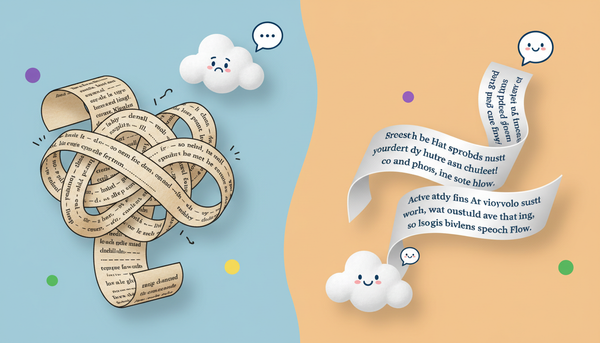
Humans rarely speak in long, grammatically flawless sentences, especially when they are nervous, excited, or pulling a prank. If your script features a sentence longer than 12 words, the AI will likely deliver it in a single, unnatural breath. Break your dialogue into short, punchy fragments.
Instead of writing: "I am calling to inform you that your car has been towed because you parked in a restricted red zone near the main entrance."
Write: "Hey. Yeah, so... your car? It’s gone. Towed. You parked in the red zone."
Writing Natural Hesitations and Interruptions
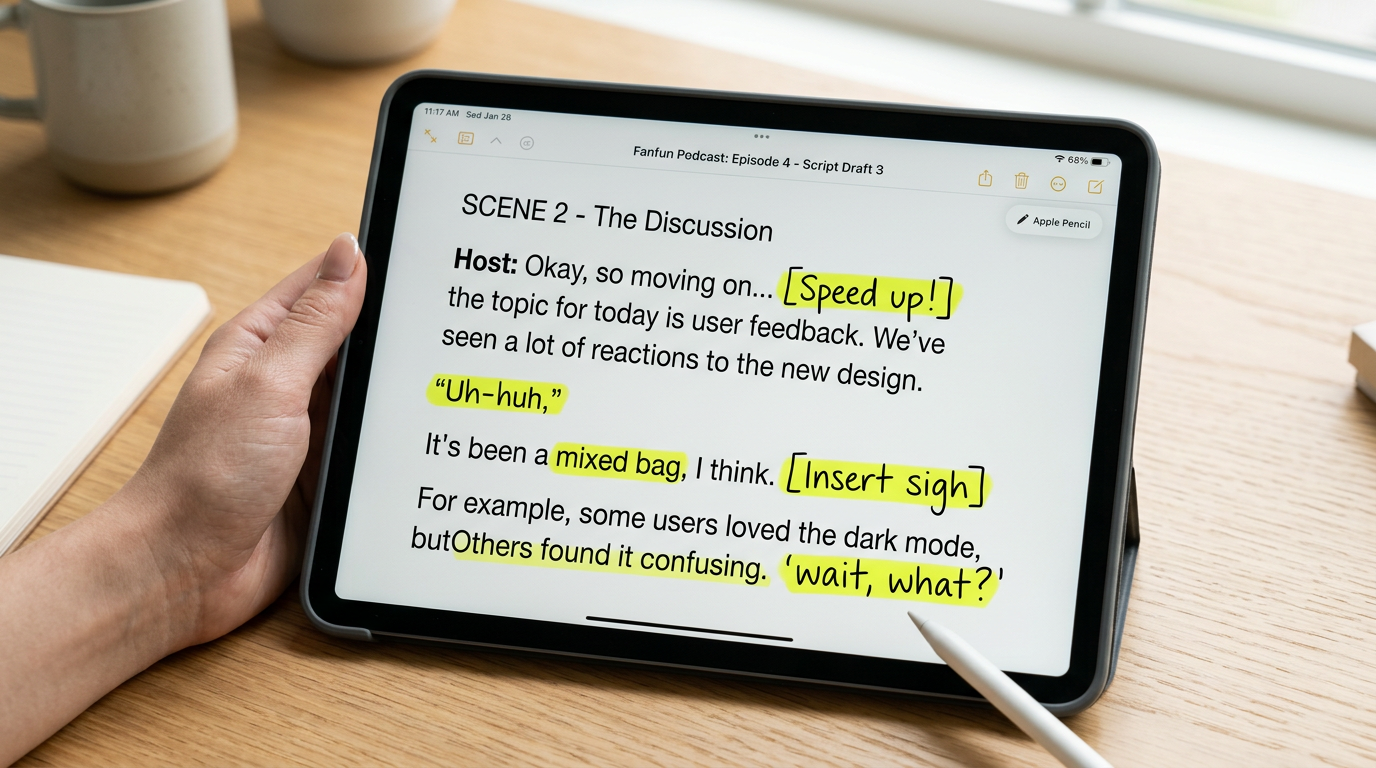
To force the AI engine to generate realistic hesitation, you must explicitly write stutters, filler words, and pauses into your text prompt. Use punctuation strategically to manipulate the engine's pacing:
- Ellipses (...) and Em-Dashes (—): These force the generator to pause and shift tone.
- Phonetic Fillers: Spell out "umm," "uhh," "wait, what?" or "uh-huh" to mimic natural human processing time.
- Exaggerated Spelling: If a word needs to be drawn out for comedic effect, spell it phonetically (e.g., "noooo" instead of "no").
Matching the Voice to the Scenario: A Casting Framework
Success in audio comedy depends heavily on casting. The voice you choose must fit the narrative logic of your sketch. When choosing a voice for your prank, you need to systematically evaluate the quality of the celebrity voice generator online to ensure it can handle the nuances of comedic timing and emotional range required for your specific script.
We can map this casting strategy using the Authority vs. Absurdity Matrix. This framework helps you pair the right style of voice with the right comedic premise for maximum impact:
| Voice Type | Comedic Premise | Why It Works | Example Scenario |
|---|---|---|---|
| High Authority (Politicians, Serious Actors) | High Absurdity (Trivial, ridiculous matters) | The contrast between a dignified voice and a stupid situation creates instant comedic irony. | A former president calling a local pet store to complain about a sassy parrot. |
| High Absurdity (Cartoon Characters, Anime Icons) | Grounded Realism (Mundane, everyday tasks) | The surrealism of a fictional character navigating normal human bureaucracy is highly engaging. | An anime hero trying to dispute a late fee on their electricity bill. |
For surreal or animated comedy setups, mastering a cartoon AI voice generator can help you craft high-retention stories that rely on nostalgia and exaggerated delivery. These voices are naturally expressive, making them perfect for over-the-top reactions that would sound jarring coming from a realistic human voice.
Conversely, if you are utilizing political figures for your comedic sketches, learning how to direct a Trump voice generator for high-retention social content is crucial for keeping audiences engaged beyond the initial gag. Political satire relies heavily on distinct speech patterns—like repetitive adjectives, sudden tangents, and self-interruptions—which must be carefully written into your prompts to sound authentic.
The Director's Checklist: Fine-Tuning Your Audio for Realism
Before you export your generated audio and post it to social media, you must put it through a rigorous post-production and direction check. Clean, perfect studio audio actually ruins the illusion of a prank call or a candid voice message. Use this checklist to elevate your final track:
- Apply the Three-Take Rule: Don't settle for the first generation. On Fanfun, generate the same line of dialogue three times. You will notice subtle variations in pitch, emphasis, and speed. Select the take that has the most natural, human-like imperfection.
- Layer Ambient Noise: Raw AI voice exports are completely silent in the background. To make a prank call believable, overlay a quiet track of telephone static, distant street traffic, or room tone. This masks the digital cleanliness of the render.
- Vary the Speed and Pitch: If your character is supposed to be panicking, slightly speed up the playback of their lines in your editing software, or choose a higher-energy generation setting. If they are bored or confused, slow down the pacing between sentences.
- Insert Physical Interruptions: Real people cough, laugh, and clear their throats. Manually edit in tiny, low-volume physical sounds to break up blocks of speech.
Ethical Comedy: Navigating the Boundaries of AI Pranks
With great creative power comes a high degree of responsibility. The goal of comedy is to entertain, not to harass, deceive, or cause harm. When directing AI voices for humor, you must establish clear ethical boundaries to protect both your audience and your brand.
The golden rule of prank comedy is simple: punch up, never down. Avoid creating content that causes genuine distress, financial panic, or reputational damage to private individuals. A prank should always end with the listener laughing at the absurdity of the situation, rather than feeling targeted or unsafe.
Furthermore, social media platforms are increasingly strict about synthetic media. To prevent your accounts from being flagged or banned, always clearly label your content as a parody, caricature, or AI-generated performance. Transparent platforms like Fanfun are designed to promote ethical creative expression, offering a safe space for parody and fan-driven entertainment without crossing the line into malicious deception. By keeping your comedy lighthearted, creative, and clearly marked, you can build a highly engaged, loyal audience that appreciates your digital directing skills.
How do I make an AI voice sound like a real phone call?
To simulate a realistic phone call, you need to apply a high-pass and low-pass filter in your audio editing software (often called a 'telephone effect') to restrict the frequency range. Additionally, layer a subtle track of telephone line hiss or background ambient noise beneath the AI voice, and write natural pauses and verbal fillers into your script.
Are AI prank calls legal to post on TikTok and YouTube?
Yes, provided they are clearly labeled as parodies, do not defame or harass private individuals, and do not violate the terms of service of the platforms. Always include a disclaimer stating that the voices are AI-generated parodies to comply with platform synthetic media guidelines.
What is the best AI prank voice generator for instant results?
Fanfun is the premier platform for instant, high-quality AI voice generation. It allows creators to instantly generate and iterate on character and celebrity voices, making it easy to test comedic timing and script variations in real time.
How do you add realistic pauses and stutters to AI voices?
You can force pauses and stutters by writing them directly into your text prompts. Use ellipses (...), hyphens, and spelling variations like 'u-umm' or 'wait... what?' to guide the AI generator into mimicking natural human hesitation.