Beyond the Default 'Jessie': How to Direct a TikTok AI Voice Generator for High-Retention Short-Form Content
TikTok's native text-to-speech voices have become auditory white noise. Discover how to use Fanfun's character-driven AI voices, phonetic scripting, and professional audio mixing to capture viewer attention and boost retention.
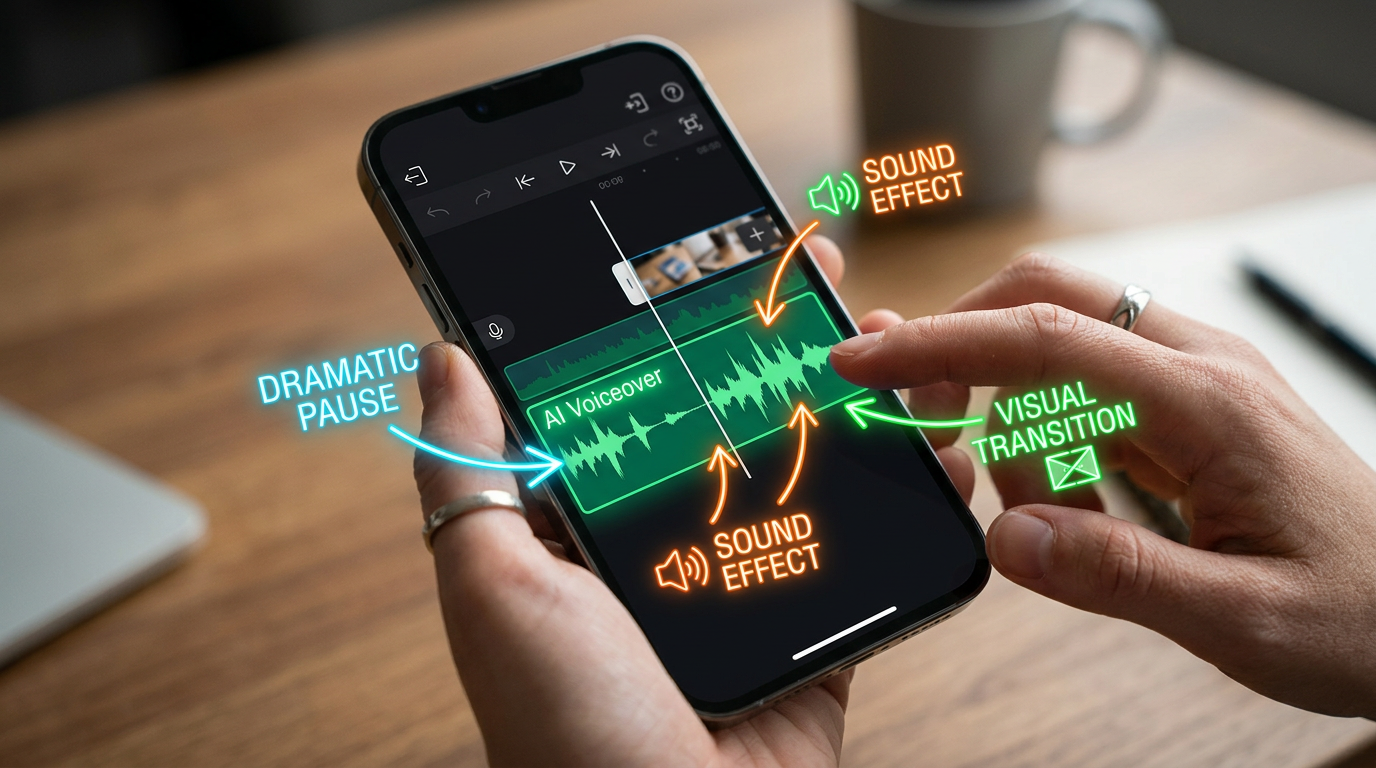
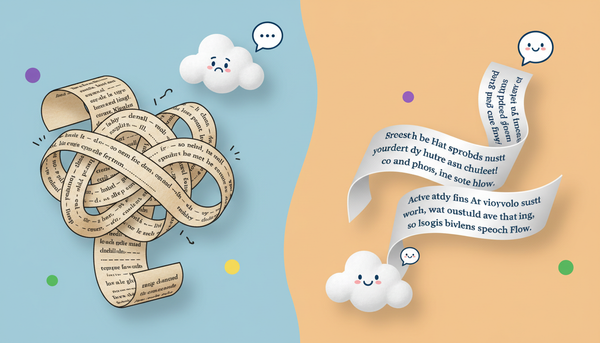
The default TikTok text-to-speech voices—like the overly cheerful “Jessie” or the hyper-dramatic “Scream” filter—have crossed the line from helpful accessibility features into pure auditory white noise. When a viewer scrolls onto a video and hears that same flat, predictable cadence, their thumb swipes up almost automatically. This phenomenon is known as “vocal fatigue,” and it is quietly killing the retention metrics of otherwise brilliant short-form videos.
To break through this scroll-blindness, top-tier content creators are shifting from passive text-to-speech generators to active audio direction. By using advanced platforms like Fanfun to source dynamic, character-driven AI voices, you can treat your voiceovers like a professional studio production. This guide outlines how to select, script, and edit high-impact AI voices to keep your audience hooked from the first frame to the final loop.
The TikTok Audio Trap: Why Native Text-to-Speech is Killing Your Retention
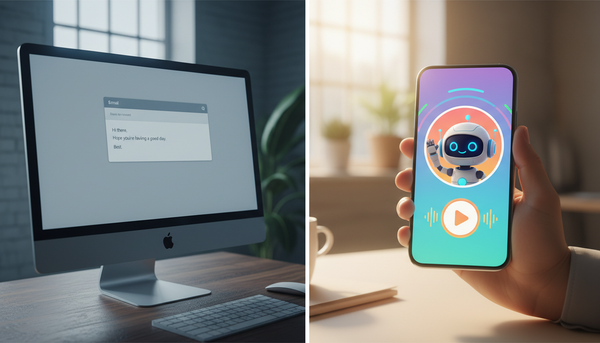
The first three seconds of a TikTok video determine its algorithmic fate. If your audio hook sounds identical to a hundred other low-effort videos in a user's feed, the algorithm will quickly stop serving your content. Native text-to-speech tools are incredibly convenient, but they carry a heavy psychological tax: they signal to the viewer that the creator didn't put effort into the production. When a voice lacks human-like breath, variation in pitch, or emotional resonance, the brain registers it as background noise and prompts a fast swipe.
To capture attention, you must transition from passive text-to-speech generation to active audio direction. This means treating your AI voice generator not as a software utility, but as a voice actor who needs specific instructions. When you actively direct the performance, you inject personality, tension, and comedic timing into the track. For creators looking to master this shift, understanding how to cast and direct a character AI voice generator for narrative content is the first step toward building a highly engaged audience. You can explore our deep-dive guide on how to cast and direct a character AI voice generator for narrative content to learn how to map out complex emotional arcs for your videos.
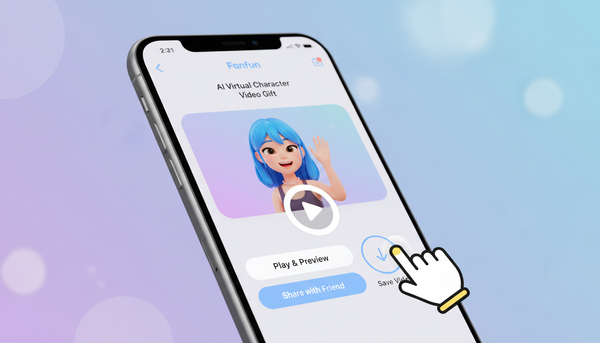
By using a dedicated platform like Fanfun, creators can move past basic robotic voices and access a deep library of character-driven and celebrity-style voices. This elevates simple storytimes, gaming clips, and reaction videos into cinematic experiences that command attention. Instead of a monotone voice reading a script, your viewers hear a distinct, recognizable personality that instantly stops the scroll.
The TikTok Voice Matrix: Matching Archetypes to Your Niche
Not all AI voices are created equal, and choosing the wrong archetype can alienate your target audience. A high-energy gaming meme requires a completely different vocal energy than an informative documentary-style video. Fanfun provides instant access to dynamic, character-driven voices that static native tools simply cannot match, giving you the creative freedom to pair your visual niche with its perfect sonic counterpart.
To help you navigate these choices, use this reference matrix to match popular TikTok niches with their ideal AI voice archetypes, pacing, and tones:
| TikTok Niche | Ideal Voice Archetype | Vocal Tone | Pacing Strategy |
|---|---|---|---|
| Gaming & Let's Play | Sarcastic Anti-Hero / Iconic Villain | Dry, condescending, high-contrast | Rapid-fire during action, slow pauses for punchlines |
| Anime & Fandom parodies | Over-the-top Shonen Protagonist | Hyper-energetic, dramatic, breathless | Constant high tempo with sudden, loud exclamations |
| Comedy & Pranks | Deadpan Observer / Parody Celebrity | Unbothered, slightly confused, ironic | Awkwardly long pauses between setup and punchline |
| Info-tainment & History | Gravelly Narrator / Wise Elder | Deep, resonant, authoritative | Measured, rhythmic, with heavy emphasis on key words |
For anime and gaming creators, matching the voice to the community's subculture is vital for driving engagement. Using an authentic-sounding character voice instantly sparks conversation in the comments section, as fans debate the lore or laugh at the parody. If you are producing content in this space, check out the otaku director's guide to using an anime AI voice generator for parodies to elevate your community engagement. Similarly, if your content leans toward whimsical or narrative storytelling, you can read our guide on how to direct a cartoon AI voice generator for storytelling to capture that perfect, animated charm.
Scripting for Short-Form AI: Punctuation, Phonetics, and Pacing Hacks
An AI voice generator is only as good as the script you feed it. If you paste raw, unpunctuated text into a generator, you will get a flat, robotic output. To get a natural, high-retention performance, you must write your script with “director's cues” embedded directly in the text. This involves manipulating punctuation, using phonetic spelling, and structuring your lines to force the AI to breathe and emphasize words naturally.
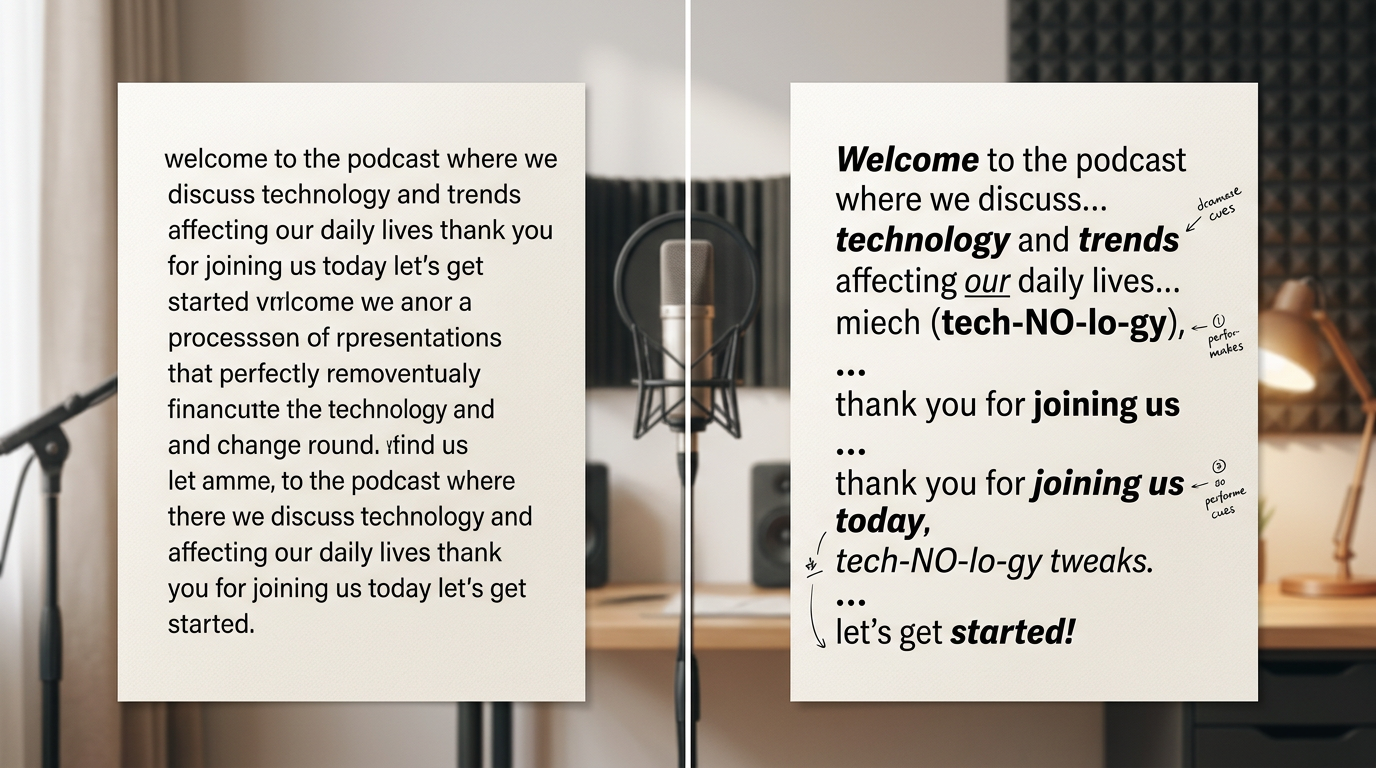
One of the most effective tricks is phonetic spelling. AI engines often struggle with niche slang, brand names, or internet jargon. If the AI mispronounces a word, spell it out exactly how it sounds. For example, instead of writing “Ocarina of Time,” write “Ah-kah-ree-nah of Time.” Instead of “Bazinga,” try “Bah-zing-gah.” This keeps the voice from stumbling and breaking the viewer's immersion.
Before exporting your final audio files, it is crucial to perform a thorough audit of your celebrity voice generator online to ensure it handles rapid-fire comedic timing and subtle inflections correctly. Testing short snippets of your script first will save you hours of re-rendering later.
The Script Optimization Blueprint
To see this in action, compare how a standard script reads versus an AI-optimized script designed to maximize comedic and dramatic effect:
| Standard Script (Flat Output) | AI-Optimized Script (Dynamic Output) |
|---|---|
| "I tried to beat this level for ten hours and then I died to a basic goomba. I am literally crying right now." | "I tried to beat this level... for TEN... hours. And then? I died. To a basic... goom-bah. I am... lit-er-ally... crying right now." |
Notice how the ellipses (...) force the AI to pause and draw breath, creating suspense. Writing "TEN" in all caps signals the engine to apply more vocal weight, and breaking "literally" into "lit-er-ally" slows the cadence down for dramatic, comedic emphasis.
The Audio Mix: Layering Sound Effects and Music for High-Retention Beats
Once you have generated your optimized AI voiceover, the work isn't finished. Raw AI audio placed directly over a video can still feel slightly detached. To truly lock in viewer retention, you must mix the voiceover into a cohesive, multi-layered audio environment. This process blends the AI voice, background music, and sound effects into a single, high-impact experience.
The golden rule of short-form audio mixing is ducking. Whenever your AI voice is speaking, your background music track should be ducked (lowered) by 12 to 15 decibels (dB). This ensures that the voice remains perfectly crisp and intelligible, even on low-quality phone speakers. If the viewer has to strain to understand what the voice is saying, they will scroll away.
The High-Retention Audio Mix Checklist:
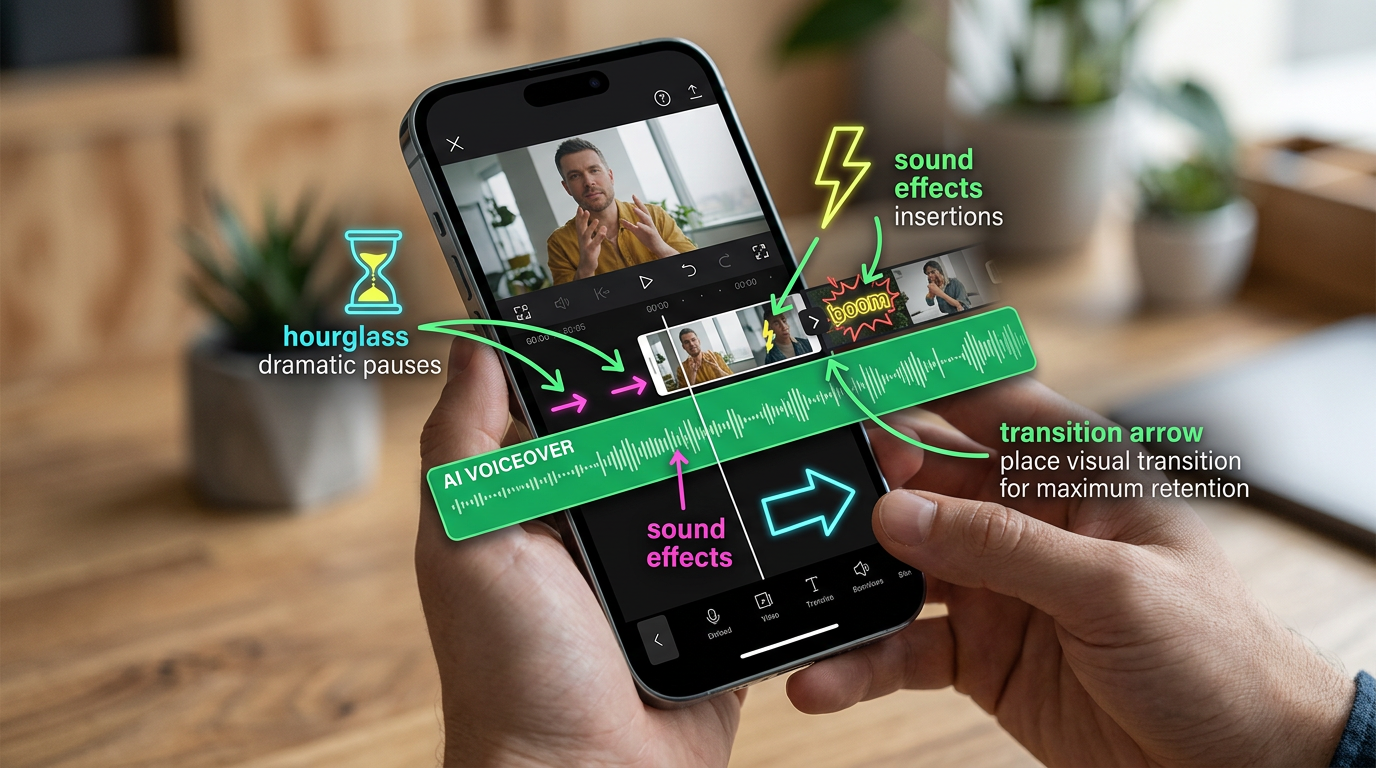
- Apply Audio Ducking: Drop background music by 12-15dB during vocal delivery.
- Add Environmental Reverb: Apply a subtle "room" or "hall" filter if your character is supposed to be in a specific space.
- Sync Visual Cuts: Place your video transitions exactly on the AI's natural pauses or breath marks.
- Emphasize with SFX: Layer swooshes, record scratches, or bass drops to punctuate comedic punchlines.
For comedy creators, sound design is the secret weapon that elevates a joke from a mild chuckle to a viral share. If you are writing sketch or prank content, understanding the pacing of your sound effects is just as important as the vocal delivery itself. For a masterclass on this, check out our manual on directing an AI prank voice generator for comedy to see how to time your sound cues perfectly with your voiceover beats.
Ethical Directing: Navigating TikTok's AI Labels and Creator Guidelines
As AI voice generation technology becomes more accessible, platforms like TikTok have updated their community guidelines to protect users and maintain transparency. To keep your account healthy and avoid shadowbans or content flags, you must follow platform rules while pushing the boundaries of creative fandom.
TikTok requires creators to use the "AI-generated" content label when posting videos that feature realistic digital likenesses or synthetic voices. Using this label does not hurt your reach; in fact, being transparent with your audience builds trust and keeps your videos fully compliant with the algorithm. If your video is clearly a parody, a meme, or a fictional character interaction, labeling it correctly ensures it stays live.
When directing political or public figure parodies, the line between harmless satire and dangerous misinformation is critical. If you want to use these voices safely, you should study our playbook on directing a Trump voice generator for high-retention social content. This guide explains how to keep your scripts clearly satirical, entertaining, and compliant with community guidelines, ensuring your comedic content thrives without crossing into malicious deepfakes.
By focusing on creative, high-substance parody and clear disclosure, you can harness the full power of Fanfun's AI voice tools. Treat your AI voiceovers like an art form, apply professional directing techniques, and watch your watch-time and viewer loyalty skyrocket.
How do I get custom AI voices on TikTok instead of the default ones?
To use custom AI voices, you should generate your audio using an external platform like Fanfun, which offers a vast library of character, anime, and celebrity-style voices. Once you generate the audio, download the file and import it into your video editing software (like CapCut or Premiere) as a voiceover track before uploading the finished video to TikTok.
Will TikTok shadowban or flag my video if I use an external AI voice generator?
No, TikTok will not shadowban your video simply for using an external AI voice. However, you must comply with TikTok's community guidelines by using the "AI-generated" content label when appropriate, and ensure your content remains clearly satirical, educational, or entertaining rather than misleading or malicious.
How do I make an AI voice sound more natural and less robotic in my TikTok edits?
To make an AI voice sound natural, use punctuation to control pacing (like ellipses for pauses and dashes for abrupt breaks), write phonetic spellings for tricky words, and mix the audio track professionally by lowering background music by 12-15dB when the voice is speaking.
Can I use Fanfun character voices for TikTok affiliate marketing and promo videos?
Yes! Fanfun character voices are highly effective for making promotional content stand out. Using a recognizable, high-energy character voice for your product hook can significantly increase your video's retention rates and drive higher click-through rates on your affiliate links.