The Hero's Monologue: How to Direct an Anime Protagonist Voice Generator Online for Maximum Shonen Energy
Standard text-to-speech tools sound too flat for high-stakes anime battles. Discover how to direct an online voice generator using punctuation hacks, phonetic spelling, and classic shonen archetypes to create cinematic voiceovers.
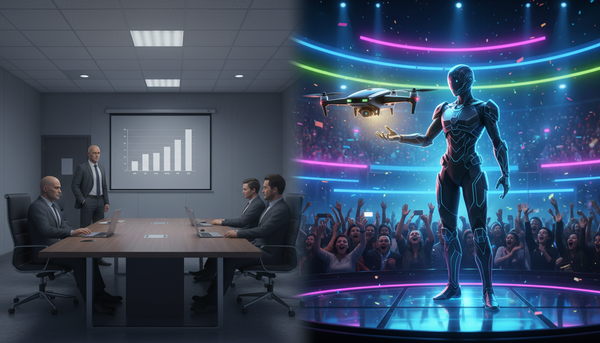
Most online text-to-speech generators are built to sound like helpful customer service representatives or corporate training narrators. But when you are trying to recreate the high-stakes climax of a shonen battle, a polite, monotone voice reading your script completely kills the illusion. True anime energy requires a dynamic range that standard digital voices simply cannot achieve out of the box.
To capture the raw, emotional energy of an anime protagonist, you need to think like a voice director rather than a typist. By understanding how AI engines interpret text and utilizing platform-specific directing techniques, you can transform flat digital voiceovers into cinematic, high-retention fan dubs, parodies, and memes that sound like they belong in a high-budget anime climax.
Beyond the Monotone: Why Most Anime Protagonist Voice Generators Fall Flat
Standard text-to-speech engines are built for clarity, neutrality, and steady pacing. While this is perfect for reading an audiobook or a GPS navigation route, it is the exact opposite of what makes an anime protagonist compelling. Anime voice acting is defined by its theatricality. Protagonists constantly shift between quiet, breathy internal monologues and explosive, gravelly battle cries. When you feed a standard script into a basic voice generator, the AI attempts to smooth out these emotional spikes, resulting in a flat, robotic delivery that lacks stakes.
To overcome this, you must treat the generator as an actor that requires explicit direction. Dynamic shifts in pitch, breathiness, and pacing are what convey grit and determination. Instead of expecting the AI to guess the emotional context of your scene, you have to inject those performance cues directly into the text. For a foundational understanding of how to break free from these digital limitations, read The Creator’s Audio Bible: How to Direct an AI Voice Generator Beyond the Text-to-Speech Trap.
This is where Fanfun changes the game. Unlike corporate voice tools, Fanfun is built specifically for creators, fans, and parodists who need high-impact character voices. By offering expressive AI interpretations of iconic archetypes, the platform allows you to bypass the robotic limitations of traditional TTS, giving you the foundation needed to build genuine cinematic tension in your audio tracks. To master the nuances of performance control specifically for this medium, consult The Otaku Director’s Guide: How to Craft High-Impact Anime Dubs and Parodies with an Anime AI Voice Generator.
The Three Vocal Archetypes of Shonen Protagonists
Before you begin typing your script into an online generator, you must identify the vocal archetype of your protagonist. Shonen anime relies on highly specific character tropes, and each trope carries a distinct vocal signature. Matching your script's tone to the correct archetype ensures the AI voice generator delivers the right emotional weight.

- The Underdog: Think of characters who start with little power but possess infinite resolve. This archetype is characterized by a slightly higher pitch, frequent breathy pauses to indicate exhaustion, and sudden, explosive jumps in volume during emotional peaks. They sound vulnerable but fiercely determined.
- The Cool Prodigy: This archetype is low, steady, and calculated. This voice relies on deliberate, slow pacing and minimal pitch variance to carry a quiet confidence. The tension comes from the cold, unyielding nature of the delivery rather than loud outbursts.
- The Hot-Headed Rival: Raspy, aggressive, and fast-paced, this character sounds like they are constantly pushing the upper limits of vocal strain. Every line is delivered with a slight growl, and the pacing is rapid, leaving little room for quiet reflection.
If your scene requires a darker, more menacing foil to your hero, check out The Antagonist’s Playbook: How to Direct a Villain Voice Generator Online for Cinematic Menace to learn how to craft the perfect antagonist voice to contrast these heroic archetypes.
Evaluating Voice Quality for Heroic Roles
Not all voice models are created equal. When selecting an engine or character profile on Fanfun, you need to audit the voice for its emotional range and artifacting under high-stress delivery. To systematically assess whether a voice can handle the intense demands of a shonen monologue, refer to The Audio Director’s Audit: How to Evaluate a Celebrity Voice Generator Online for Professional-Grade Content. This guide provides a rigorous framework for testing clarity, pitch stability, and emotional resonance before you commit to a full production run.
Punctuation Hacks: How to 'Code' Emotion into Your Script
AI voice generators read punctuation as performance cues rather than grammatical rules. If you write a script with standard grammar, the AI will deliver a standard, boring read. To get an expressive, high-energy performance, you must use non-standard punctuation and phonetic spelling to 'code' the desired emotion directly into the generator.
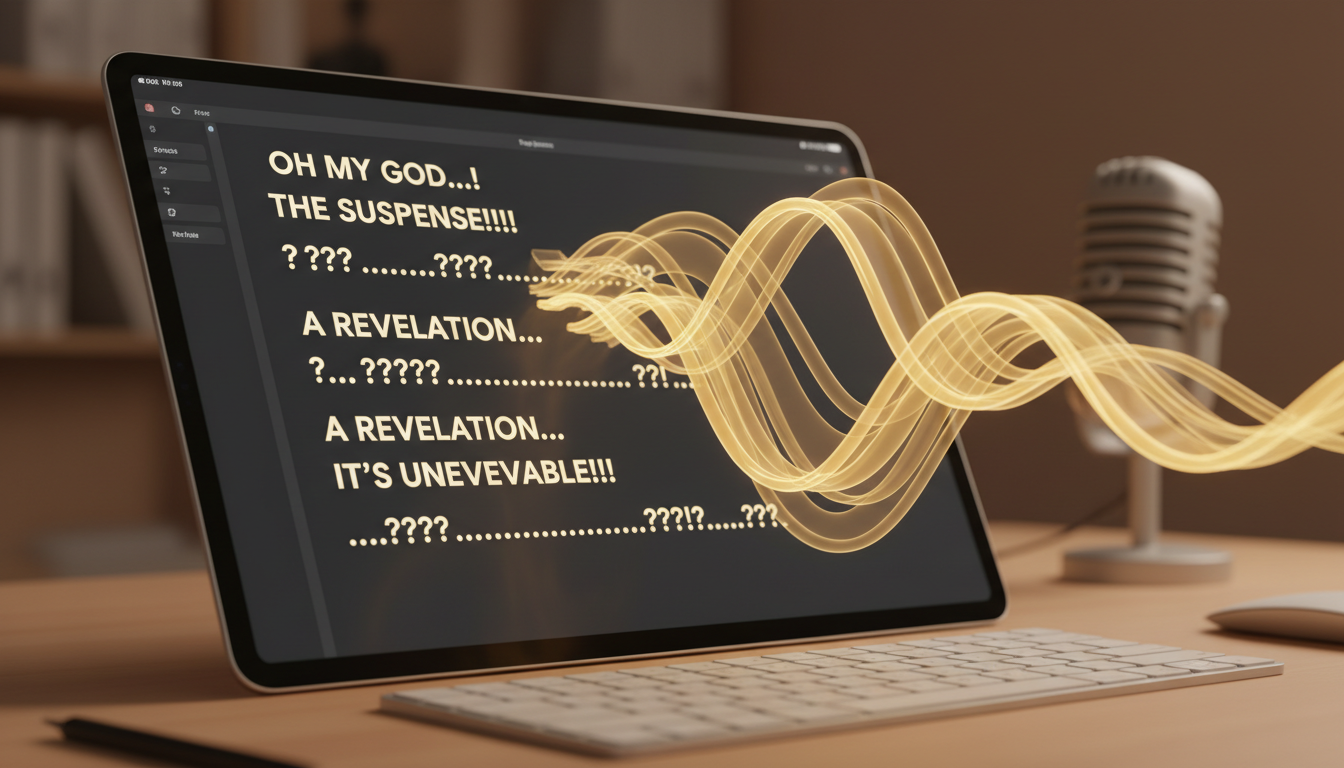
Use ellipses (...) to force dramatic pauses, hesitation, or internal monologue moments. Multiple hyphens (-) can be used to simulate stuttering or physical pain. To get the AI to generate authentic anime-style grunts, gasps, and battle cries, you must spell them out phonetically. Writing "Argh" will often result in a flat pronunciation of the word "arch" or a clean "arg." Writing "Gwaaaah" or "Ugh-!" forces the AI to mimic the physical strain of a grunt.
Below is a comparison framework showing how to convert a standard script into an AI-optimized script designed for maximum shonen impact:
| Standard Script (Flat Delivery) | AI-Optimized Script (High Shonen Energy) | Vocal Result |
|---|---|---|
| I will never give up, even if my body breaks. | I will... never... give up! Even if... my body... breaks... GWAAAAAH! | Dramatic pauses building into a desperate, high-volume emotional climax. |
| Is this all you have? I expected more from you. | Is this... all you have? *huff*... I expected... more... from you. | Breathy, exhausted delivery showing physical strain and arrogance. |
| No, it cannot end like this. | N-no... it... it can't end... like this! | Stuttering and hesitation indicating panic, shock, or a sudden realization. |
Optimizing for Short-Form Video Retention
If you are creating content for TikTok, YouTube Shorts, or Instagram Reels, your audio needs to hook the viewer within the first three seconds. A slow, cinematic buildup might work for a long-form YouTube video, but short-form platforms demand immediate, high-retention audio cues. Anime protagonist voices are perfect for this because of their high energy and instant recognizability.
To maximize retention, start your video in media res—right in the middle of a battle cry or a dramatic realization. Use rapid, punchy dialogue lines rather than long, winding monologues. For a deep dive into tailoring your voiceovers for high-performance social algorithms, check out Beyond the Default 'Jessie': How to Direct a TikTok AI Voice Generator for High-Retention Short-Form Content. This guide details how to structure your audio pacing to prevent viewers from swiping away.
Integrating Protagonist Voices into Your Content Workflow
An anime voice never exists in a vacuum. In a real anime production, the voice track is layered with a complex soundscape of sweeping orchestral scores, heavy impact sound effects, and environmental reverb. To make your generated voice sound truly authentic, you must integrate it properly into your video editing suite.
First, pay close attention to pacing and timing. Do not simply drop a single long audio file over your video timeline. Cut the generated voiceover into individual phrases and align them precisely with the visual action. If your character is delivering a heavy blow, time the climax of their vocal grunt to hit exactly three frames before the visual impact. This slight pre-delay makes the hit feel incredibly heavy and satisfying.
Second, use environmental effects to sell the space. If your protagonist is standing on a vast, ruined battlefield, add a light hall reverb to the voice track to simulate scale. If they are speaking inside their own mind, apply a low-pass filter and a subtle stereo delay to make the voice feel intimate and internal. To learn how to master these mixing, syncing, and editing workflows, read The Fandub Blueprint: How to Sync, Mix, and Direct Anime Voice Makers for High-Quality Fan Dubs.
Finally, utilize sidechain compression on your background music. When your protagonist starts speaking or screaming, the background music should automatically duck by 2 to 3 decibels. This ensures that the dialogue remains crisp and intelligible, even when a massive orchestral track is swelling in the background. By combining Fanfun's expressive voice generation with smart post-production techniques, you can create professional-grade anime content that captures the true spirit of shonen.
How do I make an online AI voice generator sound like it's screaming?
To simulate screaming, use capitalized phonetic spellings (like 'GWAAAAH' or 'NOOOOO!') combined with exclamation marks. Additionally, choose an aggressive voice archetype, such as the Hot-Headed Rival, which naturally carries more vocal strain and intensity in its delivery.
Can I use anime protagonist voice generators for commercial projects?
It depends on the platform's terms of service and the specific voice model used. Fanfun offers a variety of licensed and original character voices. Always check the licensing agreements on the platform to ensure your content complies with intellectual property guidelines before publishing commercial work.
What is the best way to add dramatic pauses to an AI voiceover?
The most effective way is to use ellipses (...) or hyphens (-) between words in your script. For longer, more natural pauses, generate the dialogue in separate chunks and manually adjust the spacing between the audio clips on your video editing timeline.
How does Fanfun differ from standard online text-to-speech tools?
Standard text-to-speech tools are designed for neutral, flat readings like audiobooks or corporate presentations. Fanfun is built specifically for creators and fans, offering expressive, highly stylized AI character voices that can capture the dramatic range, emotion, and intensity required for anime, parodies, and memes.