The Creator’s Audio Bible: How to Direct an AI Voice Generator Beyond the Text-to-Speech Trap
Audiences are tired of robotic, default social media voices. Discover how to transition from basic text-to-speech to active voice direction, utilizing advanced script styling, casting frameworks, and production hacks to maximize retention.
Millions of creators upload videos daily, yet a massive portion of them sound exactly the same. The generic, robotic text-to-speech voices that dominated early TikTok are no longer a novelty—they have become a retention killer. When viewers hear that familiar, flat, synthesized tone, their thumbs instinctively swipe away to escape the digital monotony.
To stand out on crowded feeds, you must stop treating AI voice generation as a passive, "set-it-and-forget-it" tool. High-impact video requires you to step into the role of an audio director. By mastering vocal casting, formatting scripts for natural human inflection, and applying professional post-production polish, you can transform flat AI narration into a cinematic, high-retention audio experience that commands attention.
The Death of the Monotone: Why Creators Must Transition from Text-to-Speech to Voice Direction
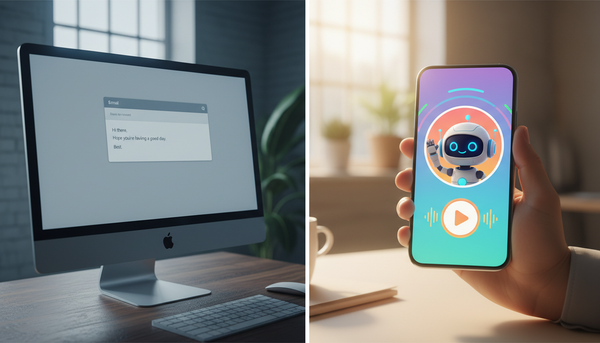
Audiences are suffering from acute "default voice fatigue." When the same generic text-to-speech engine narrates everything from recipe videos to financial advice, the content loses its identity. A voiceover shouldn't just read words; it must establish tone, build tension, and inject personality. If your audio lacks dynamic range, your viewer retention metrics will suffer, regardless of how clean your visual transitions are.
High-retention content relies on micro-inflections, emotional range, and pacing that perfectly matches the visual edit. A dramatic pause before a punchline or a subtle rise in pitch during a climax keeps the human brain engaged. To achieve this, you must make the transition to our deep dive on moving beyond basic TikTok AI voice generators for short-form content and embrace active voice direction.
This is where Fanfun shifts the paradigm. Instead of offering flat, synthetic speech engines, Fanfun provides creators with expressive, character-rich, and celebrity-inspired AI voices that feel genuinely alive. By putting you in the director's chair, the platform allows you to leverage vocal performances that carry inherent warmth, humor, and energy, instantly elevating your content above the sea of robotic clones.
The Creator’s Casting Framework: Matching Vocal Archetypes to Content Formats
Voice casting is the most frequently overlooked step in the digital creator workflow. Too often, creators select a voice simply because it sounds "clear," ignoring whether its personality matches the visual content. Just as a Hollywood director wouldn't cast a soft-spoken narrator for an action movie trailer, you shouldn't use a corporate voice for a high-energy gaming highlight.
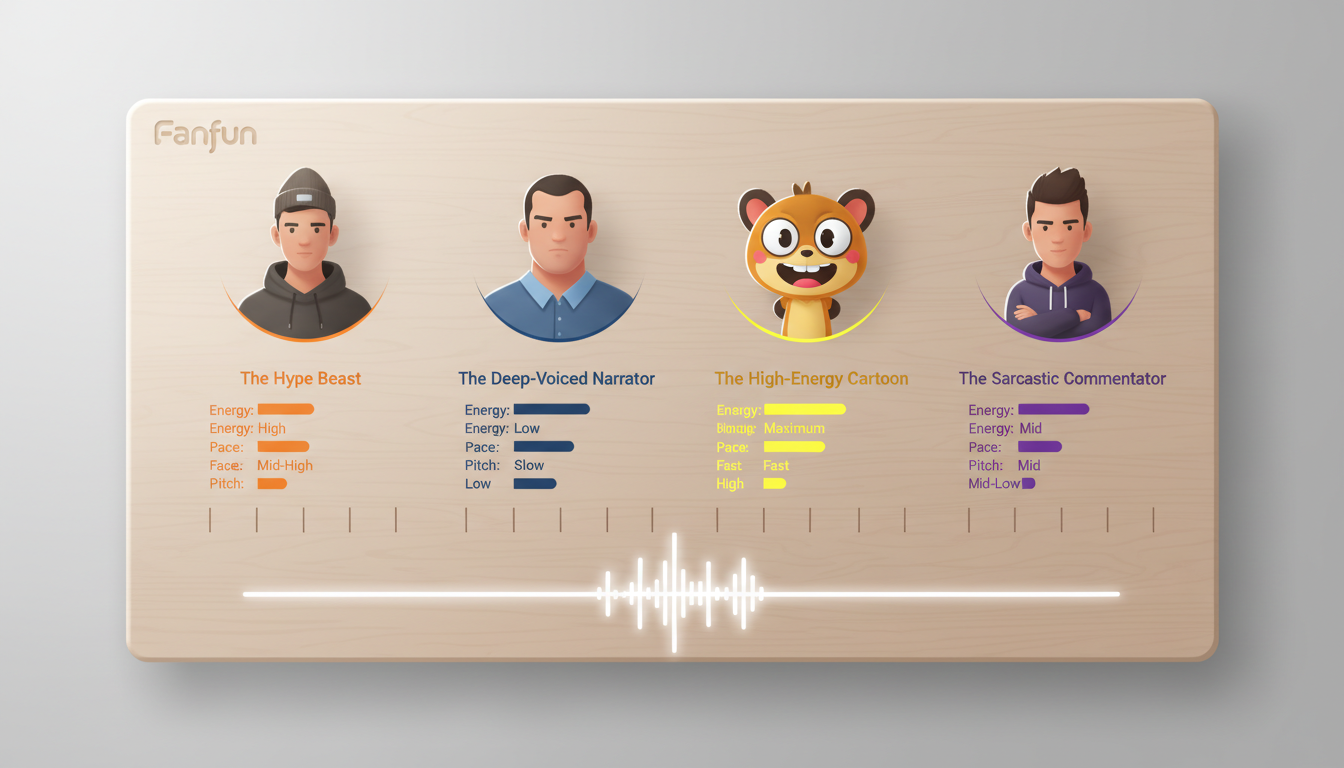
To build a cohesive channel identity, you need a systematic approach to matching vocal archetypes with your specific content niche. Before generating your next voiceover, learn how to audit and select a high-quality celebrity voice generator online to ensure your chosen voice has the emotional flexibility your content demands.
| Content Niche | Vocal Archetype | Ideal Pacing & Energy | Primary Emotional Goal |
|---|---|---|---|
| Gaming & Clips | The Hype Beast / Energetic Sidekick | Fast-paced, high energy, punchy | Excitement, urgency, hype |
| Video Essays / Documentaries | The Deep-Voiced Sage | Slow, deliberate, resonant | Authority, mystery, credibility |
| Comedy & Commentary | The Sarcastic Realist | Moderate, expressive, conversational | Relatability, humor, skepticism |
| Unboxings & Tech Reviews | The Enthusiastic Expert | Upbeat, clear, friendly | Trust, approachability, clarity |
By using Fanfun's diverse library of characters, athletes, and cultural icons, creators can instantly establish the mood of a video. Instead of spending hours trying to make a generic voice sound excited, you can cast a voice that naturally carries the exact level of enthusiasm, grit, or authority your video requires.

Choosing Between Character, Celebrity, and Original Voices
Your casting strategy should also align with your channel's long-term branding goals. When building a narrative-driven channel, tapping into nostalgia and existing fandoms can give you a massive head start. Using recognizable character voices allows you to bypass the long process of building audience affinity from scratch. To see how this works in practice, explore our comprehensive guide on directing character AI voice generators for narrative storytelling.
For satirical, comedic, or high-concept commentary, celebrity-style parody voices offer incredible creative freedom. They allow you to place familiar personalities in absurd, fictional scenarios that keep viewers hooked out of sheer curiosity. However, if your goal is long-term channel authority, consider selecting a signature "host" voice. Using the same distinct, high-quality AI voice across all your recurring series establishes a recognizable brand identity, making your content instantly identifiable on any social feed.
Punctuation as Direction: Writing Scripts That Force Natural AI Inflection
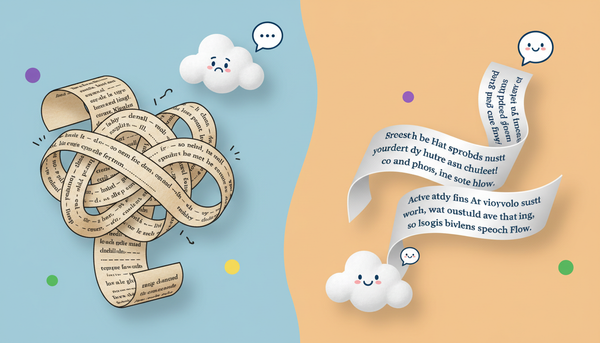
AI voice generators do not read scripts the way humans do; they parse code and punctuation marks to determine rhythm, emphasis, and pitch. If you write your script as a standard, grammatically correct paragraph, the AI will likely deliver a flat, monotonous performance. To get a dynamic read, you must treat your script as a musical score, using specific punctuation hacks to force natural human inflections.
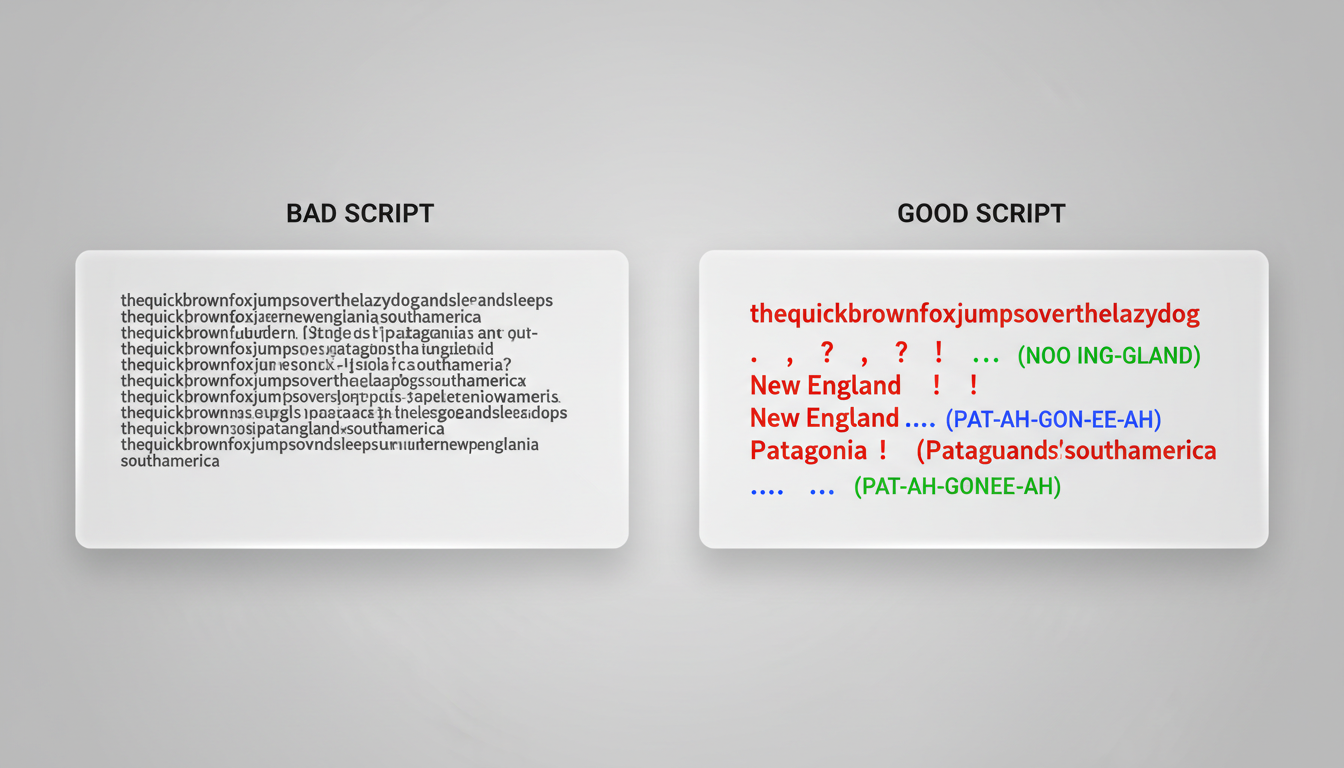
Here are three essential script-writing techniques to guide your AI voice engine:
- The Ellipsis Hack ("…"): Standard periods often result in a abrupt, robotic drop in pitch. Inserting ellipses forces the AI generator to take a natural breath, creating suspense or transition space before the next line.
- Phonetic Spelling: AI engines occasionally stumble over complex brand names, slang, or niche terminology. Spelling words phonetically (e.g., writing "gif" as "jiff," or "Fanfun" as "Fan-fun") prevents awkward pronunciations that break the viewer's immersion.
- Punctuation Stacking: Combine exclamation points, question marks, and capitalization to inject urgent energy. Writing "Wait... WHAT?!" forces a completely different vocal curvature and pitch spike than simply writing "Wait, what."
By applying these simple formatting adjustments, you can coax incredibly lifelike performances out of your selected voice. To see how these tactical script adjustments apply to highly stylized content, see how to direct cartoon AI voice generators for high-retention animated content.

The Retention Checklist: Audio Polish Secrets for TikTok, Reels, and Shorts
Even the best AI voice generation requires professional post-production to truly shine. To keep pace with modern short-form editing standards, you must polish your audio files before publishing. Use this step-by-step checklist to seamlessly blend your AI voiceover into a high-retention video edit:
- Tighten the Cuts: Export your AI voiceover and bring it into your editing software (like CapCut, Premiere, or DaVinci Resolve). Manually slice out any dead air or breathing gaps that exceed 0.2 seconds. Modern social audiences expect a rapid-fire, continuous flow of information.
- Implement Dynamic Audio Ducking: Background music should never compete with your voiceover. Set your music track to automatically "duck" (lower in volume) by 3 to 6 decibels whenever the AI voice is speaking, ensuring perfect vocal clarity.
- Layer Organic Sound Textures: A completely clean AI voice can sound sterile. Layer a very subtle, low-volume "room tone" or ambient background track beneath your audio. Adding subtle Foley sound effects (like paper rustling, keyboard clicks, or footsteps) matching the visual actions makes the AI voice sound like it was recorded in a real, physical space.
- Apply Light Compression and EQ: Boost the low-mid frequencies of your vocal track slightly to add warmth and authority, and apply a subtle limiter to prevent audio clipping on mobile speakers.
Creative Ethics: Navigating Parody, Fair Use, and Platform Safety
As AI voice technology becomes more accessible, creators must navigate the ethical and legal landscape responsibly. When utilizing celebrity-style or character voices, understanding the boundaries of parody and fair use is critical to protecting your channel from copyright strikes and platform bans.
Generally, parody and transformative commentary are protected under fair use guidelines, especially when the content is clearly comedic or satirical. However, attempting to pass off an AI voice as a real, authorized endorsement or using it to spread misinformation violates both platform terms of service and creative ethics. Maintaining transparency with your audience—such as adding a quick "AI Parody" watermark or disclaimer in your video description—builds trust and protects your channel from being flagged by automated content moderation systems.
This ethical consideration is central to how Fanfun operates. By offering curated, licensed, and clearly designated character libraries, Fanfun provides creators with a safe, responsible playground. You can confidently produce highly engaging, hilarious, and high-concept videos knowing you are working within a framework that respects intellectual property while maximizing your creative freedom.
How do I make an AI voice generator sound more natural and less robotic?
To make an AI voice sound natural, avoid standard grammatical punctuation in your scripts. Use ellipses (...) to force realistic breathing pauses, stack punctuation like "?!" to trigger emotional inflections, and spell out complex words phonetically. Additionally, trimming out excess silence between sentences in post-production keeps the pacing tight and engaging.
Can I use AI celebrity voices in my YouTube and TikTok videos legally?
Yes, provided your content falls under the legal protections of parody, satire, or transformative fair use. You should never use AI voices to imply real celebrity endorsements, commit fraud, or spread misinformation. Adding a clear disclaimer (e.g., "AI Parody") in your video or description helps maintain transparency and complies with platform safety guidelines.
What is the best AI voice generator for content creators who need character voices?
Fanfun is the premier platform for creators looking for character and celebrity-inspired AI voices. Unlike standard text-to-speech tools that offer generic, flat narrators, Fanfun provides an extensive library of expressive, culturally relevant voices designed specifically for high-retention social media content, parodies, and fan creations.
How do I format my script to control the pacing and pauses of an AI voiceover?
Control pacing by breaking up long paragraphs into short, punchy fragments. Use commas for brief pauses, ellipses (...) for dramatic pauses, and dashes (-) for sudden interruptions. If a word needs emphasis, capitalize the entire word or place it immediately after a pause to force the AI engine to stress the syllables naturally.