
How to Set Up Interactive AI Character Chats for Deeper Roleplay Immersion
Stop treating AI characters like search engines. Discover how to build high-stakes narrative scenarios, maintain immersion with action formatting, and turn dynamic chat sessions into compelling creative projects.
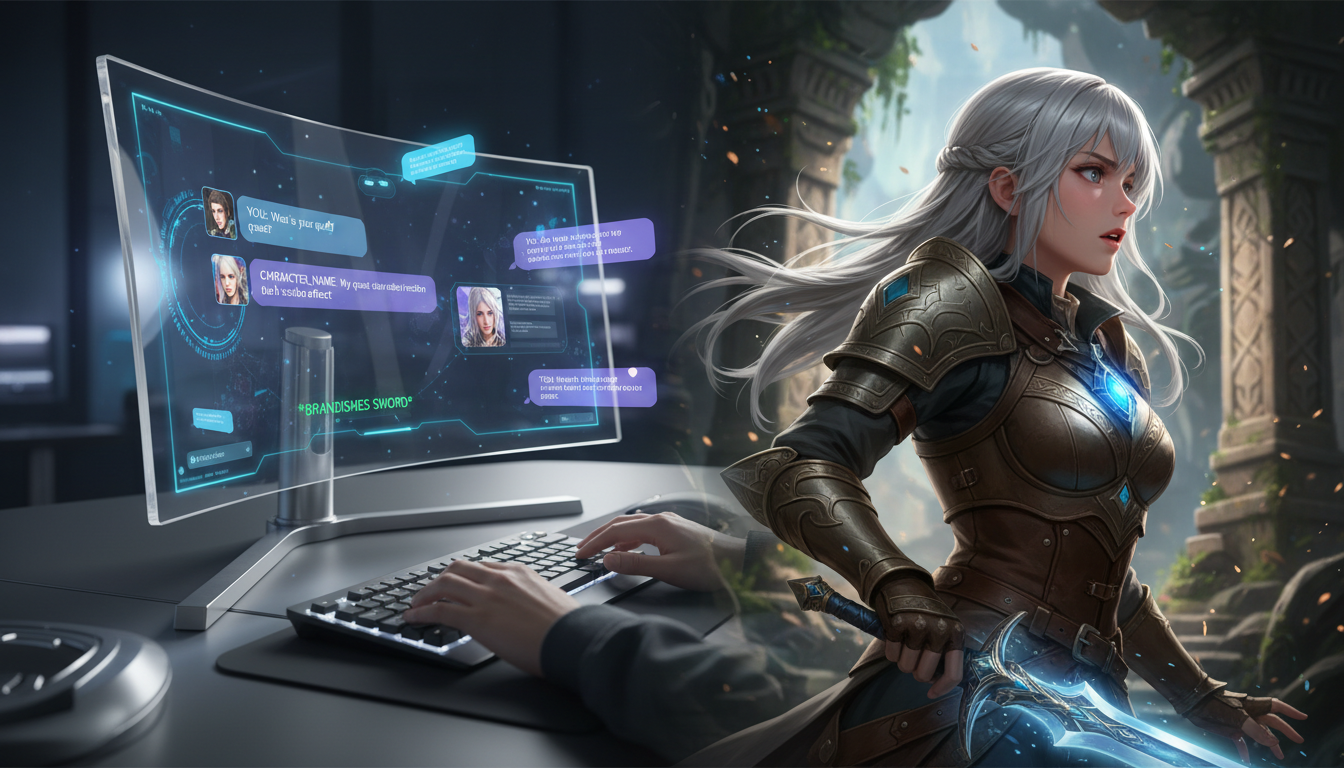
To set up an immersive interactive AI character chat, you must transition from a transactional Q&A format to a collaborative, high-stakes narrative sandbox. This is achieved by establishing a detailed immediate context, introducing an urgent inciting incident with conflicting motivations, and utilizing "Show, Don't Tell" formatting (such as asterisks for physical actions and quotes for dialogue). While AI tools offer incredible flexibility for creative roleplay, their memory windows are finite, meaning long-term immersion requires active user-side guidance and periodic narrative resets to prevent character drift and dialogue loops.
Beyond Simple Q&A: What Makes an AI Character Chat Truly Immersive?
Many users approach AI character tools as dynamic search engines, asking trivia questions or requesting dry biographical summaries. While functional, this transactional approach misses the true potential of interactive AI. True character immersion is built on the concept of active fandom, where users shift from passive content consumers to active creative collaborators. Instead of asking a character what they would do in a hypothetical scenario, you place them directly inside that scenario and let them react in real time.
While interactive chat platforms let you brainstorm and co-write in real time, bringing those generated scripts to life requires a different set of tools. At Fanfun, we see this creative pipeline firsthand. Creators often use text-based AI character chats to draft organic, high-stakes dialogue, and then plug those polished scripts directly into Fanfun's AI Celebrity Voice Clone & Video Generator. By choosing a character and entering your custom text, you can turn your interactive chat transcripts into fully voiced, custom AI videos in just minutes, ready to blast on TikTok or share in your group chats.
The 3-Step Setup for Immersive Roleplay Scenarios
Before typing your first message, you must establish the rules of the world. Without a clear narrative frame, the AI will default to generic, overly helpful assistant behavior. Whether you are setting up a complex narrative for creative writing or designing an active playroom with interactive AI character chat for kids' entertainment, the fundamental mechanics of establishing clear boundaries and immediate context remain the same. Use this three-step framework to set up your next roleplay session:
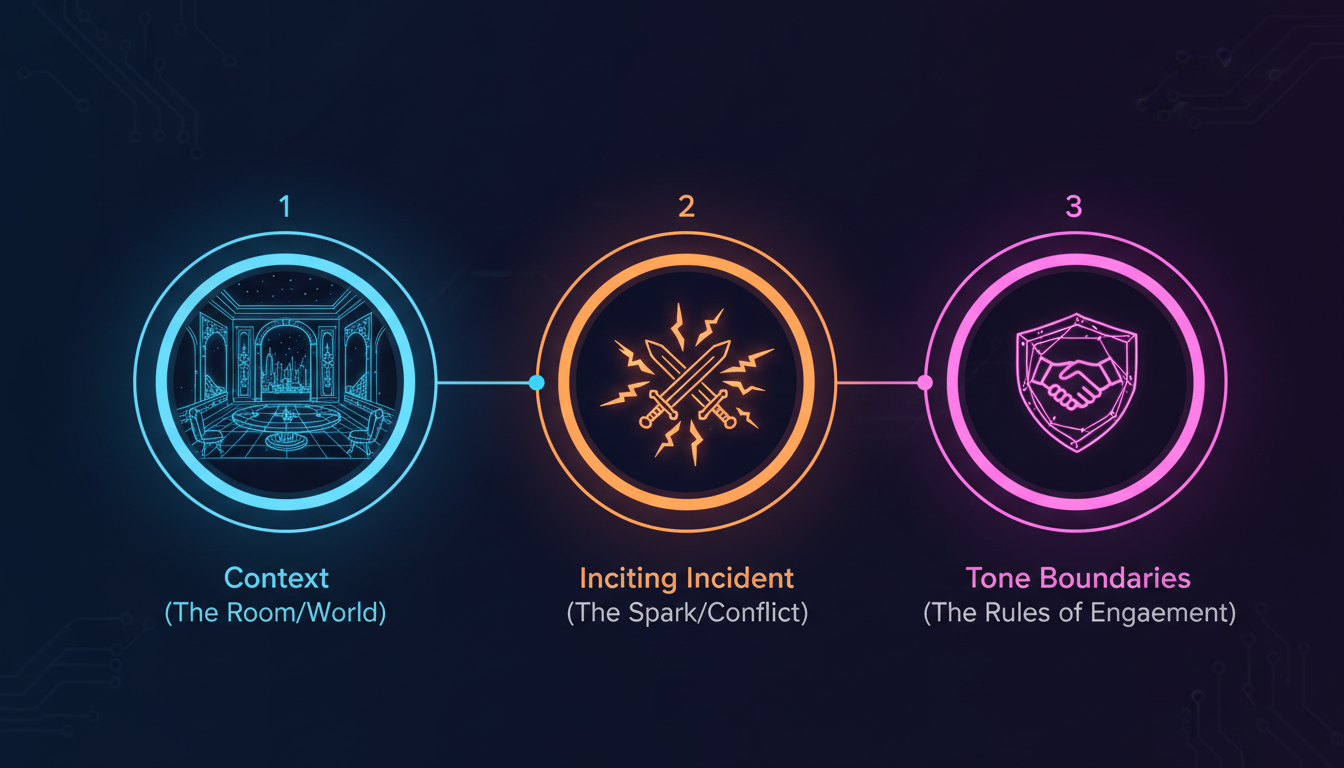
1. Establish the Context
Define the physical setting, the existing relationship between your persona and the character, and the immediate atmosphere. Be highly specific about sensory details. Instead of saying "We are in an office," try "We are standing in the dimly lit, rain-streaked office of the detective agency at 2:00 AM, surrounded by half-packed moving boxes."
2. Introduce the Inciting Incident
Give the character an immediate problem to solve, a secret to keep, or a conflict to resolve. High stakes drive compelling dialogue. If the character has no immediate objective, the conversation will quickly circularize. Introduce a ticking clock or a conflicting motive right away to force a decision.
3. Set Tone and Boundaries
Explicitly state the narrative limits. Inform the AI of the historical era, the permitted vocabulary, and the emotional baseline of the character. If the character is notoriously stoic, instruct the AI to avoid flowery prose or immediate emotional vulnerability.
When preparing for these sessions, selecting the right environment is vital. Taking the time to understand how to evaluate and choose roleplay platforms built for deep fandom ensures you have the memory capacity, customization options, and character library required to sustain complex, long-form interactions.
Immersive Setup Checklist
- Physical Environment: Defined with at least two sensory details (e.g., cold temperature, flickering lights).
- Relationship Dynamics: Clear status hierarchy or history defined (e.g., childhood rivals, reluctant partners).
- The Spark: A specific, immediate problem that must be addressed in the first five exchanges.
- Stylistic Constraints: Explicit rules against modern slang (for historical settings) or overly formal speech (for casual characters).
Advanced Prompting Techniques to Maintain the Illusion
Once the scene is set, maintaining the illusion of a living character requires active dialogue management. AI models respond heavily to the formatting and linguistic patterns of your inputs. By adopting specific structural habits, you can guide the AI to match your creative depth.
Use "Show, Don't Tell" formatting to separate physical actions from spoken dialogue. The industry standard for roleplay uses asterisks for actions, thoughts, and environmental changes, and quotation marks for spoken words. This clear visual division helps the AI understand when its character should react physically rather than just speaking.
Example Input:*I slide the rusted, locked metal box across the wooden table, watching your eyes closely for any flicker of recognition.* "I believe this belongs to you. Care to explain how it ended up in the river?"
If the AI breaks character or introduces anachronisms, avoid breaking the fourth wall to correct it. Instead, use subtle conversational nudges to steer the narrative back on track. If the character suddenly acts too friendly, react with in-character suspicion to prompt a correction. Challenging the character's core motivations by introducing conflicting information is an excellent way of using interactive chats to stress-test dialogue and subtext, forcing the AI to generate more complex, layered responses.
| Prompt Type | Transactional Approach (Low Immersion) | Immersive Approach (High Immersion) |
|---|---|---|
| Scenario Launch | "Let's do a roleplay where you are a pirate captain and I am your first mate." | "*The deck of the ship sways violently as a storm rolls in.* 'Captain, the mainmast is cracking! What are your orders?'" |
| Character Correction | "Stop being so nice, you are supposed to be an angry villain." | "*I step back, frowning at your sudden warmth.* 'Since when did the feared conqueror care about my well-being?'" |
| Exploring Backstory | "Tell me about the time you lost your magic sword." | "*I point to the empty scabbard on your hip.* 'I noticed you no longer carry the blade of your ancestors. Did it break, or did you lose it?'" |
Translating Immersive Chats into Creative Content
For content creators, writers, and digital artists, interactive AI chats are more than just entertainment—they are highly effective creative sandboxes. For writers, treating the AI as the writer's sparring partner to break story blocks and refine dialogue can turn a static outlining process into a dynamic back-and-forth. This sandbox environment is perfect for creative experimentation; you can use AI roleplay chat platforms to stress-test your creative writing before finalizing a script.
Once you have developed a compelling narrative arc or a sharp sequence of dialogue through text-based roleplay, you can easily transition those creative victories into high-impact multimedia. Creators can take these refined scripts and bring them to life by creating character-driven voiceovers for high-retention video intros, social media teasers, or fully produced audio stories, bridging the gap between interactive text and engaging multimedia content.
What should I do if the AI character starts repeating the same phrases or dialogue loops?
Dialogue loops usually happen when the conversation lacks new physical actions or when the AI's recent context memory is filled with similar phrasing. To break the loop, introduce a sudden, dramatic environmental shift or physical action using asterisks (e.g., *The lights suddenly go out, and a loud crash echoes from the hallway*). This forces the AI to process new sensory inputs and breaks the repetitive dialogue pattern.
How can I set up a multi-character scene in a single interactive chat session?
To manage multiple characters, clearly define their names and speaking styles in your initial setup prompt. When you write your messages, explicitly format which character you are addressing or which character is performing an action (e.g., *I turn to Sarah* "Do you agree?" *Then I look back at James, waiting for his reaction.*). This structural clarity helps the AI track who is speaking and who is reacting in the scene.
Can I use interactive AI character chats to brainstorm fictional dialogue for my own original stories?
Yes. Interactive chats are highly effective tools for breaking writer's block and stress-testing original characters. By inputting your character's personality profile and placing them in a high-stakes scenario, you can converse with them to discover how they might naturally express themselves, handle conflict, or reveal subtext under pressure.



