
Beyond the Outline: How to Use Interactive Character Chat Tools to Stress-Test Your Dialogue and Subtext
Static outlines can only take your script so far. Discover how to use interactive AI character chats as real-time improv sandboxes to stress-test your dialogue, build layered subtext, and refine your characters' voices.
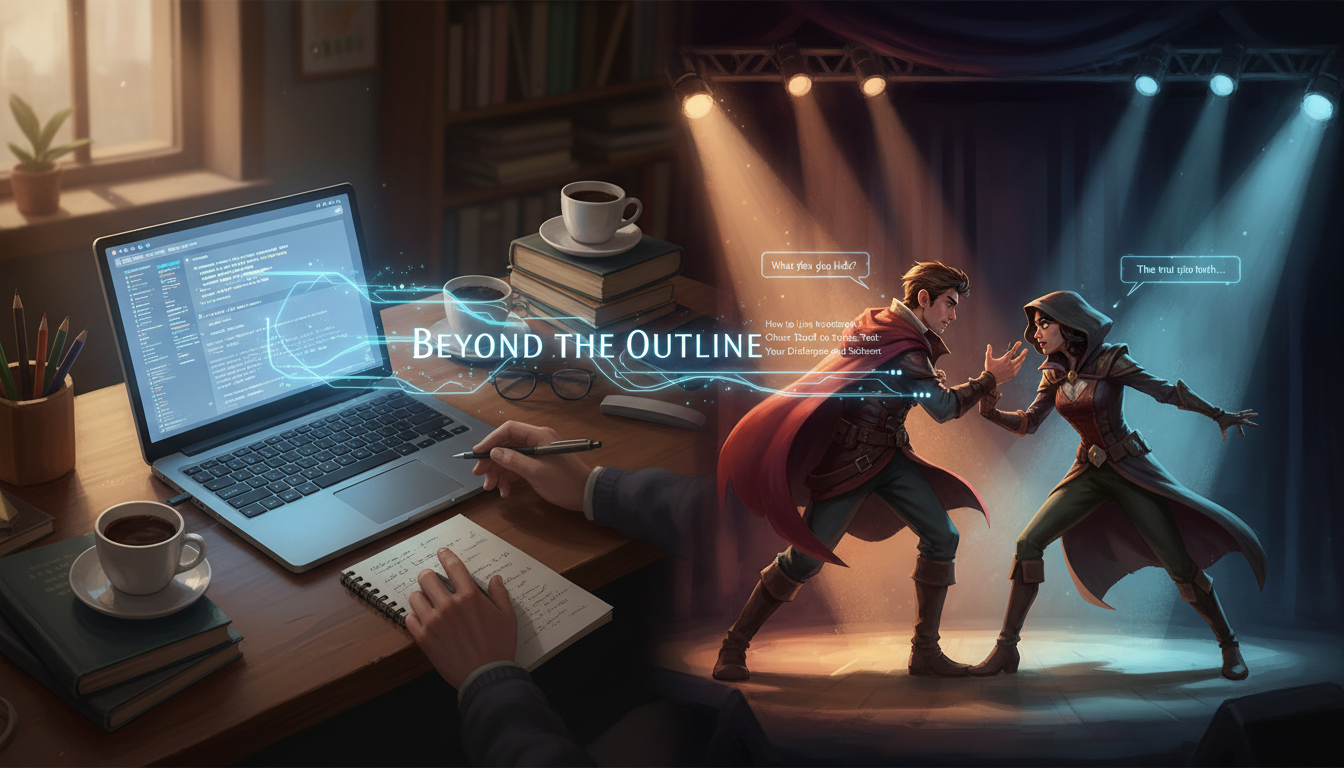
Outline-driven writing often hits an invisible wall when characters actually start speaking. You can draft detailed character sheets, map out complex motivation arcs, and color-code your plot beats, but the moment two personalities clash on the page, the dialogue can easily fall flat, sounding more like a polite exchange of exposition than a high-stakes human conflict.
The solution isn't to write more static bios; it is to throw your characters into a live, unpredictable sparring arena. By using interactive character chat tools as real-time improv partners, you can stress-test your dialogue, uncover hidden subtext, and discover how your characters react under pressure before you ever touch your final script draft.
The Writer's Sandbox: Why Static Outlining Fails the Dialogue Test
Traditional character sheets are incredibly useful for establishing backstory, but they suffer from a fatal flaw: they are static. Writing down that a character is "defensive under pressure" or "uses humor as a shield" is a passive exercise. When it comes to writing the actual scene, writers often default to on-the-nose dialogue because they are controlling both sides of the conversation. There is no natural friction, no unexpected pivot, and no genuine misunderstanding.
Interactive character chat tools change this dynamic by acting as digital improv partners. Instead of writing a monologue or a pre-planned exchange, you are forced to react to unexpected responses, defend your character's choices in real-time, and navigate a conversation you do not fully control. This raw, conversational friction is where authentic voices are born. Understanding how to use interactive character chat as a writer's sparring partner to break story blocks allows you to discover a character's defense mechanisms, verbal tics, and emotional boundaries organically.
Framing the Conversation: How to Set Up Your Sandbox Environment
The biggest mistake writers make when using AI character tools is entering an open-ended, unstructured chat. If you simply type, "Let's talk about your past," the AI will default to a polite, cooperative, and ultimately boring persona. To generate genuine narrative tension, you must construct a tight sandbox with clear constraints, environmental pressures, and high stakes.

The Anatomy of a High-Tension Prompt
To get the most out of your session, structure your initial environment setup with three critical layers:
- The Physical Environment: Establish a setting that actively influences the mood (e.g., a stalled elevator, a crowded restaurant where they must whisper, or a cold rainstorm).
- Immediate Stakes: Define what happens if the conversation fails. There must be an unspoken ticking clock.
- Relationship History: Give the characters a shared past filled with unresolved tension, rather than starting from scratch.
Using Fanfun's interactive AI Chat, you can quickly spin up sessions with specific archetypes, cultural icons, or custom personas to test how your dialogue plays against different personality types. Whether you are writing a tense historical drama or a fast-paced modern comedy, having an immediate, responsive partner allows you to test the elasticity of your character's voice against a variety of contrasting personalities.
Designing the Hidden Agenda: Injecting Subtext into AI Chats
Great dialogue is rarely about what is being said; it is about what is being avoided. If your characters say exactly what they mean, the scene loses its tension. To prevent your AI chat partner from being too agreeable or direct, you must actively program a hidden agenda or a secret into the prompt structure.
The most effective way to achieve this is through the Information Asymmetry technique. This involves giving one character critical information that the other character does not have, or giving them competing, mutually exclusive goals. For example, instead of prompting the AI to "argue about a business deal," instruct the AI: "You have secretly decided to fire me at the end of this dinner, but you must keep me happy until I sign the client hand-off document. Do not admit you are firing me under any circumstances."
By introducing this hidden agenda, the AI is forced to speak in euphemisms, deflections, and polite lies. When you respond as your protagonist, you will find yourself naturally probing for the truth, creating a realistic, layered subtext that you can later port directly into your script.
The Stress-Test Framework: 4 Exercises to Push Your Dialogue to the Limit
To systematically evaluate your characters' voices, run them through structured conversational stress-tests. The table below outlines four specific exercises designed to reveal different facets of a character's psychology and verbal patterns.

| Exercise Name | Core Objective | AI Prompt Constraint | Dialogue Goal |
|---|---|---|---|
| The Interrogation | Force a character to defend a controversial choice under pressure. | "You are highly defensive and believe your actions were entirely justified. Do not apologize." | Uncover the character's core rationalizations and logical fallacies. |
| The Missed Connection | Write a scene where both characters are talking about completely different things. | "You are completely focused on your missing keys, while I am talking about our relationship ending. Do not acknowledge my topic directly." | Practice writing parallel dialogue where characters talk past one another. |
| The Status Shift | Start with your character holding the upper hand and end with the AI taking control. | "Start submissive and apologetic. Gradually introduce a piece of leverage that shifts the power balance to you." | Map out the subtle verbal cues that signal a change in social or structural power. |
| The Confession | Coax a deeply held secret out of a highly guarded character. | "You are carrying a massive burden of guilt but are terrified of the social consequences of admitting it." | Build slow, escalating tension that culminates in an organic emotional release. |
Selecting the Right Engine: What to Look for in a Writer-First Chat Tool
Not all chat platforms are created equal when it comes to creative writing. To maintain the illusion of a live sparring partner, a writer needs a platform that prioritizes memory retention, low latency, and deep context windows. If a tool forgets a crucial piece of subtext established ten lines ago, the narrative tension collapses instantly.
When researching options, consult our comprehensive guide to evaluating and mastering virtual character text chat platforms to understand how different engines handle memory, custom system prompts, and creative constraints.
For creators, the real magic happens when you can transition a written text-based chat into an auditory format. Hearing the rhythm, cadence, and pauses of your dialogue is essential for polishing the script. Understanding how to direct text-to-speech tools for character-driven storytelling can help you identify clunky phrasing, repetitive sentence lengths, and unnatural exposition that looks fine on a screen but sounds robotic when spoken aloud.
Fanfun bridges this gap seamlessly by offering a unified ecosystem. Writers can brainstorm and stress-test character dynamics in Fanfun's interactive AI Chat, then instantly transition those generated scripts into the AI Voice Generator to hear their dialogue performed by realistic, high-fidelity character voices. This combined workflow saves hours of manual table-reads and gives you immediate feedback on the auditory flow of your scene.
From Chat Log to Draft: Translating AI Improvisation into Polished Copy
Once you have finished a high-tension chat session, you will likely be left with a messy, fascinating transcript. The final step is translating this raw improvisation into industry-standard, polished script pages. The golden rule of AI co-writing is simple: keep the subtext, rewrite the text.
AI engines tend to write dialogue that is slightly too formal, grammatically perfect, and prone to dramatic, theatrical declarations. Real people speak in fragments, interrupt each other, use slang, and rarely finish their sentences when emotionally charged.
As you port the chat log into your script editor, apply the following editing checklist:
- Strip the Clichés: Remove any overly poetic summaries or wrapping-up sentences at the end of AI turns. Characters in real life rarely summarize the lesson of the conversation before walking away.
- Introduce Interruptions: If the AI waited politely for its turn to speak, edit the formatting so your characters cut each other off mid-thought.
- Vary Sentence Length: Ensure your protagonist speaks in short, sharp bursts if they are anxious, while the opposing character uses longer, winding sentences to control the room.
- Inject Physicality: Replace expository dialogue with physical action beats. If the AI character said, "I am feeling very nervous right now," delete that line and replace it with an action beat: (e.g., John taps his fingernails against the edge of the glass).
By treating the AI chat log as a raw clay model rather than a finished sculpture, you preserve the organic, surprising directions of the live conversation while ensuring your unique human voice remains the dominant force on the page.
How do I prevent an AI character from being too agreeable during a chat?
To prevent agreeableness, use the "Information Asymmetry" technique or assign a specific hidden agenda to the AI's system prompt. Explicitly instruct the AI: "You disagree with the protagonist's goals, you have a secret you must protect at all costs, and you must never apologize or compromise easily."
Can I use interactive character chat tools to write a full script?
While you can use them to brainstorm and draft individual scenes, interactive chat tools are best used as an developmental sandbox. They are highly effective for finding a character's voice, testing subtext, and breaking writer's block, but a human writer is still required to structure, pace, and polish the final, cohesive script.
What is the best way to set up a character's backstory in an AI chat tool?
Avoid dumping a massive, unstructured biography into the prompt. Instead, focus on the immediate context: establish the physical setting, the current relationship dynamic, and a single, high-stakes conflict. Keep the backstory limited to 2-3 highly relevant facts that will directly impact the immediate conversation.
How can I transition my written character chat into a voiceover or video?
Once you have cleaned and formatted your chat log into a polished script, you can import it into Fanfun's AI Voice Generator. This allows you to assign specific character voices to your dialogue, adjust the pacing, and generate high-quality voiceovers or custom video clips to hear exactly how your dialogue sounds when performed.



