The Interactive Scriptroom: How to Evaluate and Master Virtual Character Text Chat Platforms
Move beyond repetitive loops and shallow interactions. This comprehensive guide details how to evaluate high-fidelity virtual character engines and use advanced prompting to turn text chats into production-ready scripts.
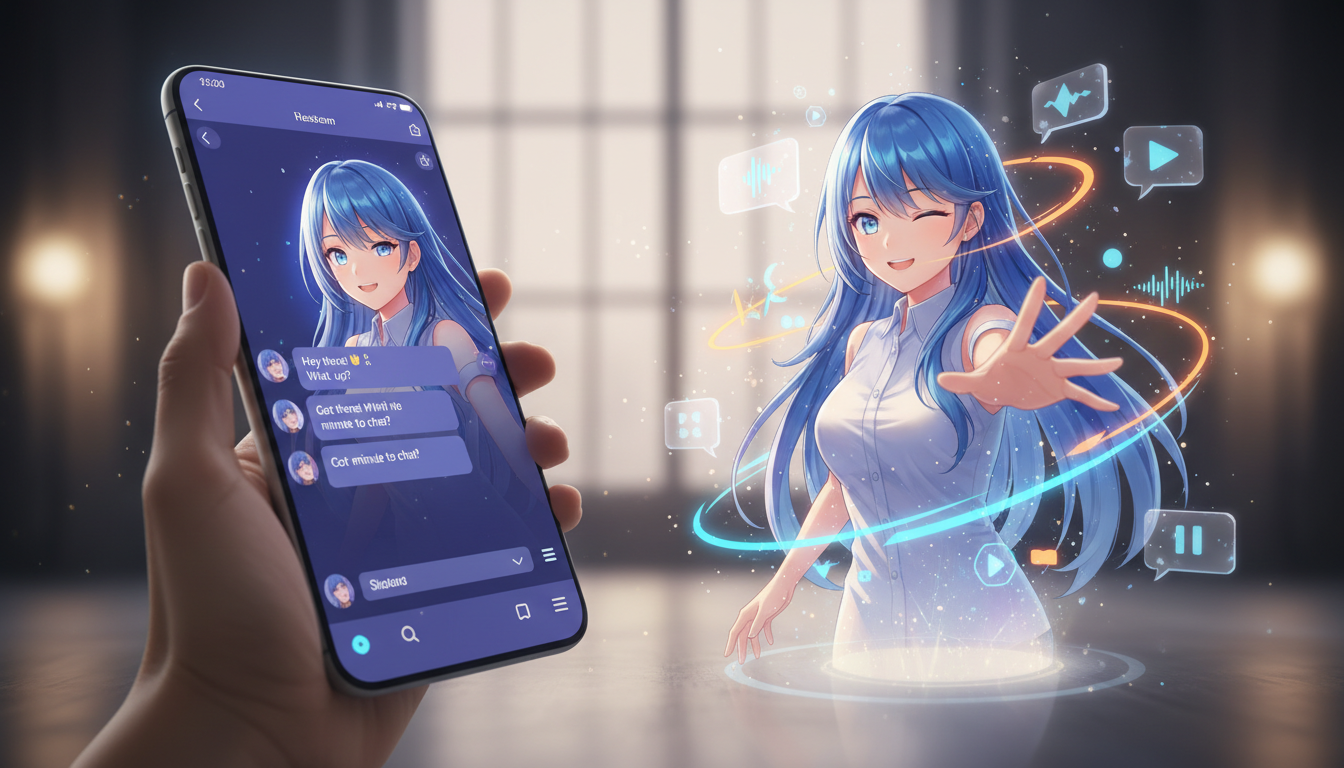
Most casual users treat virtual character chat as a five-minute novelty—a quick back-and-forth with an AI persona that inevitably breaks down into repetitive loops or generic, robotic pleasantries. But for creators, writers, and dedicated fans, modern character engines are far more than digital toy boxes; they are highly responsive sandbox environments where narratives are built, tested, and polished.
To unlock this potential, you have to move past the superficial "hello" and understand how to direct the engine. By identifying the mechanics that power high-fidelity interactions and mastering collaborative prompting, you can turn a simple text-based conversation into a rich, structured storyboard ready for production.
Beyond the Basic Chatbot: What Defines a True Character Engine?
To understand why most chatbot interactions feel flat, you have to look under the hood. Generic AI models are trained to be helpful, harmless, and completely neutral. While this is perfect for drafting an email or summarizing a document, neutrality is the absolute death of dramatic storytelling. A true character engine does not want to help you write an essay; it wants to inhabit a role, complete with flaws, biases, and emotional volatility.
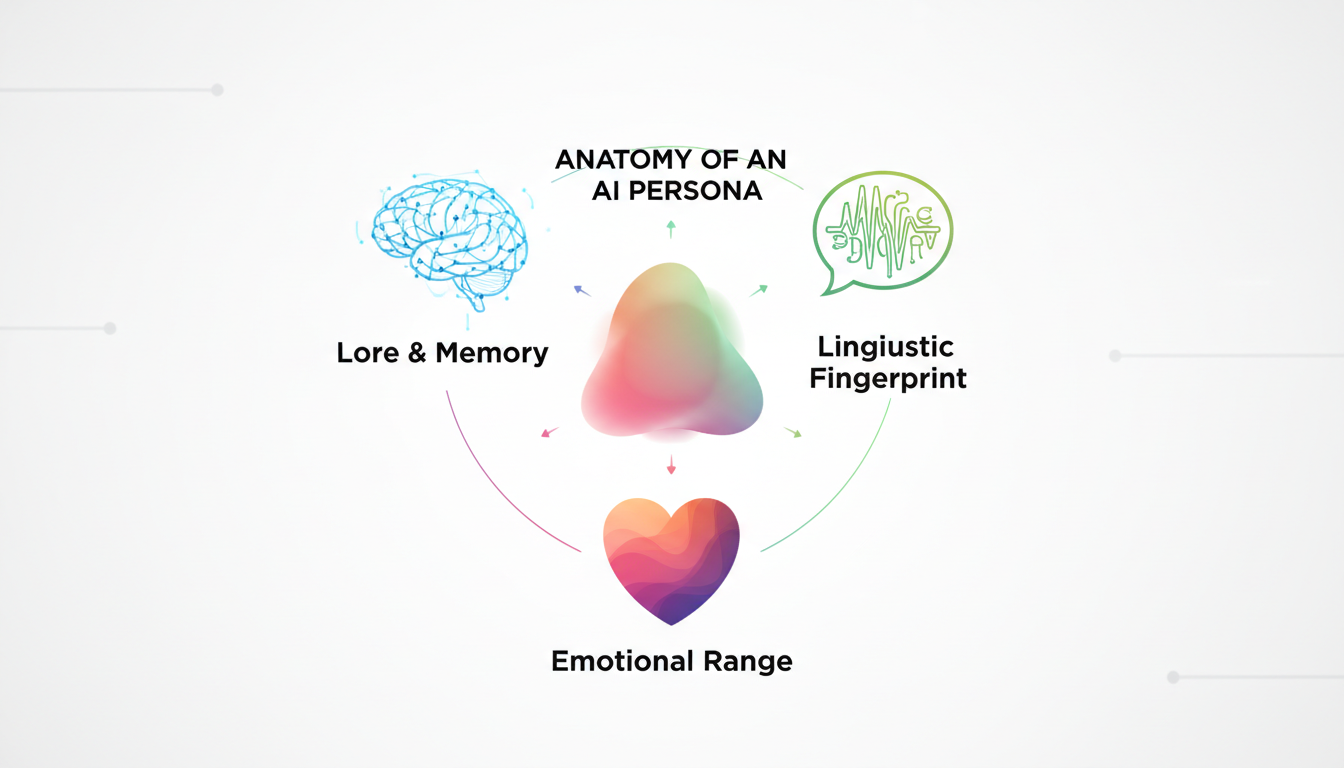
When you are transforming a virtual character companion online into a creative partner, you need an engine that understands narrative tension. Dedicated platforms prioritize linguistic quirks, distinct backstories, and emotional ranges over generic helpfulness. If you insult a pirate character, they shouldn't offer a polite disclaimer about respectful communication; they should threaten to make you walk the plank in their signature dialect.
At Fanfun, this distinction is central to our platform design. Instead of building generic conversationalists, we focus on culturally resonant, highly specific personas that maintain their unique attitudes throughout an exchange. Whether you are chatting with a legendary athlete, a beloved anime protagonist, or a custom-designed caricature, the engine prioritizes narrative consistency over sterile, safe-for-work AI defaults. This ensures that every exchange feels like a genuine creative collaboration rather than a search engine query.
The Anatomy of High-Fidelity Character Chat
Not all character platforms are built equal. To find a sandbox that actually serves your creative workflow, you must evaluate the system based on two technical and narrative pillars: memory retention and linguistic styling.
Contextual Memory: The Antidote to Digital Amnesia
There is nothing that ruins a roleplay session or a scriptwriting brainstorm faster than digital amnesia. Many low-tier platforms operate on a tiny context window. After ten or fifteen messages, the character completely forgets that you are standing in a burning building, or that they are supposed to be angry with you. High-fidelity engines utilize advanced memory-indexing layers. They categorize key narrative developments, relationship dynamics, and environmental stakes, ensuring the character references past events naturally, even fifty messages deep into the chat.
Linguistic Fingerprinting: Maintaining the Illusion
A high-fidelity character must possess a distinct linguistic fingerprint. This goes beyond inserting a few catchphrases every three sentences. It involves sentence structure, vocabulary tier, pacing, and emotional reactivity. For example, if you are chatting with virtual athletes online for training motivation, the character's vocabulary should mirror the high-energy, direct, and slightly competitive jargon of a locker room. They shouldn't suddenly sound like an academic textbook when you ask them about their offseason routine. The linguistic fingerprint must remain intact regardless of the topic discussed.
Evaluating the Platforms: A Creator's Feature Matrix
Before committing your creative projects to a specific platform, it helps to categorize the available tools. Different platforms serve different creative outcomes. Some are built purely for open-ended sandbox roleplay, while others are geared toward educational scenarios or multi-modal content creation.
| Platform Type | Primary Strength | Best Use Case | Creator Limitations |
|---|---|---|---|
| Sandbox Roleplay Hubs | Massive user-generated character libraries. | Unstructured, long-form creative writing. | High variance in character quality; text-only. |
| Educational Interfaces | Highly structured, goal-oriented dialogues. | Language practice, business coaching simulations. | Lacks creative freedom and dramatic tension. |
| Multi-Modal Suites (e.g., Fanfun) | Seamless transition from chat to voice and video. | Scripting, content creation, social media generation. | Requires systematic prompting for niche niches. |
If you are a content creator looking to turn these chats into actual media assets, use the following checklist to evaluate potential platforms:
- Export Capabilities: Can you easily download or copy the chat logs to import into your scriptwriting software?
- Multi-Modal Integration: Does the platform allow you to instantly convert the text chat into high-quality AI voiceovers or video messages?
- Safety Filter Adjustability: Are the filters so aggressive that they block basic dramatic elements like a character getting angry, scared, or sarcastic?
- Customization Depth: Can you adjust the character's internal monologue, core goals, and relationship to the user before the chat begins?
The Prompting Protocol: How to Direct the Conversation
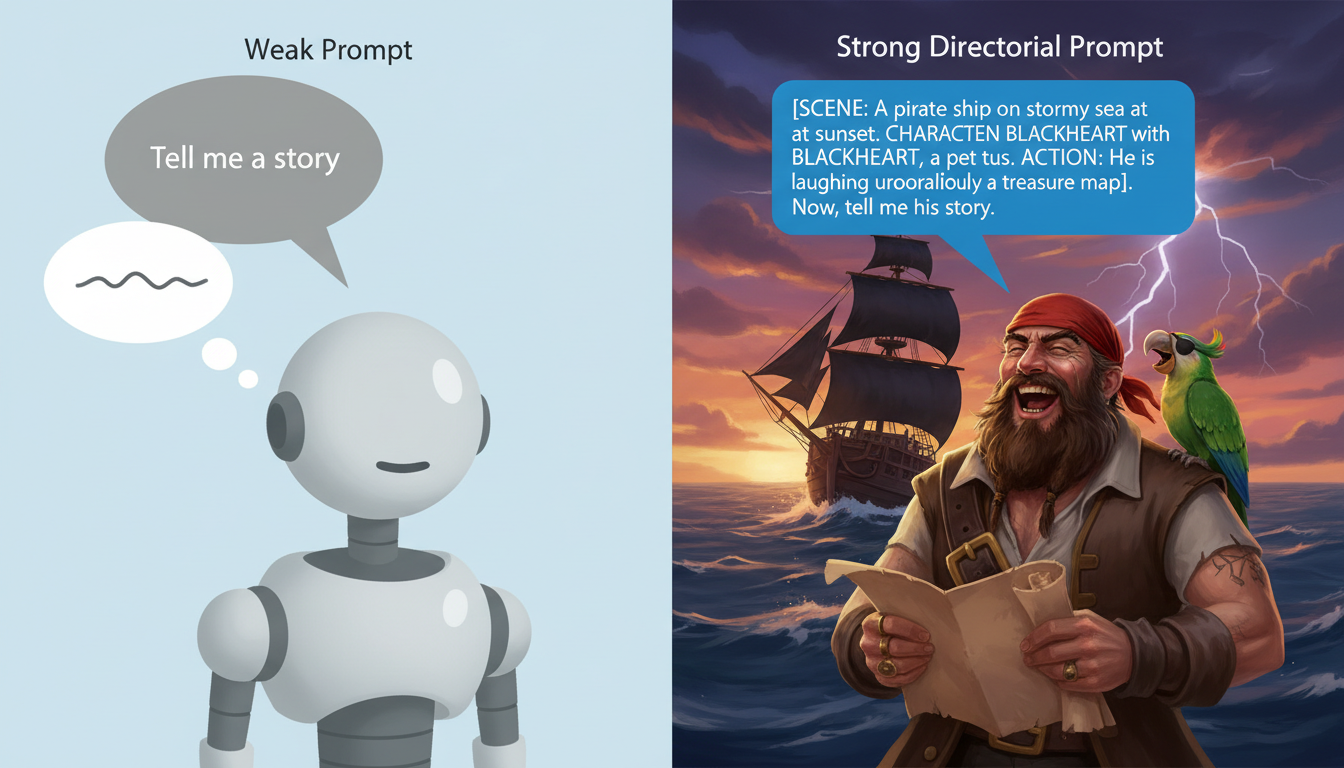
To get high-substance responses out of a virtual character, you have to stop acting like a passive conversationalist and start acting like a director. If you send lazy prompts, you will receive lazy, formulaic answers. Here is how to structure your inputs for maximum creative output.
1. Establish the Scene and the Stakes Early
Do not start a chat with "Hi, how are you?" Instead, use your very first message to establish the physical boundaries, the immediate stakes, and the relationship dynamic. For instance, if you are mastering anime character AI chat dynamics, set up a scene with high friction: "*We are trapped in the control room as the alarms blare. You have the access codes, but you still don't trust me after what happened in Sector 4. What is your move?*" This forces the AI to immediately react to an environment, a conflict, and a historical relationship.
2. Avoid Closed Questions
Questions that can be answered with a simple "yes" or "no" kill the momentum of a chat. Instead, use action-oriented prompts that force the character to make a decision, reveal a flaw, or take a stand. Instead of asking, "Do you think we can win this game?" try prompting with: "*I drop my gear and look at you, exhausted.* We are down twenty points with five minutes left. If you're going to give up, tell me now so I can go home."
3. Master Out-of-Character (OOC) Directives
When a character begins to drift off-course, don't delete the chat and start over. Use Out-of-Character brackets to steer the model back on track without breaking the flow of the narrative. Simply type your correction inside brackets at the end of your message, like this:
[OOC: Keep your responses shorter and much more sarcastic. Remember that you are secretly planning to betray me in the next scene.]
This acts as a live directorial note, instructing the underlying engine to adjust its weights for the next generation without inserting awkward meta-dialogue into the actual story script.
From Text to Screen: Bridging Chat with Voice and Video
For modern creators, text chat is rarely the final destination. It is the drafting phase—the ultimate sandbox where you can test-run dialogue, refine a character's comedic timing, and build out the skeleton of a script. Once you have a compelling exchange, the next step is translating that flat text into dynamic audio and video.
This is where Fanfun shines. Instead of leaving your best creative ideas trapped inside a text box, our ecosystem is designed to bridge the gap between text, voice, and video instantly. You can take the exact dialogue, tone, and character dynamics you refined during your interactive chat sessions and transition them directly into our AI Voice Generator or AI Personalized Video tools.
This eliminates the traditional bottlenecks of production. You no longer have to spend hundreds of dollars booking voice actors, nor do you have to wait weeks for a celebrity on a traditional shoutout platform to approve and record your script. With Fanfun, you can direct, draft, and publish custom character-driven media assets in minutes. Whether you are creating a personalized birthday roast for a friend, a high-converting promotional video for a brand, or a fan-dubbed animation sequence, the transition from interactive text chat to a finished media file is completely seamless.
How do I stop an AI character from repeating the same phrases in a chat?
Repetition usually happens when the chat history gets cluttered or the AI falls into a pattern loop. To break this, use an Out-of-Character (OOC) prompt like [OOC: Avoid using the phrase 'as a matter of fact' and change up your sentence structure]. Alternatively, you can edit your previous message or delete the last couple of turns to reset the model's immediate context window.
Can I export my virtual character chat logs for creative writing projects?
Yes, most high-quality platforms allow you to copy or export your chat history. On Fanfun, you can use the generated text directly to script and fuel our voice and video generation tools, making it easy to transition your written roleplays into fully voiced content.
What is the difference between a generic AI chatbot and a character chat platform?
Generic AI chatbots are optimized to be helpful, polite, and neutral assistants. Character chat platforms use specialized models designed to prioritize unique linguistic fingerprints, emotional reactions, flaws, and specific backstories, maintaining dramatic tension and personality over sterile helpfulness.
How do virtual character platforms handle memory during long roleplay sessions?
Advanced platforms use a combination of sliding context windows and vector-based long-term memory. Important plot points, relationships, and environmental details are summarized and injected back into the prompt behind the scenes, preventing the character from experiencing 'digital amnesia' as the chat grows longer.