The Director’s Scriptbook: How to Direct Text-to-Speech Tools for Character-Driven Storytelling
Stop treating text-to-speech like a screen reader. Learn how to direct AI voices using punctuation markup, phonetic spelling, and archetype casting to create compelling, character-driven stories.
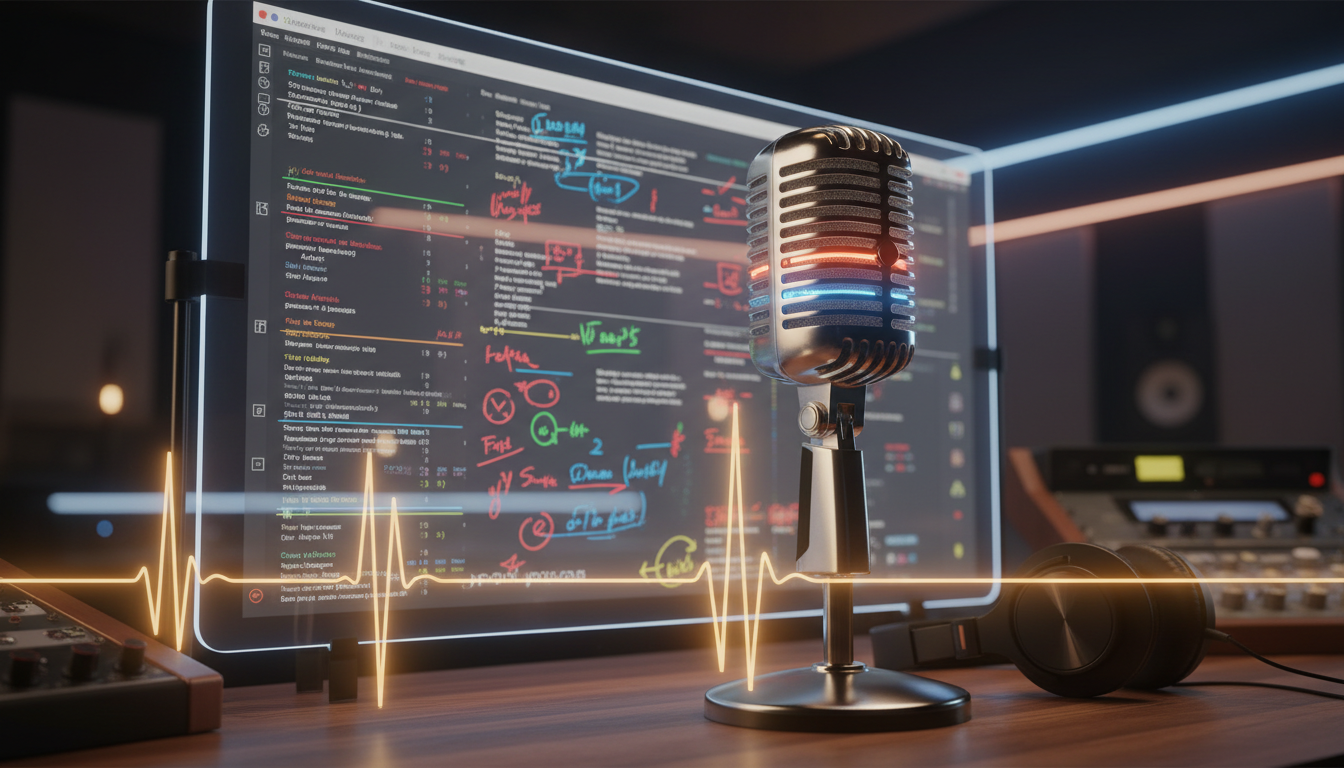
Most creators approach text-to-speech (TTS) as a utility—a simple way to turn written words into spoken audio with minimal effort. But when you treat a digital voice like a screen reader, your audience hears it immediately. The delivery is flat, the rhythm is robotic, and the emotional stakes are nonexistent. To build immersion, you must stop acting like a passive operator and start acting like an active director.
At Fanfun, we view text-to-speech not as a set-and-forget accessibility feature, but as a dynamic casting department. Making digital voices feel genuinely alive requires learning how to "direct" the AI through strategic script formatting, punctuation manipulation, and archetype casting. This guide outlines the concrete scripting frameworks, punctuation hacks, and archetype matching strategies needed to produce high-impact audio narratives.
Casting the Digital Ensemble: Why Traditional TTS Fails Storytellers
Traditional text-to-speech tools are engineered for a single purpose: literal clarity. They are designed to read manuals, articles, or GPS directions with uniform pronunciation. While this works perfectly for functional utilities, it is a creative dead end for storytellers. Dramatic tension, comedic timing, and emotional depth rely entirely on variation—the slight catch in a throat, the sudden acceleration of a phrase, or the heavy silence before a revelation. When a TTS engine flattens these elements, the narrative illusion breaks.
To tell a compelling story, you must treat the AI voice generator as an actor rather than a software program. This means understanding that different digital voices have distinct vocal ranges, emotional biases, and natural cadences. Some voices naturally excel at slow, suspenseful exposition, while others carry a high-energy, conversational bounce perfect for quick-witted dialogue. Casting is the first and most critical creative decision you make.
This is where Fanfun bridges the gap. By providing an instant, diverse library of expressive characters and celebrity-style voices, Fanfun allows creators to cast the perfect narrator, hero, or antagonist in minutes. Instead of dealing with the friction, scheduling conflicts, and high costs of traditional voice casting, you can instantly select a voice that fits your creative vision and begin directing its performance. If you want to explore the transition from basic voice synthesis to advanced creative storytelling techniques, check out our guide on discussing how to transition from basic voice synthesis to advanced creative storytelling techniques.
The Director's Markup: Scripting for Cadence, Breath, and Subtext
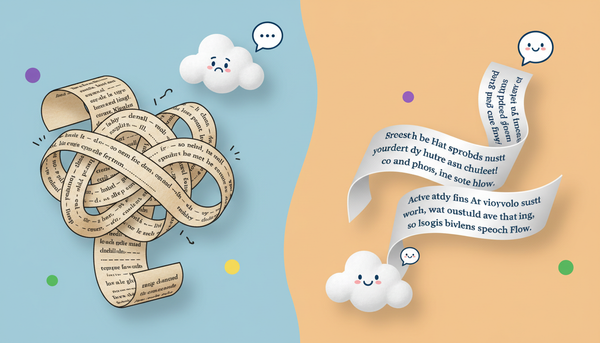
AI voice generators do not read subtext; they read punctuation. To get an expressive performance, you must translate your emotional direction into typographical cues. Standard grammatical rules do not apply here. Instead, you must use non-standard punctuation as a markup language to control pacing, breathing, and urgency.
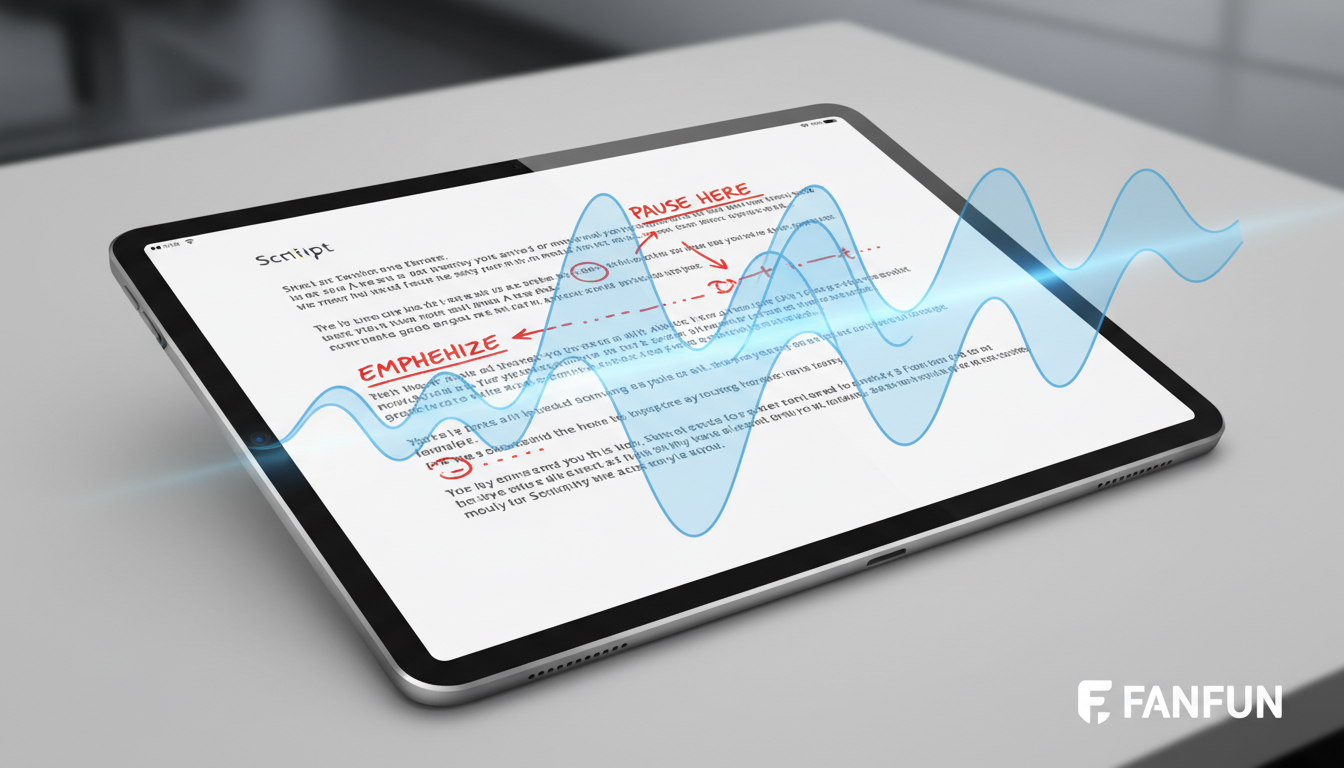
Here are the primary formatting tools at your disposal:
- The Ellipsis (...) for Hesitation: Inserting three dots forces the AI engine to slow down, mimicking a character gathering their thoughts, feeling nervous, or holding back tears. For example, writing "I... I don't know" creates a completely different emotional weight than "I don't know."
- The Em-Dash (—) or Double Hyphen (--) for Abrupt Shifts: Use these to signal sudden interruptions, self-corrections, or rapid shifts in thought. It forces the generator to cut off a word quickly and jump to the next, creating a realistic conversational flow.
- Phonetic Spelling for Flawless Delivery: AI engines occasionally struggle with fantasy names, localized slang, or specific brand terms. If the generator mispronounces a word, spell it phonetically. For instance, spell "Fanfun" as "Fan-fun" or "façade" as "fah-sahd" to bypass robotic mispronunciations and keep the listener immersed.
- Sentence Length Manipulation: Short, clipped sentences dictate a faster, more urgent delivery. They force the AI to reset its pitch frequently, which naturally sounds like an action sequence or a moment of panic. Conversely, long, clause-heavy sentences encourage a smoother, more sustained cadence ideal for suspenseful exposition or intellectual narration.
The Mechanics of Sound: Timing and Breath Control
Great audio isn't just about the words spoken; it is about the space between those words. Directing digital voices requires mastering the architecture of silence.
Mastering the Dramatic Pause and Pacing
Silence is one of the most expressive tools in a director's toolkit. A micro-pause can build suspense, signal a shift in perspective, or allow a comedic punchline to land with maximum impact. Because AI voice tools generate audio based on the structural layout of your text, you can use physical spacing to command timing. For instance, inserting a double paragraph break or a solitary period between sentences can trick the generator into holding its breath, mimicking the natural pauses used by seasoned public speakers.
Understanding how public figures structure their delivery can dramatically improve your digital scripts. If you are interested in learning how to master the dramatic pause and rhythmic pacing in your scripts, you can read our deep dive on learning how to master the dramatic pause and rhythmic pacing in your scripts. By studying these techniques, you can learn to use structural spacing to signal tone shifts and scene transitions directly to the AI engine, ensuring the generated audio sounds calculated and human rather than continuous and exhausting.
Matching Voice Archetypes to Narrative Genres
A common mistake in digital storytelling is mismatching the voice to the genre. Using a highly polished, flat corporate voice to narrate a gritty detective story or a high-stakes fantasy promo instantly ruins the immersion. To prevent this, you should match your script to specific voice archetypes that carry the emotional and cultural associations your audience expects.
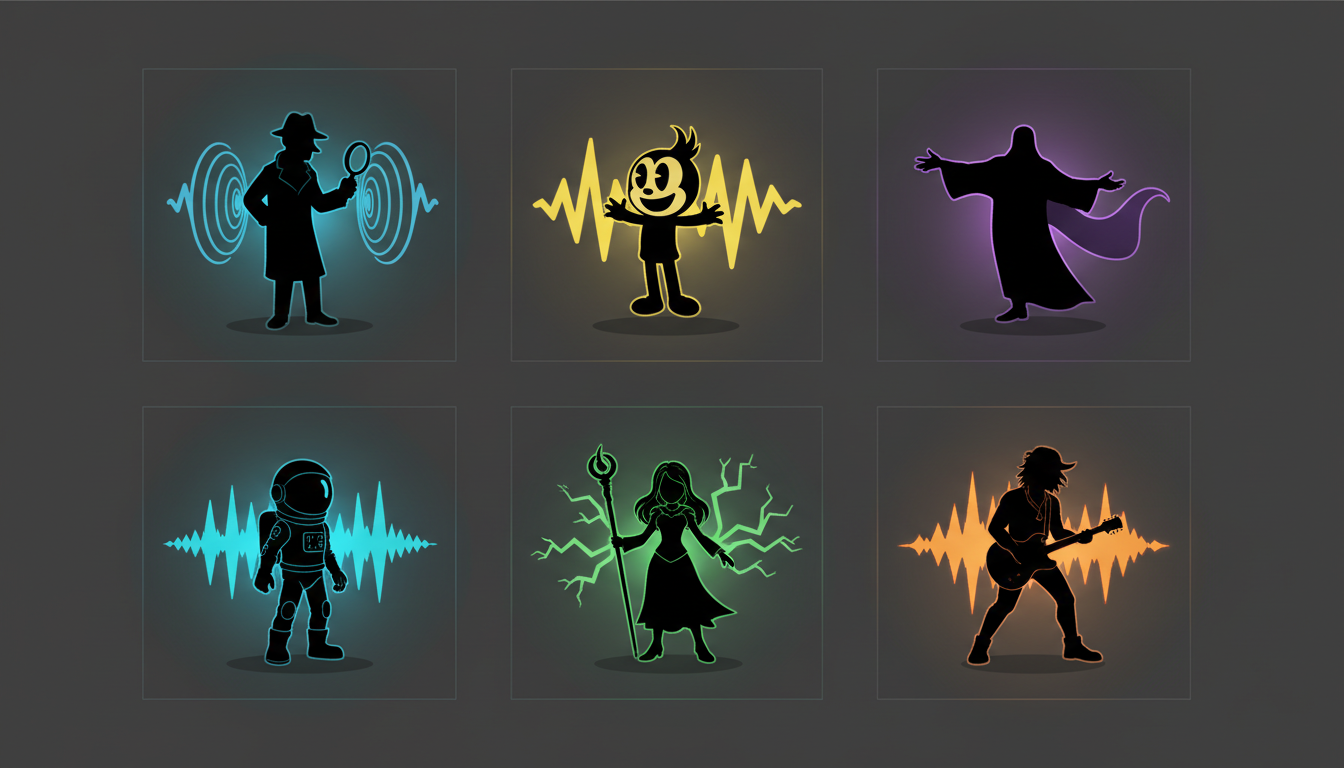
When selecting a voice, consider how it aligns with your genre's tone. If you are exploring how to leverage specific vocal archetypes for satire and parodic storytelling, you will want a highly expressive, versatile voice that can handle sudden shifts in pitch and comedic timing. Below is a comparison matrix to help you match archetypes to your creative projects:
| Voice Archetype | Vocal Characteristics | Ideal Genre / Use Case | Creative Pitfall to Avoid |
|---|---|---|---|
| The Warm Confidant | Soft, breathing-heavy, intimate, mid-to-low pitch. | Personal essays, romance, slice-of-life podcasts, drama. | Can sound sleepy if the script lacks dynamic punctuation. |
| The Gritty Antihero | Gravelly, slow-paced, low pitch, dry delivery. | Noir thrillers, dystopian sci-fi, dark fantasy promos. | May sound monotonous without short, punchy sentences. |
| The High-Energy Satirist | Fast-paced, highly expressive, wide pitch variation. | Comedy sketches, social media memes, parody videos. | Can become exhausting to listen to over long-form content. |
| The Whimsical Narrator | Bouncy, melodic, clear articulation, youthful. | Children's stories, lighthearted fantasy, educational videos. | Risk of sounding overly artificial if not grounded by natural pauses. |
The Ethics of Digital Voice: Parody, Satire, and Creative Boundaries
As AI voice generators become more sophisticated, the conversation around creative ethics is more important than ever. At Fanfun, we believe there is a clear distinction between malicious deepfakes—which aim to deceive, misinform, or exploit—and transformative creative storytelling, such as parody, satire, fan fiction, and memes. These creative formats have a rich history in art and commentary, and digital voice tools offer a powerful new medium for this expression.
To maintain creative integrity, storytellers should always respect intellectual property and focus on transformative use. Instead of trying to pass off AI-generated voices as genuine, unscripted recordings, use them to place recognizable archetypes and characters into obviously fictional, stylized, or comedic scenarios. This transparency not only protects you ethically but also enhances the humor and creativity of your content, as the audience is let in on the joke. Fanfun is committed to providing accessible, fun, and ethical AI tools that empower content creators to push the boundaries of storytelling responsibly.
A Creator’s Checklist: From Raw Text to Final Audio Mix
To ensure your digital voiceover projects sound polished and professional, follow this step-by-step workflow for every script you produce:
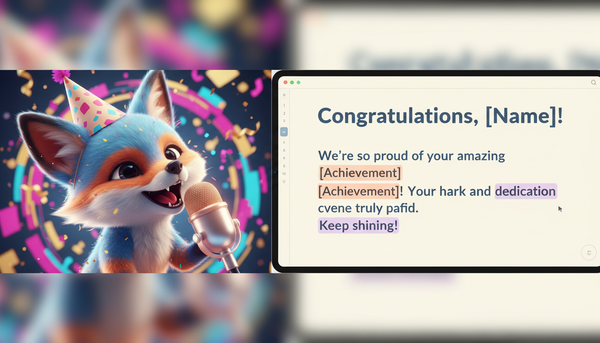
- Step 1: Script with markup. Write your text specifically for the AI. Insert ellipses for breath, em-dashes for sudden breaks, and double-check any complex words or names. If a word sounds off during testing, write it phonetically.
- Step 2: Cast the archetype. Choose the voice profile on Fanfun that matches the core emotional tone of your scene. Do not default to the first voice you see; test several to find the right range and cadence.
- Step 3: Render and test iteratively. Do not render a massive 10-minute script all at once. Generate small, paragraph-sized chunks first. This allows you to tweak the punctuation, spelling, and pacing of problematic sentences without wasting time or generation credits.
- Step 4: Polish in post-production. Once you have rendered your clean AI voice lines, import them into your digital audio workstation (DAW) or video editor. Add background ambiance, subtle sound effects, and level the audio. Placing the voice in a physical soundscape—like adding a faint room reverb or the hum of a coffee shop—anchors the digital voice in reality and completes the illusion.
How do I make an AI voice sound more natural and less robotic?
To make an AI voice sound natural, avoid standard grammatical formatting. Use ellipses (...) to force hesitations, em-dashes (—) to create abrupt transitions, and vary sentence lengths. Short, clipped sentences build urgency, while longer clauses slow the pacing down. Additionally, spelling difficult or unusual words phonetically prevents robotic pronunciation glitches.
Can I use text-to-speech tools to create audiobooks with multiple characters?
Absolutely. You can treat an AI voice generator like a casting department. Select different vocal archetypes (e.g., a gritty voice for the detective, a warm voice for the narrator) and generate their dialogue lines separately. Once rendered, combine them in your audio editing software and add subtle background ambiance to unify the scenes.
What is the best way to format scripts for AI voice generators?
Format your script visually and structurally. Use paragraph breaks to signal changes in tone, and embed punctuation marks strategically. Treat punctuation as vocal cues rather than strict grammatical rules. If a character is nervous, write with frequent pauses and fragmented phrases to trigger the AI's natural hesitation patterns.
Is it legal to use celebrity-style AI voices for creative storytelling and parody?
Yes, under creative and legal protections for parody, satire, and transformative art. When creating content with celebrity-style voices, ensure it is clearly presented as parody or creative fiction rather than a real endorsement or a deceptive deepfake. Using structured platforms like Fanfun ensures you are creating in an environment built specifically for ethical, transformative entertainment.