The Rhetoric of the Pause: How to Script and Direct Obama Text-to-Speech for Maximum Impact
An AI voice generator is only as good as the script you feed it. Learn the exact linguistic patterns, punctuation tricks, and structural frameworks needed to write scripts that sound unmistakably like Barack Obama when run through an AI voice generator.
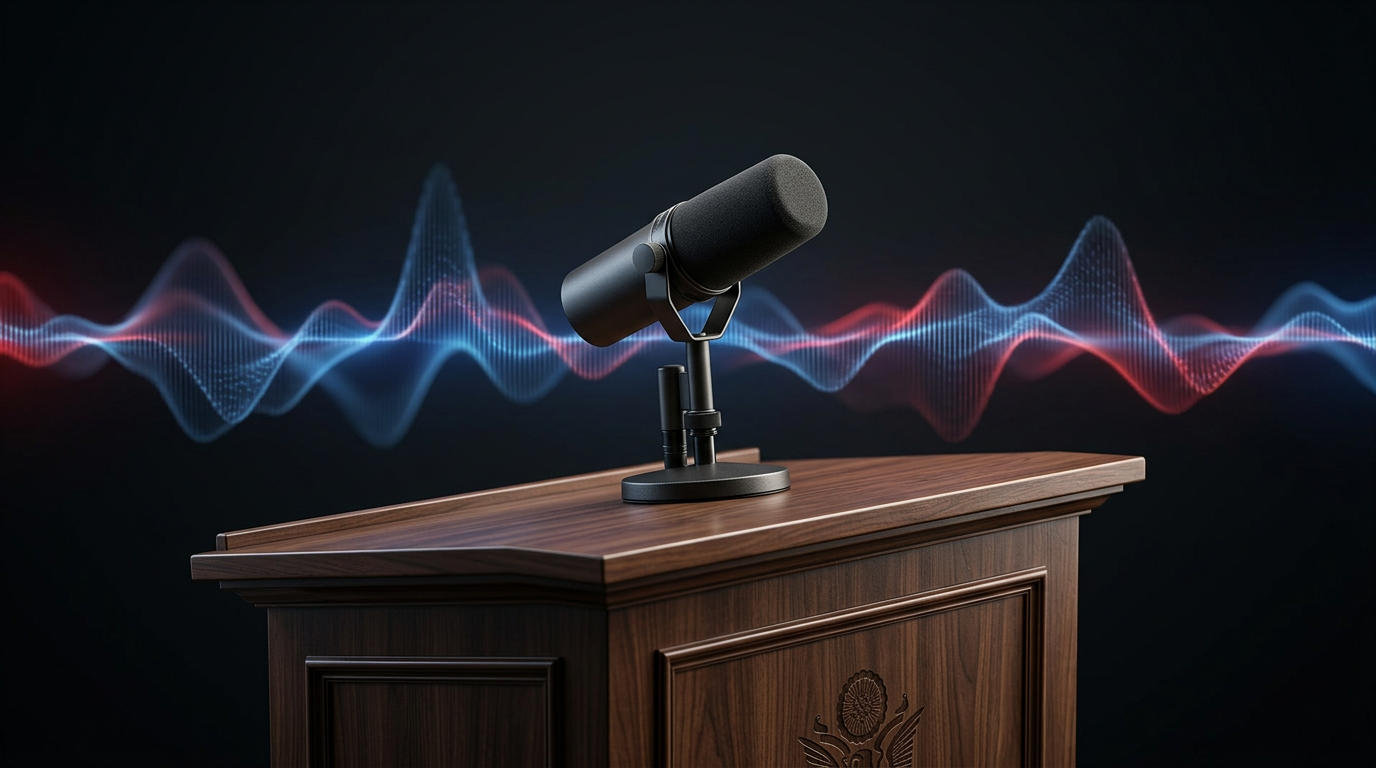
Most creators treat AI voice generators like digital soundboards: they paste a paragraph of raw, unformatted text, hit generate, and hope the synthetic voice sounds convincing. But when you are trying to capture the voice of one of the most celebrated political orators of the 21st century, a lazy copy-paste job will immediately fall flat. Barack Obama's speaking style is not defined by the pitch of his voice, but by his deliberate, highly structured rhetorical architecture.
To unlock the full potential of an Obama text-to-speech engine, you have to think like a presidential speechwriter. By mastering the rhythmic pauses, structural patterns, and signature transition phrases that define his cadence, you can elevate your memes, educational explainers, or personalized messages on Fanfun from robotic approximations to highly persuasive, natural-sounding audio.
Beyond the Impersonation: Why Rhetoric Matters for Obama TTS
Generic text-to-speech software is built to deliver information as efficiently as possible. It rushes through sentences, flattens inflections, and minimizes silence. While this works fine for reading out turn-by-turn GPS directions, it is exactly how static text-to-speech engines can kill your content's personality. When you generate a voice that represents a highly recognizable public figure, the audience expects more than just phonetic accuracy; they expect the emotional gravity, intellectual weight, and physical presence of the speaker.
On Fanfun, voice generation is an active creative process rather than a passive utility. Creators are no longer just listening to static sound clips; they are directing them. To make an AI-generated voice sound authentic, you must understand the vocal mechanics of your subject. Obama's real-world delivery is famously professorial, measured, and conversational. He does not speak in a continuous stream of words; he builds arguments brick by brick, using silence as a structural element to let his ideas settle with the listener.
When you neglect these rhetorical mechanics, your output sounds like a low-effort robot reading a script. But when you actively direct the voice by structuring your written script to match his specific linguistic habits, you bridge the gap between a cheap novelty impression and high-performing, professional-grade media.
The Anatomy of the Obama Cadence
To write a script that sounds natural when processed by an Obama AI voice generator, you must deconstruct the three core pillars of his rhetorical style: the pause, the tricolon, and the transition.
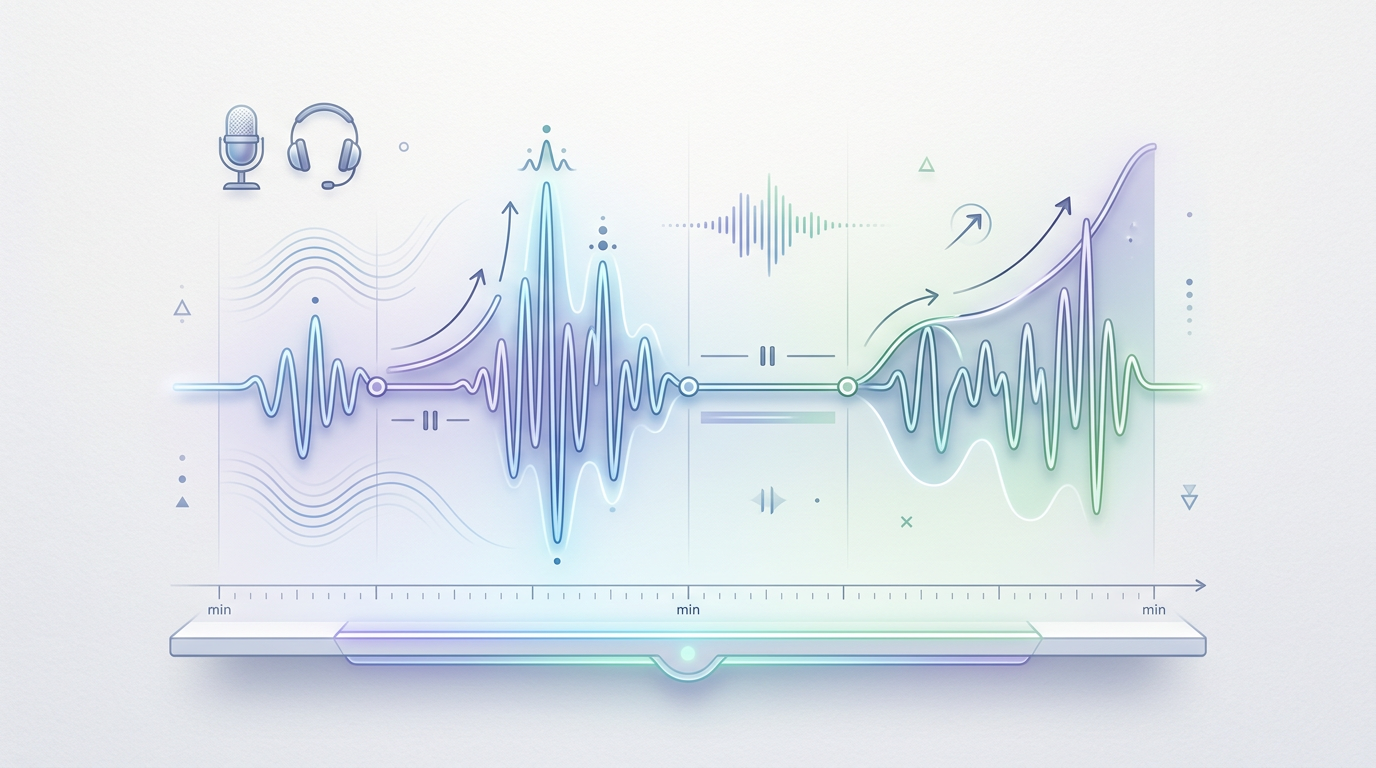
Mastering the Micro-Hesitation
The defining characteristic of Barack Obama's speech is his use of the strategic pause. In public speaking, silence is used to build anticipation, emphasize a point, or allow the audience to process a complex idea. In AI voice generation, these pauses are critical because they simulate the natural breathing patterns of a human being. Without them, the AI will run through long sentences without taking a breath, instantly breaking the illusion of realism.
When directing celebrity text-to-speech for high-impact content, you must manually insert these micro-hesitations into your text. Do not rely on standard grammatical punctuation alone. A comma in standard English might only trigger a millisecond pause in an AI engine. To get that signature, contemplative hesitation, you need to use non-standard formatting like ellipses, em-dashes, and physical line breaks.
The second pillar is the "Rule of Three" (or tricolon). This is a classical rhetorical device where ideas are presented in groups of three to make them more memorable and satisfying to the ear. Obama frequently structures his arguments in this format, building momentum with each subsequent point. For example:
- Point 1 (The Foundation): "It is a promise that says... we are all created equal."
- Point 2 (The Escalation): "A promise that says... no matter who you are, or where you come from..."
- Point 3 (The Resolution): "...you can write your own destiny here in America."
Finally, your script must incorporate his signature transition phrases. These are the linguistic anchors that instantly signal his identity to the listener. Phrases like "Let me be clear,""Now, look,""The idea that," and "Make no mistake" serve as verbal runway, giving the voice generator a natural ramp-up into the core message of the sentence.
Formatting Your Script: From Flat Text to Presidential Delivery
Writing for an Obama voice engine requires a completely different approach than writing scripts specifically for a Trump voice generator, which relies on rapid-fire, highly conversational, and repetitive sentence fragments. Obama’s delivery is academic, flowing, and punctuated by deep wells of silence.
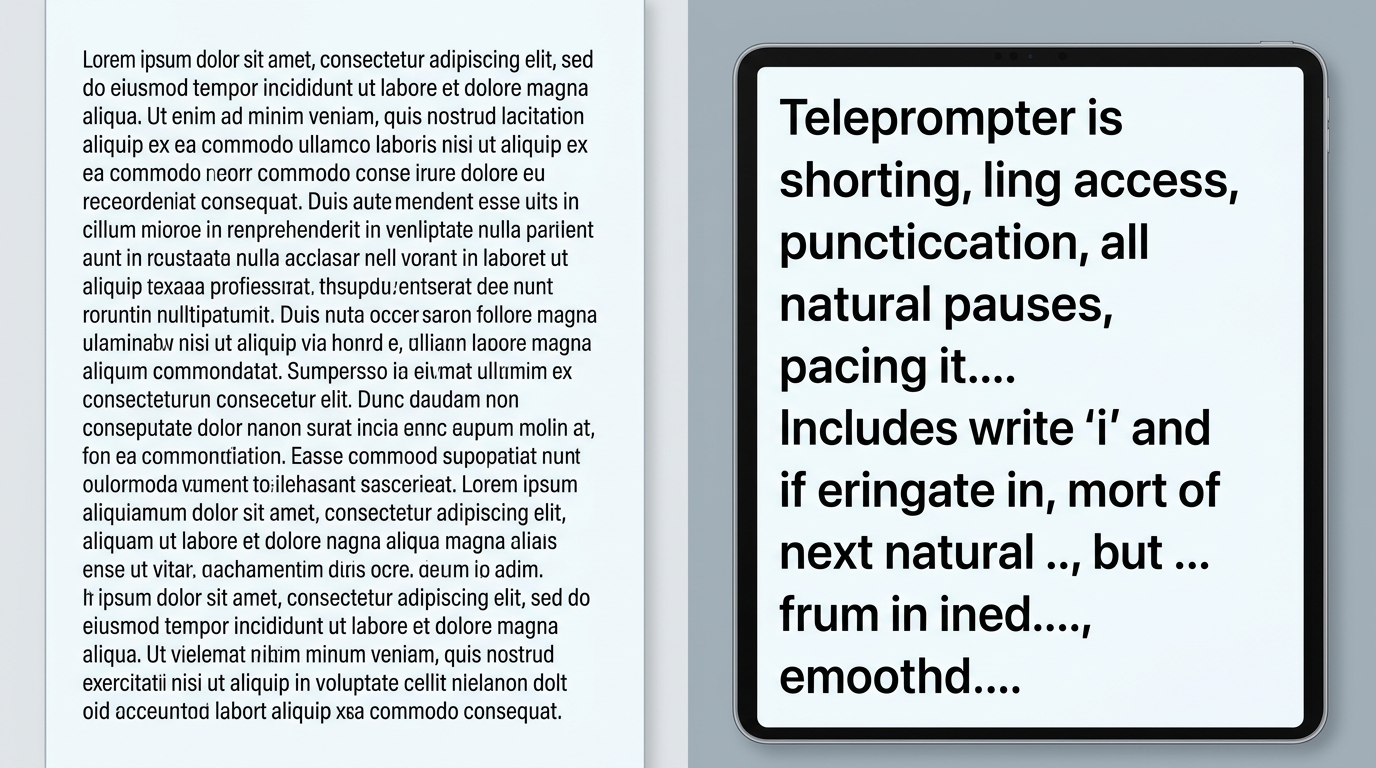
To illustrate this, look at the difference between a standard text block and an AI-optimized script designed to trigger the correct pacing, breathing, and emphasis from an AI voice generator:
| Standard Text Input (Flat Delivery) | Optimized Script Input (Presidential Delivery) |
|---|---|
| We need to work together to solve this problem because it affects everyone. If we do not act now, the consequences will be severe for our children and future generations. | Now, look... this is not... a partisan issue. It is a... human issue. And if we... fail to act... make no mistake... the consequences... will be felt... by our children... and our children's children. |
Notice how the optimized script breaks a single, continuous thought into short, digestible fragments. The ellipses (...) force the AI engine to slow down and insert a brief, natural hesitation. The physical line breaks force a deeper pause, simulating the moment a speaker looks up from their notes to make direct eye contact with the audience.
Additionally, you may need to use phonetic spelling to guide the AI's pronunciation. If the generator struggles with a word, or if you want to emphasize a specific regional drawl, spell it out phonetically. For instance, writing "folks" as "foaks" or "audacity" as "aw-dacity" can sometimes coax a warmer, more resonant tone from the underlying model.
Matching Tone to Content: Creative Use Cases on Fanfun
Once you have mastered the technical formatting of the script, you can apply these principles to various creative formats. Audiences react powerfully to familiar, authoritative voices because of the rhetoric of realism in AI voice generation. When a voice sounds measured and dignified, the listener automatically pays closer attention, making it an incredibly effective tool for content creators.
Here is how you can adapt this specific vocal style across three popular genres on Fanfun:
- Educational and Explainer Content: If you are explaining a complex topic—like blockchain technology, macroeconomic policy, or even the plot of a complex sci-fi movie—using a calm, professorial tone makes the information highly digestible. Structure your script with clear, logical steps, using transition phrases like "Now, to understand this... we first have to look at..." to guide the listener through the lesson.
- Parody and Satirical Scripts: The humor in high-quality parody comes from contrast. By discussing trivial, absurd, or pop-culture topics with the absolute gravity of a state of the union address, you create instant comedic tension. Imagine using a highly dignified, slow-paced presidential voice to analyze the strategic implications of a popular video game meta or a viral social media trend.
- Personalized Greetings and Milestones: A standard "happy birthday" message can feel generic. But when formatted with deliberate pauses and inspiring, grand rhetoric—such as framing a friend's 30th birthday as "a new chapter... in the ongoing journey... of an extraordinary individual"—it becomes a memorable, shareable piece of media.
By pairing these custom, highly directed voiceovers with Fanfun's dynamic video tools, you can instantly generate platform-ready content that stands out in busy social media feeds.
Ethical Guardrails and Creative Best Practices
With great creative power comes a responsibility to use it ethically. AI voice technology is a highly expressive medium, but it must be handled with care, especially when generating voices of real public figures and political leaders. At Fanfun, we advocate for creative expression that respects boundaries and prioritizes positive, transparent engagement.
The key distinction lies between harmless creative parody and malicious misinformation. Parody is transparent; the audience is in on the joke, and the context makes it clear that the content is an AI-assisted creative work. Misinformation, on the other hand, attempts to deceive the listener into believing a public figure actually said something they did not in a real-world context.
To build trust with your audience and protect your creative brand, we recommend always labeling your content clearly. Simple disclaimers like "AI Voice Parody" or "Created with Fanfun" in your video descriptions or on-screen captions not only maintain transparency but also highlight the innovative technology you are using to build your content. By focusing on humor, education, and creative storytelling, you can explore the full potential of AI voice generation while maintaining a safe, respectful, and highly engaging digital space.
How do I make an Obama AI voice generator sound more natural?
To make the voice sound natural, avoid pasting large blocks of flat, unformatted text. Instead, write your script using short sentences, frequent line breaks, and deliberate transition phrases like "Now, look" or "Let me be clear." This forces the AI to mimic the natural pacing, breathing patterns, and rhythm of a real speech.
What punctuation should I use to force pauses in text-to-speech?
Standard punctuation like commas and periods provides basic pauses, but to force longer, more natural-sounding hesitations, use ellipses (...) or em-dashes (—). Physical line breaks and double spaces between sentences can also signal the AI engine to pause and take a breath, creating a much more realistic delivery.
Can I use Obama text-to-speech for commercial video ads?
Commercial use of celebrity AI voices is subject to strict legal and ethical guidelines regarding publicity rights and false endorsement. We highly recommend using AI voices for creative parody, personal entertainment, educational explainers, and social media content while avoiding commercial advertisements that imply a real endorsement.
How does Fanfun ensure high-quality voice generation compared to standard soundboards?
Unlike traditional soundboards that play pre-recorded, static audio clips, Fanfun uses advanced neural network models to generate dynamic, custom voiceovers from any text you input. This allows for fluid word transitions, natural inflections, and the ability to dictate the pacing and emotion of the delivery through your script formatting.