Beyond the Novelty: How to Direct Celebrity Text-to-Speech for High-Impact Content
The novelty of basic celebrity voice clones has worn off. To capture modern audiences, creators must treat AI voices like actual actors—directing pacing, script structures, and emotional delivery to build high-impact content.
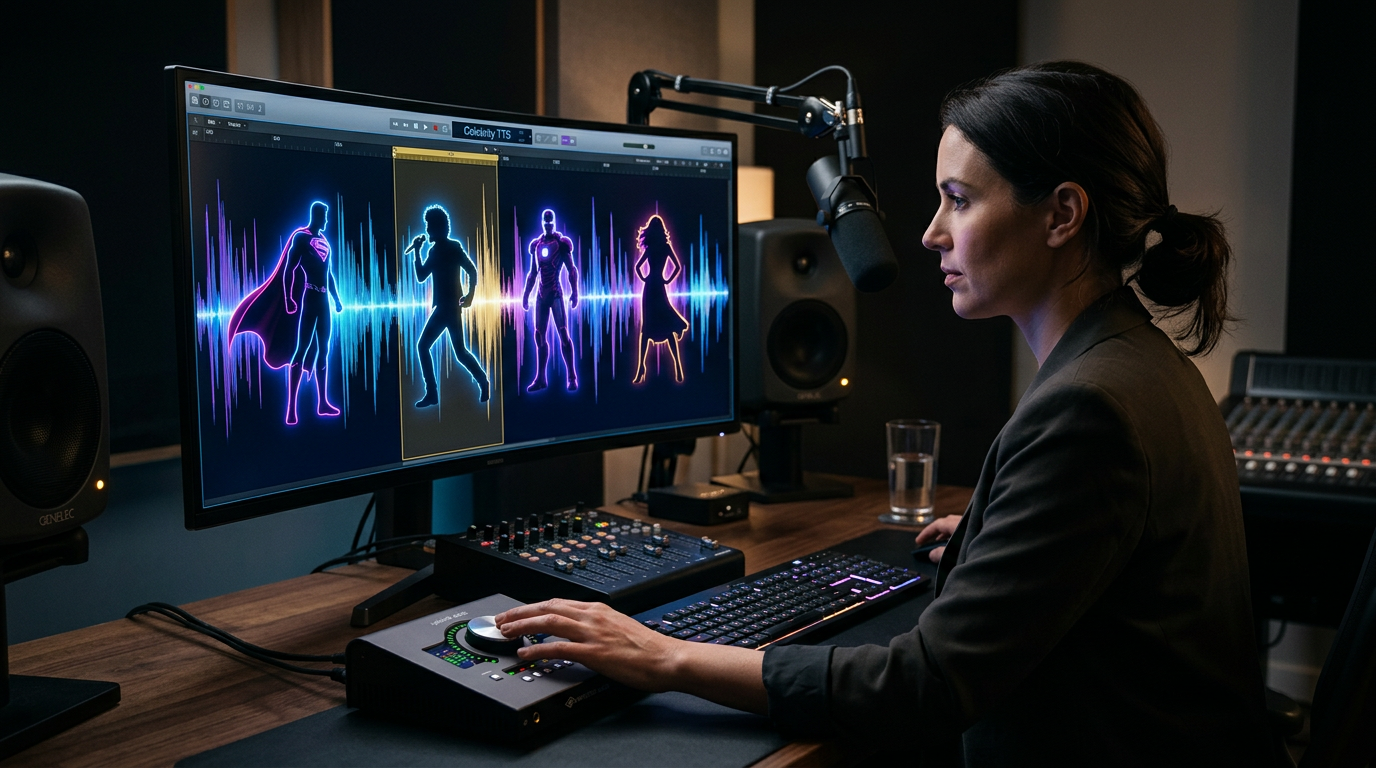
Scroll through any social media feed and you will inevitably encounter a flood of celebrity voice clones. From animated heroes narrating recipe videos to historical figures reading modern memes, celebrity text-to-speech (TTS) has quickly become a staple of modern digital media. However, as the novelty of simple voice mimicry wears off, creators are finding that simply pasting text into a basic generator no longer guarantees likes, shares, or sustained viewer retention.
Audiences have grown sophisticated. They can spot a flat, low-effort voice clone within the first two seconds, and they are quick to swipe away. To cut through the digital noise and produce truly high-impact content, creators must shift their mindset: stop treating AI voices as simple, mechanical parrots, and start treating them as digital actors that require deliberate scriptwriting, pacing, and creative direction.
The Trap of the Gimmick: Why Basic Celebrity Text-to-Speech Falls Flat
When AI voice technology first emerged, the sheer novelty of hearing an iconic voice say something unexpected was enough to drive millions of views. But today, "AI fatigue" is real. When every third video features the exact same flat, robotic synthesis, the creative value drops to zero. This decline happens because most basic generators strip away the very elements that make a celebrity's voice compelling in the first place: rhythm, emotional inflection, and natural breath pauses.
When you rely on low-tier, static TTS systems, you run into a fundamental issue: the machine does not understand context. It treats a dramatic punchline and a technical disclaimer with the exact same monotone delivery. This lack of nuance is how static text-to-speech kills your content's personality, flattening what should be a dynamic performance into a boring, computerized drone.
To capture and hold human attention, your audio needs to feel alive. It requires the subtle micro-pauses, the sudden shifts in pitch, and the stylistic vocabulary unique to the persona you are channeling. Moving beyond the basic gimmick means choosing tools that prioritize performance over simple pronunciation, and learning how to format your inputs to guide the AI toward a more natural delivery.
The Anatomy of a High-Engagement Voiceover: Directing Your AI Talent
To get a stellar performance out of an AI voice generator, you have to act like a director on a film set. You cannot expect an actor to deliver a brilliant performance if you hand them a poorly written, unformatted script. The same rule applies to artificial intelligence.
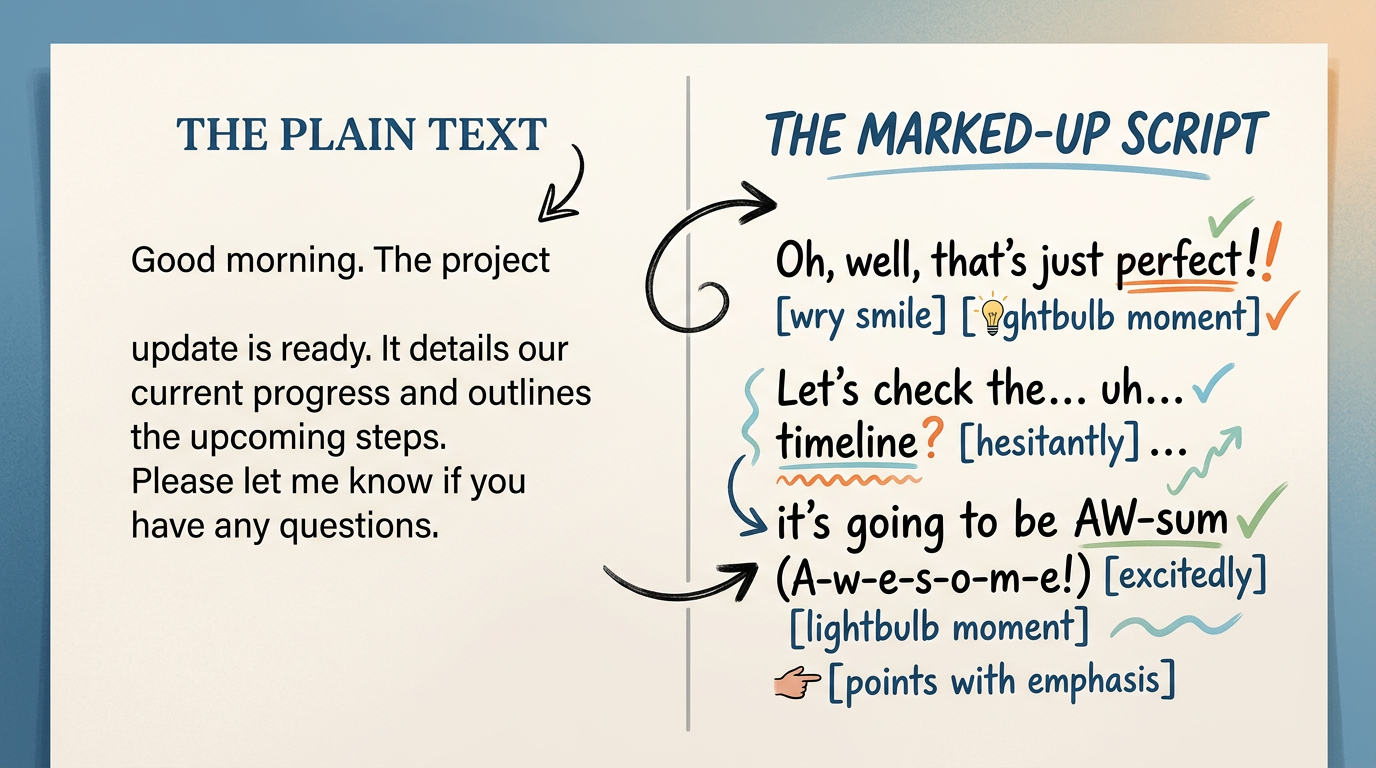
Scriptwriting for the Voice, Not the Page
The first step in directing AI voice talent is writing a script that matches the specific vocabulary and speech patterns of the chosen persona. If you are generating a voiceover for an energetic cartoon character, your script should feature short, punchy sentences, frequent exclamations, and informal slang. If you are utilizing a smooth, authoritative narrator, the sentence structure should be longer, more rhythmic, and intellectually poised. For instance, strategies like directing specific character voices like SpongeBob for high-engagement content rely heavily on capturing the signature optimism, frantic pacing, and catchphrases that fans instantly recognize.
To get the best possible output from your AI generator, use these practical formatting techniques:
- Phonetic Spelling: AI engines sometimes struggle with unusual names, slang, or brand names. If the AI mispronounces a word, spell it out phonetically. Write "col-um" instead of "column," or "Fa-n-fun" to get the exact pronunciation you need.
- Punctuation Hacks: Use ellipses (...) or em-dashes (—) to force the AI to take a breath or pause for dramatic effect. Punctuation acts as the AI's musical notation.
- Capitalization for Emphasis: Some advanced generators interpret ALL-CAPS words as cues to increase volume or add emotional intensity. Use this sparingly to highlight key punchlines or emotional peaks.
- Line Breaks: Break your script into smaller, bite-sized paragraphs. This prevents the generator from rushing through the text and helps maintain a natural conversational cadence.
The Cost of Cutting Corners: Free vs. Premium AI Voice Platforms
Many creators start their journey by searching for free online voice generators. While these tools are tempting for quick experiments, they almost always fall short when it comes to producing professional, high-impact content. Free tools are frequently plagued by invasive ads, slow rendering queues, low-resolution audio export options, and highly robotic deliveries. More importantly, this is precisely why free celebrity AI voice generators fail creators when they need reliable, high-fidelity audio that keeps viewers hooked through the end of a video.
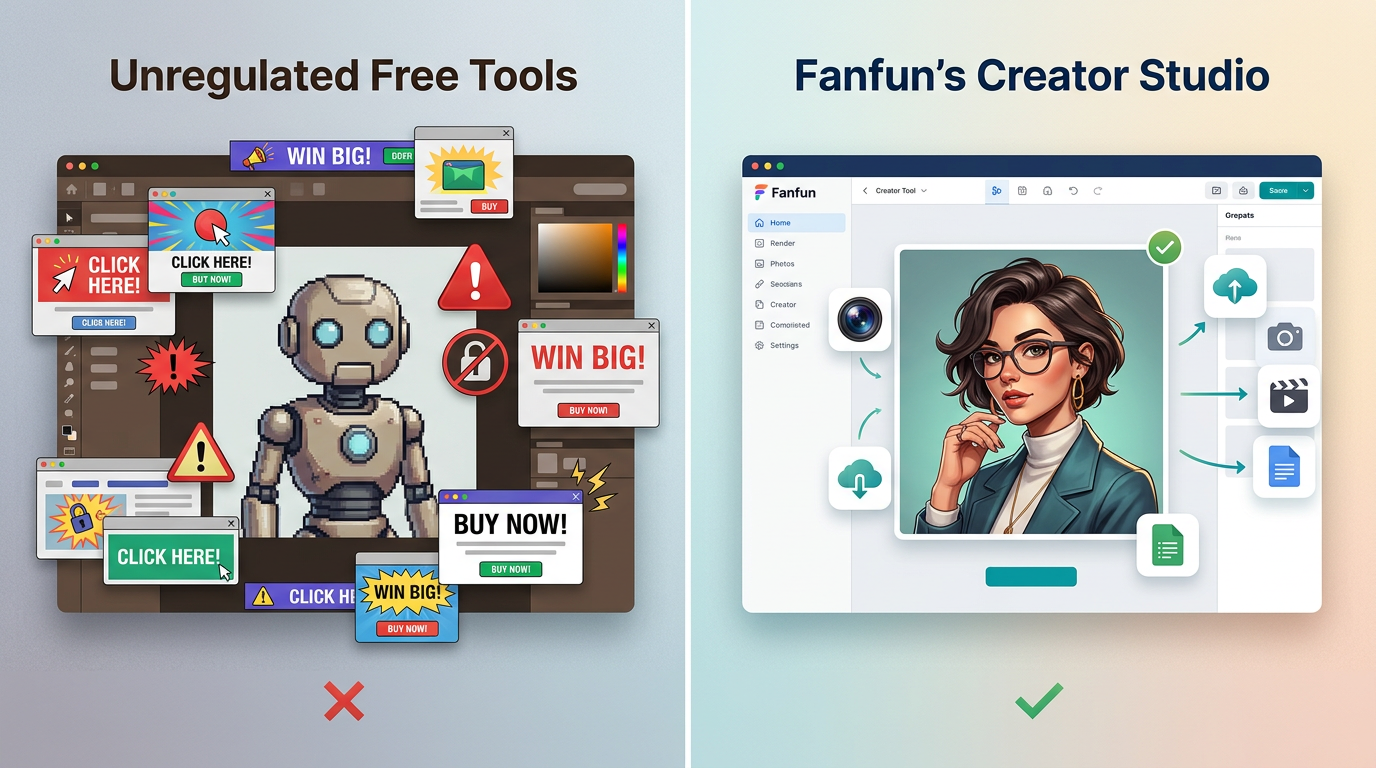
Professional content creation demands high-fidelity rendering, consistent uptime, and an interface designed for creative control. Premium platforms like Fanfun solve these pain points by offering a curated library of high-quality, expressive AI interpretations of popular characters and cultural icons. Instead of fighting with clunky, ad-ridden tools that spit out robotic audio, creators can use Fanfun to instantly generate clean, expressive voices that feel authentic to the characters fans love.
To help you decide where to invest your creative energy, here is a comparison of what you get with free tools versus a premium creator platform like Fanfun:
| Feature | Free AI Voice Tools | Fanfun Creator Platform |
|---|---|---|
| Audio Fidelity | Low-bitrate, metallic, often contains background static. | High-fidelity, studio-clean rendering. |
| Vocal Expressiveness | Monotone, robotic, struggles with emotional shifts. | Dynamic, context-aware, captures character cadence. |
| Generation Speed | Slow render times, long queues, frequent crashes. | Instant generation in minutes. |
| Format Options | Audio-only (MP3/WAV). | Multi-format: Voiceovers, personalized videos, and interactive chat. |
From Static Audio to Immersive Experiences: The New Frontier of Fan Interaction
As the digital landscape evolves, static audio is becoming just one piece of the puzzle. High-performing social content is shifting rapidly toward multi-format, highly visual, and deeply interactive experiences. While a great voiceover can elevate a standard video essay or meme, audiences increasingly crave personalized, direct connection. This shift explains why personalized AI interactions beat one-off celebrity videos—they offer an immediate, tailored experience that static media simply cannot match.
Instead of waiting weeks and paying hundreds of dollars for a traditional, one-way celebrity shoutout on platforms like Cameo, creators and fans are turning to Fanfun to generate instant, highly customized video messages, playful roasts, and birthday wishes. Because Fanfun operates at the intersection of voice, video, and conversational AI, the creative possibilities are virtually limitless. You can script a custom video message from an iconic character, and then immediately pivot to a two-way interactive AI chat, allowing your audience to engage in real-time, responsive conversations with digital personas.
This multi-format ecosystem enables creators to build rich, immersive narratives. You can use high-quality TTS to voice a character in your YouTube video, direct your audience to a custom-generated video message for a fan giveaway, and keep them engaged on your community channels through interactive AI chat. It is no longer just about generating a voice; it is about building an interactive world.
The Creator's Checklist: Evaluating Celebrity TTS Tools
Before you commit to a platform for your next major content project, run your options through this practical checklist to ensure you are setting yourself up for success:
- Audio Fidelity: Does the tool output clean, high-bitrate audio that seamlessly blends with your video's background music and sound effects without sounding fuzzy or cheap?
- Expressiveness & Nuance: Can the AI handle dramatic shifts, comedic timing, and emotional inflections, or does it deliver every line with the exact same robotic cadence?
- Speed & Scalability: Can you generate, edit, and re-render multiple script variations instantly, or does your workflow grind to a halt due to slow rendering queues?
- Format Versatility: Does the platform limit you to simple audio files, or does it offer integrated video generation and interactive features to expand your content's reach?
- Ethical Alignment: Does the platform respect intellectual property and maintain a safe, curated library of AI interpretations, protecting you from potential copyright flags on social platforms?
By stepping away from low-quality gimmicks and utilizing professional platforms like Fanfun, you can transform basic text-to-speech from a cheap trick into a powerful, high-impact storytelling tool. Take the time to write for the voice, direct the delivery, and choose the right tools—your audience will hear the difference immediately.
How do I make celebrity text-to-speech sound more realistic?
To make celebrity text-to-speech sound natural, write your scripts to match the celebrity's real-life speech patterns, vocabulary, and pacing. Use formatting tricks like ellipses (...) for dramatic pauses, phonetic spellings for complex words, and line breaks to give the AI breathing room. Choosing a premium platform like Fanfun ensures you start with a highly expressive, context-aware AI model rather than a flat, robotic generator.
Can I use celebrity AI voices for commercial YouTube videos?
Using AI voices for commercial projects depends on the platform's terms of service and copyright laws. Free, unregulated voice generators often use unlicensed voice models that can lead to copyright strikes or demonetization. Using reputable, curated platforms like Fanfun helps ensure your content remains ethically aligned and suitable for creative fan projects, parodies, and social media content.
What is the difference between free celebrity voice generators and Fanfun?
Free celebrity voice generators typically offer low-bitrate audio, monotone robotic deliveries, and are cluttered with ads and security risks. Fanfun is a premium creator platform that provides studio-clean, highly expressive AI interpretations of characters and icons. Additionally, Fanfun goes beyond simple audio, offering instant personalized videos and interactive two-way AI chats.
How do I get an AI celebrity voice to say a specific name or custom message?
With Fanfun, generating a custom message or incorporating specific names is simple. Just type your script into the generator interface. If the AI struggles to pronounce a unique name, write it out phonetically (e.g., "A-lee-sha" instead of "Alicia"). The platform will instantly render a high-fidelity video or audio message tailored exactly to your script.