The Cadence of the Campaign: How to Write Scripts Specifically for Donald Trump Text-to-Speech Engines
Learn the exact scriptwriting, punctuation, and formatting hacks required to make a Donald Trump AI voice generator sound authentic. Stop writing standard prose and start writing for the AI engine.
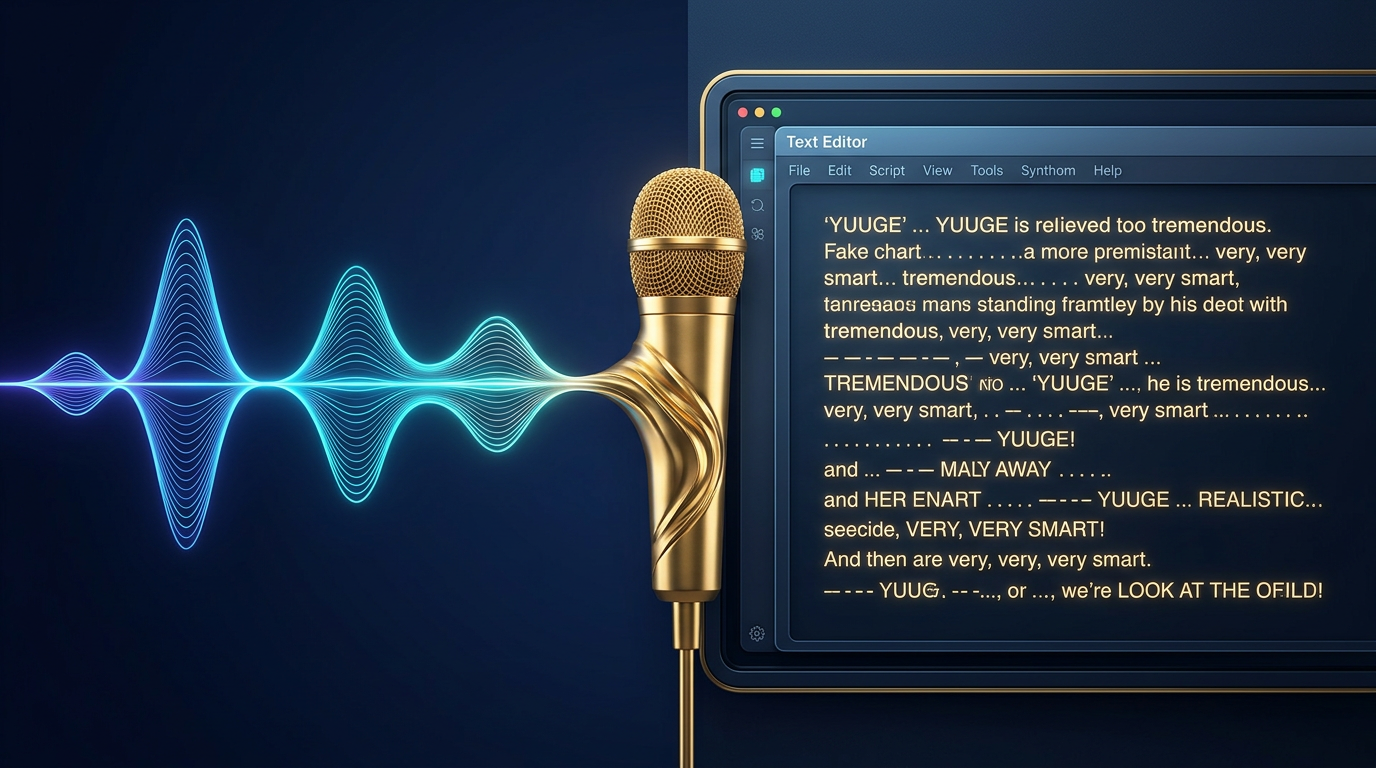
The internet is flooded with AI-generated political parody, but most of it misses the mark. You have likely heard them: videos where a synthetic voice styled after Donald Trump reads out a script, but the delivery is flat, robotic, and completely devoid of the real-life figure's signature swagger. The issue is rarely the underlying AI model itself; rather, it is how the script was written.
To generate a truly authentic-sounding AI voiceover, you cannot write standard prose. You have to write phonetically and structurally for the engine. By understanding how text-to-speech (TTS) systems interpret punctuation, spacing, and sentence flow, you can transform a sterile voice clip into a hilarious, highly realistic performance that captures the unique cadence of the 45th president.
The Syntax of Satire: Why Standard Text Fails Trump TTS Engines
Standard grammatical rules are the enemy of realistic AI voiceovers. When you write a clean, grammatically correct paragraph with standard commas and periods, a high-quality TTS engine will read it with polite, evenly spaced pauses. It sounds like a professional news anchor, which is the exact opposite of Donald Trump's stream-of-consciousness delivery.
To get high-impact results, creators must step out of the role of a traditional writer and act as a voice director. When directing celebrity text-to-speech for high-impact content, you are essentially feeding the AI a set of physical cues. Standard text-to-speech engines do not inherently understand comedic timing or dramatic irony; they rely almost entirely on the visual structure of your input text to determine where to rise in pitch, where to trail off, and where to drop a heavy emphasis.
This is why platforms like Fanfun, which offer advanced AI voice generation tools, reward creators who experiment with unconventional formatting. The AI does not judge your spelling or grammar—it translates your text strings directly into phonetic commands. If you write "huge" normally, you get a flat, standard pronunciation. If you write "YUUUGE," the engine naturally stretches the vowel sound, adding that classic, theatrical weight that instantly sells the impression.
The Trump Scriptwriting Framework: Formatting for Cadence
To consistently generate high-quality voiceovers, you need a systematic approach to writing your scripts. By mastering the specific rhetoric of the Donald Trump AI voice, you can move past cheap impressions and capture the actual verbal tics that make the voice instantly recognizable. The framework relies on three core pillars: visual punctuation cues, phonetic spelling, and rhetorical anchors.
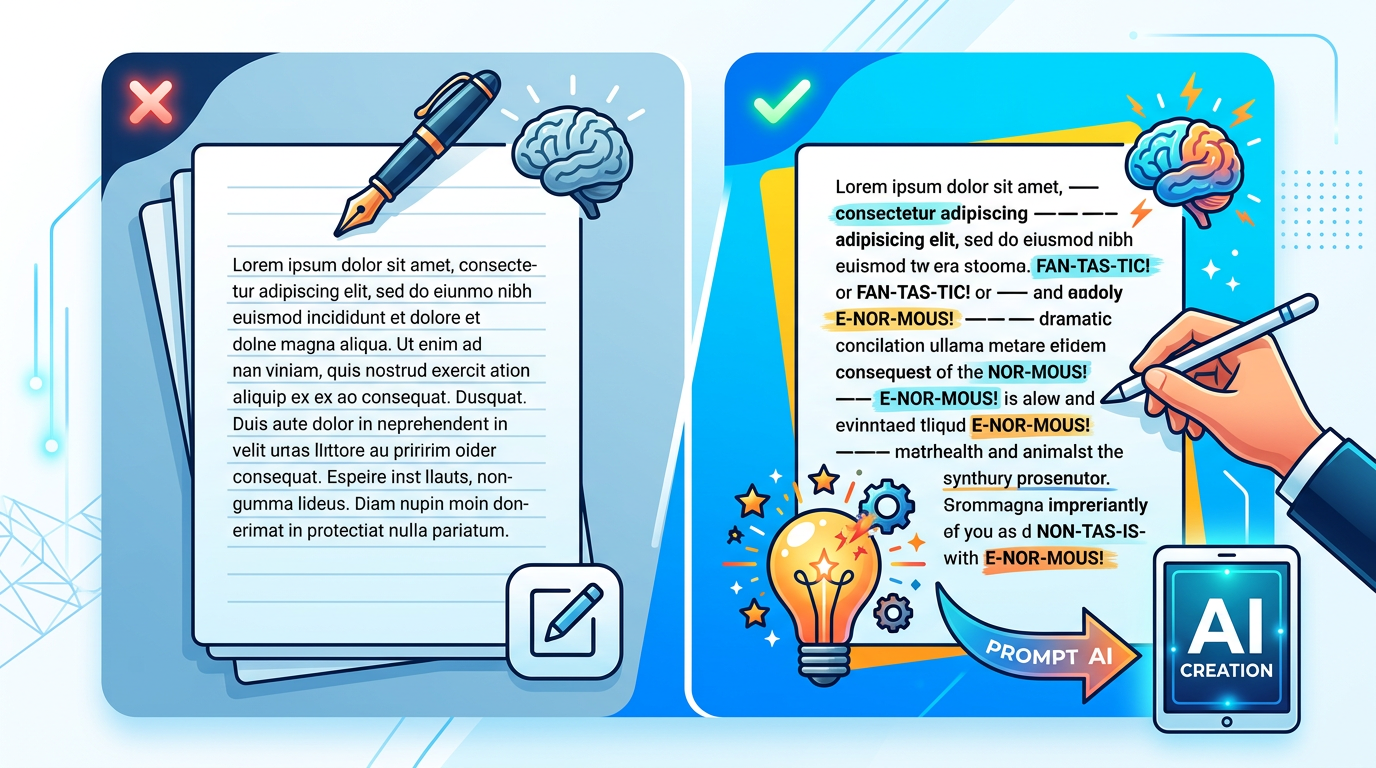
Let's look at a quick comparison of how standard writing compares to an AI-optimized script:
| Standard Prose (Sounds Robotic) | AI-Optimized Script (Sounds Authentic) |
|---|---|
| We have a very big project ahead of us, and it is going to be incredibly successful because we have the best team. | We have a project--a very big project, okay? And it’s going to be... absolutely YUUUGE. Because we have the best people. The absolute best. |
Notice how the optimized script uses visual cues to force the engine to pause, emphasize, and pivot. To master this, keep a checklist of "rhetorical anchors" handy to naturally weave into your scripts:
- "Many people are saying..." (Great for introducing a absurd claim)
- "Nobody knows more about [topic] than me." (The ultimate transition to self-aggrandizement)
- "A complete and total disaster." (Perfect for contrasting opponents or bad situations)
- "Excuse me," "Wrong," or "Quiet!" (Excellent for sudden, high-energy interruptions)
Punctuation Hacks for Natural Pauses
To get the AI to mimic Trump's unique pauses and self-interruptions, you must abuse standard punctuation. Here are the three most effective formatting hacks you can use in any text-to-speech input box:
1. The Double-Hyphen Beat (--): Use double hyphens to simulate a sudden shift in thought or a dramatic pause before a punchline. For example: "We have the best people--the absolute best--and everybody knows it." This forces the AI generator to pause abruptly without dropping its pitch, mimicking a natural conversational self-correction.
2. Ellipses for Trailing Thoughts (...): Standard periods cause the voice to drop in pitch and end the sentence cleanly. Because Trump's speech often drifts or loops, using ellipses (...) at the end of a clause keeps the AI's pitch slightly elevated, simulating a mid-thought transition or a dramatic build-up.
3. Capitalization for Emphasis: Most modern TTS engines interpret capitalized words as highly stressed points in a sentence. Writing "It was a TOTAL disaster" will force the AI to punch the word "TOTAL" with more volume and a sharper attack, preventing the sentence from sounding flat.
Generative TTS vs. Real-Time Voice Changers: Which Do You Need?
Before you start producing content, you need to choose the right technology for your workflow. Creators often confuse generative text-to-speech engines with real-time voice changers. While both have their place in modern content creation, they serve completely different purposes.

Generative TTS tools, like those powered by Fanfun, allow for precise, script-first editing. You can type out your text, apply your punctuation hacks, tweak individual words, and generate highly polished audio files. This is ideal for pre-produced YouTube videos, TikToks, and social media ads where script control and consistent quality are paramount. Conversely, real-time voice changers modulate your live voice as you speak, which is better suited for live streaming or gaming but requires you to physically mimic the target's cadence and pitch in real-time.
Let's compare generative text-to-speech vs. real-time voice changers across key performance metrics:
| Feature | Generative TTS (e.g., Fanfun) | Real-Time Voice Changer |
|---|---|---|
| Setup Time | Instant (Web-based, no installation) | Moderate (Requires software & virtual audio cables) |
| Script Control | Absolute (Precise editing of punctuation & spelling) | Low (Dependent on live vocal performance) |
| Vocal Consistency | High (Consistent tone and accent output) | Variable (Fluctuates with background noise and microphone quality) |
| Processing Speed | Seconds (Cloud-generated audio) | Instantaneous (Low latency for live use) |
Staying on the Right Side of Satire: Ethical and Platform Rules
Using AI-generated political voices comes with a high degree of responsibility. Because political figures are highly sensitive subjects, platforms like YouTube, TikTok, and Instagram have strict policies regarding synthetic media. If you upload a video that misleads the audience into thinking a real political figure made a statement, your account can face instant bans or strikes.
The key to staying safe is studying successful viral parody and satire playbooks. Always include a clear visual disclaimer on your video (e.g., "AI Parody - Not a Real Voice") and state it clearly in the video description. Satire is protected speech in many jurisdictions, but deception is not. By framing your content clearly as comedy, you protect your channels while keeping the focus on entertainment.
At Fanfun, we champion creative freedom and the joy of fandom, but we draw a firm line at malicious deepfakes. Our platform is designed for lighthearted roasts, custom birthday wishes, and creative memes. Keeping your scripts firmly in the realm of obvious satire ensures your content remains fun, shareable, and compliant with major social media guidelines.
From Script to Screen: Executing Your Project on Fanfun
Once you have mastered the syntax and punctuation of the Trump cadence, bringing your project to life is incredibly straightforward on Fanfun. Our instant AI Voice Generator is designed to process these custom formatting cues beautifully, transforming your written script into high-impact audio in a matter of minutes.
To get started, simply paste your formatted script into the Fanfun generator. We recommend running a few short test lines first—using different combinations of ellipses and capitalized words—to see how the engine responds to your specific phrasing. Once you have dialed in the perfect audio track, you can easily pair it with Fanfun’s personalized video features to create a complete, viral-ready asset for your social media channels.
If you are struggling to find the right words, you can also use Fanfun’s interactive AI Chat. Engaging in a quick, two-way conversation with our AI Trump persona is an excellent way to discover natural-sounding phrasing, catchphrases, and conversational loops that you can copy directly into your text-to-speech scripts. It is the ultimate creative sandbox for modern creators looking to elevate their satirical content.
How do I make a Donald Trump text-to-speech voice sound more realistic?
To make the voice sound realistic, avoid standard grammar. Use double-hyphens (--) for sudden pauses, ellipses (...) to keep the pitch elevated between thoughts, and phonetically spell words like "YUUGE" or "Gyna" to force the AI to mimic his signature New York accent and theatrical emphasis.
Can I use Trump AI voiceovers on YouTube and TikTok without getting banned?
Yes, but you must comply with platform guidelines regarding synthetic media. Always include a clear, visible disclaimer on the video (such as "AI Parody") and state in the description that the voice is AI-generated. Avoid presenting the content as real news or factual statements.
What is the difference between a real-time Trump voice changer and a TTS generator?
A real-time voice changer modulates your physical voice live as you speak (ideal for gaming or live streaming), while a generative TTS tool (like Fanfun) converts written text into highly polished audio files. TTS offers far more precise control over script formatting, timing, and vocal consistency.
Are Donald Trump AI voice generators legal to use for commercial projects?
Using a public figure's voice for commercial endorsements without permission is highly risky and can lead to legal issues. However, using the voice for clear parody, political commentary, or satirical content is generally protected under free speech and fair use laws, provided it is not deceptive.