
Hooked in Three Seconds: How to Use Character-Driven Voiceovers for High-Retention Video Intros
Visual hooks are no longer enough to keep viewers from scrolling past. Discover how to use auditory pattern interrupts and character-driven AI voiceovers to capture attention in the first three seconds.
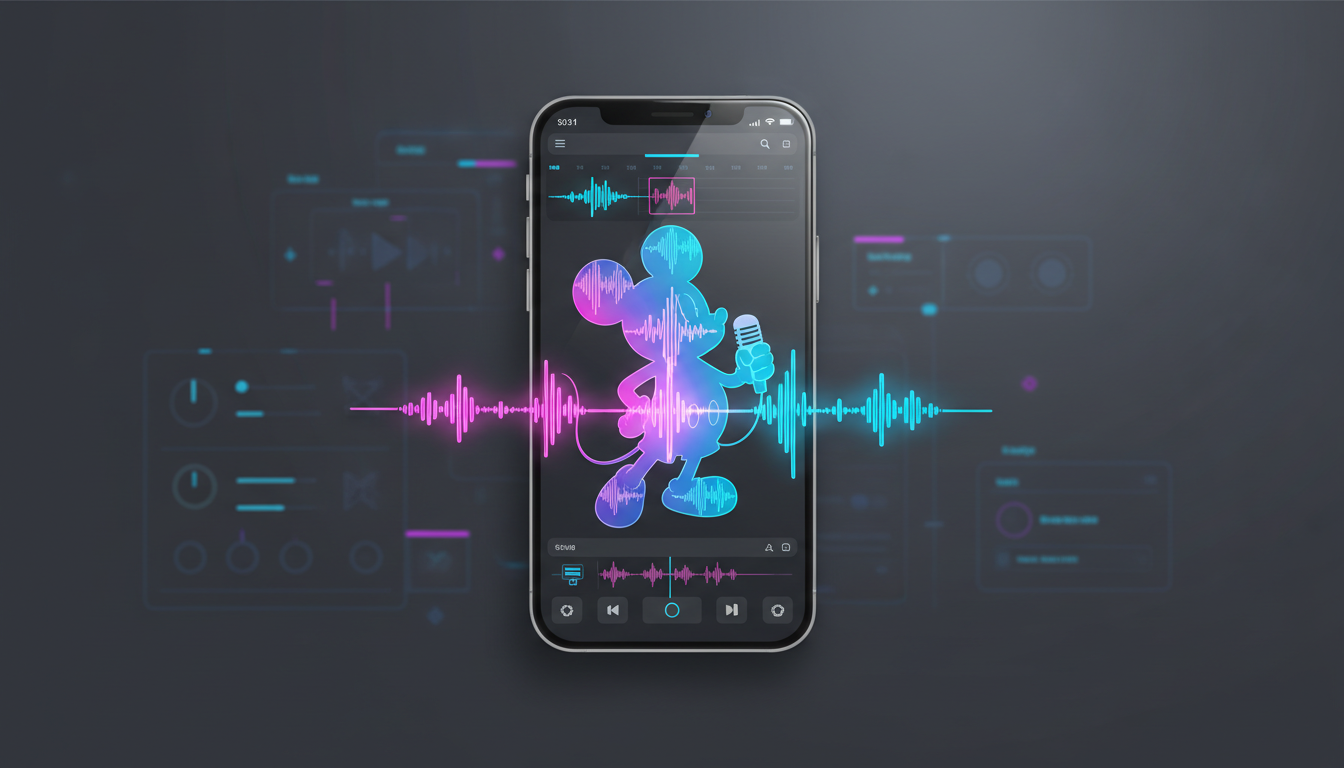
Visuals alone do not stop the scroll anymore. In an online landscape saturated with identical CapCut templates, aggressive color-graded transitions, and flashing neon captions, viewers have developed a profound visual immunity. When every short-form video starts with the exact same zoom-in effect or a generic stock video background, the human brain automatically categorizes the content as background noise and prompts a swift upward swipe.
The secret weapon to breaking this cycle of indifference is not a flashier visual transition; it is an auditory pattern interrupt. By pairing your opening frame with a highly recognizable, character-driven voiceover, you seize the viewer's attention before they even consciously process what they are looking at. Auditory cues bypass visual fatigue, instantly shifting the brain from passive scrolling to active listening.
The Death of the Generic Intro: Why Standard Hooks No Longer Work
For years, creators relied on basic text-to-speech tools to narrate their videos. However, standard robotic voices have become victims of their own success. Because millions of low-effort dropshipping ads and content farms use the same default text-to-speech voices, those specific vocal profiles now serve as an immediate warning sign of low-quality content. The second a modern viewer hears that familiar, monotone robotic cadence, they scroll.
To capture attention in today's crowded feeds, you must deploy a voice that carries immediate personality, weight, or nostalgic value. An auditory pattern interrupt shatters the user's expectations by introducing an unexpected voice—such as a beloved cartoon character, a legendary sports icon, or a dramatic movie narrator—right at the start. This unexpected sound forces the brain to pause and ask, Why is this specific voice talking about this topic?
Aligning a unique voice with your visual edit sets a premium stage for high-retention storytelling. It transforms a standard video into an immersive experience. To execute this successfully, creators must move beyond basic automated narration and learn how to direct custom AI voiceovers specifically for TikTok retention, ensuring every pause, inflection, and emotional beat feels intentional and human.
The Anatomy of a High-Retention Audio Hook
A successful audio hook is carefully engineered to maximize every millisecond of the critical three-second retention window. You cannot afford a slow build-up or a generic introduction. The structure must be tight, punchy, and highly dynamic.
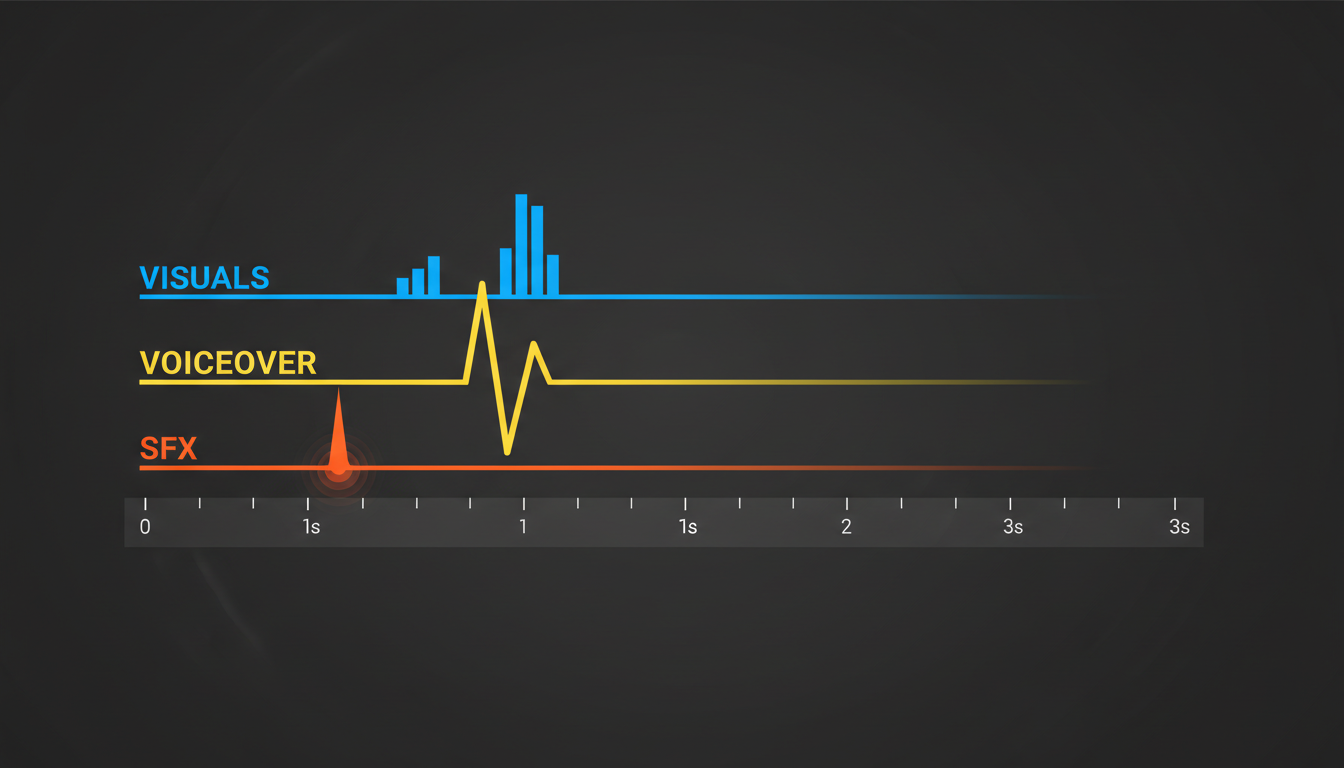
The 300-Millisecond Window: Tone Over Text
The human brain processes auditory tone and emotion far faster than it decodes semantic meaning. In the first 300 milliseconds of your video, the listener's brain has already decided whether the voice sounds interesting, authoritative, or funny—long before they have actually understood the first full word you have written. A flat, uninspired voiceover fails this test instantly. Conversely, a voice bursting with character—whether it is the raspy grit of an action hero or the whimsical energy of a classic anime protagonist—creates an immediate emotional anchor.
Front-Loading the Payoff
Your script must eliminate all forms of pleasantries or introductory fluff. Never start a video with phrases like, "Hey guys, welcome back to my channel," or "In this video, I am going to show you..." Instead, dive straight into the conflict, the absurdity, or the ultimate value proposition within the first five words.
Consider the difference between these two hook styles:
- The Generic Hook: "Today we are going to look at three of the worst tech accessories you can buy online right now."
- The Character-Driven Hook: "This accessory is so catastrophically bad it actually made me question my life choices." (Spoken in a dramatic, deadpan cinematic voice).
By using a highly specific character voice to deliver a high-stakes claim immediately, you create an irresistible curiosity loop that compels the viewer to stay for the explanation.
Matching the Voice to the Vibe: The Character Selection Framework
Choosing the wrong voice for your content creates cognitive dissonance. If you are reviewing a high-end productivity app, using a chaotic cartoon voice will confuse your audience and damage your credibility. Conversely, using a formal, corporate narrator for a gaming meme video will drain the energy right out of the edit.
To build a cohesive viewer experience, you must align your content's genre with a matching vocal archetype. On Fanfun, creators have instant access to a diverse library of character and celebrity-inspired voices, making it simple to find the exact tone needed to establish authority, humor, or nostalgia. When you find the right match, the voice acts as a shortcut to building rapport with your target demographic.
If you want to take your production values even further, understanding how to integrate these character voices into complex arrangements is essential. You can explore our guide on designing custom character audio tracks for high-impact video edits to master the art of multi-layered audio design.
To help you choose the right voice for your next project, use this selection framework:
| Content Genre | Ideal Vocal Archetype | Psychological Trigger | Example Fanfun Vibe |
|---|---|---|---|
| Tech & Productivity Reviews | The Deadpan Critic | Sarcastic humor, brutal honesty, high authority | Dry, intellectual, slightly cynical commentator |
| Gaming Clips & Memes | The High-Energy Hype-Man | Excitement, shared adrenaline, urgency | Enthusiastic anime hero or eccentric esports shoutcaster |
| E-commerce & Brand Promos | The Nostalgic Icon | Warmth, trust, childhood familiarity | Beloved childhood cartoon character or classic narrator |
| Storytelling & Documentaries | The Cinematic Legend | Gravitas, mystery, cinematic scale | Deep-voiced action star or dramatic movie trailer voice |
Step-by-Step: Crafting and Syncing Your Custom Voiceover Intro
Creating a high-retention intro requires a seamless blend of writing, generation, and audio mixing. This approach is highly effective for independent creators and small businesses alike. If you are operating on a tight budget, implementing these polished audio techniques is a core strategy for how bootstrappers can scale custom video campaigns on a budget without needing expensive agency voice actors.

Step 1: Write for the Ear, Not the Page
When writing your hook, read it aloud. Written English is often too formal for video. Use contractions, short sentence fragments, and phonetic spellings to guide the AI voice generator. If you want a specific word emphasized, place it in its own short sentence or use punctuation like dashes and exclamation points to force natural pauses.
Step 2: Generate the Voice on Fanfun
Input your finalized script into Fanfun’s AI Voice Generator. Select your chosen character archetype from the library. If the first generation isn't quite right, experiment with slight tweaks to your punctuation. Adding a comma can introduce a dramatic pause, while ending a sentence with a question mark can raise the pitch of the final word to invite curiosity.
Step 3: Apply the "Audio Sandwich" Technique
Once you import your generated voiceover into your video editing timeline, use this three-layer mixing checklist to ensure maximum impact:
- The Bread (Background Music): Choose an instrumental track that matches the energy of your voice. Set its default volume low (usually between -18dB and -24dB) so it never competes with the spoken word.
- The Meat (The Character Voiceover): This must be the loudest, clearest element of your mix. Keep your voiceover level peaking between -3dB and -6dB. Apply a subtle compressor to keep the volume consistent.
- The Condiments (Sound Effects): Place a high-impact sound effect—such as a deep bass drop, a vinyl scratch, or a swoosh transition—exactly on the first syllable of the voiceover. This physical impact reinforces the auditory pattern interrupt.
Common Mistakes That Ruin Your Audio Hook (and How to Fix Them)
Even with a great character voice, simple execution mistakes can cause viewers to drop off prematurely. Avoid these three common audio pitfalls to keep your retention rates high:
1. The Muddy Mix
If your background music is too loud, or if it features prominent vocals of its own, it will clash with your character voiceover. This forces the viewer's brain to work harder to understand what is being said, leading to cognitive fatigue and quick scrolls. Always use instrumental tracks for your background music, and apply a slight EQ cut in the 1kHz to 3kHz range on the music track to leave a clear frequency pocket for the voiceover.
2. Mismatched Pacing
If you have generated a high-energy, fast-talking character voice, but your visual edit features slow, panning scenic shots, the viewer will experience a jarring disconnect. Your visual cuts must match the cadence of the voice. If the character speaks in rapid, punchy sentences, use quick visual cuts on every major syllable or beat to keep the visual and auditory pacing perfectly synchronized.
3. The Over-Explainer
Do not try to explain your entire video in the first three seconds. The hook's only job is to get the viewer to watch the next ten seconds. Keep your opening voiceover script under 15 words. State the hook clearly, establish the vibe with your Fanfun character voice, and let the rest of your video deliver the context and payoff naturally.
How do I make my video intro more engaging?
To make your video intro more engaging, combine a visual pattern interrupt (like an unexpected action or text overlay) with an auditory pattern interrupt. Using a highly recognizable, character-driven voiceover generated through Fanfun instantly captures attention and makes your video stand out from generic, silent, or robotic-sounding content.
What is the best voice for a TikTok intro?
The best voice for a TikTok intro depends entirely on your target audience. For humor and gaming, a high-energy anime character or a dramatic, sarcastic voice works best. For educational or brand content, a warm, nostalgic childhood favorite or a deep, cinematic narrator voice establishes immediate trust and intrigue.
How loud should my voiceover be compared to the background music?
Your voiceover should always be the dominant element in your audio mix. As a general rule of thumb, keep your character voiceover peaking between -3dB and -6dB, while keeping your background music dialed back between -18dB and -24dB. This ensures clear, effortless legibility.
Can I use AI character voices for commercial video intros?
Yes, AI character voices are incredibly effective for commercial promos, product launches, and social media ads. Using platforms like Fanfun allows small brands and bootstrappers to scale custom, high-impact video campaigns with professional-sounding character audio without the massive budgets required for traditional voice talent agencies.



