The Death of the Default Voice: How to Direct Custom AI Voiceovers for High-Retention TikToks
Stop relying on the same three overused TikTok voices that drive viewers to swipe away. Discover how to script, direct, and mix custom, character-driven AI voiceovers that immediately capture attention and keep your retention curves high.

The fast-scrolling reality of TikTok means you have less than three seconds to convince a viewer to stop. While creators spend hours obsessing over color grading, transitions, and visual hooks, they routinely neglect the single most critical element of short-form success: audio.
For years, the default TikTok text-to-speech voices—like the overly cheerful 'Jessie' or the generic robotic narrator—served as a convenient crutch. Today, those exact voices have become cognitive white noise, signaling low-effort content that viewers instinctively swipe past. To stand out, modern creators are turning to highly stylized, character-driven AI voiceovers to break the monotony and immediately command attention.
Why TikTok's Default Text-to-Speech is Killing Your Retention
When a viewer lands on your video, their brain processes the audio almost instantly. If they hear the same robotic voice that has narrated ten thousand generic dropshipping ads or low-effort screen recordings, they mentally check out. This auditory fatigue triggers an immediate swipe. The default text-to-speech options have lost their novelty; they now actively damage your authority and signal to the algorithm that your content lacks original value.
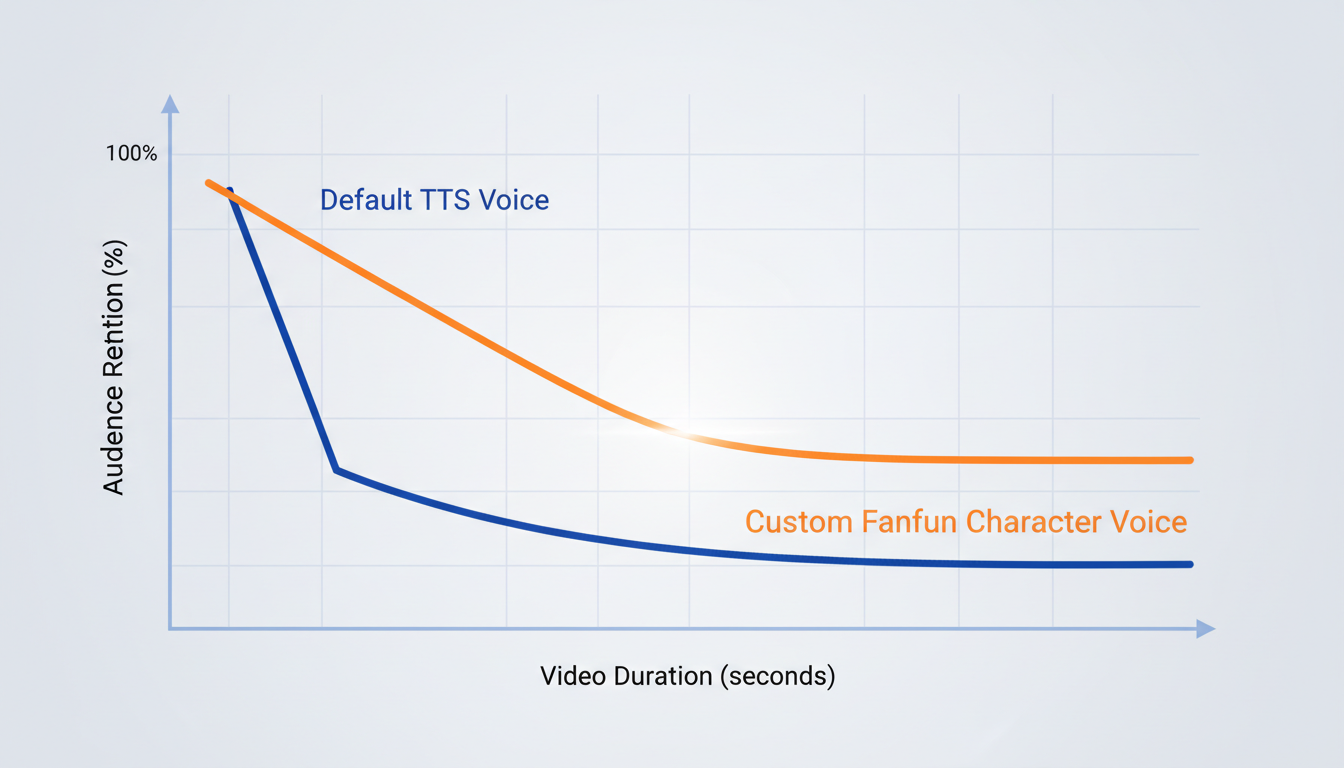
To fix this, you must transition from passive narration to active sound design. By choosing a unique voice from Fanfun's AI voice generator, you introduce an immediate 'pattern interrupt.' A pattern interrupt is an unexpected element that breaks a user's habitual scrolling behavior. When your video opens not with a default robot, but with a highly expressive anime hero, a legendary sports icon, or a dramatic cinematic narrator, the viewer's brain is forced to pause and process this unexpected sound.
This simple shift transforms your audio track into a core branding tool. Instead of sounding like everyone else, your channel gains a distinct, memorable personality. If you want to take your sound design a step further, you can transition to building a dedicated, high-retention audio toolkit specifically designed to keep TikTok viewers engaged. By curating a signature palette of custom voices, you build long-term viewer loyalty and make your content instantly recognizable across the feed.
Scripting for the Scroll: How to Write for AI Voiceovers
Writing a script for an AI voice generator requires a completely different approach than writing for the page. If you write formal, grammatically perfect sentences, the AI will read them exactly as written—resulting in a stiff, unnatural performance. To create high-retention audio, you must write specifically for speech synthesis.
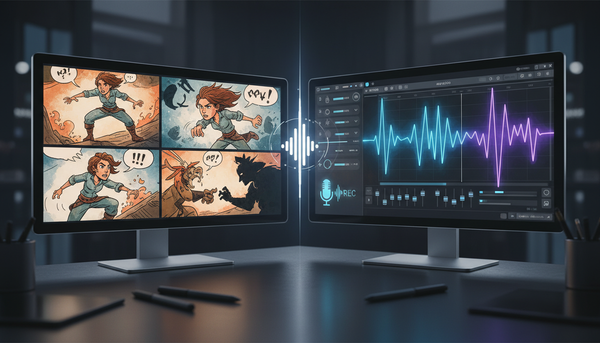
First, write exactly how people actually talk. Use contractions (use 'don't' instead of 'do not'), keep your sentences short, and insert deliberate pauses. To make your scripts flow seamlessly, you can also learn how professional animators direct custom voice generators for complex, multi-character scripts. This process teaches you how to map out dialogue that feels alive and reactive.
Second, master the art of phonetic spelling. AI models interpret text based on standardized phonetic patterns, which means they can struggle with slang, brand names, or highly specific niche terms. If the generator mispronounces a word, spell it out phonetically in your script. For example, instead of writing 'TikTok,' you might write 'Tick Tock.' Instead of 'real-time,' try writing 'real time' with a space to force a natural pause. Adjust the spelling until the generated audio sounds flawless.
Finally, treat punctuation as your steering wheel. Punctuation tells the AI how to pace the delivery and where to place emphasis:
- Ellipses (...): Use these to create dramatic, suspenseful pauses.
- Em-dashes (—): Use these to signal sudden, abrupt shifts in thought or rapid transitions.
- Exclamation points (!): Use these sparingly to avoid making the voice sound unnaturally hyperactive or shouty.
The 3-Second Hook Rule for Short-Form Audio
On TikTok, the visual hook and the audio hook must work in perfect synchronization. If your visual hook is a fast-paced transition but your audio starts with a slow, generic introduction, the viewer will swipe away. You must eliminate all filler words from your opening line. Never start a video with 'Hey guys, today I am going to show you...' Instead, dive straight into the action or deliver a highly compelling, polarizing statement.
Your chosen voice must also match the energy of your visual editing. If you are using a high-energy anime voice from the Fanfun library, your video cuts should be rapid, colorful, and dynamic. Conversely, if you select a gravelly, slow, dramatic narrator, your visuals should feature slower, cinematic reveals to build tension. This alignment between visual speed and vocal energy creates a cohesive, professional experience that keeps eyes on the screen.
Mastering the Inverted Pyramid Audio Cue
To maximize your retention curves, structure your audio script using the 'Inverted Pyramid' model. This means you place your most shocking, entertaining, or dramatic audio cue in the very first 3 seconds of the video, before offering any context. Once the viewer is hooked by the initial audio payoff, you can loop back to explain the setup. This structure ensures that the viewer's curiosity is piqued before they have a chance to scroll past.
The Custom TikTok Voiceover Workflow: Default TTS vs. Fanfun AI
Upgrading your production workflow doesn't have to add hours to your editing process. While using TikTok's in-app tools might seem faster initially, it severely limits your creative freedom and output quality. Using a dedicated platform like Fanfun allows you to batch-produce professional audio assets with ease.
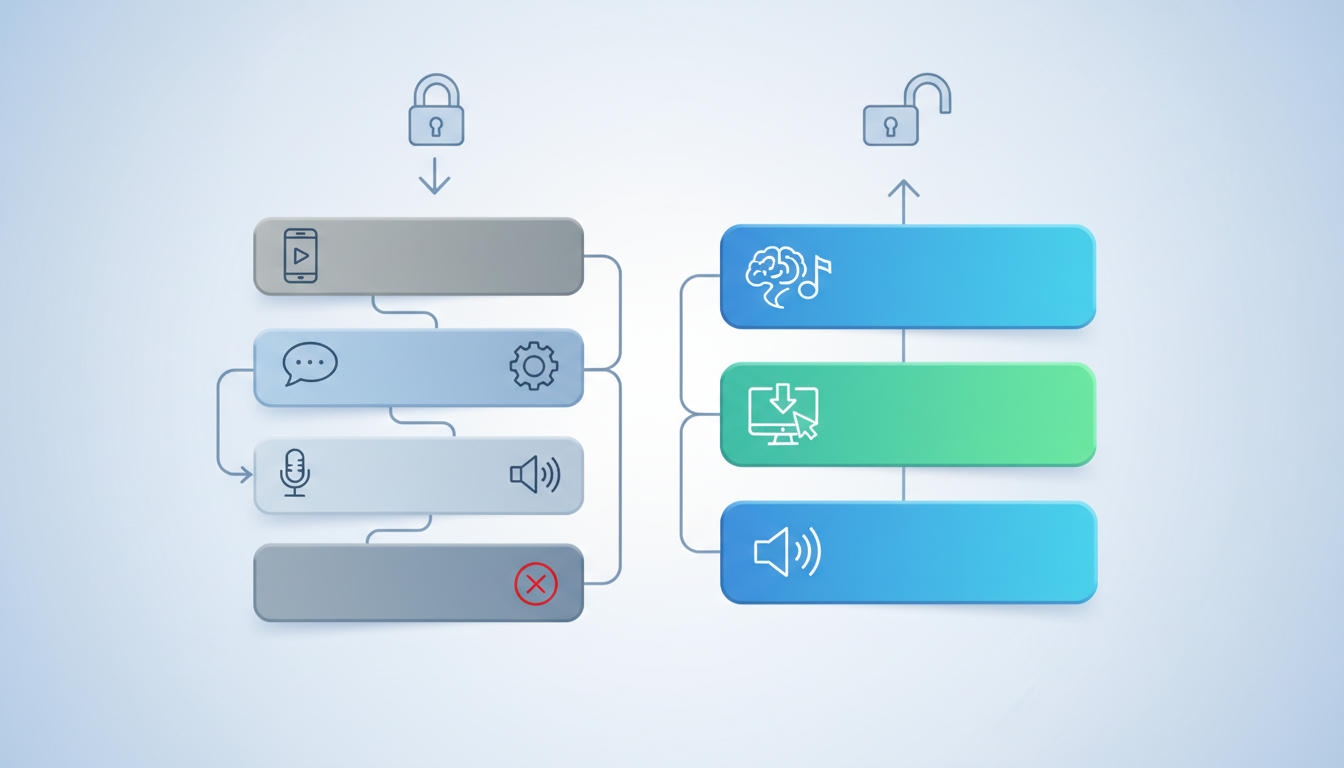
The table below highlights the key differences between relying on standard in-app tools and leveraging a custom AI voice generator workflow:
| Feature | Default TikTok TTS | Fanfun AI Voice Generator |
|---|---|---|
| Voice Variety | Extremely limited (often overused and generic) | Massive character library (anime heroes, icons, custom personas) |
| Emotional Range | Flat, monotonous, and robotic | Highly expressive, dynamic, and realistic |
| Punctuation Control | Basic (ignores subtle formatting cues) | Advanced (responds accurately to ellipses, dashes, and spacing) |
| Workflow Efficiency | Must edit inside the app, limiting batch production | Generate, tweak, and export high-quality WAV/MP3 files instantly |
| Retention Impact | Low (associated with low-effort or spam content) | High (functions as an engaging pattern interrupt) |
To implement this workflow, start by selecting your target character or voice style in the Fanfun dashboard. Input your scripted lines, apply your phonetic spelling adjustments, and generate the audio. Once you are satisfied with the performance, export the high-quality WAV or MP3 file. By generating all your audio files in a single 15-minute session at the start of the week, you can quickly import them into your editing software of choice (like CapCut or Premiere Pro) and build your visual edits directly around the audio timeline.
Directing Your AI Voice: Pacing, Emotion, and Character Selection
Think of your AI voice generator not as a text reader, but as an actor. To get the best possible performance, you need to match the specific tone of the voice to your content niche. For example, gaming edits and anime-focused channels thrive on high-intensity, character-driven voices that match the fast pace of gameplay. Documentaries and storytelling niches require deep, authoritative, and steady narrative voices. If you are creating comedic reaction videos or parodies, using a playful celebrity-style roast voice immediately sets a lighthearted tone.
Comedic timing is particularly dependent on how you pace your audio. When directing your AI voice, make sure to build in visual pauses that allow your punchlines to 'breathe.' You can explore how to write and direct comedic timing specifically for short-form video algorithms to ensure your jokes land perfectly. By pairing a well-timed visual pause with a sudden, expressive vocal shift, you create a highly engaging contrast that keeps viewers entertained.
Finally, avoid the 'uncanny valley'—the unsettling feeling viewers get when a voice tries too hard to sound like a generic, flawless human but falls just short. Instead, lean into highly stylized, expressive, or recognizable fictional characters. When viewers hear a voice that is intentionally stylized, they accept the creative format immediately and focus on the actual substance of your video.
Audio Mixing Secrets: Blending Voice, Music, and SFX on TikTok
Even the most brilliant voiceover script will fail if the final audio mix is muddy, quiet, or drowned out by background music. Professional sound design is what separates amateur TikToks from viral, high-production content. To ensure your custom voiceover is crisp and intelligible, you must follow a disciplined audio mixing workflow.
Begin by establishing the 'Golden Ratio' of short-form audio levels. Your primary voiceover track should always sit comfortably between -6dB and -12dB in your editing software. This ensures the voice is loud and clear without clipping or distorting. Your background music track, on the other hand, should be heavily ducked—ideally sitting at -25dB or even lower whenever speech is active. This creates a clear separation, preventing the music from fighting with the voiceover for the viewer's attention.
Next, use targeted sound effects (SFX) to punctuate key moments in your script. Placing a subtle camera shutter sound, a paper rip, or a bass drop precisely on a transition or a key word adds physical weight to the audio track. Finally, always export your project using high-fidelity settings. TikTok applies heavy compression to uploaded videos, which can crush low-quality audio files. By exporting your voiceovers as high-quality WAV files from Fanfun and maintaining a clean mix, your audio will remain sharp, professional, and highly engaging even after the platform compresses it.
How do you get custom text-to-speech voices on TikTok?
To get custom text-to-speech voices that stand out from the default options, generate your voiceover using Fanfun's AI voice generator first. Simply input your script, select your preferred character or voice style, export the audio file as a high-quality MP3 or WAV, and import it into your editing software (like CapCut or Premiere) before uploading your video to TikTok.
Why does my AI voiceover sound robotic on TikTok?
AI voiceovers often sound robotic because the script is written with formal grammar rather than natural speech patterns. To fix this, use contractions, short sentences, and phonetic spellings for complex words. Additionally, utilizing an advanced generator like Fanfun provides a much wider emotional range and better response to punctuation cues compared to basic built-in tools.
Can I use movie character voices for my TikTok edits legally?
Using AI-generated character voices for transformative, creative, and non-commercial fan edits generally falls under fair use, especially when styled as parodies, memes, or commentary. Fanfun provides a creative sandbox of licensed and original AI interpretations designed specifically to help creators express their fandom safely and creatively.
What is the best audio level for voiceovers on TikTok?
For a clean, professional mix, your main voiceover track should sit between -6dB and -12dB. Your background music should be ducked significantly lower—usually around -25dB to -30dB—so it supports the voiceover without overpowering it or making the speech difficult to understand.