Average Open Rates of Custom Video Emails vs. Text-Only Emails
Video emails can boost open rates when done right, but they are not a magic bullet. Compare the data, tradeoffs, and best use cases for video versus text-only formats.
While open rates vary widely depending on your existing relationship with the recipient, the clarity of your subject line, and whether your email avoids spam filters, incorporating a video element can often help capture attention when clearly indicated in the subject line. While text-only emails remain the most efficient choice for quick, transactional updates, video messages are highly effective at driving actual engagement, emotional connection, and response rates once opened.
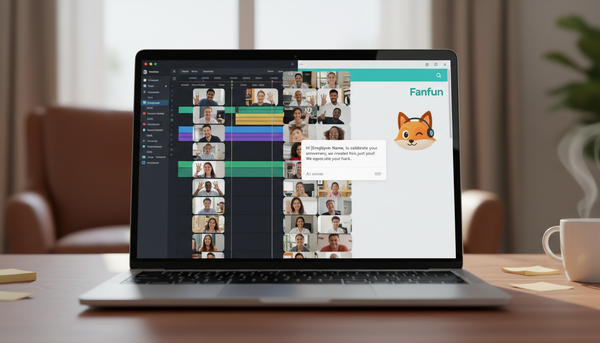
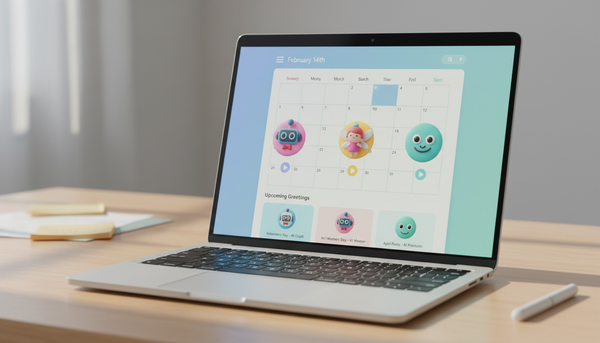
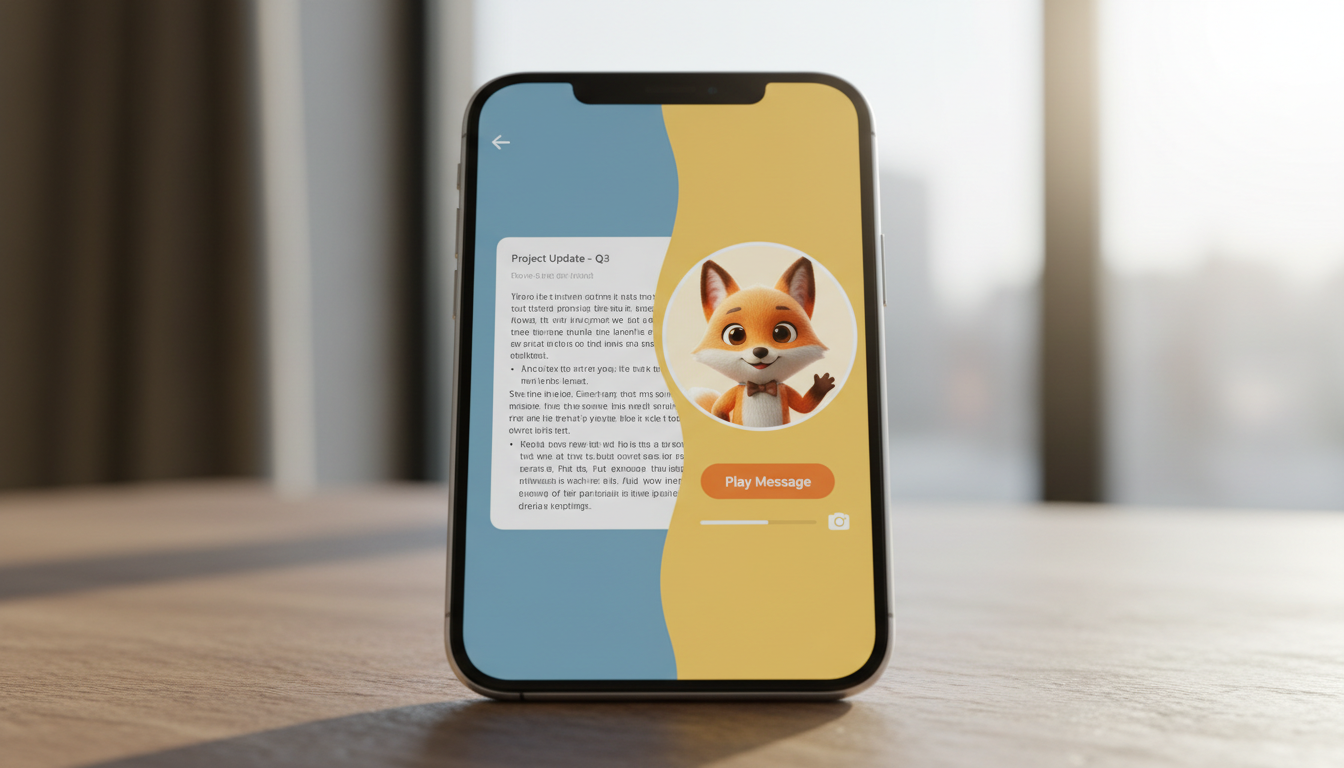
On platforms like Fanfun, where you can turn your own words into a custom video gift featuring playful AI characters, the medium itself becomes a hook. It is important to remember that these are AI personas rather than real-person recordings, but their novelty provides a strong psychological incentive to watch. When a recipient sees a thumbnail of a favorite animated personality or historical figure, the barrier to engagement drops because the email feels like an experience rather than a chore.
The Data Behind Video vs. Text-Only Emails
Deciding between these formats requires looking at the tradeoffs between effort and impact. Industry benchmarks show that while text-only emails are highly searchable and quick to read, they rarely capture the same emotional weight as a personalized video. To help you decide which format fits your next communication, here is a direct comparison of the two mediums:
| Criteria | Text-Only Email | Custom Video Message |
|---|---|---|
| Open Rate Factors | Highly dependent on subject line clarity and sender familiarity | Often enhanced by indicating a video is enclosed, subject to spam filter delivery |
| Emotional Resonance | Neutral to Low | High |
| Time to Consume | Low (seconds) | Moderate (typically 30 seconds) |
| Technical Friction | Minimal | Slightly Higher (requires hosting/rendering) |
| Best Use Case | Logistics, scheduling, quick updates | Milestones, holidays, gratitude, personal gifts |
When to Choose Video Over Text
The most effective strategy is knowing when to lean into the strengths of each format. If you are sending a quick meeting link or a project update, a text-only email is the clear winner. But for milestones like birthdays, congratulations, or holiday greetings, the effort of a video message provides a return on connection that text cannot replicate. As explored in our guide on why personalized video messages outshine generic text wishes, the shift from reading to watching changes how a recipient processes the intent behind your words.
If you are planning a holiday message, utilizing how to write holiday dialogue templates for custom AI character video greetings can help you strike the right playful tone. It is always a good idea to keep your video scripts concise. Applying a structured approach, such as learning how to structure a 30-second script outline for custom video greetings, ensures your message remains punchy and engaging.
Optimizing Your Video Email Workflow
To get the best results from your video emails, you need a smooth workflow from creation to delivery. For advanced creators, you can explore how to cast and script custom voice text to speech for multi-character video edits to build even more dynamic scenes. Once your video is generated, you may want to archive it. Knowing how to save and archive custom virtual video greetings to OneDrive ensures you never lose these digital keepsakes. Recipients can even enjoy these messages on the big screen by learning how to cast custom video greetings to a Roku device.
Does the file size of a video email affect deliverability compared to text?
Yes, attaching large video files directly can trigger spam filters or bounce back. Using platforms like Fanfun, which email the finished video directly to the address provided, helps keep the delivery process straightforward and avoids manual attachment issues.
Should I include a text summary alongside my video message?
Yes, including a brief, one-sentence text summary in the email body is highly recommended. This provides immediate context for the recipient and encourages them to click the video link, especially if they are in a setting where they cannot play audio right away.
How do I prevent my custom video email from going to spam?
Ensure your subject line is descriptive and personal rather than promotional. Avoid using all-caps or excessive exclamation points, and make sure to use a trusted platform to host and share your video content safely.