How to Automate Personalized Video Greetings for Milestone Events
Never miss a milestone again. Learn how to batch-produce personalized video greetings and use smart scheduling tools to deliver thoughtful messages exactly on time.
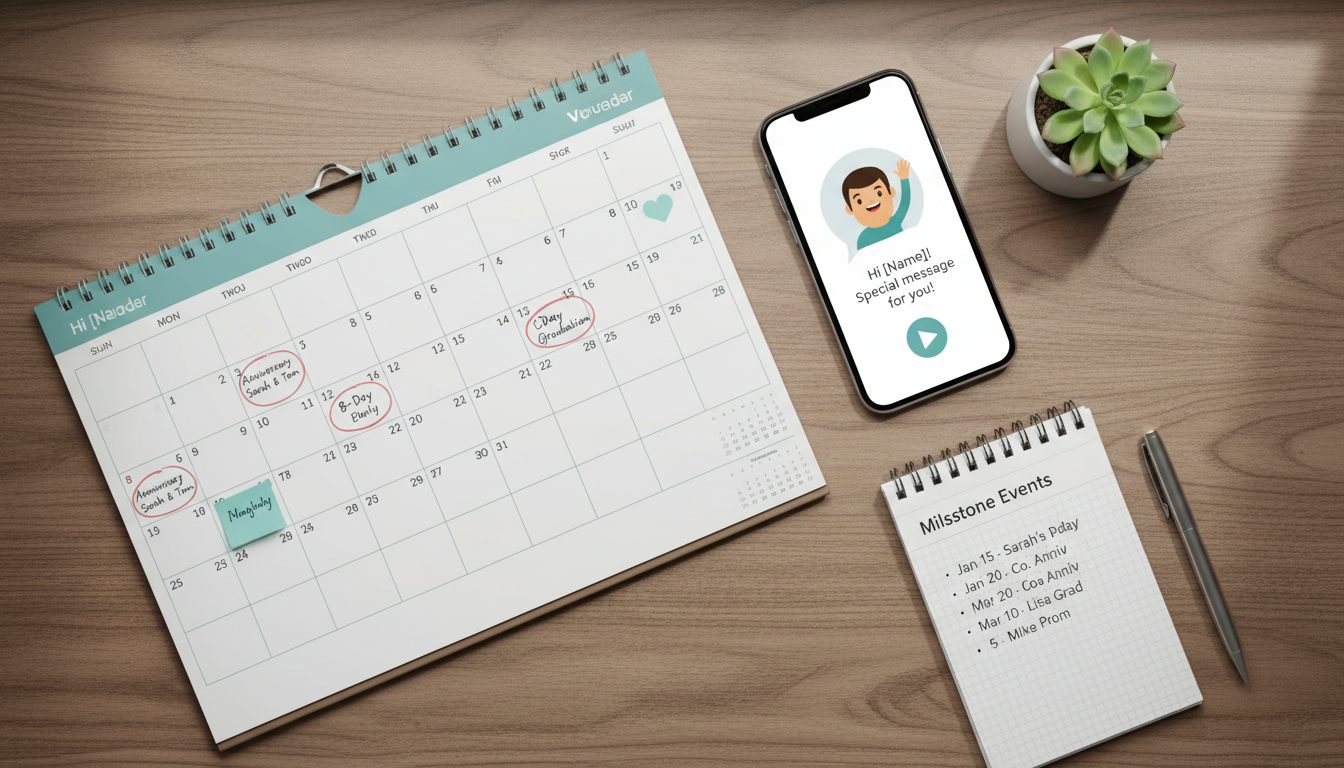
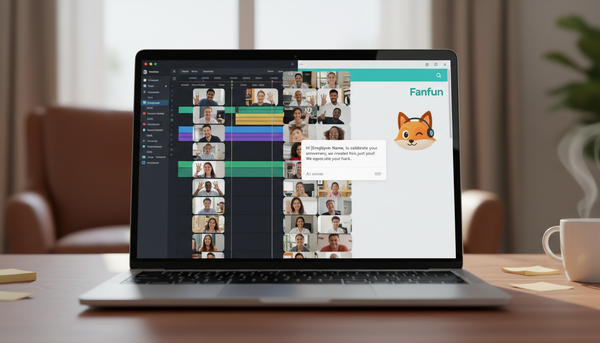
Automating personalized video greetings involves batching your video creation and using scheduled email or messaging tools to send them on specific dates. By separating the creative process of scripting and generating a video from the technical step of delivery, you can ensure milestone messages arrive exactly on time without last-minute stress. While AI tools like Fanfun make it easy to generate customized character videos, you will need a reliable scheduling workflow—such as email automation or calendar-linked delivery systems—to help ensure your message lands in the recipient's inbox at the right moment.
The Workflow: From Creative Concept to Scheduled Delivery
Trying to create and send a personalized greeting on the actual day of a milestone often leads to rushed scripts and missed deadlines. The solution is to separate production from distribution. By batching your creative work, you can sit down once a month, write scripts for all upcoming celebrations, and generate the videos in one go.
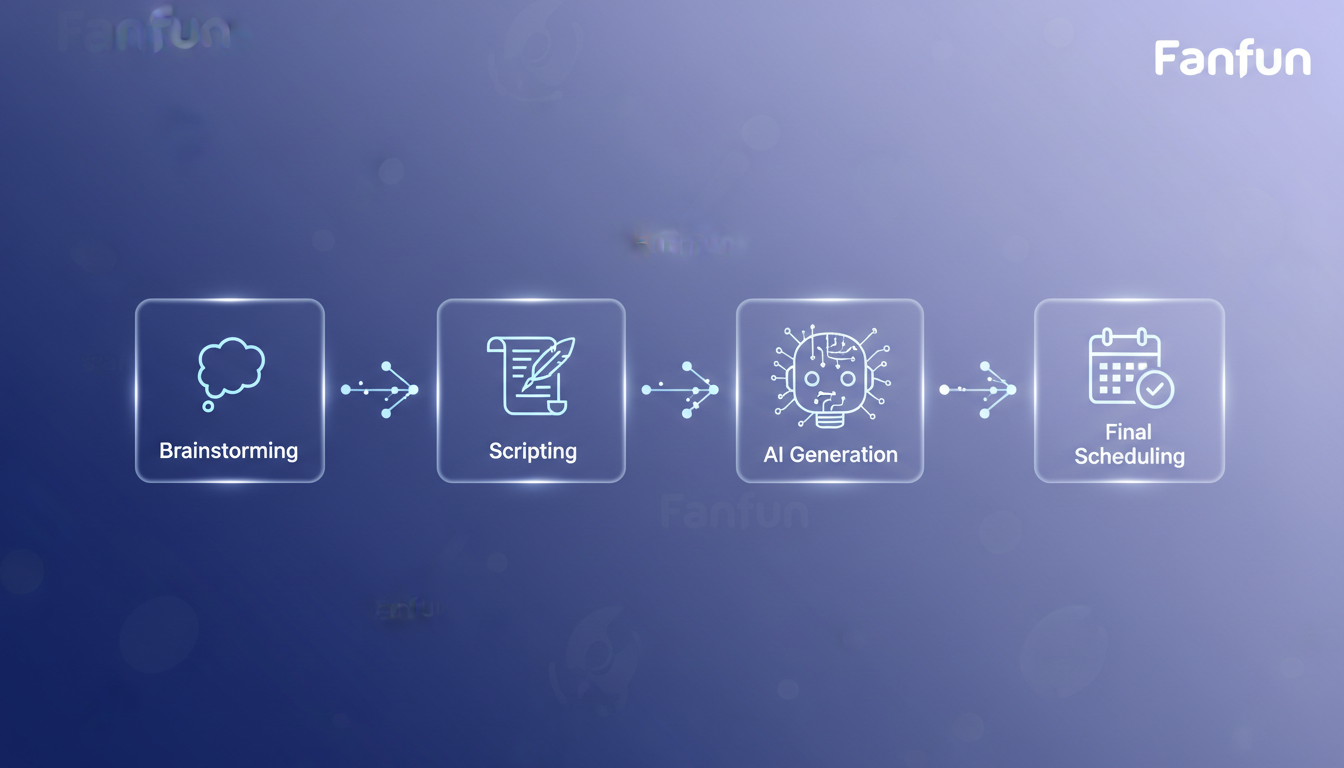
Using a platform like Fanfun, you can select from various AI characters, input your custom script, and generate a video. Once created, these videos are emailed to the address you provide and are saved in your "My creations" dashboard. However, to make the delivery fully hands-off, you need to decide how that video will reach your recipient. You might choose to host the video yourself or use a dedicated sharing platform. For more details on managing your files, see our guide on how to choose the best video hosting option for virtual greetings.
Planning Your Milestone Calendar
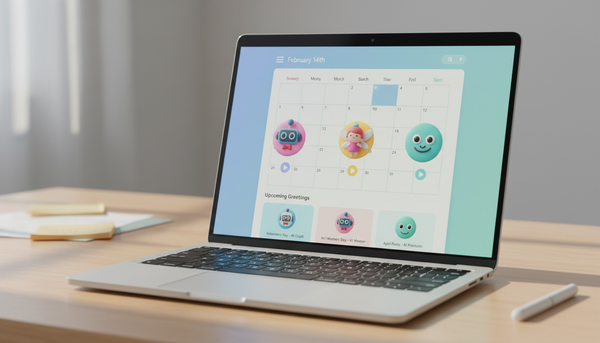
An automated greeting strategy relies on a well-maintained calendar. Instead of reacting to Facebook notifications on the morning of a friend's birthday, map out your year in advance. Categorize your recipients by event type: annual milestones (birthdays, anniversaries), seasonal holidays, and life events (graduations, baby showers).
To keep the process stress-free, adopt the Two-Week Rule. Aim to have all video content generated and finalized at least two weeks before the event date. This buffer gives you ample time to preview the video, check the pronunciation of unique names, and adjust the script if the AI voice generator's pacing feels too fast or too slow.
Before you finalize any video for scheduling, use this script preparation checklist:
- Check Pacing: Read the script aloud slowly to estimate the duration. One video credit on Fanfun covers up to 30 seconds of speech.
- Phonetic Spelling: Spell unusual names phonetically (e.g., "A-leks" instead of "Alex" if a unique spelling confuses the generator).
- Punctuation Marks: Use commas and periods intentionally to insert natural pauses into the AI voice output.
- Tone Verification: Ensure the chosen character's persona matches the occasion (e.g., a playful cartoon character for a kid's birthday versus a friendly personality for a graduation).
Selecting the Right Delivery Method
Once your video is ready, you need a reliable way to schedule its delivery. While you can always set a calendar alert to manually text a link on the day of the event, true automation relies on scheduling software. Many email clients and marketing tools allow you to draft an email and schedule it to send at a specific date and time.
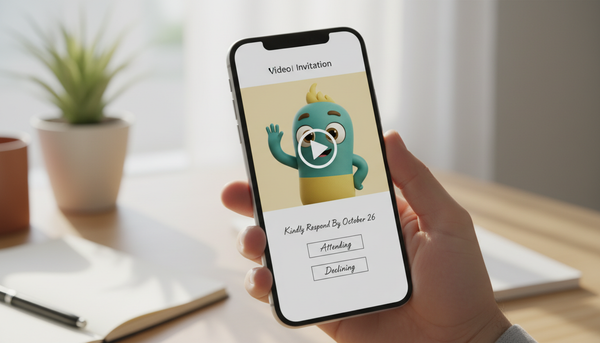
For a step-by-step walkthrough on setting this up, check out our guide on how to automate video greeting delivery via email. This approach lets you embed a thumbnail of your video directly into the email, linking to the full-resolution video page.
Before scheduling, consider whether a video is the best format for your recipient. Some people prefer quick text-based messages, while others enjoy interactive audio. Use this decision framework to choose the right medium:
| Format | Best Used For | Pros | Cons |
|---|---|---|---|
| Video Greeting | Major milestones, close friends, family, visual-oriented recipients. | High emotional impact, engaging, memorable. | Requires more preparation and bandwidth to view. |
| Personalized Audio | Quick updates, casual birthdays, low-bandwidth situations. | Easy to listen to on the go, faster to generate. | Lacks the visual engagement of video. |
| Text Greeting | Professional acquaintances, immediate short updates. | Instant delivery, lowest barrier to open. | Less personal, easily lost in a busy inbox. |
If you are still deciding between formats, read our comparison of video greetings and personalized audio to determine which suits your recipient best.
Can I edit a video message after it has been scheduled?
Once a video is generated on Fanfun and scheduled via an email delivery tool, the video file itself cannot be edited. If you need to make changes, you will need to generate a new video with your updated script and update the link in your scheduled email before it sends.
How do I handle time zone differences when scheduling greetings?
When setting up your scheduled email or delivery tool, ensure you set the send time relative to the recipient's time zone. Most scheduling platforms allow you to specify the exact time zone for delivery so your message arrives at an appropriate morning hour local to them.
What should I do if a scheduled video fails to send?
Always send a test email to yourself during the setup phase to verify that the video link works correctly. If an automated email fails to send due to a platform issue, keep a backup of the video link in your personal calendar so you can quickly send it manually if needed.