How to Pre-Plan and Schedule Virtual Greetings for Calendar Events
Don't let birthdays and holidays catch you off guard. Learn how to pre-plan, batch-draft, and schedule playful AI character video messages on Fanfun to land in inboxes exactly on time.
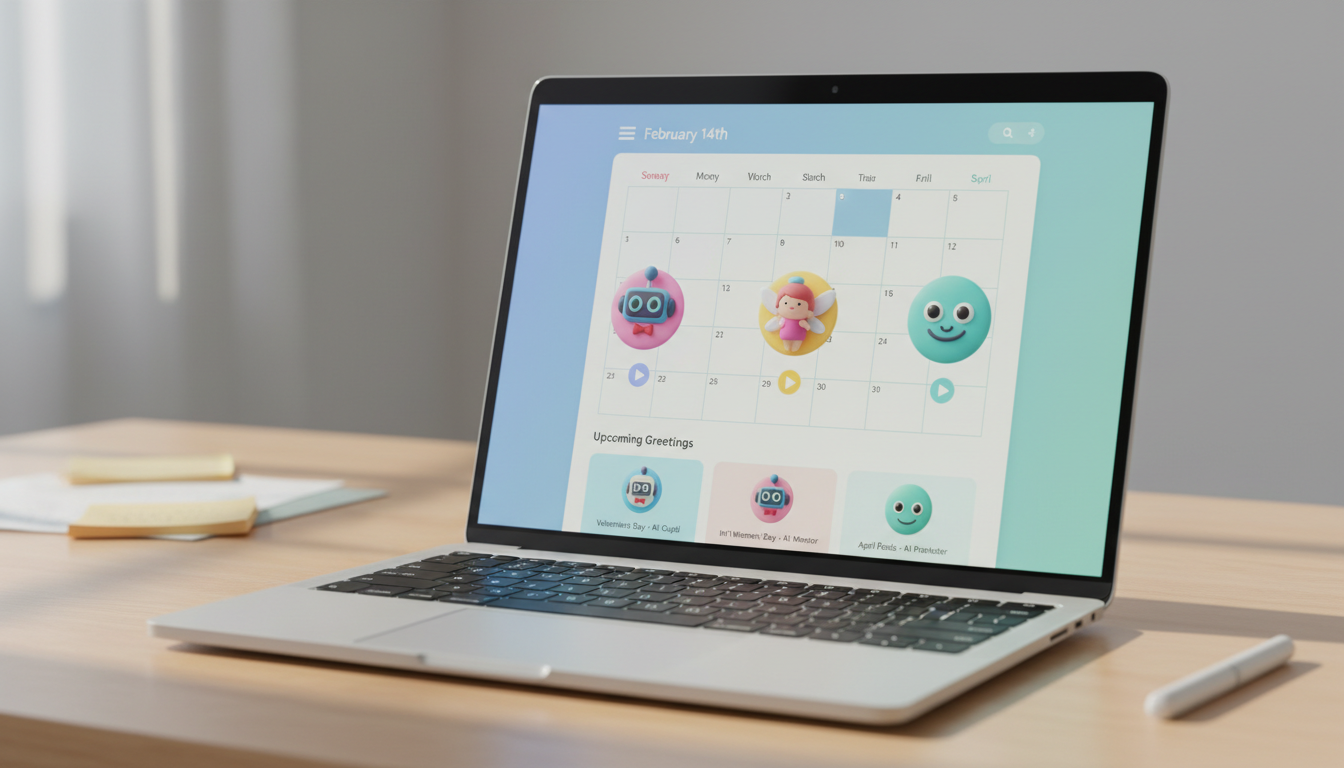
Pre-planning and scheduling virtual greetings for calendar events involves auditing your upcoming calendar, batch-drafting scripts, generating your AI character videos in advance, and using email scheduling tools to automate delivery on the specific date. This structured workflow ensures you never miss a birthday or holiday, allowing you to create custom messages without the last-minute rush. While synthetic voices from Fanfun's AI character library add a playful, personalized touch to your gifts, they do require a brief generation buffer, making proactive planning essential for timely delivery.
Map Out Your Annual Greeting Calendar
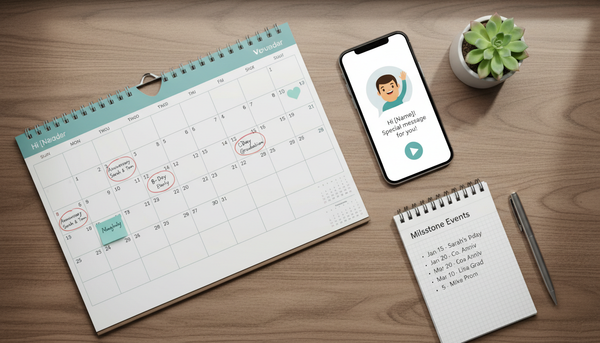
The secret to stress-free digital gifting is simple: stop treating birthdays and holidays as sudden emergencies. By auditing your calendar at the beginning of each quarter, you can identify which milestones deserve a highly personalized touch. A standard text message might work for a casual acquaintance, but close friends, family members, and key professional contacts warrant something more memorable, like a custom video message from a favorite fictional character or public figure.
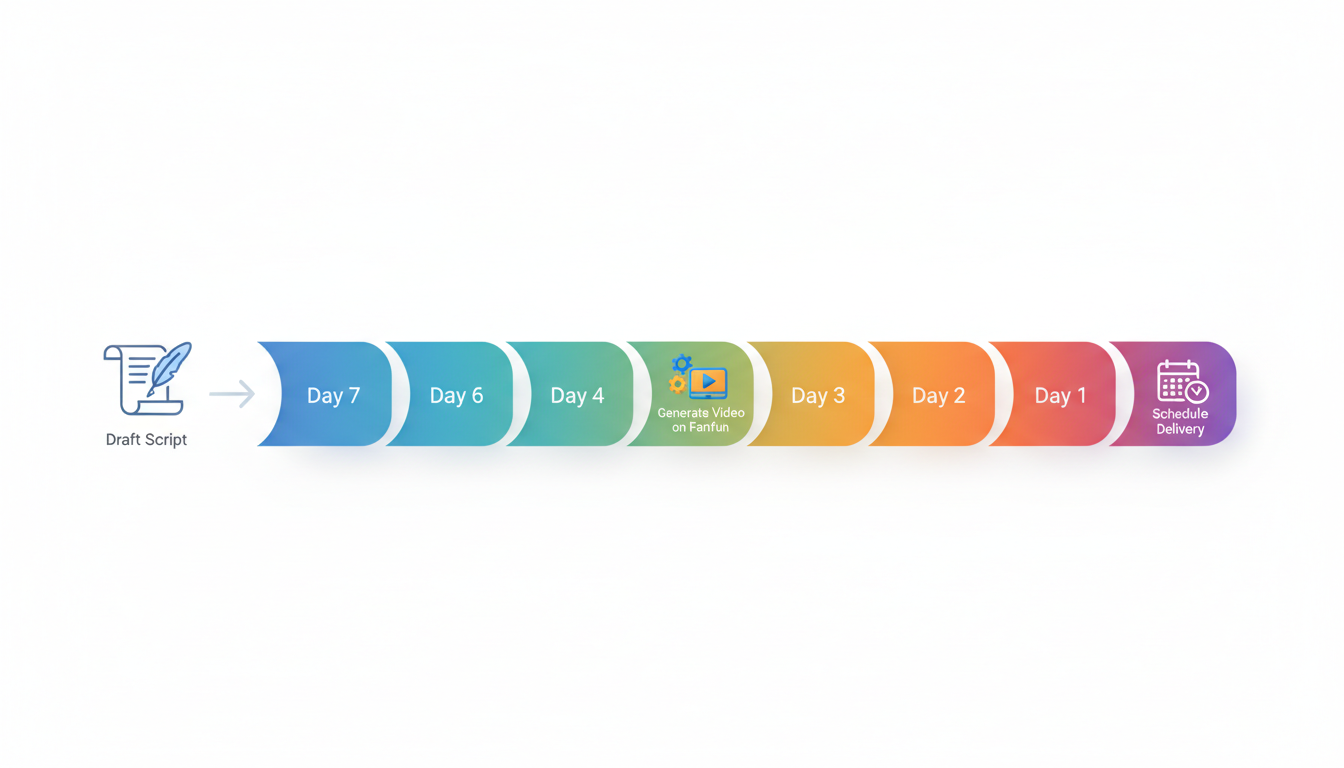
When mapping out your timeline, we recommend establishing a T-minus 7-day creation buffer. This gives you plenty of time to draft your script, generate the video on Fanfun, review the pronunciation, and make adjustments if necessary. For major seasonal events, you can follow our guide on scheduling holiday-specific video greetings to stay ahead of the busiest times of the year. If you are managing multiple milestones simultaneously, you can also explore how to automate personalized video greetings for milestone events to streamline your outreach.
The Greeting Priority Framework
Not every event requires the same level of planning. Use this simple framework to decide how to allocate your creative efforts:
| Event Type | Priority Level | Recommended Action | Lead Time |
|---|---|---|---|
| Major Milestones (e.g., 50th Birthday, Retirement) | High | Custom Fanfun video message with deep personalization | 7 to 10 days in advance |
| Annual Holidays (e.g., Christmas, Mother's Day) | Medium-High | Batch-generated Fanfun videos using themed templates | 5 to 7 days in advance |
| Casual Birthdays & Achievements | Medium | Playful Fanfun voice note or short video greeting | 3 to 5 days in advance |
Batch-Drafting and Formatting Your Scripts
Once you know which events you are targeting, sit down and draft your scripts in a single session. Writing in batches keeps you in a creative flow and helps you maintain a consistent tone. When writing for Fanfun's AI character roster, remember that the most successful scripts are tailored to the specific persona's style, catchphrases, and speaking rhythm. Keep your scripts concise: on Fanfun, one video credit covers up to 30 seconds of speech.
Because synthetic voices interpret text literally, phonetic formatting is your best tool for ensuring natural speech. If your recipient has an unusual name, or if you want the voice to emphasize a specific date, spell it out phonetically. For example, write "A-lee-see-ah" instead of "Alicia," or "twenty twenty-seven" instead of "2027." For a deeper dive into these formatting techniques, read our guide on formatting virtual character scripts.
Example Batch-Script Templates
Here are a few illustrative script templates you can adapt for your scheduled greetings:
- The Milestone Birthday: "Hey [Name, phonetically spelled]! Word on the street is you're turning the big five-oh. That's a lot of candles! Have an amazing day, keep shining, and remember—you're just getting started!"
- The Retirement Celebration: "Congratulations on your retirement, [Name]! No more early morning alarms or endless meetings. Time to sit back, relax, and enjoy the good life. You've earned it!" (For more inspiration, see our guide on how to plan a virtual character video greeting for a retirement party).
Generating and Scheduling Your Deliveries
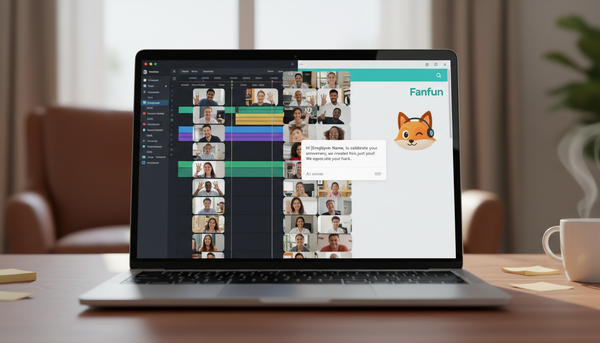
With your scripts finalized, it is time to generate your videos on Fanfun and set up your delivery system. Fanfun emails the finished video directly to your inbox and saves it under your account's "My creations" tab. To coordinate the timing, you can explore using standard email scheduling or calendar tools to send the video link on your chosen date.
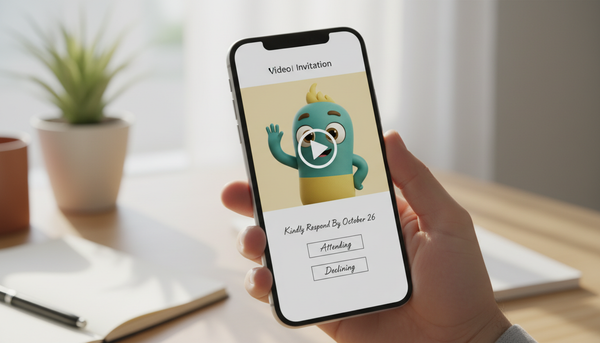
To automate the dispatch, copy the link to your generated video and paste it into a scheduled email using Gmail's "Schedule send" feature or Outlook's "Delay delivery." Set the email to go out on the morning of the event. Alternatively, you can create a calendar invite for the recipient and paste the video link in the description. For step-by-step instructions on coordinating these methods, check out our guide on scheduling virtual character video delivery for specific dates.
As a best practice, always download a copy of your generated video files and save them to a secure, organized folder. Storing your files externally ensures you have a backup ready to share manually via text or messaging apps if you need to make a quick change on the day of the event. You can learn how to set this up by reading our article on how to save and archive custom virtual video greetings to OneDrive.
How far in advance should I generate my Fanfun videos?
We recommend generating your Fanfun videos at least 3 to 7 days before the event. While the generation process is typically fast, having a buffer allows you to listen to the final synthetic voice, check the pronunciation of names, and regenerate the video if you need to adjust the script's pacing or spelling.
Can I schedule a video to send directly via SMS or messaging apps?
While most messaging apps do not support native scheduling for video files, you can schedule the delivery using email scheduling tools, or use your phone's built-in scheduled text messaging features (available on many modern Android and iOS devices) to send the Fanfun video link automatically on the exact date.