How to Create a Milestone Anniversary Video Gift with AI Character Cameos
Move past the predictable photo slideshow. Learn how to blend emotional family messages with surprising, lighthearted virtual character cameos to keep your audience laughing and engaged.
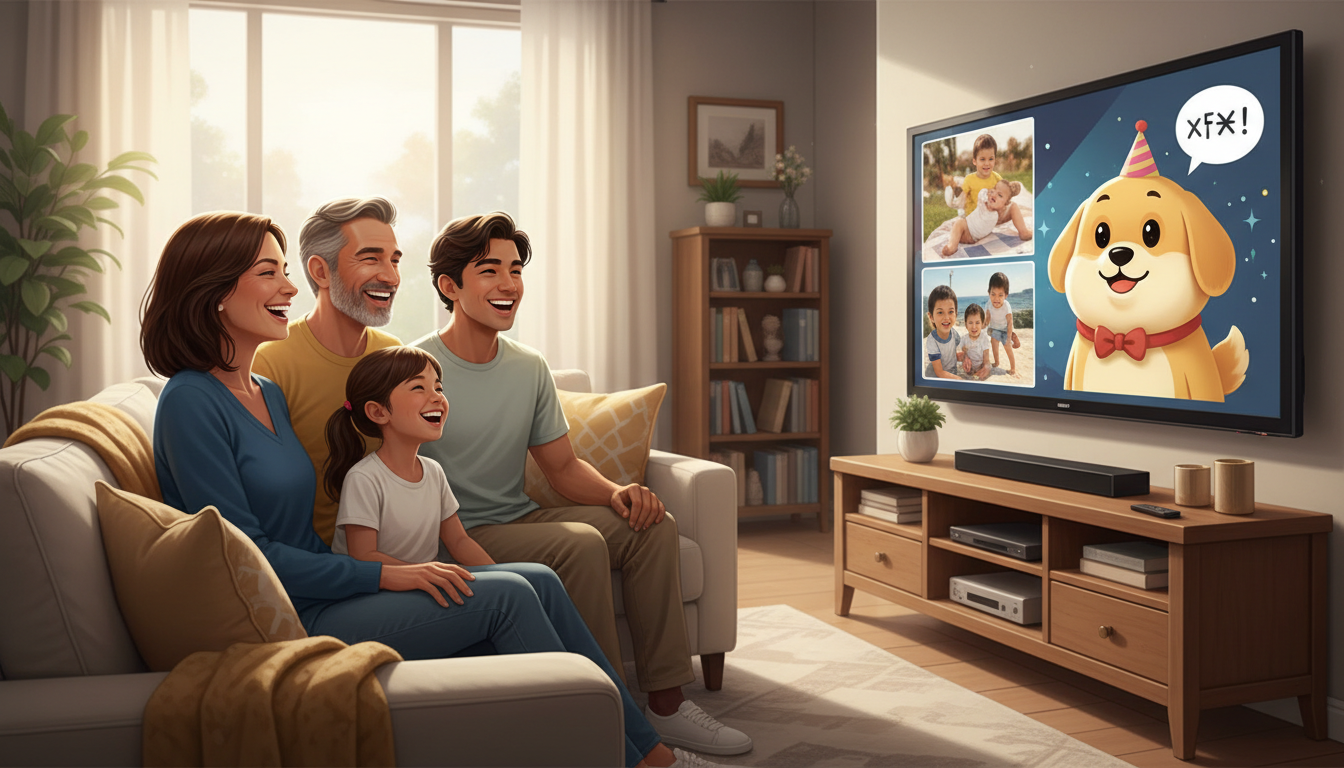
To create a memorable milestone anniversary video gift, combine heartfelt video messages from family and friends with short, playful AI character cameos to break up the sentimentality and keep the audience laughing. While emotional photo slideshows are a classic choice, a hybrid approach keeps the audience engaged by pairing real-world memories with fictional, lighthearted commentary. You can create custom character clips using tools like Fanfun, keeping in mind that these virtual voices are meant for playful parody and creative entertainment rather than perfect, photorealistic human replication.
The Hybrid Anniversary Video: Blending Heartfelt Memories with Playful Cameos
A great milestone anniversary video shouldn't feel like a chore to watch; it needs a narrative arc that keeps the couple and their guests engaged. Traditional tribute videos often suffer from a common pacing issue: after several minutes of slow-moving photos set to acoustic music, the energy in the room can dip. The hybrid video solves this by introducing unexpected, comedic elements at regular intervals.
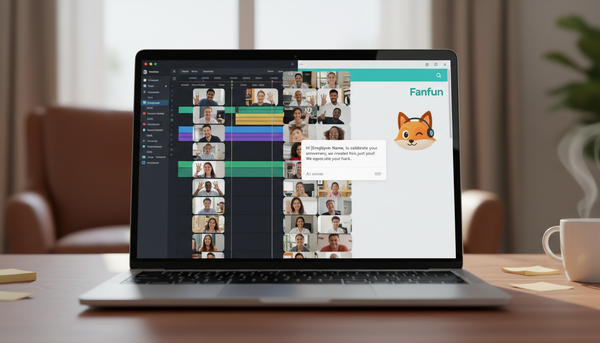
By pairing real-world video submissions from family and friends with custom, short-form AI character messages, you build a dynamic viewing experience. For example, a touching message from the couple's grandchildren can be followed immediately by a fictional, humorous congratulatory message from a well-known animated personality or virtual celebrity.
With Fanfun, creators can choose from 60 AI characters to deliver a tailored, humorous script. However, it is important to set expectations early: AI character voices are playful parodies and creative tools, not perfect human replicas. This stylized delivery is actually their greatest strength, making them ideal for lighthearted, comedic relief rather than serious, emotional family testimonies. They add a sense of novelty and surprise that keeps everyone in the room smiling.
Three Creative Themes for a Milestone Anniversary Video
To keep your video structured and cohesive, it helps to choose a central theme. Here are three creative concepts that successfully integrate real family clips with virtual character cameos:
1. The 'Time Traveler' Concept
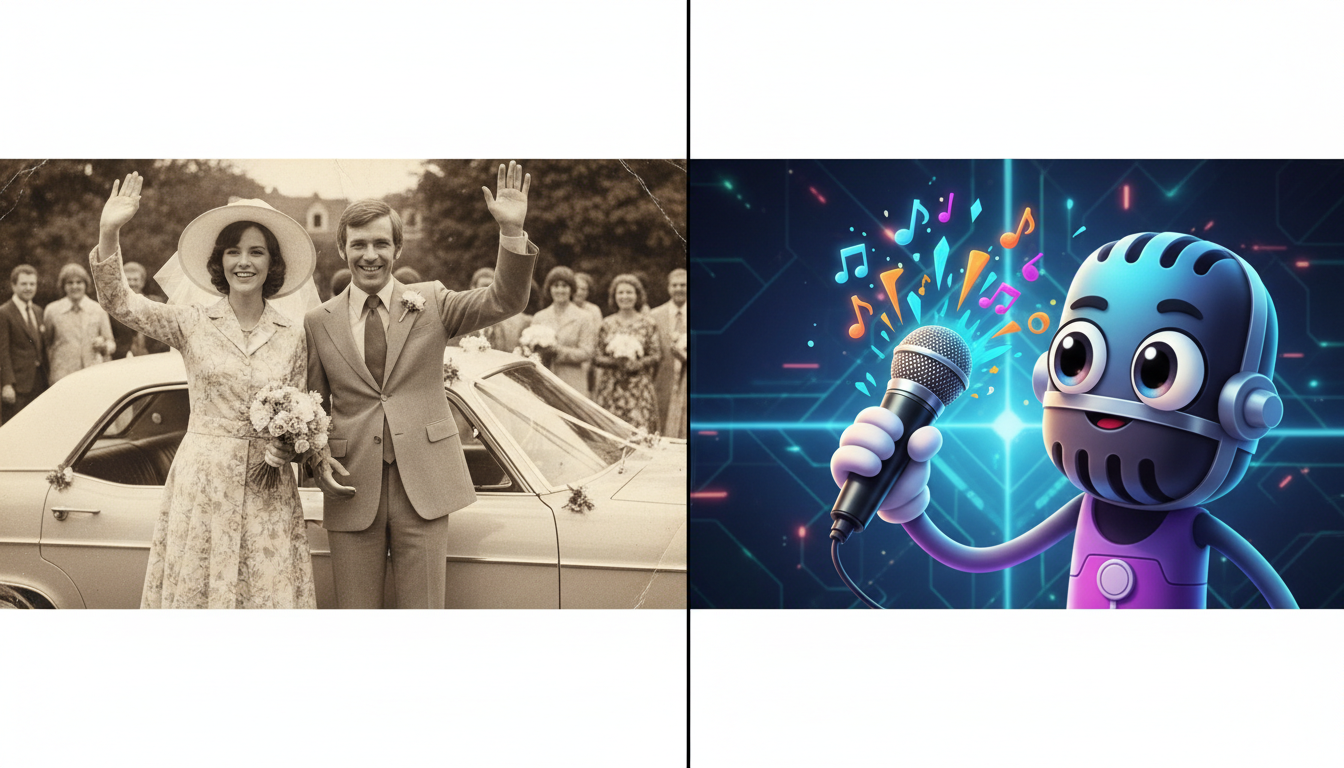
Structure your video chronologically, starting with the couple's wedding day and moving through each decade of their marriage. Instead of simple text title cards, use an AI character to 'narrate' the transitions between different eras. For instance, a character can introduce the 1980s by joking about the couple's questionable hairstyles or fashion choices in their early photos. For specific advice on structuring these custom messages, read our guide on how to script an AI character video greeting for a milestone anniversary.
2. The 'Roast and Toast' Concept
This theme balances sweet tributes with lighthearted humor. Gather funny, real-life stories from close friends and family members. Between these clips, insert a playful roast from a virtual personality who 'claims' to have been there when the couple first met, or who jokingly offers humorous marriage advice. This keeps the tone energetic and prevents the video from becoming overly sentimental.
3. The 'Silver or Golden Tribute' Concept
A more traditional, elegant theme focusing on legacy, ideal for 25th or 50th anniversaries. Here, the focus is on celebrating the couple's enduring commitment. Virtual characters can offer grand, stylized congratulations to match the milestone's prestige, acting as the 'hosts' of the video tribute. If you are celebrating a 25-year landmark, check out our tips on how to write a silver wedding anniversary script for a virtual character video.
Choosing Your Theme
Use the decision framework below to select the right approach based on the couple's personality:
| Theme | Overall Tone | Best For | Suggested Character Style |
|---|---|---|---|
| Time Traveler | Nostalgic & Playful | Couples with a long history and lots of vintage photos | Retro or historic personalities |
| Roast and Toast | Humorous & High-Energy | Couples who love to laugh and don't take themselves too seriously | Bold, comedic animated characters |
| Silver or Golden Tribute | Warm & Celebratory | Traditional, large family gatherings | Grand, enthusiastic personalities |
Step-by-Step Workflow to Coordinate and Edit Your Video
Executing a hybrid video project requires some coordination, especially when gathering clips from multiple people. Follow this step-by-step checklist to keep your project organized and stress-free:
- Step 1: Set a strict deadline for family submissions. Give your contributors at least two to three weeks to send in their video clips. To understand how to coordinate multiple contributors alongside custom avatars, compare group video greeting platforms vs. virtual character messages.
- Step 2: Script your AI character cameos early. Write short, punchy scripts for your virtual characters. Keep each character clip under 30 seconds to ensure the pacing remains brisk and doesn't overshadow the real family messages. On Fanfun, one video credit covers up to 30 seconds of speech, making this the perfect length for a quick, impactful cameo.
- Step 3: Organize and edit your assets. Use a simple, user-friendly video editor (like CapCut, iMovie, or Canva) to assemble your video. Alternate your clips: start with a quick character introduction, follow with two or three family messages, and then insert another character cameo to transition to the next segment.
- Step 4: Balance your audio levels. Because family members will record their videos on different devices in various environments, their volume levels will vary. Normalize the audio across all clips so that the transition between a quiet smartphone recording and a crisp, generated Fanfun character clip isn't jarring for the audience.
How long should a milestone anniversary video gift be?
Aim for a total length of 5 to 8 minutes. Anything longer risks losing the audience's attention, especially during a party or gathering. Keep individual family clips under 45 seconds and AI character cameos to 30 seconds or less to maintain a brisk, engaging pace.
What is the best way to collect video clips from non-tech-savvy relatives?
Set up a shared cloud folder (like Google Drive or Dropbox) or allow them to send clips directly through a messaging app they already use, like WhatsApp. Clearly specify that they should hold their phone horizontally and record in a quiet, well-lit room.
Can I use multiple AI characters in a single anniversary video?
Absolutely. You can generate separate video clips using different characters on Fanfun, download them, and then stitch them together alongside your family recordings using any basic video editing software.