How to Script an AI Character Video Greeting for a Milestone Anniversary
Celebrate a major milestone with a personalized AI character greeting. Use our three-part template and formatting tips to write a script that sounds natural and brings a smile to the happy couple.
Scripting a personalized AI character video greeting for a milestone anniversary requires a careful balance of recognizable character humor, specific inside jokes, and clean formatting for synthetic speech. By structuring your script into a clear three-part framework—a hook, a personalized middle, and a warm toast—you can create a memorable digital gift that stands out. For the best results, keep your script under 75 words (about 30 seconds of speech) so the AI voice generator reads it with natural pacing and rhythm.
The 3-Part Milestone Anniversary Script Template
When you create a custom video on Fanfun, you are turning your own words into a unique digital greeting. To keep the couple engaged, your script needs to get straight to the point while delivering a mix of humor and heart. Use this three-part structure to organize your thoughts before you start writing.
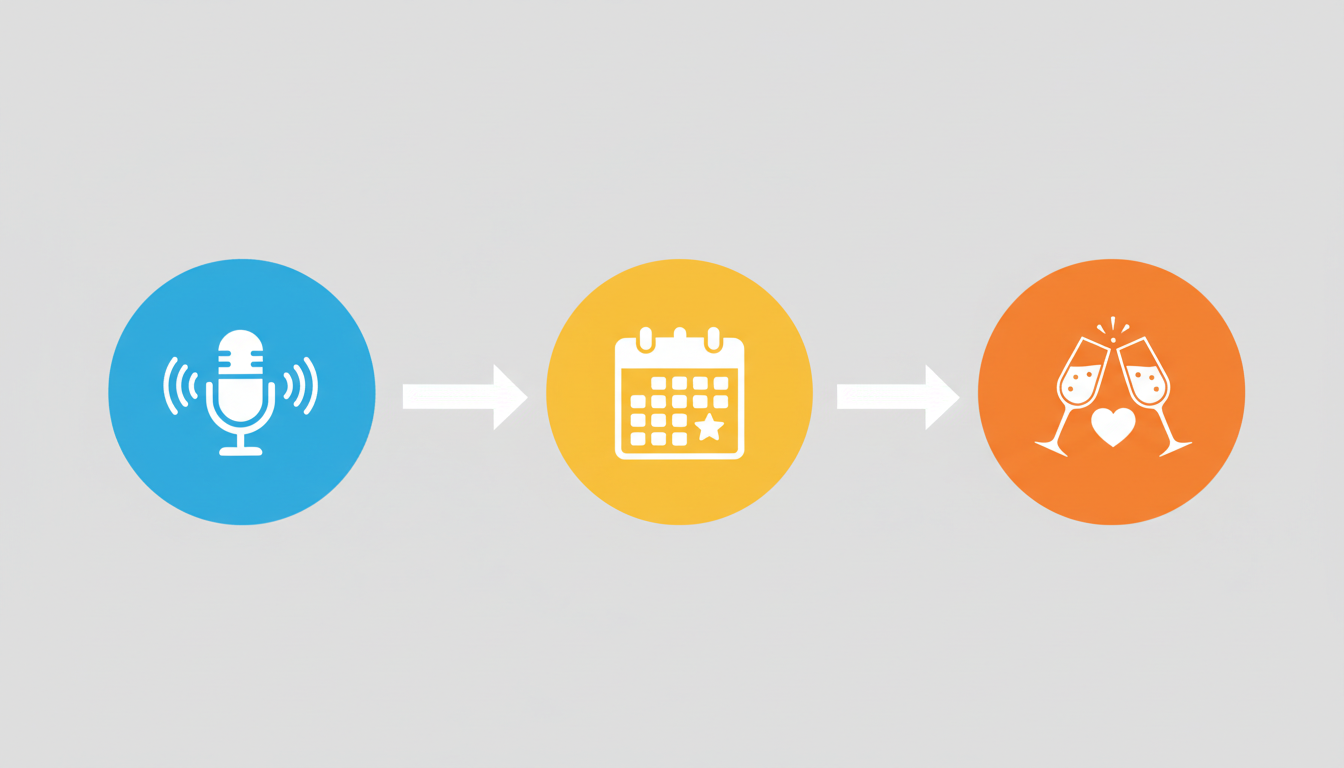
| Script Section | Target Duration | What to Include |
|---|---|---|
| The Hook | 0–5 seconds | A lively introduction from the character explaining why they are interrupting the couple's special day. |
| The Personal Milestone | 5–20 seconds | Two specific, real-life details, such as a favorite vacation mishap, a long-running inside joke, or a funny daily habit. |
| The Warm Toast | 20–30 seconds | A transition from character-led humor to genuine congratulations and warm wishes for their future together. |
Fill-in-the-Blank Script Template
Copy this template and swap out the bracketed details to build your draft:
"Hey there, [Name 1] and [Name 2]! It’s [Character Name] here, crashing your big day. Can you believe it has been [Number] years? I hear you two still argue over [funny inside joke or daily habit]. Honestly, surviving each other's [cooking/driving/hobbies] for this long deserves a medal. Happy [Anniversary Type] anniversary! Keep making each other laugh, and here is to many more amazing years together!"
Worked Example: A 25th Silver Anniversary Script
Let’s see how this template looks in action using a playful, recognizable persona. This example uses a lighthearted, animated character voice to deliver a 25th-anniversary message. Note how numbers are spelled out to ensure clean synthetic speech generation.
Example Script (74 words):
"Hey there, Sarah and Dave! It’s your favorite cartoon buddy here, crashing your big day. Twenty-five years together? That is wild! I hear you two still argue over who gets to burn the toast in the morning. Honestly, surviving a quarter-century of Dave’s driving deserves a medal. Happy silver anniversary, you two! Keep making each other laugh, and here is to twenty-five more amazing years of partnership!"
When adapting this example, focus on balancing the character's signature catchphrases with the couple's actual history. If you are celebrating this specific quarter-century milestone, you can read our dedicated guide to learn how to write a silver wedding anniversary script for a virtual character video.
How to Optimize Your Script for Natural Synthetic Speech
AI voices do not read text the exact same way humans do. To ensure the voice generator delivers a clean, natural-sounding performance without awkward pauses or mispronunciations, keep these scriptwriting rules in mind:
- Keep it short: Aim for 60 to 75 words. Keeping your script under 30 seconds of speech is the sweet spot to optimize script length for AI video greeting retention.
- Spell out numbers and years: Write "twenty-five" instead of "25," and "two thousand and one" instead of "2001." This prevents the AI from rushing through digits or reading them as individual numbers.
- Write phonetically for unusual names: If the couple has a last name that is hard to pronounce, spell it out phonetically in your script (for example, write "Smit-hee" instead of "Smythe").
- Use punctuation for breathing room: Avoid long, run-on sentences. Use short, punchy phrases separated by commas and periods to give the synthetic voice natural places to pause.
By keeping your text simple and well-formatted, you can create a highly personalized, surprising gift that the couple will want to watch and share. If you are celebrating a different milestone, feel free to explore our baseline guide on how to write a wedding anniversary script for a virtual character video.
How long does it take for an AI character video to generate on Fanfun?
Once you submit your script and choose your template, the video is processed and delivered directly to your email inbox. You can also view your completed videos anytime in the "My Creations" tab on your account dashboard.
Can I use multiple AI characters in a single anniversary video?
Currently, each video template is designed for a single AI character voice. If you want messages from multiple characters, you can create separate video greetings and play them back-to-back for the happy couple.
What should I do if the AI voice mispronounces the couple's last name?
If a name or unique word sounds incorrect in your video, try adjusting the spelling phonetically in your script. For example, spell the name "Chisholm" as "Chiz-um" to guide the AI voice generator toward the correct pronunciation.