How to Optimize Script Length for AI Video Greeting Retention
Want to keep your video greeting recipients watching from start to finish? Discover the 30-second sweet spot, access an editable script template, and learn how to pace your AI character messages for maximum engagement.
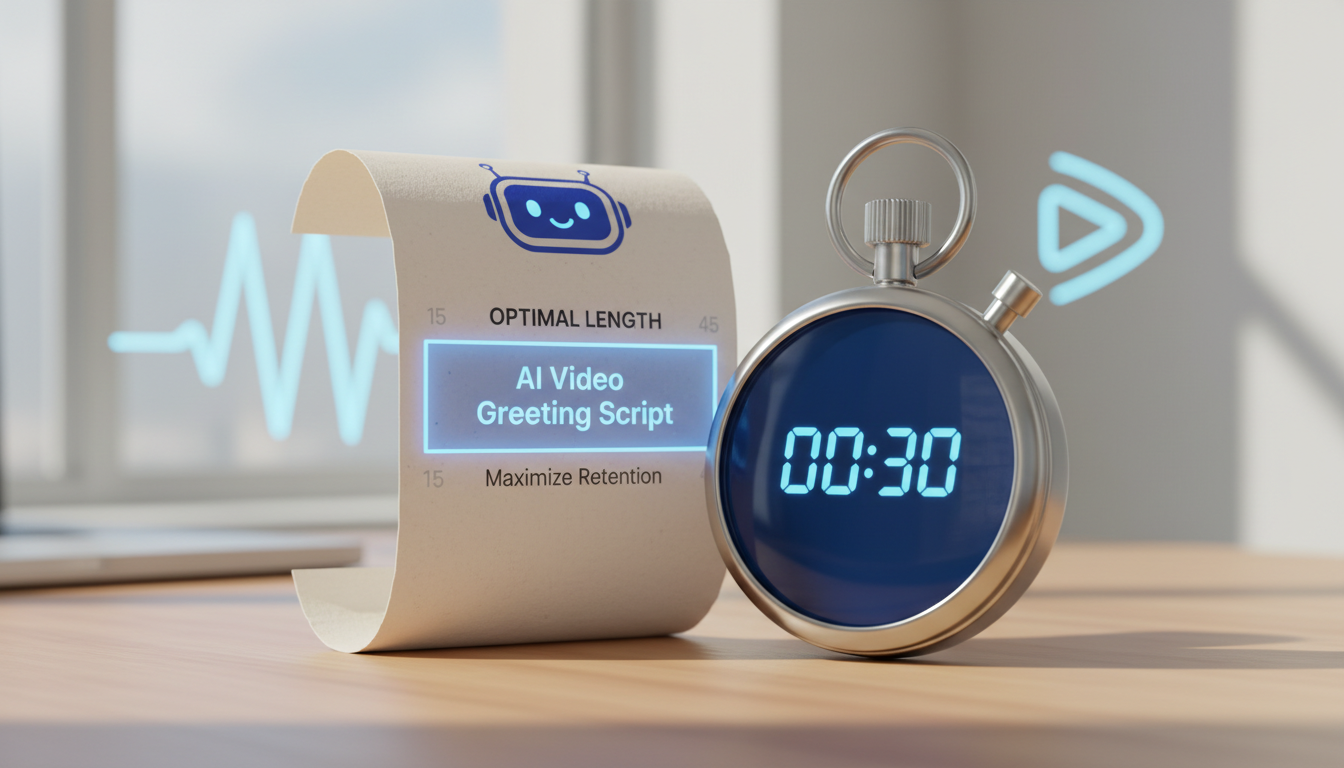
To keep a recipient engaged from start to finish, the ideal length for an AI video greeting is 30 seconds. Keeping your script concise ensures the AI character speaks at a pace that matches the typical human attention span for digital gifts. Going longer risks viewer drop-off, whereas keeping it brief makes the message punchy, memorable, and highly shareable.
The 30-Second Sweet Spot for Video Greetings
Digital greeting cards and AI character videos are meant to be delightful, quick surprises, not long-form letters. When someone opens a video message from a virtual character, they are looking for a spark of joy and novelty. If the video drags on, the novelty wears off, and retention rates drop sharply.
Designing your script around a 30-second limit is the ideal threshold for viewer retention. On Fanfun, one video credit covers up to 30 seconds of speech, making this timeframe both highly engaging and cost-effective. To hit this mark naturally, you need to consider how your word count impacts the delivery.
A 30-second video provides enough breathing room for natural pauses, emphasis, and character-specific mannerisms. Attempting to pack too many words into this window will hurt pronunciation, flatten the voice's emotional range, and make the character sound unnatural. To avoid these pitfalls, you can learn how to structure your script for optimal pacing and pronunciation.
The High-Retention Script Template
To maximize engagement, your script should deliver the most exciting elements first. This prevents the recipient from losing interest before the core message is delivered. A successful 30-second video greeting follows a simple, three-part structure:
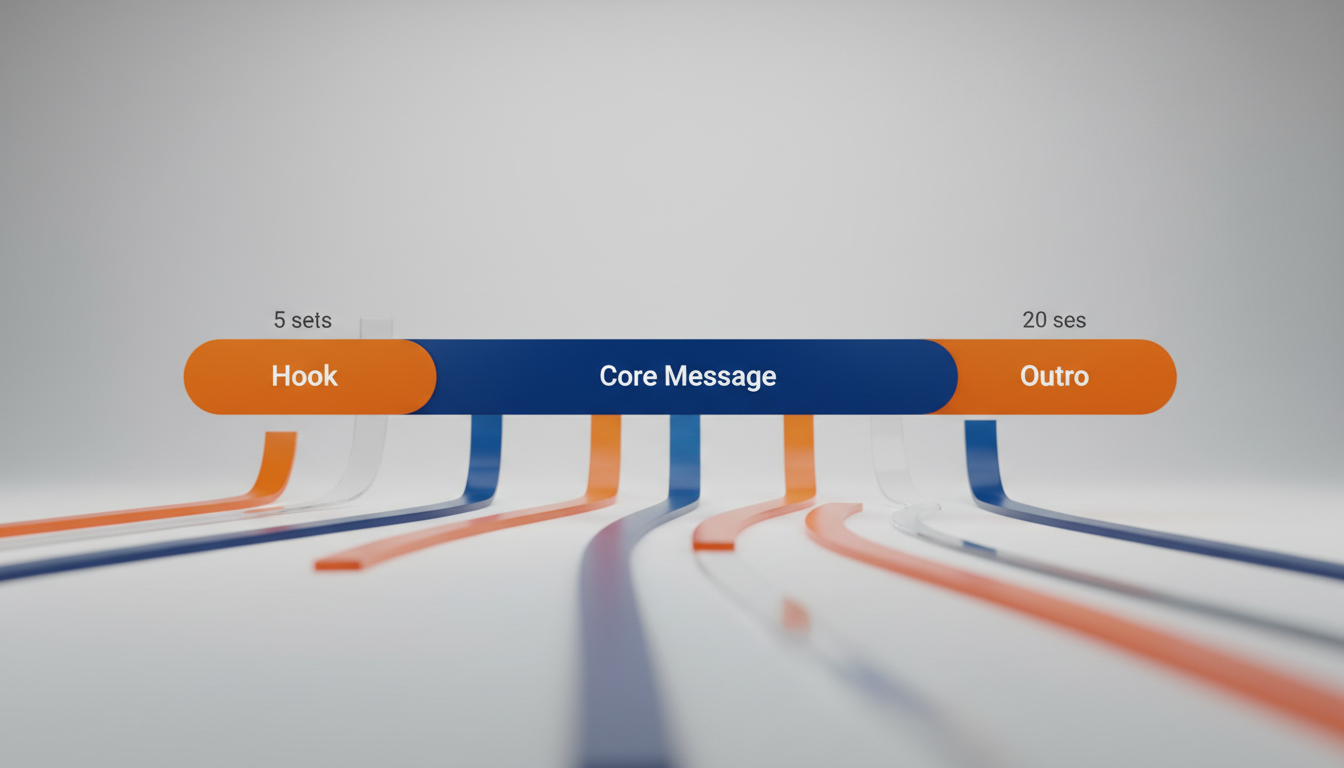
| Segment | Timing | Goal |
|---|---|---|
| The Hook | 0–5 seconds | Grab attention immediately with an energetic greeting. |
| The Core Message | 5–25 seconds | Deliver the main celebration, joke, or personal note. |
| The Sign-Off | 25–30 seconds | Wrap up with a warm wish and a memorable catchphrase. |
Here is an editable template based on this high-retention structure. You can customize the bracketed placeholders to fit your recipient:
"Hey [Name]! Yes, it is really me, [AI Character Name], popping in to say a massive congratulations on [Occasion]! I heard you have been working incredibly hard lately, and honestly, everyone is super proud of you. Keep shining, stay awesome, and make sure you celebrate big today. Catch you later!"
A Worked Example: The Milestone Celebration
To visualize how this looks in practice, here is a completed script designed for a milestone celebration. Notice how it keeps the tone playful and concise without feeling rushed:
"Hey Sarah! It’s your favorite space explorer popping into your inbox. I heard you just graduated from middle school! That is an astronomical achievement. Don't worry, the galaxy is ready for your next big adventure. Keep reaching for the stars, celebrate with plenty of cake, and remember to always stay curious. Congratulations, Captain Sarah! Over and out!"
You can easily adapt this template depending on the age and preferences of your recipient. For instance, if you are celebrating a younger recipient, check out our guide on outlining a digital character script for a child's milestone. Alternatively, if you are roasting a colleague or celebrating a career transition, you can explore how to write a retirement greeting script for a virtual character video.
Pacing and Word Count Rules of Thumb
When preparing your script, keeping a few practical pacing tips in mind can help you achieve a natural-sounding result:
- Punctuation affects pacing: Commas, periods, and exclamation points naturally introduce pauses in spoken language. When writing a script, keep in mind that heavy punctuation can slow down the overall delivery.
- Read it aloud first: Test your script by reading it aloud with a stopwatch. Use the exact pacing, pauses, and character voice you expect to hear. If you cannot comfortably read it in 25 seconds, the AI voice will likely struggle to fit it into 30 seconds.
- Spell tricky words phonetically: Unusual names, slang, or niche inside jokes can sometimes be difficult for voice generators to pronounce. If a name is pronounced differently than it is spelled, writing it out phonetically in your script can help guide a smoother delivery.
How many words can an AI character comfortably speak in 30 seconds?
The number of words depends on the desired pacing and the number of pauses in your script. A shorter word count often allows for more natural-sounding breaths and emphasis, helping the message fit comfortably within the 30-second limit.
What happens if my script runs slightly over the 30-second mark on Fanfun?
On Fanfun, one video credit covers up to 30 seconds of speech. If your script is longer, it will require additional credits to generate. You will always see an estimated credit cost before you finalize and generate your video.
How do punctuation marks affect the duration of my video greeting?
Punctuation marks like periods and commas naturally guide the flow and pauses of spoken language. Because pauses add silence to the recording, a heavily punctuated script may take longer to read aloud. Adjusting your word count helps ensure the message fits comfortably within your target timeframe.