
How to Structure a Script for an AI Video Message to Optimize Pacing and Pronunciation
Writing for AI voice models often requires careful formatting. Learn how to structure your scripts and use phonetic spellings to help guide the pacing and pronunciation of your video messages.

To help guide the delivery of an AI video message, formatting your script with intentional punctuation and phonetic spellings can be highly effective. Because AI voice generators process text literally, unformatted paragraphs may sometimes result in rushed delivery or mispronounced names. Keeping scripts concise and structuring them into a clear three-part flow can help the AI maintain a more natural cadence.
The Anatomy of an AI-Ready Video Script
When creating custom video messages on Fanfun, a structured script can help improve the overall flow. Standard text formatting does not always translate perfectly to spoken speech. To help prevent the AI voice model from rushing, keeping your script relatively short—often under 150 words—is a common practice. This length makes it easier to manage the pacing of the generated video.
For the best flow, organize your message using this three-part formula:
- The Hook (0–5 seconds): Establish the persona immediately. Introduce the character's signature catchphrase or a high-energy greeting.
- The Core Message (6–20 seconds): This is where personalization happens. Insert the recipient's name, the specific occasion, and any custom details.
- The Sign-off (21–30 seconds): Deliver a punchy final line or classic character catchphrase to close out the video.
Before you begin formatting, you can Learn how to script memorable video messages for special occasions to master the emotional beats of your message.
[Catchphrase or energetic greeting]! [Phonetic Name], it's [Character Name] here...
I heard you're celebrating [Occasion] in [Location]... which is crazy because [Inside joke or personalized detail]...
Keep keeping it real, and remember... [Sign-off catchphrase]!
The AI Script Formatting Cheatsheet for Pacing and Punctuation
While different AI voice models process text in their own ways, many systems use standard punctuation as cues for pacing. When drafting your script, you can experiment with punctuation to help guide the general flow and delivery speed.
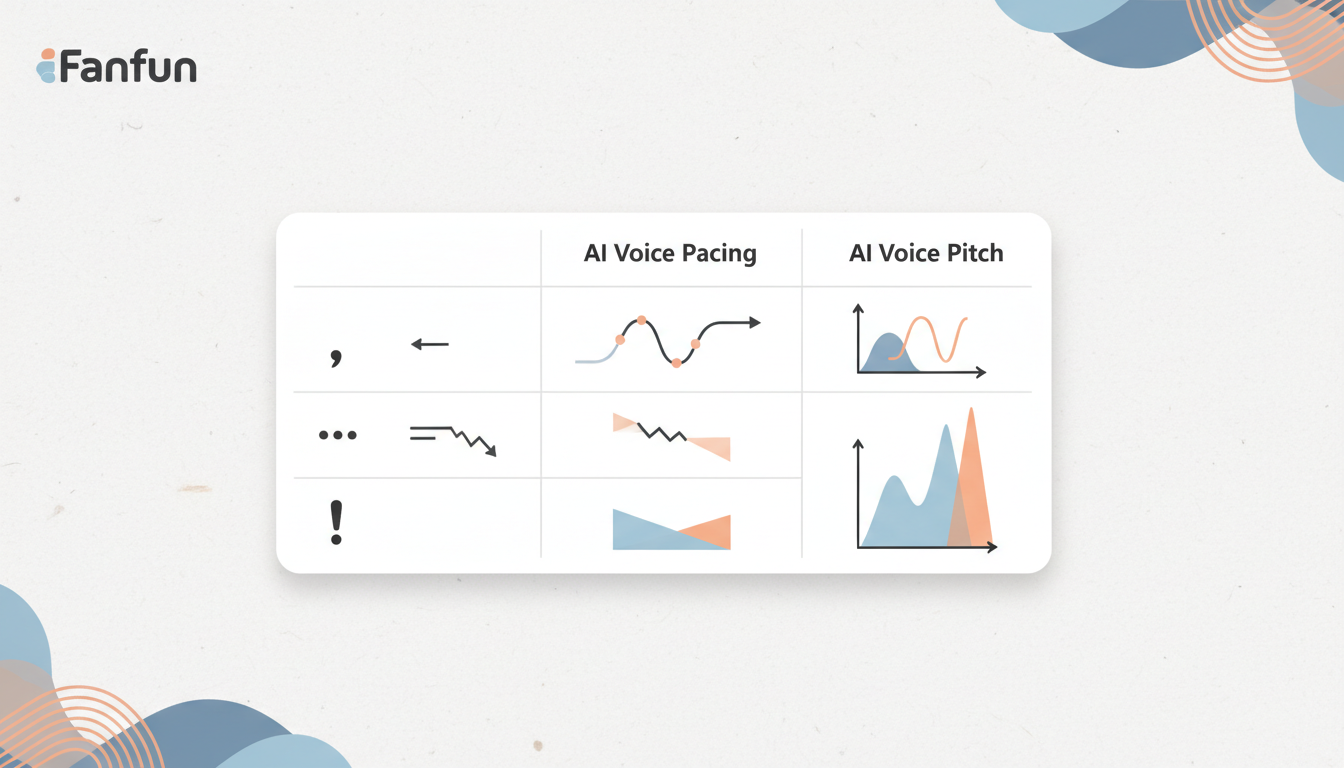
| Punctuation / Format | Potential Effect (Varies by Model) | Best Use Case |
|---|---|---|
| Ellipsis (...) | May prompt a brief pause. | Creating a transition before a punchline or name. |
| Comma (,) | Can create a short pause. | Breaking up clauses to prevent run-on sentences. |
| Period (.) | Typically signals a full stop. | Ending a complete thought or statement. |
| Exclamation Point (!) | May encourage a more energetic tone. | Greetings, expressions of excitement, or punchlines. |
| UPPERCASE Words | May signal emphasis on specific words. | Highlighting key numbers, ages, or action verbs. |
Phonetic spelling is equally critical. If the recipient has a name that is frequently mispronounced, do not spell it traditionally. Spell it out phonetically based on how it sounds out loud. For example:
- Write Siobhan as Shi-vawn
- Write Worcester as Woos-ter
- Write Fanfun as Fan-fun
- Write 30th as thir-tee-eth (spelling out numbers prevents the AI from reading them as individual digits like 'three-zero-th')
A Worked Example: Before and After Script Optimization
To see how these rules change the final video output, compare these two versions of the same birthday message. This comparison illustrates how literal formatting changes the AI's vocal delivery.
Hey Siobhan, happy 30th birthday! I can't believe you are finally thirty. Have an amazing day in Worcester. I hope you eat lots of cake. Bye!
Hey... Shi-vawn! Happy THIRTIETH birthday... I cannot believe you are finally thirty! Have an amazing day in... Woos-ter. I hope you eat lots of cake... Bye!
In the unoptimized script, the AI may mispronounce 'Siobhan' or 'Worcester' and might rush through the transitions. In the optimized script, the ellipses are used to encourage deliberate pauses, the phonetic spellings help guide the pronunciation, and the capitalization of 'THIRTIETH' is intended to prompt a more emphasized delivery.
Adapting Your Script for Different Character Personas
Not all AI voices should sound the same. A high-energy anime character requires different script pacing than a slow, deadpan villain. Adjust your formatting to match the specific persona you choose on Fanfun.
For high-energy characters, use short, punchy sentences and frequent exclamation marks. Avoid long, complex clauses that require sustained breath. For slow, deadpan, or dramatic characters, lean heavily on ellipses and line breaks to stretch out the delivery and build tension.
You can read our comprehensive guide on how to write a script for an AI fictional character video for deeper character-specific formatting tips. If you are specifically building a birthday greeting, check out our blueprint on scripting fictional character birthday videos to match your script structural beats perfectly to a celebratory tone.
How do I prevent the AI from mispronouncing unique slang or inside jokes?
Spell the slang or inside joke exactly how it sounds out loud, rather than how it is traditionally written. Breaking the word into syllables with hyphens (e.g., writing 'bussin' as 'buss-in') can help the AI voice generator maintain a better rhythm.
Can I use emojis in my script to influence the AI's facial expressions or tone?
It is generally best to avoid emojis in text-to-speech scripts. Depending on the AI system, emojis may be ignored entirely or read literally as words. To keep your script clean, stick to standard text and phonetic spellings.
What should I do if the AI voice reads my script too quickly?
Try breaking up your sentences. If a sentence is too long, some AI models may rush the delivery. Adding commas, periods, or ellipses (...) can help encourage natural pauses and manage the overall pacing.
