
How to Generate Character Voice Clips for TikTok Memes
Want to create viral TikTok sounds? This step-by-step guide shows you how to script, generate, and edit custom character voiceovers that capture comedic timing.
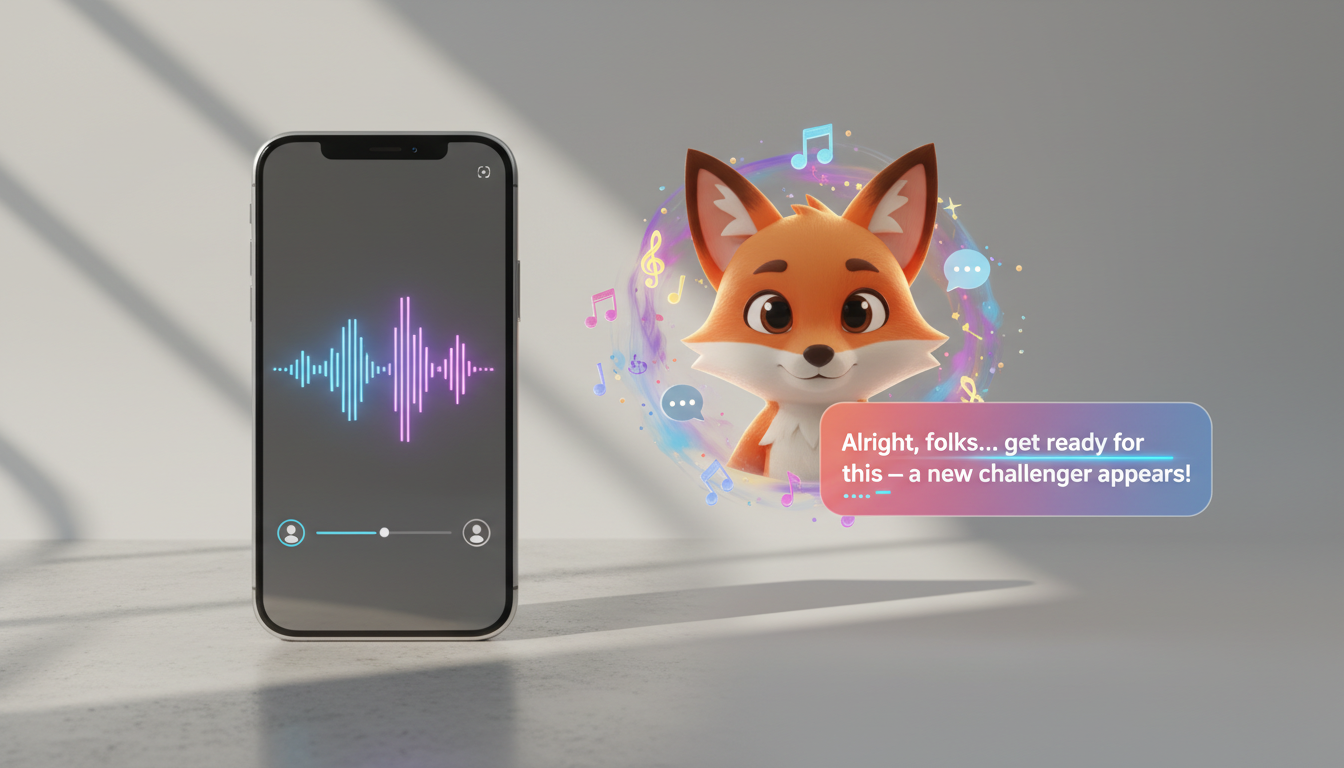
To generate character voice clips for TikTok memes, choose a high-impact persona on an AI generation platform like Fanfun, write a concise script of 15 to 30 words, and submit your text. Once your custom AI video is generated, you can import it into an editing app like CapCut and layer the audio track over a background track. While AI tools provide expressive interpretations, success on the For You Page (FYP) can be influenced by manual script adjustments to refine comedic timing.
The Anatomy of a Viral TikTok Character Sound
TikTok's algorithm favors high watch time and sound re-use, both of which are driven by audio that feels surprising, funny, or highly nostalgic. Standard text-to-speech engines may not always capture the energy required for specific trends. To stand out, creators are increasingly using recognizable character voices to establish an instant connection. The first 1.5 seconds of your audio—the hook—must establish the joke immediately. By exploring how to use a fictional character voice generator online, you can match current trending formats with the vocal archetype your audience expects.
A Step-by-Step Workflow to Generate Your Character Clip
Creating a custom video on Fanfun takes only a few minutes. Follow this practical sequence to build your clip:
- Choose your character persona: Pick your favorite character on AI Celebrity Voice Clone & Video Generator | Fanfun.ai to match the archetype of your meme.
- Draft a short, high-impact script: Tell them what to say, keeping your script limited to 15-30 words. TikTok is a fast-scrolling platform; long-winded dialogue may cause viewers to swipe away before the punchline.
- Generate the custom clip: Enter your script to receive a custom AI video in just minutes.
- Prepare your video: Use the generated AI video in your editing timeline or share it directly.
Let's look at how to match archetypes to your meme concepts:
| Meme Archetype | Vocal Style | Best Use Case |
|---|---|---|
| The Cynical Realist | Deadpan, sarcastic, slow pacing | Relatable everyday struggles and quiet frustrations |
| The Over-Enthusiastic Hype Man | High-energy, loud, fast pacing | Absurdist humor and sudden realizations |
| The Dramatic Villain | Deep, theatrical, deliberate pauses | Over-exaggerating minor inconveniences |
Formatting Scripts for Comedic Timing and Punctuation
When drafting scripts, creators often experiment with formatting to see how different text-to-speech engines interpret written cues.
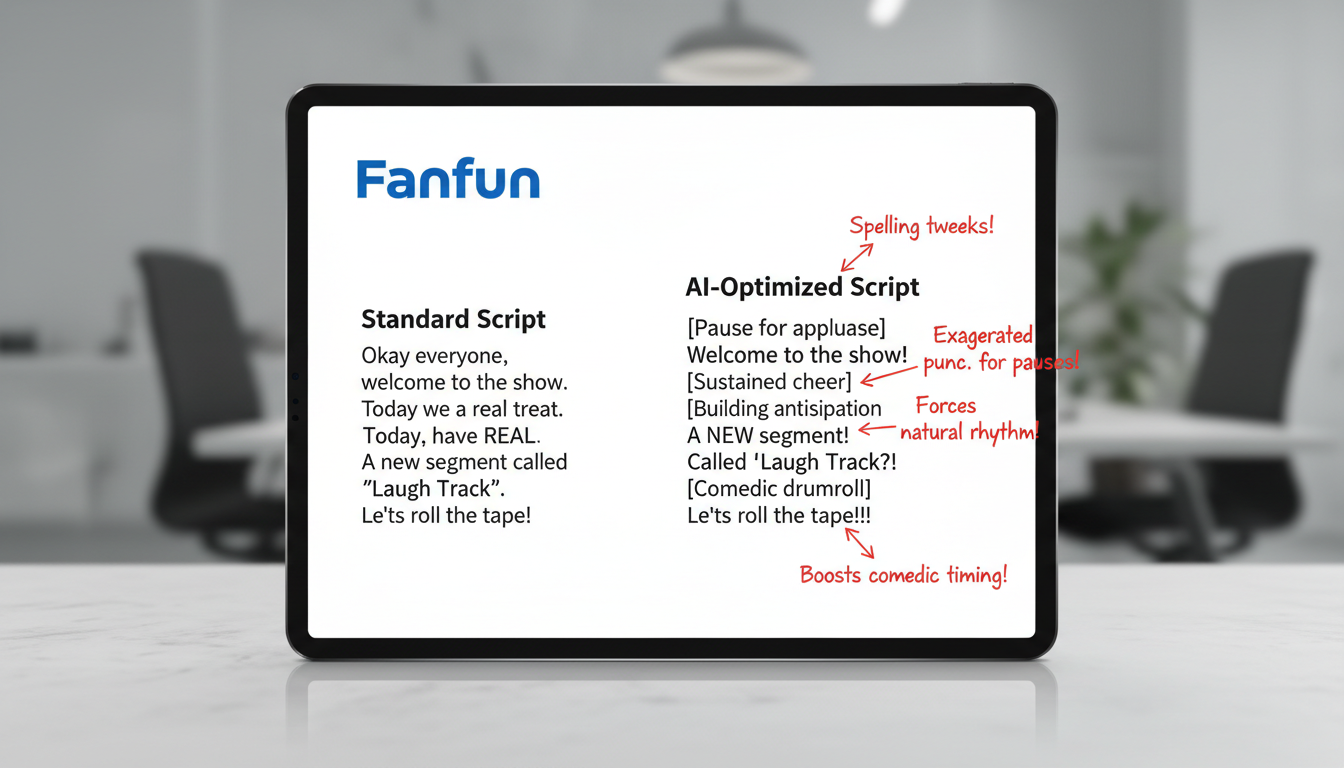
Consider these common formatting experiments when drafting your text:
- Ellipses (...): Often used in drafts to represent a pause.
- Dashes (—): Can be used to separate distinct thoughts or transitions.
- All-Caps (UPPERCASE): Used to visually emphasize key words in your script.
Treat this process like cast script custom voice text to speech for your creative edits, running small variations of the script to find the desired comedic timing.
Script Optimization Example
Here is a comparison of a standard script versus an adjusted script designed for creative testing:
Standard Script: "POV: You forgot your lunch at home and now you have to buy a ten dollar sandwich."
Adjusted Script: "Pee-oh-vee... You forgot your lunch at home... and now you have to buy a TEN... DOLLAR... sandwich—help."
Layering and Uploading Your Sound to TikTok
Once you have your generated video, import it into a mobile video editor like CapCut or directly into TikTok to sync the audio with your video timeline.
When you sync custom character voiceovers video, audio levels are a factor in the final mix. Adjust the character's voice track and background music or sound effects to ensure the dialogue is audible. After exporting your edited video, upload it to TikTok. Tap on the sound icon, select "Original Sound," and rename the audio track to include searchable keywords (e.g., "Sarcastic Hero POV Sound"). This encourages other creators to reuse your sound, potentially boosting your video's reach via the algorithm's sound-sharing loop.
How do I handle words that the character voice generator keeps mispronouncing?
You can experiment with alternative phonetic spellings in your script to see if the generator interprets the sounds differently.
Can I use these generated character voice clips in sponsored or commercial TikToks?
For sponsored or commercial use, you must ensure you have the appropriate commercial rights. Standard AI character interpretations are typically meant for personal creative use, parody, and non-commercial social media memes. Always check the specific platform's terms of service before using them in brand deals.
What is the ideal length for a character voice clip to maximize TikTok shares?
The ideal length for a shareable meme sound is between 5 and 15 seconds. Keeping it short encourages users to replay the video, which may boost your completion rate in the algorithm, and makes it easier for other creators to loop the sound in their own videos.