
How to Use an Online Fictional Character Voice Generator for Social Media Videos
Stop relying on flat, robotic text-to-speech. Learn how to direct online fictional character voice generators like a pro to create engaging social media videos.
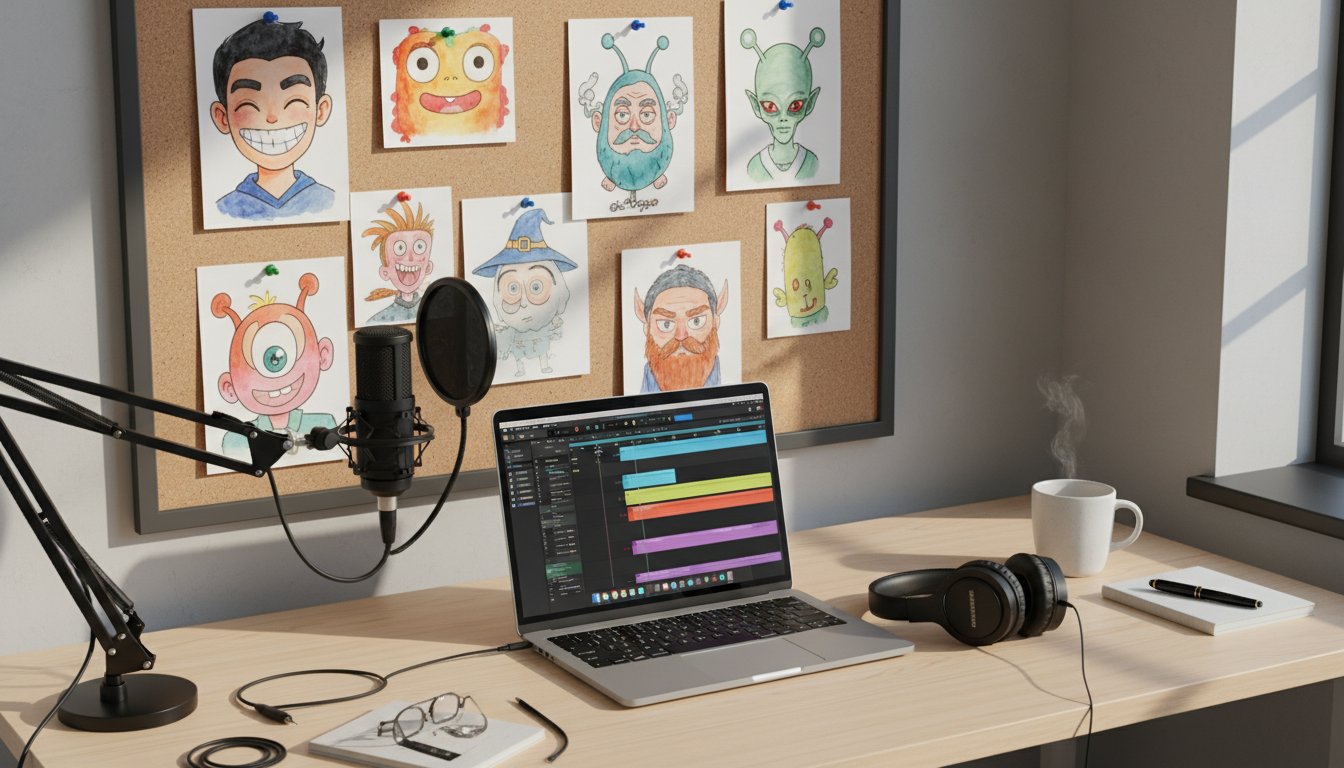
Using an online fictional character voice generator to create high-impact social media videos requires moving past flat, robotic text-to-speech. By treating AI voice tools as digital voice actors, creators can direct specific pacing, emotional inflections, and phonetic spellings to capture an audience's attention on TikTok, YouTube, and Reels. While these tools offer immense creative flexibility for parodies, memes, and fan edits, success depends on aligning your script's emotional tone with the right character archetype and polishing the audio in post-production to mask synthetic artifacts.
Directing Fictional Voices Online: Beyond the Robotic Monologue
Online fictional character voice generators have evolved from simple accessibility tools into dynamic assets for modern creators. Instead of relying on the same overused, generic system voices that dominate social feeds, creators can now access distinct, highly expressive character voices. This shift allows for richer storytelling, sharper humor, and deeper audience engagement.
Platforms like Fanfun bridge the gap between passive fandom and active content creation. Fanfun allows users to select an AI persona, write a custom script, and generate a tailored character-style video message or voiceover in minutes. Whether you are crafting a lighthearted roast for a friend, a dramatic fan-fiction reading, or a fast-paced meme, the key to standing out is moving beyond a basic copy-and-paste approach. To make an AI voice sound genuinely engaging, you must step into the role of a director, guiding the AI's delivery through strategic formatting and script structure.
The Creator's Directing Framework: 4 Steps to Better Character Audio
To get a natural, high-energy performance from an online voice generator, you cannot write for the screen; you must write for the ear. Use this four-step framework to shape your script and optimize your character's delivery.
Step 1: Persona Alignment
Before writing a single word, ensure your script matches the natural vocabulary, attitude, and cadence of your chosen character. A slow, ancient wizard voice will sound unnatural speaking in modern slang, just as a hyperactive cartoon sidekick will struggle with a somber, slow-paced monologue. Choose a character whose default personality matches the emotional intent of your video.
Step 2: Phonetic Scripting
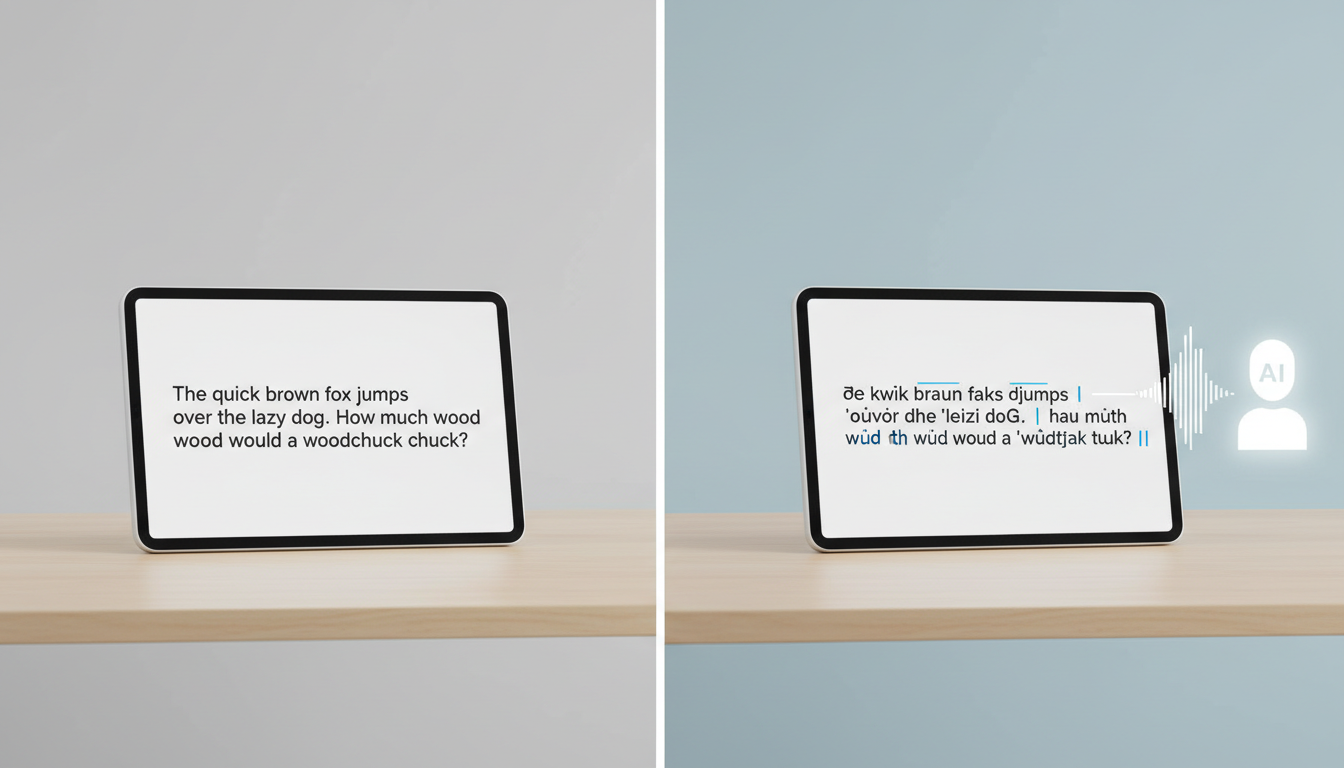
AI voice models read phonetically. If the generator mispronounces a word, fantasy term, or slang, spell it out the way it sounds. For example, instead of writing "laughing," write "bwah-ha-ha" or "heh-heh" to force a specific laugh. If a name is mispronounced, break it down into syllables (e.g., spelling "deity" as "day-it-ee" or "chivalry" as "shiv-al-ree") until the generator delivers the correct pronunciation.
Step 3: Punctuation as Pacing
Punctuation acts as the musical notation for an AI voice generator. You can control the speed, dramatic tension, and rhythm of the delivery by swapping standard punctuation for dramatic markers:
- Ellipses (...): Insert an ellipsis to force a natural, lingering pause or hesitation.
- Dashes (—): Use an em-dash to create an abrupt interruption or a sudden shift in thought.
- Double Punctuation (!!): Use exclamation points or question marks to signal the AI to raise its pitch or increase its emotional intensity.
Step 4: Post-Production Syncing
Even the best AI voices can occasionally produce minor synthetic artifacts or dry-sounding audio. To fix this, export your generated audio into a video editor and layer it with subtle background music, atmospheric sound effects, or environmental reverb. Adding a faint hum of wind, crowd noise, or a cinematic soundtrack helps mask imperfections while building immersive audio stories that captivate your viewers.
Matching Character Archetypes to Your Content Strategy
Different content formats require different vocal energies. A high-energy anime protagonist excels at grabbing attention in the first three seconds of a TikTok, while a gravelly fantasy mentor is better suited for long-form narrative videos. Selecting the right archetype ensures your voiceover matches your video's visual pacing.
| Content Type | Ideal Archetype | Vocal Characteristics | Best Directing Strategy |
|---|---|---|---|
| Fast-paced Memes & Reels | Anime Protagonist | High-pitched, rapid, intense | Keep sentences short; use multiple exclamation points. |
| Atmospheric Narrations | Fantasy Mentor | Gravelly, deep, slow-paced | Use long pauses and rich, descriptive vocabulary. |
| Roasts & Comedy Clips | Snarky Anti-Hero | Sarcastic, dry, mid-tempo | Incorporate rhetorical questions and deadpan pauses. |
| Educational Explaners | Helpful Sidekick | Upbeat, clear, friendly | Keep the tone conversational and use light punctuation. |
When directing anime protagonist voices for maximum energy, write short, punchy phrases that allow the AI to maintain a breathless, high-stakes delivery. Conversely, directing fantasy character voices for immersive storytelling requires a completely different approach: slow down the pacing, use complex sentence structures, and allow space for deep breaths and dramatic pauses to establish a sense of age and wisdom.
Navigating Creative Ethics and Platform Guidelines
As AI-generated content becomes more prevalent, social media platforms and creative communities have established clear boundaries for using synthetic voices. Staying compliant ensures your content remains eligible for monetization and algorithmic reach.
First, always adhere to platform-specific disclosure rules. Platforms like TikTok and YouTube often require creators to apply an "AI-generated" or "Synthetic Media" label if the video features realistic-looking or sounding depictions of real people or highly convincing synthetic voices. While fictional characters are generally understood by audiences to be creative parodies, using these labels transparently builds trust with your audience and protects your channel's standing.
Second, prioritize creative ethics. Fictional character voice generators are ideal tools for parodies, fan fiction, entertainment, memes, and personal greetings. They should not, however, be used to create deceptive content, spread misinformation, or imply that a real actor or brand has endorsed a commercial product without explicit permission. By keeping your content focused on creative expression, entertainment, and fandom, you can safely leverage AI voice technology to elevate your social media presence.
How do I fix mispronounced words in an online voice generator?
The easiest way to fix mispronunciations is through phonetic spelling. Spell the word exactly how it sounds rather than how it is grammatically written. For example, write "nay-shun" instead of "nation," or use hyphens to break complex words into distinct syllables to guide the AI's pronunciation engine.
Can I use fictional character voice generators for commercial YouTube videos?
Generally, using AI-generated fictional character voices for commercial purposes (like paid advertisements or sponsored content) carries legal and copyright risks regarding intellectual property and actor likenesses. It is safest to limit these voices to non-commercial creative projects, parodies, fan edits, and personal entertainment.
What is the difference between a voice clone and a character voice generator?
A voice clone is a custom AI model trained on a specific individual's voice recordings to replicate their unique speech patterns. A character voice generator provides pre-configured, stylized AI personas designed to sound like broad fictional archetypes (such as wizards, anime heroes, or cartoon sidekicks) without requiring you to upload training data.
