How to Outline a Digital Character Video Script for a Child's Milestone
Discover a proven, 30-second script framework designed specifically for a child's attention span. Learn how to structure a playful digital character greeting that keeps young kids smiling.
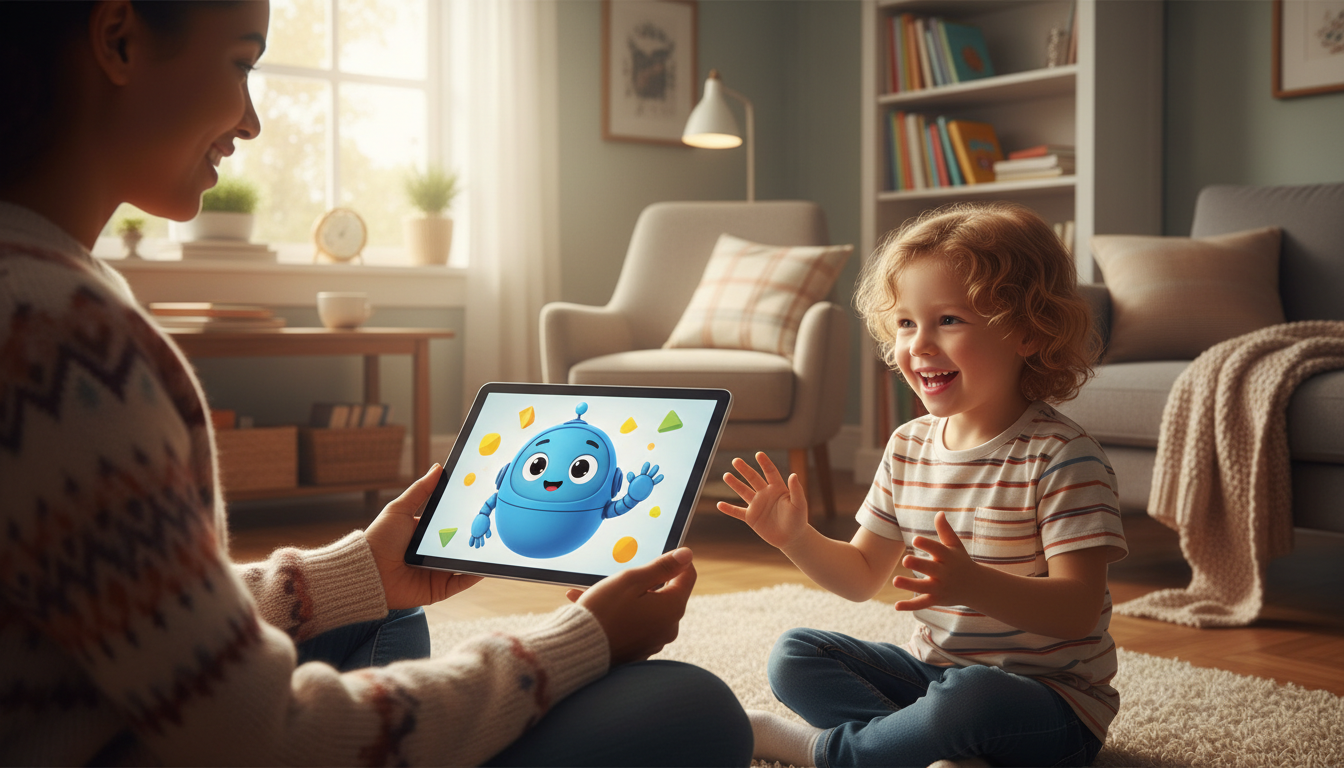
To keep a young child engaged, a digital character video script should be structured as a high-energy, 20-to-30-second direct conversation. Children have rapid-fire attention spans, so the message must focus on a single exciting theme, call out their name immediately, reference a specific personal detail, and prompt them to physically interact with the screen. While AI voice generators can sound incredibly fun and lifelike, they lack real-time adaptability, meaning your script must do the heavy lifting to make the virtual greeting feel genuinely personal and interactive.
Why Kids' Digital Scripts Need a Different Blueprint
Writing for children requires a shift in perspective. Unlike adults, who might appreciate a long, detailed video montage, kids respond best to quick bursts of magic. When drafting a digital greeting from an animated persona, keep these principles in mind:
- Focus on a single theme: Do not try to cram multiple life updates into one message. Choose one clear milestone, such as a birthday, a lost tooth, or the first day of school.
- Respect the attention span: Keep the script between 20 and 30 seconds. On Fanfun, a single video credit covers up to 30 seconds of speech, which is the perfect sweet spot for keeping a child's eyes glued to the screen.
- Frame the magic honestly: Introduce the video as a playful, digital greeting from a favorite persona. This keeps the experience fun and interactive while naturally leaning into the animated format.
The 30-Second Milestone Script Outline
This four-part template is designed to maximize engagement in under half a minute. If you are celebrating a birthday specifically, you can explore our guide on writing a milestone birthday script for a virtual character video.
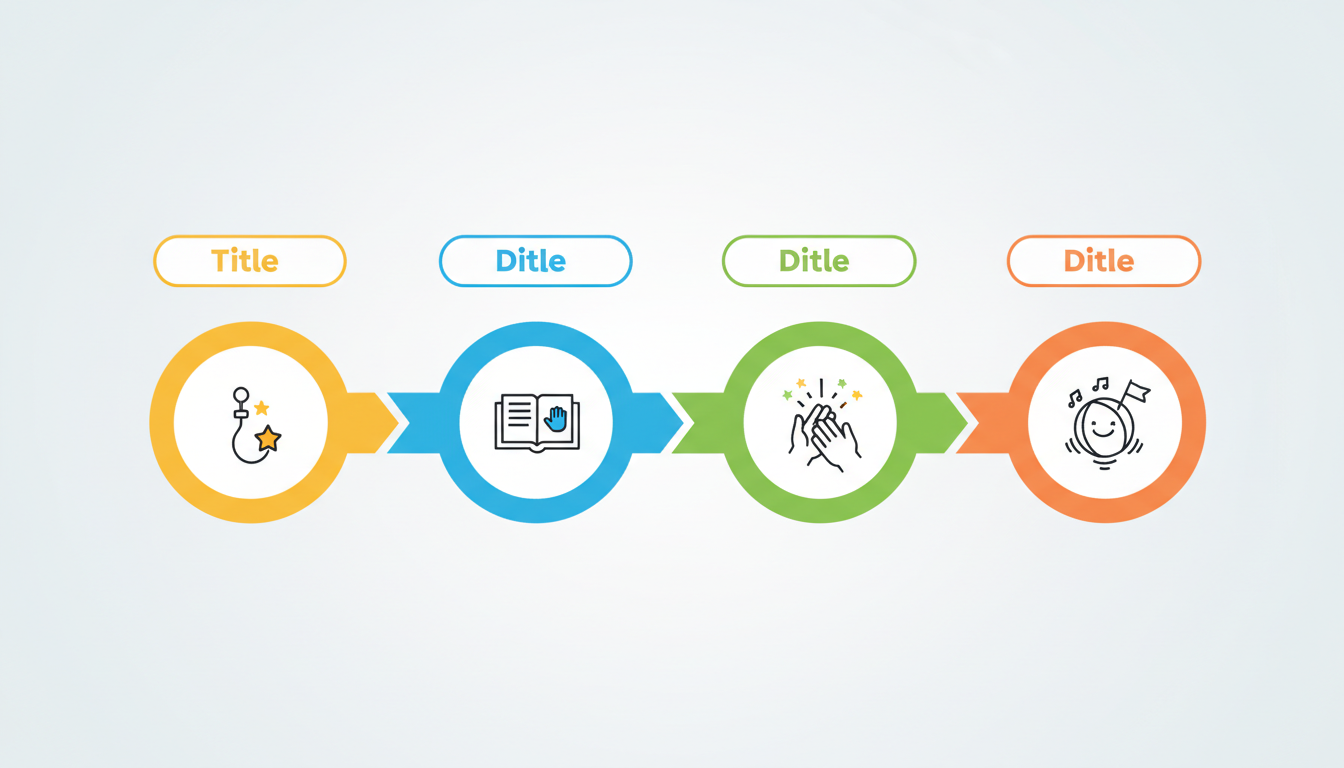
| Script Part | Target Timing | Core Goal | What to Write |
|---|---|---|---|
| 1. The High-Energy Hook | 0–5 seconds | Grab attention immediately | Call out the child's name with big energy and wave. |
| 2. The Personal Proof | 5–15 seconds | Establish the connection | Mention a specific detail (like a favorite toy, pet, or food) that the character "knows" about them. |
| 3. The Big Milestone Cheer | 15–25 seconds | Celebrate the achievement | Highlight the specific milestone and offer positive, enthusiastic reinforcement. |
| 4. The Playful Outro | 25–30 seconds | Action-oriented sign-off | Ask for a physical response (like a high-five) and say a warm goodbye. |
Worked Example: The Kindergarten Kickoff
Here is how the template looks in action. This sample script is designed for a child named Leo who is preparing for his first day of school. For milestones that require an extra boost of confidence, check out our tips on how to write an encouraging motivational script for a digital character video.
"Hey, Lee-oh! Yes, it's really me! I was just playing with my favorite green building blocks, and I wanted to send you a quick hello. I heard a very big rumor... you are starting kindergarten tomorrow! That is so awesome! I know you are going to make so many new friends. Can you give me a giant high-five on the screen right now? BOOM! Have the best first day, buddy. Bye-bye!"
Notice how this script uses phonetic spelling ("Lee-oh") to ensure the AI voice generator pronounces the name correctly. It also includes an interactive prompt ("give me a giant high-five") to make the digital character feel like they are sharing a real-time moment with the child.
Writing Tips for AI Voice and Animation Pacing
To get the best performance from your digital creation, read our comprehensive guide on how to cast, script, and direct an AI character video generator. In the meantime, use these quick formatting tips to optimize your script's pacing:
- Keep sentences short: Break up long thoughts. Short, punchy sentences give the voice generator natural breathing room and keep the character's performance lively.
- Avoid tongue-twisters: Complex vocabulary or long, winding phrases can sometimes sound robotic. Stick to simple, conversational words that a cartoon character would naturally use.
- Use punctuation strategically: Exclamation points, dashes, and ellipses help guide the generator's inflection. Writing "BOOM!" or "Wow..." signals the AI to adjust its tone and pacing accordingly.
How do I make sure the digital character pronounces my child's name correctly?
AI voice generators read text literally, so spelling names phonetically is the best approach for unique or tricky pronunciations. For example, write "My-ka" instead of "Micah," or "Lee-oh" instead of "Leo." Try reading the phonetic spelling out loud exactly as written to see if it matches the desired sound.
What is the ideal word count for a 30-second digital character video?
For a comfortable, high-energy pace suitable for kids, aim for 50 to 65 words. This allows the character to speak clearly, pause naturally, and leaves time for the child to react to interactive prompts like high-fives.
Can I use these templates for non-birthday milestones, like sporting achievements or learning to ride a bike?
Absolutely! The four-part structure works for any milestone. Simply swap out the "Big Milestone Cheer" section to celebrate their specific achievement, whether they just scored their first goal, rode their bike without training wheels, or lost their first tooth.