
How to Schedule and Timeline Your Digital Holiday Video Greetings
Waiting until holiday morning to send digital greetings is a recipe for stress. Follow this simple 7-day timeline to script, generate, and schedule your custom Fanfun video messages ahead of time.
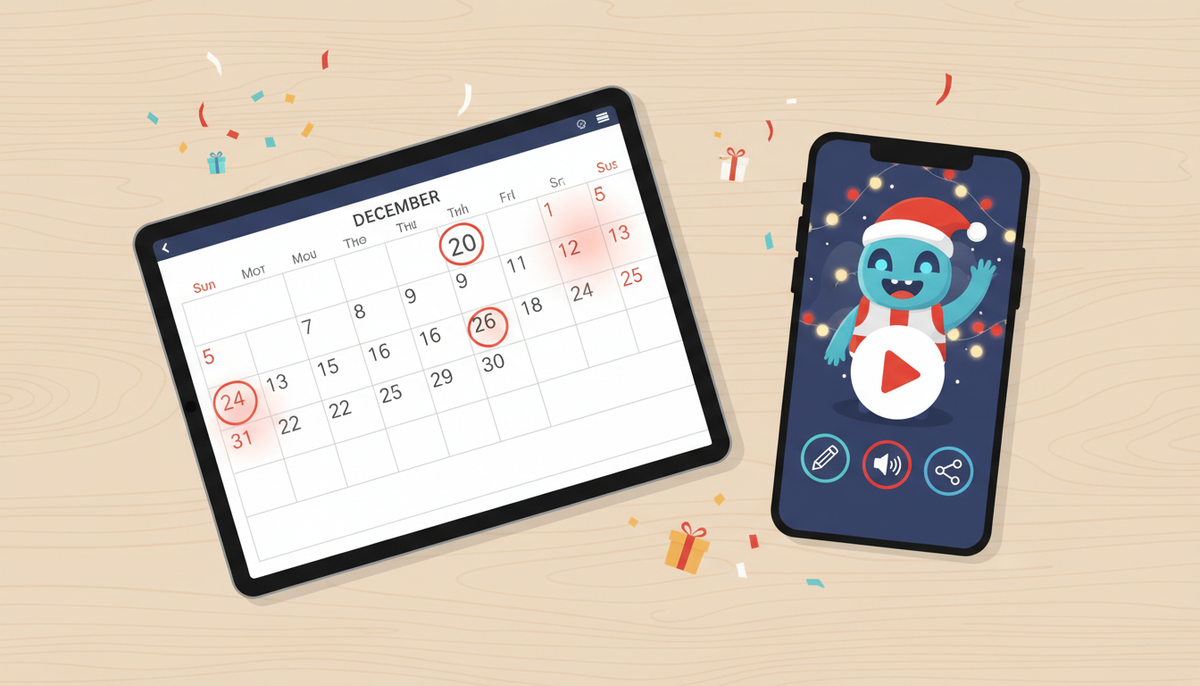
To ensure your digital holiday video greetings arrive on time without last-minute stress, you should start preparing them 5 to 7 days before the holiday. While digital platforms allow you to generate custom character videos quickly, waiting until the holiday morning exposes you to high-traffic server queues, potential pronunciation issues in your script, and distracted recipients who may miss your message in the rush. Planning ahead gives you a buffer to review, refine, and schedule your automated delivery so you can relax when the festivities begin.
The Holiday Rush: Why Timing Matters for Digital Video Greetings
We have all been there: it is holiday morning, and you realize you forgot to send a card. In the past, you might have scrambled to send a generic, mass-emailed graphic. Today, you can explore how to move beyond generic e-cards with custom holiday video greetings that feature fun, animated characters or stylized AI personalities. However, waiting until the actual holiday to generate and send these greetings is a recipe for stress.
During major holidays like Christmas, Thanksgiving, or New Year's, digital platforms experience peak traffic. This surge can cause generation queues to back up, meaning your video might not arrive in your inbox until the holiday is half over. Furthermore, holiday mornings are incredibly busy for your recipients. A text message sent amidst unwrapping presents or preparing dinner is easily buried. By utilizing a platform like Fanfun—where you simply choose a video template, write your custom script, and receive the completed video in your inbox—you can bypass the rush entirely by preparing your message ahead of time.
The Step-by-Step Holiday Scheduling Timeline
To make the process seamless, follow this simple 7-day countdown. This structure ensures you have plenty of time to draft your message, generate the video, and handle any necessary adjustments.
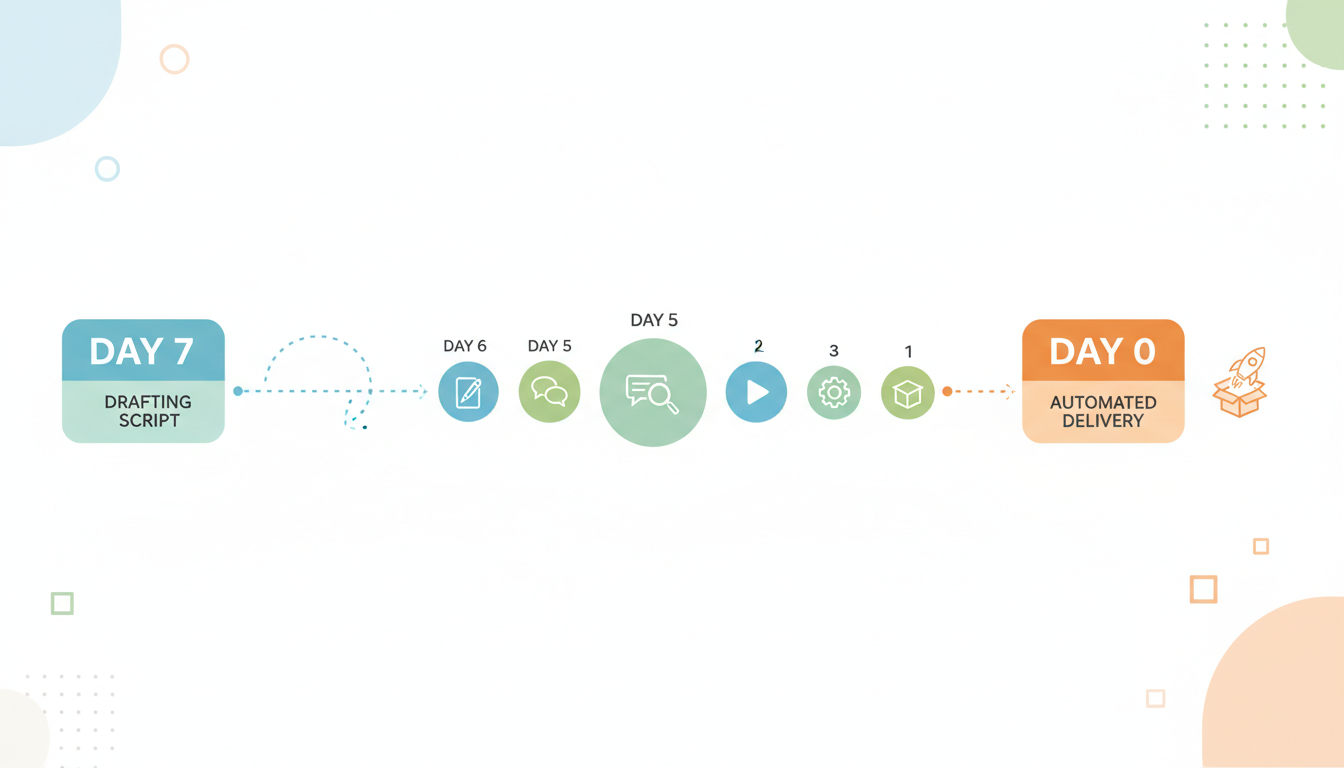
Day -7 to -5: Drafting and Scripting
Start by writing your script. Keep in mind that on Fanfun, one video credit covers up to 30 seconds of speech, which is roughly 60 to 75 spoken words. To make the message feel personal, focus on specific inside jokes, shared memories, or warm wishes. If you need inspiration, you can use these holiday dialogue templates to jumpstart your script writing. This is also the time to add phonetic spellings for unique names or slang to help the AI voice generator read them naturally.
Day -4: Video Generation
Once your script is ready, log into Fanfun, choose your character, and submit your text. Generating your video four days before the holiday gives you a comfortable safety net in case of high traffic or internet outages. If a generation fails, the credits automatically return to your balance, giving you plenty of time to try again without stress.
Day -3 to -2: Review and Refinement
When the finished video arrives in your email inbox, watch it carefully. Check the pacing, the character's tone, and the pronunciation of names. If a name sounds slightly off, you can adjust the spelling phonetically and generate a revised version. Having this two-day buffer ensures your final video is polished and exactly how you want it.
Day -1: Scheduling Delivery
With your final video file in hand, you are ready to set up automated delivery. Instead of manually sending messages on the holiday, use scheduling tools to automate the process. This keeps your holiday hands-free and focused on family and friends.
Planning Checklist: Last-Minute vs. Planned Ahead
| Task Stage | Last-Minute (Holiday Morning) | Planned Ahead (5-7 Days Prior) |
|---|---|---|
| Scripting | Rushed, prone to typos and mispronunciations. | Thoughtful, tailored, and phonetically adjusted. |
| Generation | Subject to high server queues and potential delays. | Fast processing with a built-in buffer for retries. |
| Review | No time to watch or regenerate if an issue occurs. | Ample time to review tone, pacing, and pronunciation. |
| Delivery | Sent manually, distracting you from holiday events. | Automated and scheduled to send at the perfect moment. |
How to Automate and Schedule the Actual Delivery
Once you have downloaded your video or retrieved your sharing link from Fanfun, you can use several free tools to automate the delivery. Here is how to handle different distribution channels:
Using Email Schedulers
If you are sending your greeting to family members, colleagues, or clients via email, both Gmail and Microsoft Outlook offer built-in scheduling tools.
- Gmail: Compose your email, paste the link to your video (or attach the file), click the arrow next to the "Send" button, and select "Schedule send." Choose your desired holiday morning time.
- Outlook: Write your message, click the "Options" tab, select "Delay Delivery," and specify the exact date and time you want the email to go out.
Text and Messaging Automation
For a more personal touch, you might want to send your holiday greeting via SMS or messaging apps.
- iOS Shortcuts: On an iPhone, you can use the built-in Shortcuts app to create a personal automation that sends a text message with your video link at a specific time on the holiday.
- Android Messages: Tap and hold the send button in the Google Messages app to schedule a text for a future date and time.
- WhatsApp Business: If you use WhatsApp for business contacts, you can set up scheduled away messages or use third-party integration tools to send holiday greetings automatically.
Ensuring Compatibility
To avoid a situation where your recipient cannot open or play your video, make sure you download the correct file format. To ensure smooth playback across all major platforms and devices, you should learn how to choose the best video file format for digital greetings. MP4 is generally the most universal format, ensuring that whether your loved ones open the greeting on an iPhone, an Android device, or a desktop computer, they will see and hear your custom character message exactly as intended.
What should I do if my video generation fails or takes longer than expected during a major holiday?
If a video generation fails on Fanfun, your credits are automatically returned to your balance. However, to avoid waiting in long processing queues during high-traffic holidays, we recommend generating your video at least 4 days in advance.
Can I schedule a video greeting to send directly from the Fanfun platform?
Currently, Fanfun delivers the completed video directly to your email inbox and saves it under "My creations." To schedule the delivery to your recipient, you should download the video file or copy the video link and use email or messaging schedulers like Gmail's Schedule Send or native mobile text schedulers.
How far in advance should I plan video greetings for major global holidays like Christmas or New Year's?
A 5-to-7-day window is ideal. This gives you enough time to draft your script, generate the video, review the AI voice performance, and set up automated delivery tools before the holiday rush begins.



