
How to Write Holiday Dialogue Templates for Custom AI Character Video Greetings
Writing holiday dialogue for custom AI character videos requires short sentences, natural pauses, and a clear matching tone. Use these three plug-and-play templates to send memorable, festive messages that sound natural.
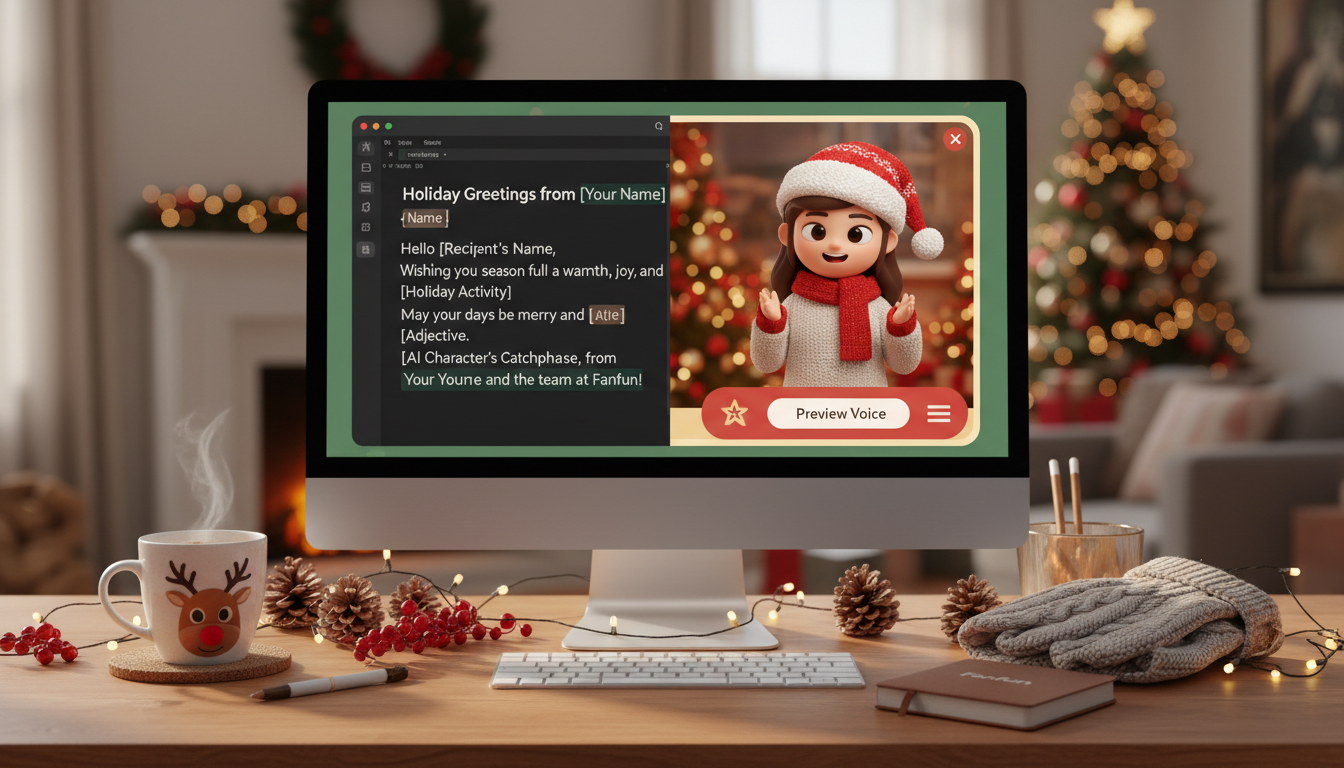
Writing holiday dialogue for custom AI character videos requires short sentences, natural pauses, and a clear matching tone rather than long, formal card text. To make your greeting sound natural, keep your script under 60 words (roughly 30 seconds of speech) and write in a cadence that matches your chosen character's personality. While AI-generated video messages are fun, playful digital representations rather than perfect human replicas, keeping your script punchy and tailored ensures the final greeting is genuinely entertaining and memorable.
The Secret to Holiday Dialogue That Sounds Natural in an AI Character's Voice
Traditional holiday cards are designed to be read silently, which means they often rely on long, winding sentences and formal vocabulary. If you feed that exact text into an AI voice generator, the result can sound rushed, flat, or unnaturally robotic. Spoken dialogue needs breathing room. AI voices perform best when they have clear punctuation cues and short, punchy phrases that allow the generator to pace the speech naturally.
To make your greeting stand out, you must also match the script’s tone to the virtual persona speaking it. A warm, slow-paced greeting sounds fantastic coming from a classic holiday figure, but it will feel out of place if assigned to a high-energy animated hero. On Fanfun, you can select from a wide variety of character personas to deliver your message, making it easy to experiment with different voices. Matching the script’s rhythm to the character's established personality is the ultimate shortcut to creating custom holiday video greetings that stand out from generic e-cards.
3 Plug-and-Play Holiday Dialogue Templates (Under 30 Seconds)
When you are writing dialogue for fantasy and animated personas, keeping the message concise is key. On Fanfun, one video credit covers up to 30 seconds of speech, which is the sweet spot for keeping a viewer's attention. Below are three customizable templates designed to fit perfectly within this timeframe.
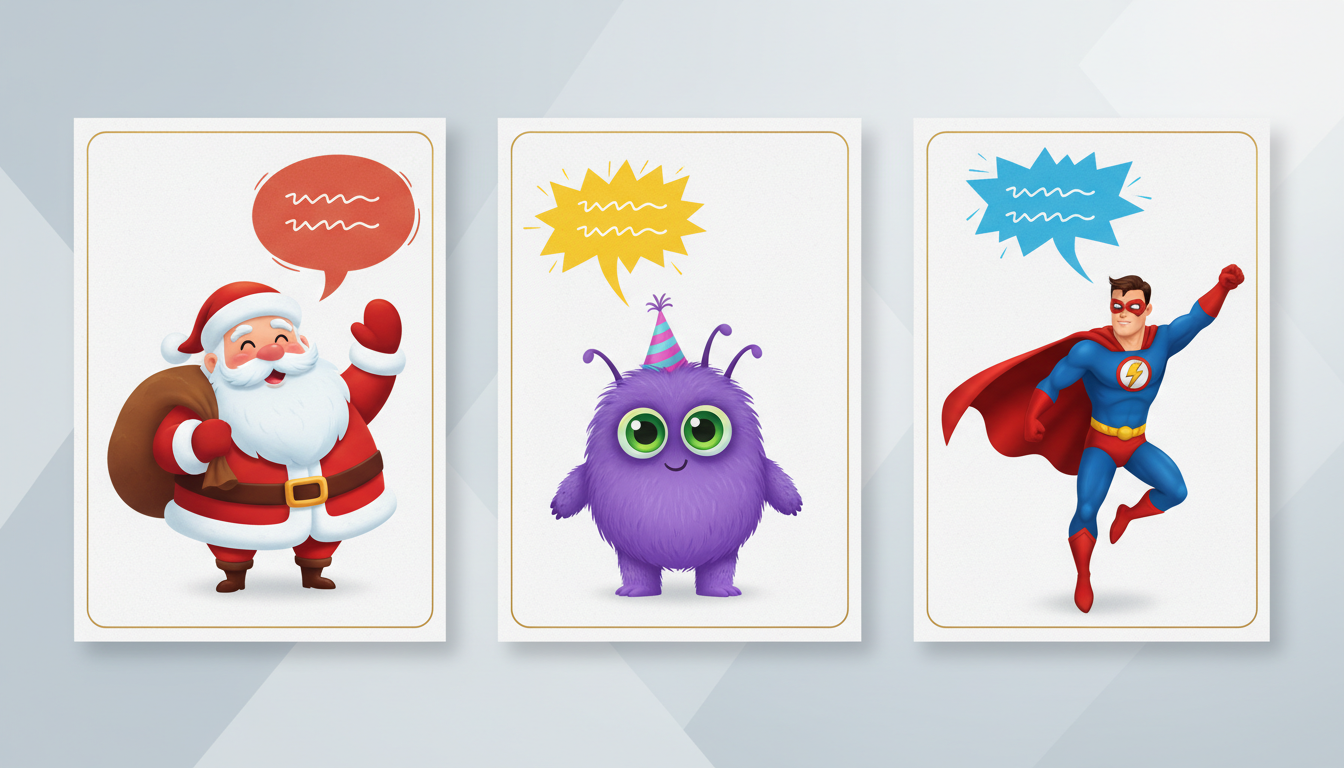
Template 1: The Classic Jolly Greeting
Best suited for: Santa Claus, warm mentors, or friendly, comforting characters.
"Ho ho ho! Merry Christmas, [Name]! Santa here, taking a quick cocoa break to send you some holiday warmth. I checked my list twice, and you have been absolutely spectacular this year. Have a cozy holiday, eat too many treats, and get ready for an amazing year ahead!"
Template 2: The Playful Sidekick
Best suited for: Mischievous cartoon characters, high-energy animated sidekicks, or funny personalities.
"Hey! Psst! [Name]! Yes, you! I hijacked this video to wish you the absolute best holidays ever. Do me a favor and don't eat all the gingerbread before I get there, okay? Stay awesome, make some mischief, and let's catch up soon!"
Template 3: The Hype Hero
Best suited for: Motivational figures, athletic personas, or larger-than-life heroes.
"Listen up, [Name]! The holidays are officially here, and I wanted to remind you that you absolutely crushed it this year. Take some time to celebrate, recharge those batteries, and get ready to dominate next year. Let's go!"
Holiday Script Template Comparison
| Template Type | Target Archetype | Primary Emotion | Word Count Range |
|---|---|---|---|
| Classic Jolly | Santa, Warm Mentors | Cozy, Nostalgic | 45–55 words |
| Playful Sidekick | Cartoons, Mischievous Heroes | Humorous, Energetic | 40–50 words |
| Hype Hero | Athletes, Motivational Leaders | Inspiring, Confident | 40–48 words |
30-Second Script Checklist
- Keep it under 55 words: A concise script ensures the character can speak at a natural, relaxed pace without sounding rushed.
- Avoid tongue-twisters: Complex, alliterative phrases can occasionally trip up AI voice models. Keep word choices simple.
- Read it aloud slowly: Use a stopwatch to read the script at a relaxed, conversational pace to verify the timing.
Customizing Your Script: Timing, Pronunciation, and Quirks
Once you have chosen a template, personalizing it involves more than just swapping out the placeholder name. To get the best vocal performance from an AI generator, you can use simple formatting tricks to guide the delivery.
First, pay close attention to unusual names or unique holiday terms. AI voice generators rely on standard spelling patterns, so phonetic spelling is your best friend. For example, if you are writing a message for "Siobhan," spelling it phonetically as "Shi-vawn" in your script input will help the generator pronounce it correctly on the first try.
Second, use punctuation strategically to force natural pauses. Commas create brief hesitations, while ellipses (...) or em-dashes (—) create longer, dramatic pauses. Instead of writing "Merry Christmas Name I hope you have fun," try writing: "Merry Christmas, [Name]... I hope you have some serious fun!"
Finally, if you are planning on scaling personalized holiday messages for a larger group, keep your core script structure identical and only swap out the recipient's name and one specific detail (like their favorite holiday treat or a shared inside joke). This keeps your workflow efficient while ensuring everyone gets a customized experience.
How to Share Your Finished Holiday Masterpiece
Once Fanfun processes your script and delivers your custom video to your inbox, the final step is sharing it with your recipient. Because video files can easily lose resolution when sent directly through SMS or standard messaging apps, downloading the high-quality file first is highly recommended.
Depending on who you are sending the greeting to, you have a few options for delivery. For close friends and family, uploading the video to a reliable storage drive or a dedicated hosting service ensures they can view it in full resolution. Taking the time to look into choosing the best video hosting option for sharing your virtual greetings will keep your video looking crisp, vibrant, and festive on any screen.
Remember, while custom AI character greetings are incredibly entertaining and highly customizable, they are intended to be lighthearted digital gifts. They are designed to bring a smile and a laugh to your loved ones' holiday season, offering a modern, playful twist on the traditional holiday card.
How long should a custom holiday video script be?
For the best results, keep your holiday script under 60 words. This translates to roughly 30 seconds of spoken dialogue, which fits perfectly within standard video allowances and keeps the viewer engaged without the character sounding rushed.
Can I use these templates for characters other than Santa?
Absolutely! The templates are designed around broad archetypes. The Classic Jolly script works well for any warm, friendly character, the Playful Sidekick template fits energetic cartoon personas, and the Hype Hero template is great for any motivational or athletic character available on Fanfun.
What should I do if the AI voice mispronounces a specific holiday greeting or name?
If the generator struggles with a name or unique word, try spelling it phonetically in your script. Writing names out phonetically (like "Zoe" as "Zo-ee" or "Noel" as "No-el") helps the voice generator understand the correct pronunciation.



