How to Choose the Best Video Hosting Option for Sharing Custom Virtual Greetings
Learn how to choose the right hosting platform for your custom virtual character greetings. We compare cloud storage and private streaming so your recipients get a seamless, magical viewing experience.
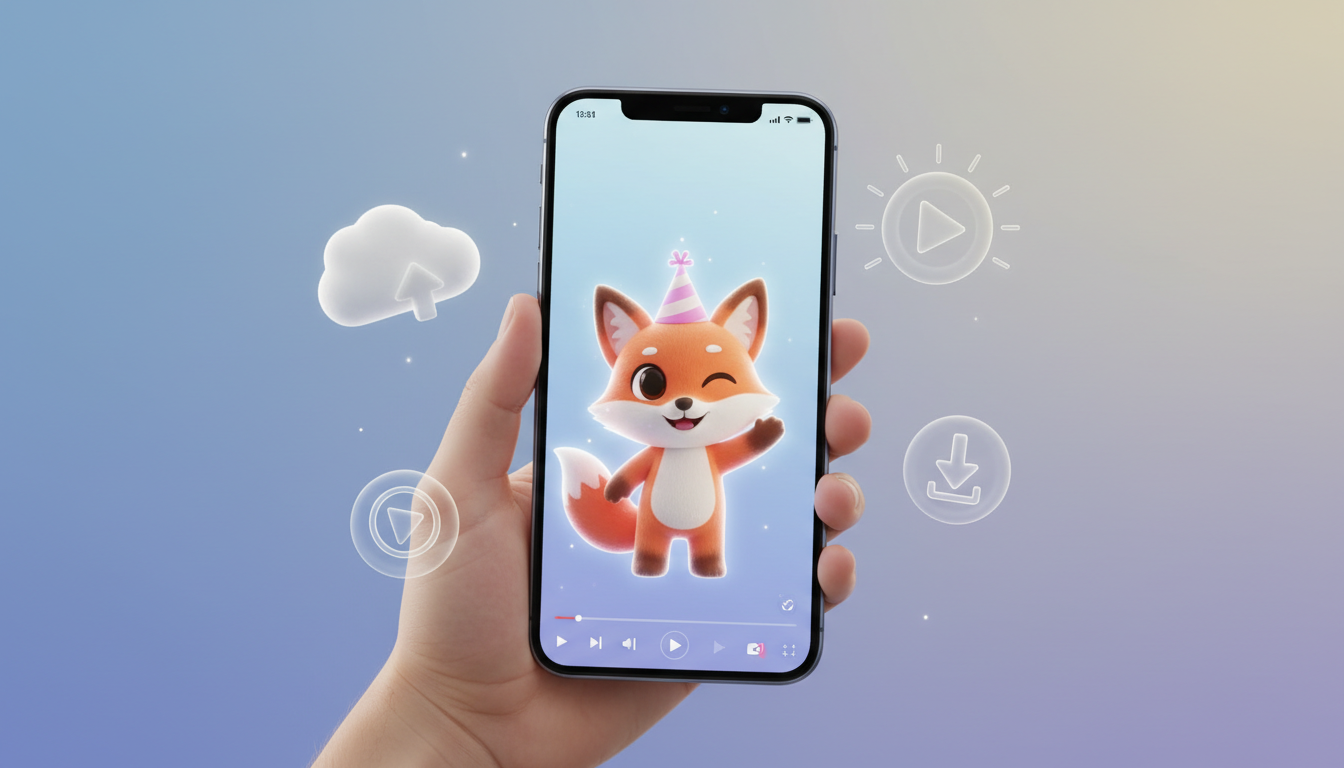
To choose the best video hosting option for sharing a custom virtual greeting, match the platform to your recipient's technical comfort and your privacy needs. For maximum privacy and permanent archiving, cloud storage links like Google Drive or OneDrive work best, though they can sometimes feel clunky to play on mobile web browsers. For instant, ad-free streaming with zero friction on any device, unlisted Vimeo links or private sharing links are superior to public social media uploads. While Fanfun delivers your custom virtual character video directly to your inbox, how you host it long-term depends on whether you want your recipient to stream it instantly or save it forever.
The Direct Answer: Match Your Hosting to Your Recipient's Tech Comfort
When you generate a custom virtual character message, you receive a high-quality video. The magic of the moment, however, relies heavily on how easily the recipient can watch it. A grandparent might struggle with a zipped folder, while a parent might not want their child's birthday greeting hosted on a public, ad-heavy platform. By matching your hosting platform to the technical comfort and safety needs of your audience, you ensure a seamless and delightful viewing experience.
The Hosting Comparison Framework: Cloud Storage vs. Video Streaming Platforms
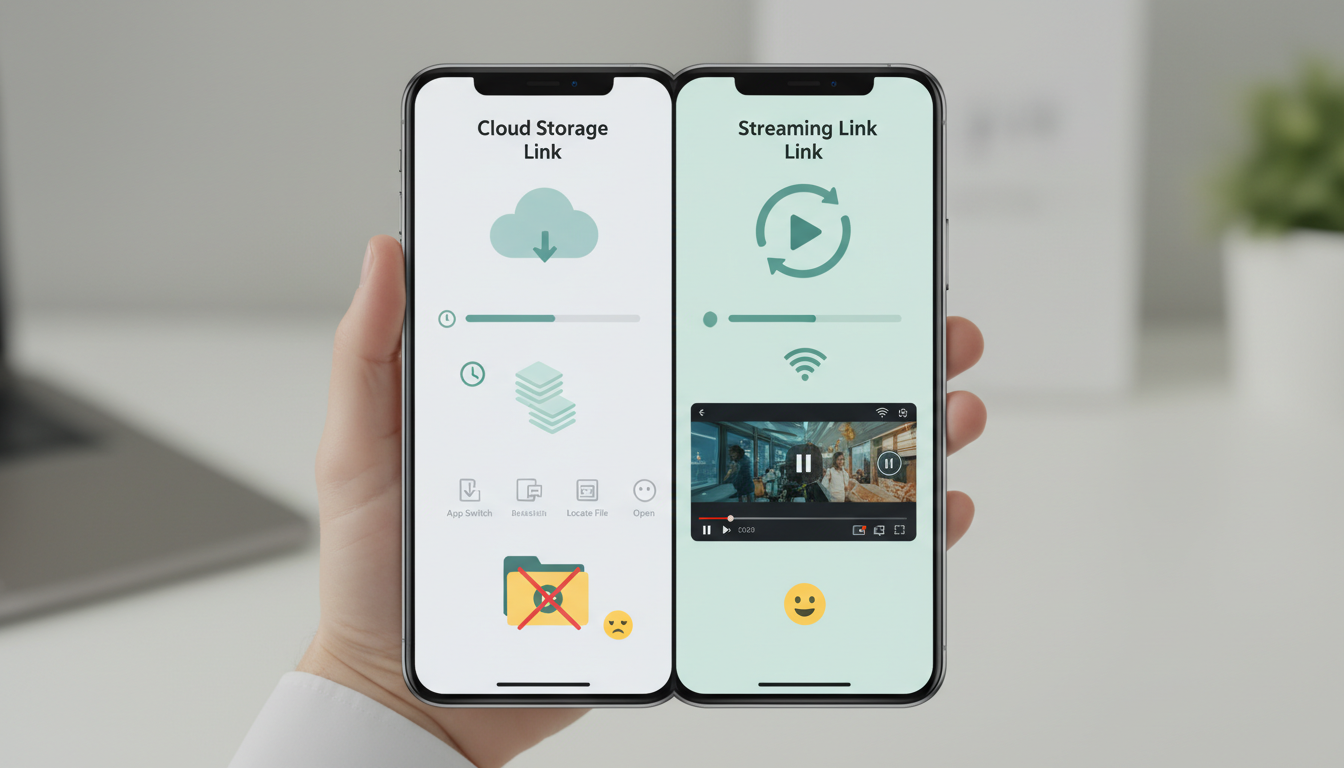
Different hosting methods serve different purposes. Before choosing where to host your video, evaluate how each platform balances privacy, download options, and ease of mobile playback.
| Hosting Method | Privacy Level | Mobile Playback | Downloadability | Best For |
|---|---|---|---|---|
| Cloud Storage (Google Drive, Dropbox, iCloud) | High (Invite-only or restricted link) | Moderate (Can feel clunky on some mobile browsers) | Excellent (Direct download button) | Archiving files, tech-savvy recipients, and close family members |
| Private Video Streaming (Unlisted Vimeo, Unlisted YouTube) | Moderate to High (Not searchable, but link is shareable) | Excellent (Seamless, responsive player) | Moderate (Requires third-party tools or paid accounts) | Instant, high-quality streaming on any device |
| Direct Email & Dashboard (Fanfun Delivery) | High (Sent directly to your email and saved in your account) | Excellent (Plays directly from your email or dashboard) | Varies (Delivered via email and saved in your account) | Receiving your generated video and accessing it directly from your inbox or account |
Tailoring Your Hosting Choice to Common Sharing Scenarios
To make the greeting feel personal and frictionless, consider these three common sharing scenarios:
- Sharing with Kids: When sharing a message with children, prioritize ad-free, safe environments. Avoid public YouTube uploads where auto-play algorithms might serve unrelated or inappropriate content next. Instead, use unlisted Vimeo links or direct cloud storage folders. If you are planning a special day, check out our guide on creating custom virtual character video greetings for children's birthdays.
- Sharing with Older Relatives: For grandparents or less tech-savvy relatives, avoid any platform that requires an app download or account login. A simple, unlisted link that plays with a single tap directly inside their mobile web browser is the best way to deliver the magic without the frustration.
- Sharing Holiday Greetings to Group Chats: When sending virtual cards to busy group chats, you want the video to load instantly. Lightweight, highly shareable streaming links that generate rich previews inside messaging apps (like iMessage or WhatsApp) work best. For creative ideas on scripting these moments, read our advice on directing custom virtual video greetings for the holidays.
Technical Considerations Before You Upload Your Virtual Greeting
Before you upload your completed video to your chosen host, keep these technical parameters in mind to ensure flawless playback:
- File Size and Compression: Keep your video files compact. Large, uncompressed files will buffer on cellular networks, ruining the surprise. Most virtual character messages are relatively short, making them easy to compress without losing visual quality.
- File Formats: Stick to universally compatible formats. An MP4 file with AAC audio is the industry standard and will play on almost any device, from an old desktop to the latest smartphone. For a deeper look at compatibility, see our detailed breakdown of the best video formats for digital greetings.
- Aspect Ratios: Match your hosting platform's video player to the layout of your video. If you recorded a vertical video designed for mobile viewing, ensure your hosting preview doesn't force ugly black bars on the sides.
Will hosting my video on an unlisted YouTube link make it searchable on Google?
No. Unlisted videos on YouTube do not appear in search results, on your channel page, or in Google's public index. Only people with the exact link can watch the video. However, keep in mind that anyone they forward the link to can also view it.
Can I password-protect my hosted virtual character video?
Yes, but it depends on the platform. Vimeo offers password protection on its paid tiers, and cloud storage providers like Dropbox and OneDrive let you set passwords or expiration dates on shared links. This is an excellent option for highly personal messages.
How do I access and save my completed video from Fanfun?
When you create a video on Fanfun, the finished video is emailed directly to the address you provide and also appears in your 'My creations' dashboard. From there, you can access your video to view and share it with your recipients.